




High Quality UGREEN Hubs You May Need
 USB A to A Hub 5Gbps |  Powered USB HUB |  USB Hub Aluminum |  USB Hub 4 Ports |  USB C Hub |  USB C to C Hub PD 100W |  USB C to C Hub 10Gbps | |
|---|---|---|---|---|---|---|---|
Customer Reviews | — | — | — | — | — | — | — |
Price | — | — | — | — | — | — | — |
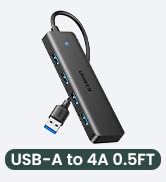
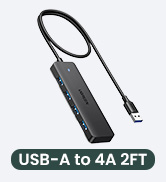
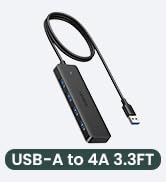
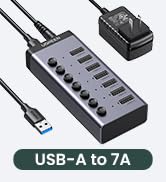
Host Port | USB A | USB A | USB A | USB A | USB C | USB C | USB C |
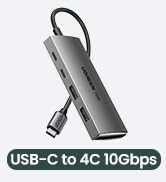
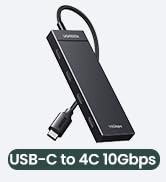
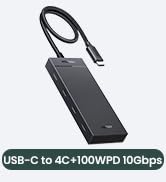
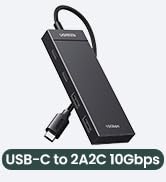
USB Ports | 4x USB A | 7*USB A 3.0 | 4x USB A | 3*USB A+USB C | 4x USB A | 4x USB C | 4x USB C |
Data Transfer Speed | 5 Gbps | 5 Gbps | 5 Gbps | 5 Gbps | 5Gbps | 10Gbps | 10Gbps |
Power Supply Port | / | BC 1.2( available for 3 ports) | / | / | USB C | PD 100W | / |
Cable Length | 0.5ft | 3.3 ft | 0.5ft | 2 ft | 0.5ft | 1 ft | 0.5ft |
Plug & Play | ? | ? | ? | ? | ? | ? | ? |
Notes

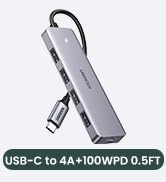
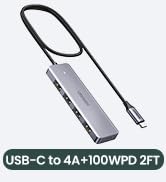
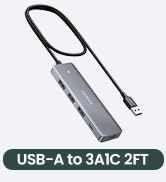
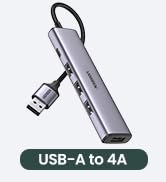



High Quality UGREEN Hubs You May Need
USB A to A Hub 5Gbps | Powered USB HUB | USB Hub Aluminum | USB Hub 4 Ports | USB C Hub | USB C to C Hub PD 100W | USB C to C Hub 10Gbps |
|---|---|---|---|---|---|---|
| Customer Reviews | ||||||
| — | — | — | — | — | — | — |
| Price | ||||||
| — | — | — | — | — | — | — |
| Host Port | ||||||
| USB A | USB A | USB A | USB A | USB C | USB C | USB C |
| USB Ports | ||||||
| 4x USB A | 7*USB A 3.0 | 4x USB A | 3*USB A+USB C | 4x USB A | 4x USB C | 4x USB C |
| Data Transfer Speed | ||||||
| 5 Gbps | 5 Gbps | 5 Gbps | 5 Gbps | 5Gbps | 10Gbps | 10Gbps |
| Power Supply Port | ||||||
| / | BC 1.2( available for 3 ports) | / | / | USB C | PD 100W | / |
| Cable Length | ||||||
| 0.5ft | 3.3 ft | 0.5ft | 2 ft | 0.5ft | 1 ft | 0.5ft |
| Plug & Play | ||||||
| ? | ? | ? | ? | ? | ? | ? |
Notes
| 1 | This USB hub does not support charging. |
|---|---|
| 2 | For a stable connection, please do not connect devices that exceed a total of 900 mA. It only can support two 1TB 2.5inch hard drives at the same time. |
| 3 | If a wireless keyboard or wireless mouse are connected to the USB port, please ensure their operating range meets the product's requirements (within 0.8m/2.6ft for a single USB device and within 0.3m/0.98ft for multiple USB devices). |
| 4 | For Mac OS 13.3 and above, please allow usb devices to work by doing this setting: Use the mac's own touchpad to choose Apple menu > System Settings > Privacy & Security >Click the pop-up menu next to “Allow accessories to connect“ > Choose "Always". |
UGREEN USB HUB
UGREEN USB HUB
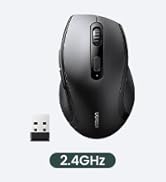
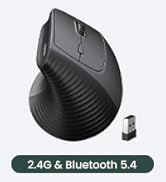
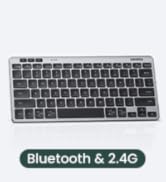
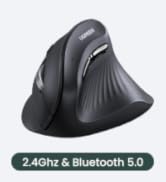
UGREEN Mouse & Keyboard
UGREEN USB C Splitter 10Gbps
UGREEN USB C Hub
UGREEN Thunderbolt 4 Dock
UGREEN USB C HUB Adapter





