




sktome was founded in 2016, in the belief that make it easier for everyone to become a podcaster and share their lives on the Internet. Since established, we have designed a series of products and shipped to homes in the US, UK, French, Mexico, Canada, etc. sktome can Increase your pleasure in podcasting, gaming and recording music. it bring more fun to you and make your recording more creative.
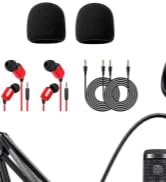
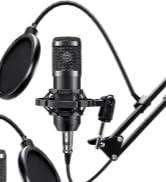
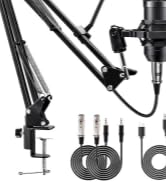
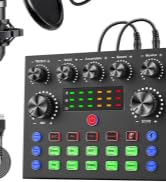
Newly Podcast Equipment Bundle
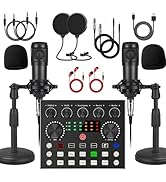
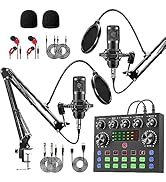
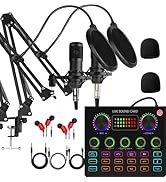
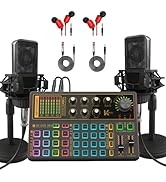
Podcast Equipment Bundle for 2
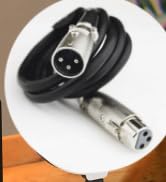
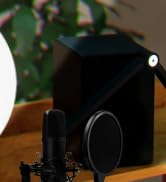
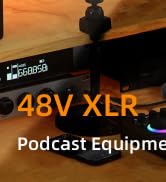
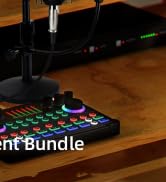
48V XLR Podcast Microphone Kit
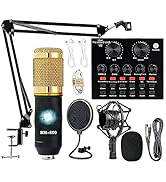
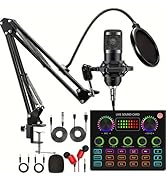
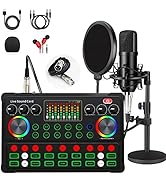

Condenser Microphone Bundle
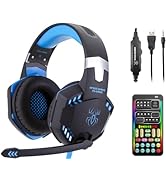
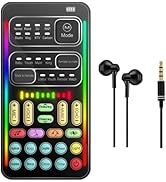
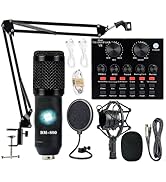
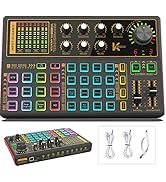
voice changer

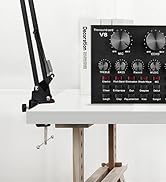
V8 Podcast Equipment Bundle
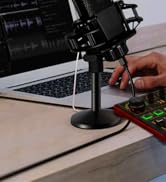

K300 Recording Equipment
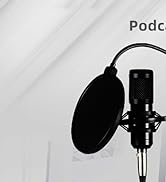
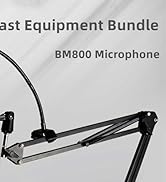
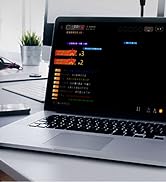
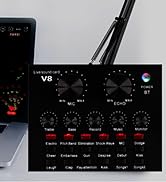
podcast microphone bundle
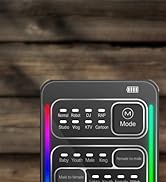

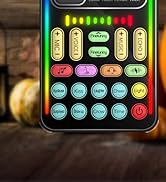
voice changer
Up to two years of service
Focusing on product improvement and user experience, If you encounter any product and usage problems, please contact the US.
How to use sktome podcast equipment bundle correctly?
Please refer to the page tutorial and enclosed instructions or contact our after-service team. We will give you a reply within 12 hours.
How to charge condenser microphone bundle?
Please use USB charging cabel in the package to charge, supply voltage: DC 5V.


Carefully Prepared Podcast Equipment Bundle: with good condenser microphone, what you get is a complete set of professional podcast microphone bundle, which was designed for podcasting, streaming, gaming, recording music and short video.

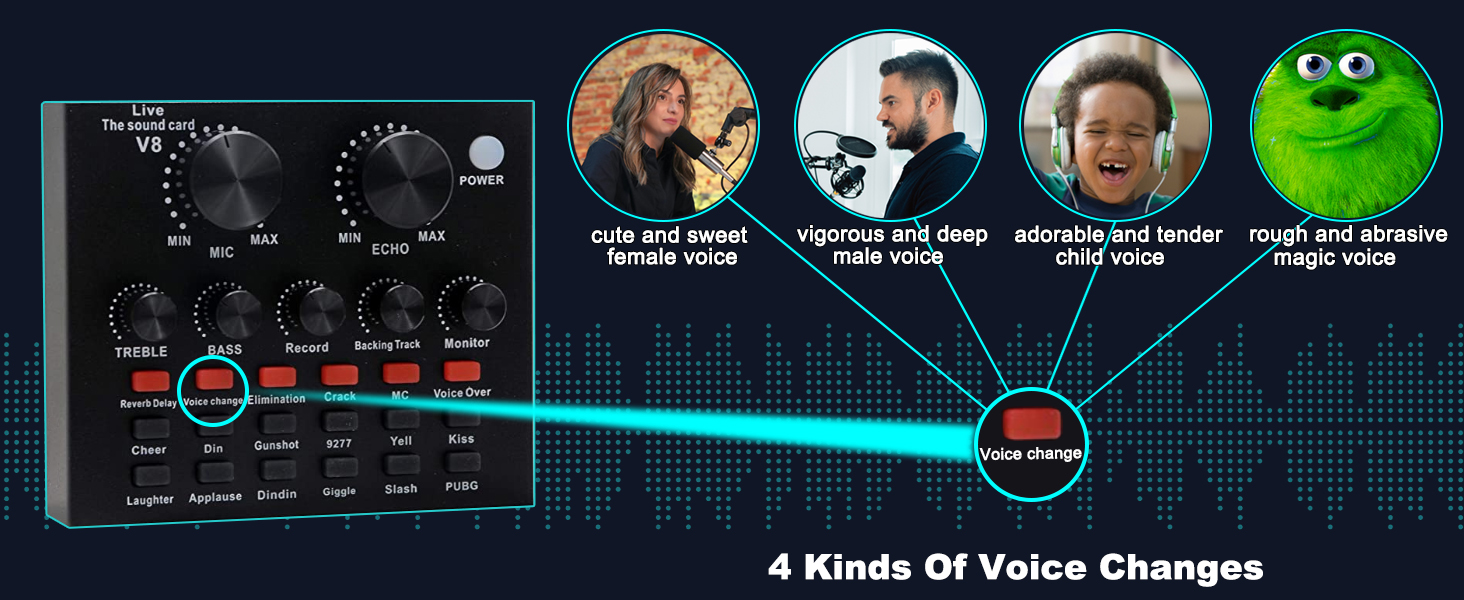
VOICE CHANGER
4 voice change options, giving you more fun in live broadcast and game.
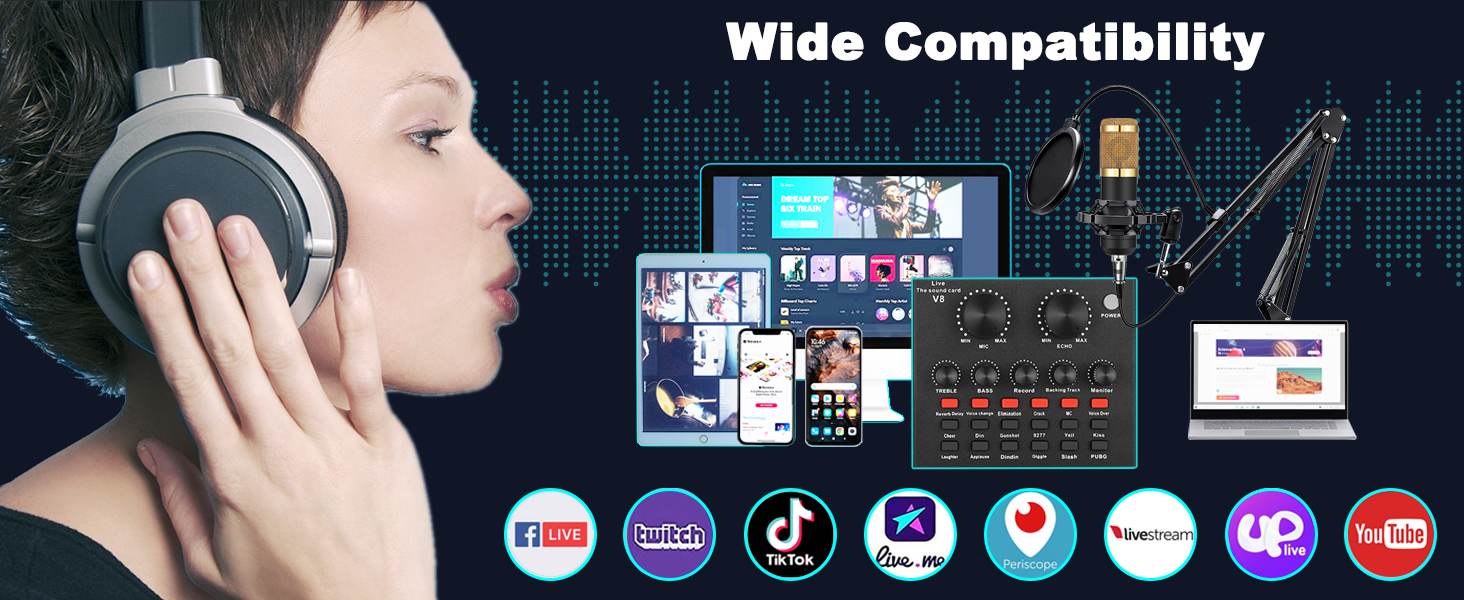
WIDE COMPATIBILITY
Support all kinds of popular software and different devices (computer/mobile phone/laptop).
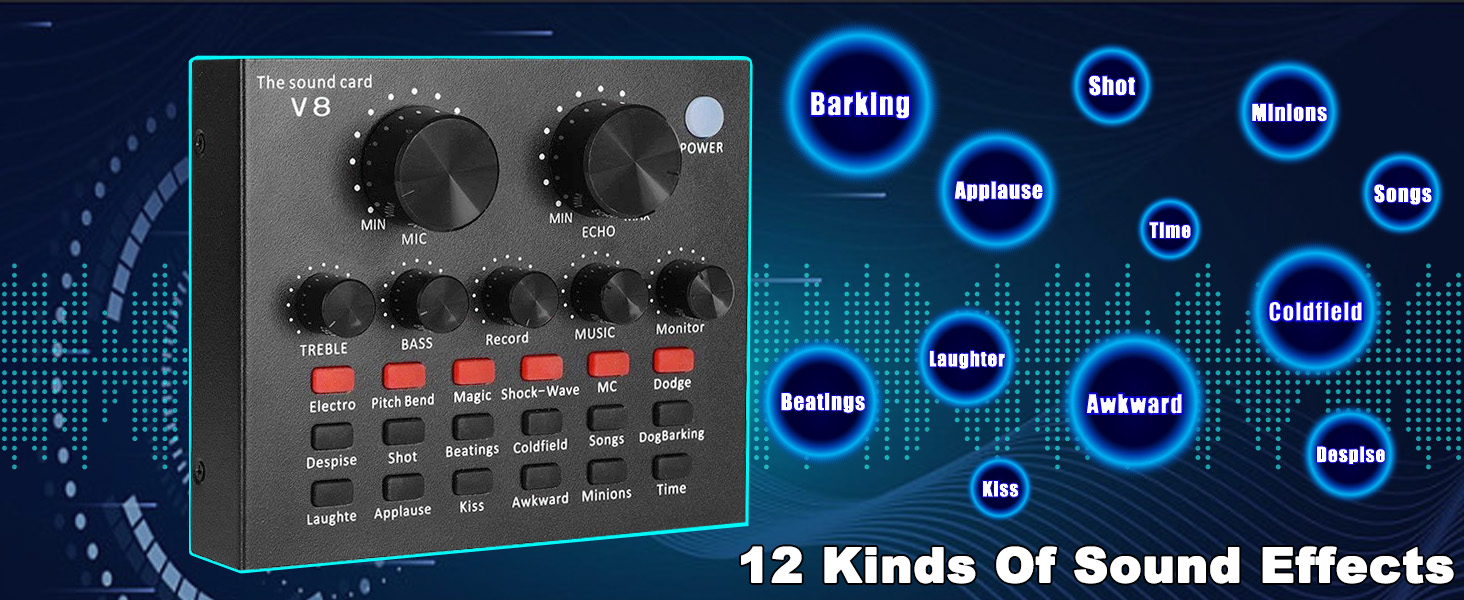
SOUND EFFECTS
12 kinds of sound effects make the live broadcast more interesting.
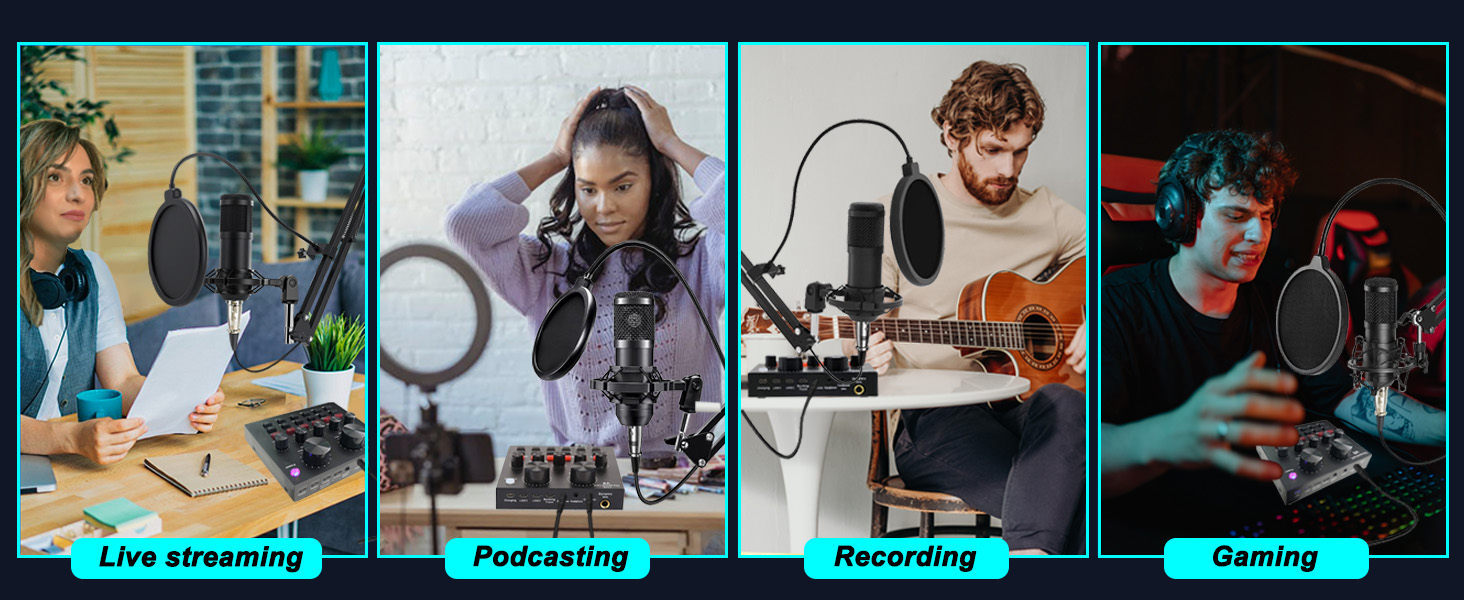
APPLICATION SCENARIO
This recording studio package was designed for podcasting, live streaming, recording and gaming.
WIDE COMPATIBILITY
Support all kinds of popular software and different devices (computer/mobile phone/laptop).
Product Recommendation
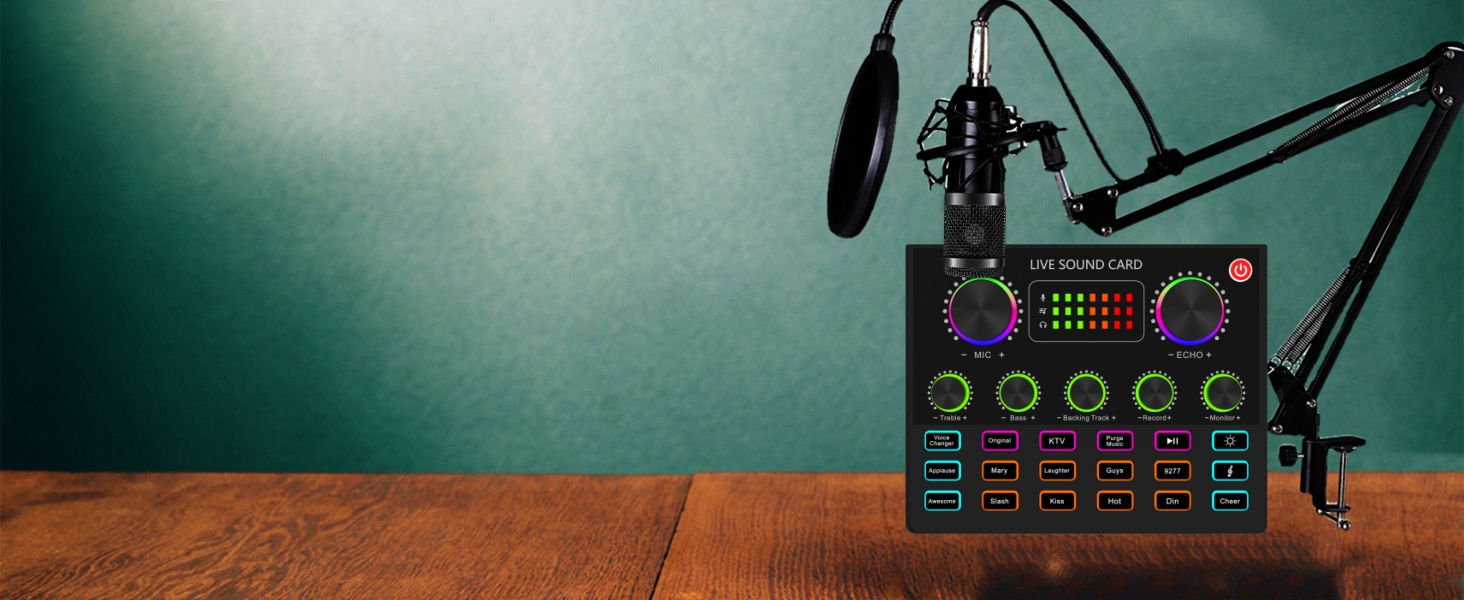
V8max Podcast Equipment Bundle
Upgraded podcast equipment bundle, integrates audio interface into one operation panel, offers rich functions and multiple controls to optimize your voice, free drive, plug and play.
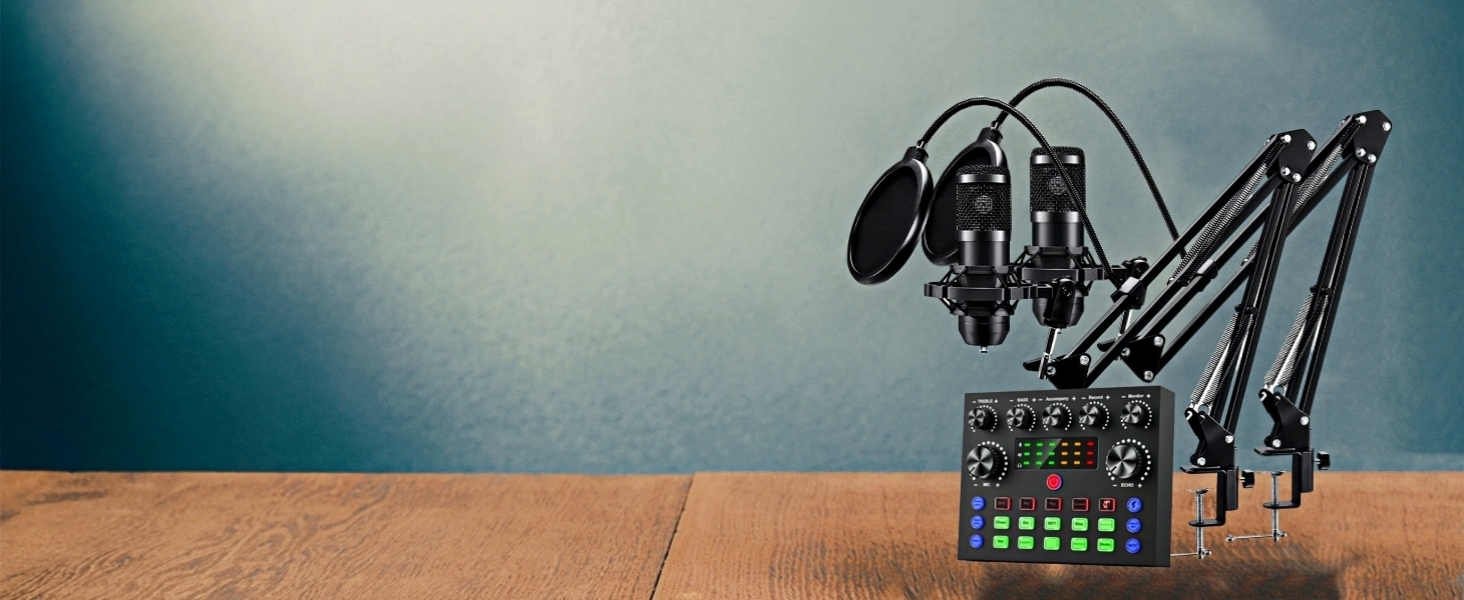
Podcast Microphone Bundle for 2
Upgraded Podcast Equipment Bundle for 2 - The podcast microphone bundle is equipped with 2 podcast microphones and 2 microphone hanging arm clippers, newly-designed V8s sound card
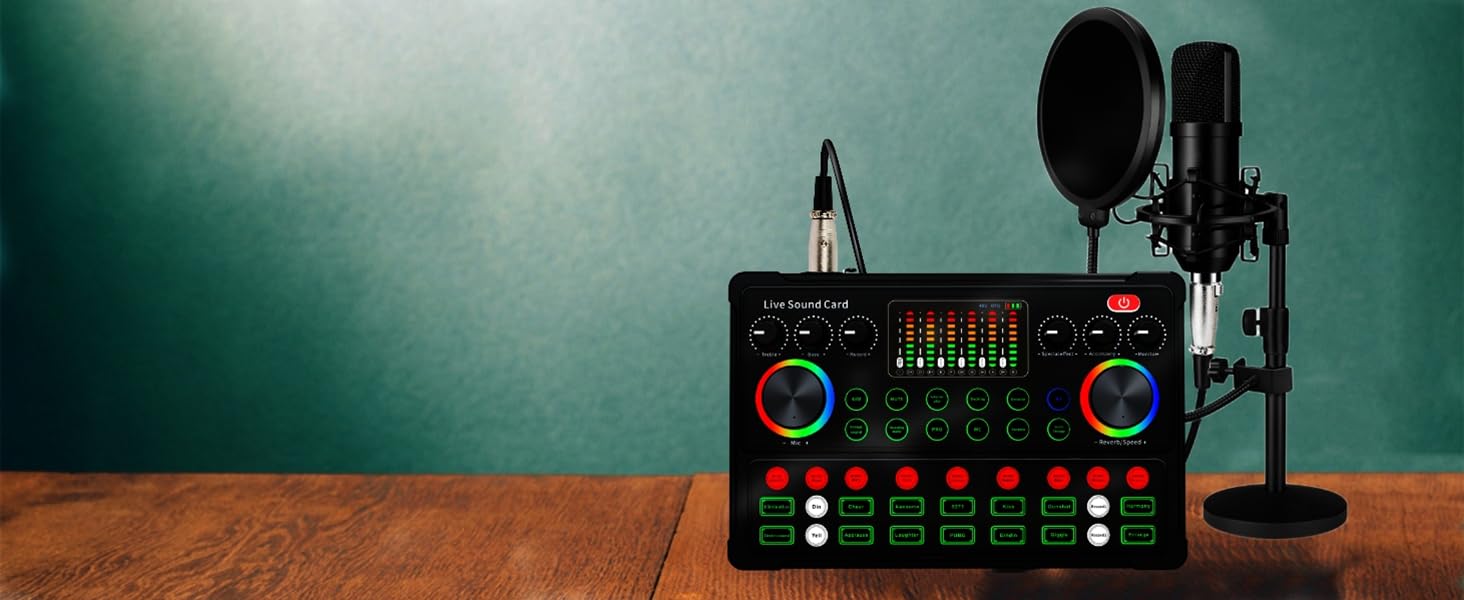
48V XLR Podcast Microphone Bundle
The podcast mirophone bundle is an all-in-one solution for podcasters and streamers, featuring a high-quality 48V XLR microphone, plug and play live sound card, produces clear, crisp sound quality
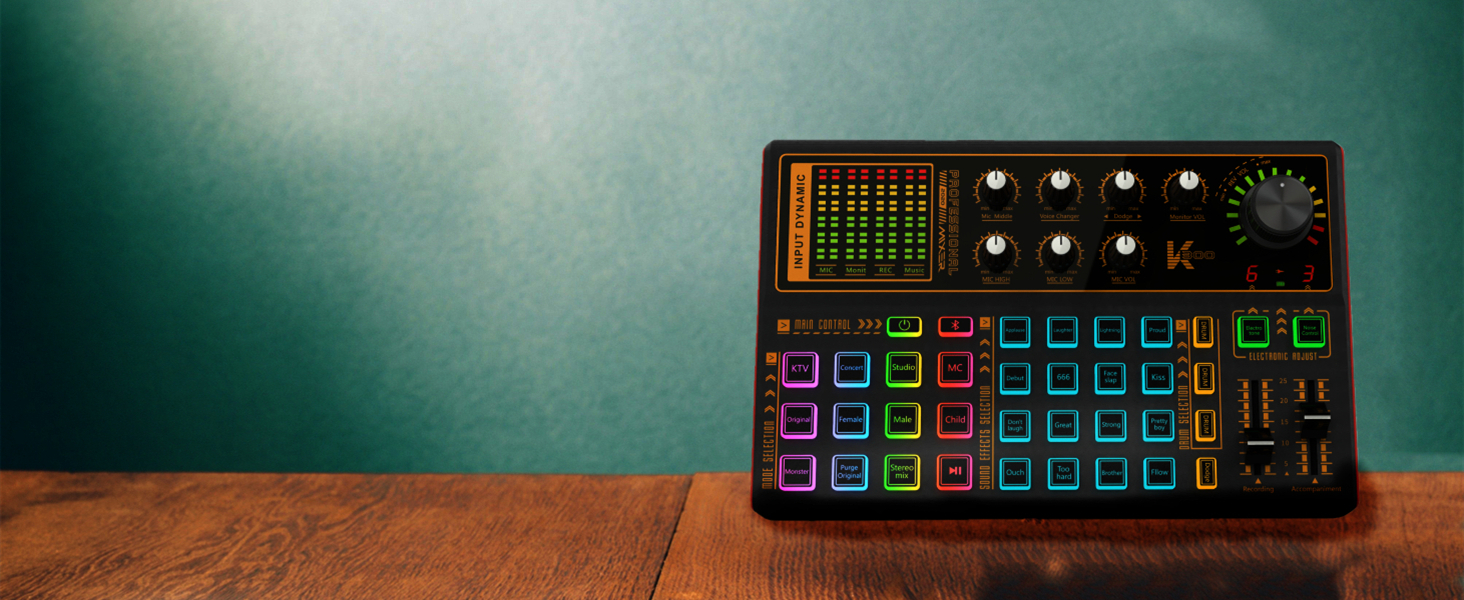
K300 Sound Card
The dj mixer board support 12 modes and 20 sound effects, 7-color atmosphere light, changes with the music, makes the same atmosphere effect as you have a party or a bar
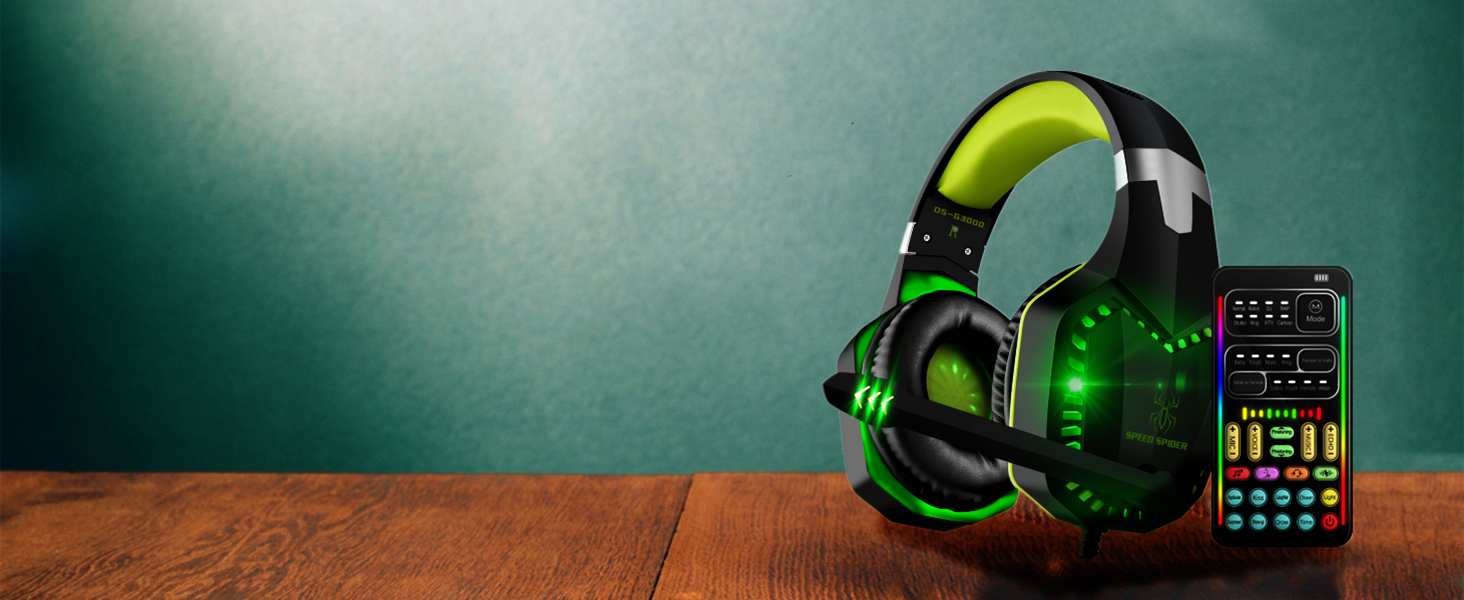
i9 Voice Changer Headset
Gaming Voice Changer Headset with Mic, Cool LED Light Over-Ear Headphones with Volume Control, Noise Reduction Voice Changer Gaming Headset for PS4/PS5/Xbox One/PC/Phone/Laptops
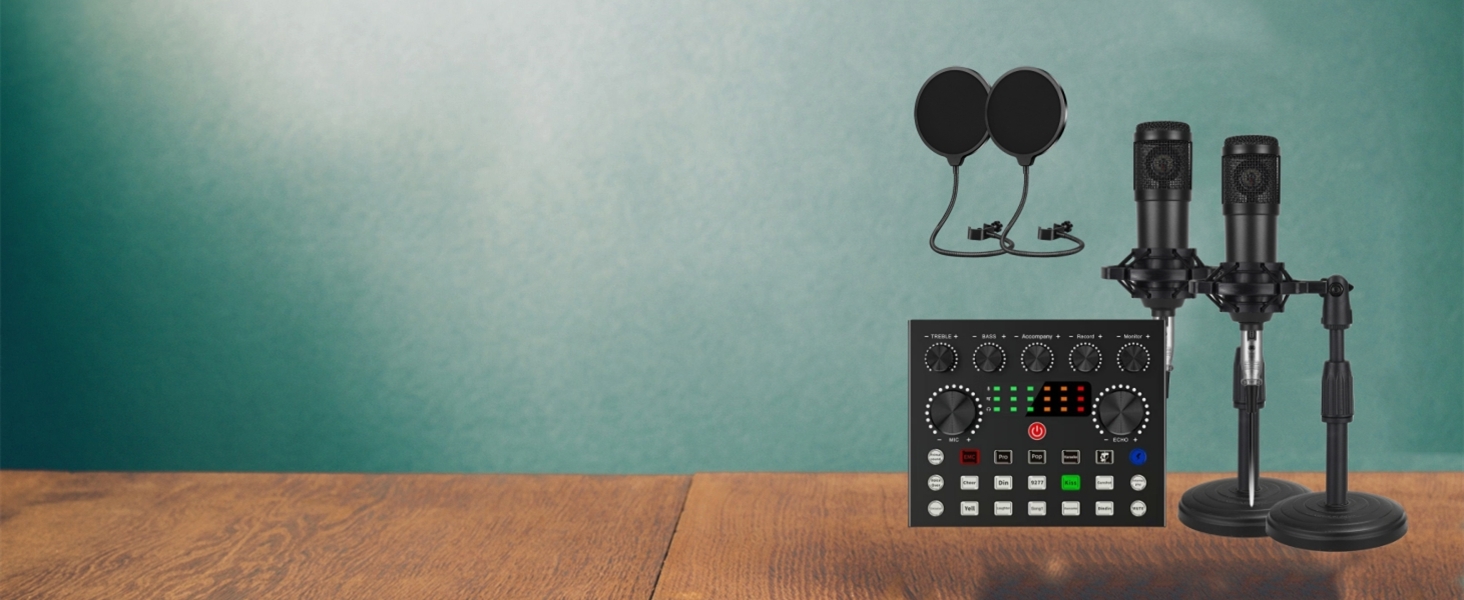
Podcast Microphone Bundle for 2
Upgraded Podcast Equipment Bundle for 2 - The podcast microphone bundle is equipped with 2 podcast microphones and 2 microphones stand, newly-designed V8s sound card
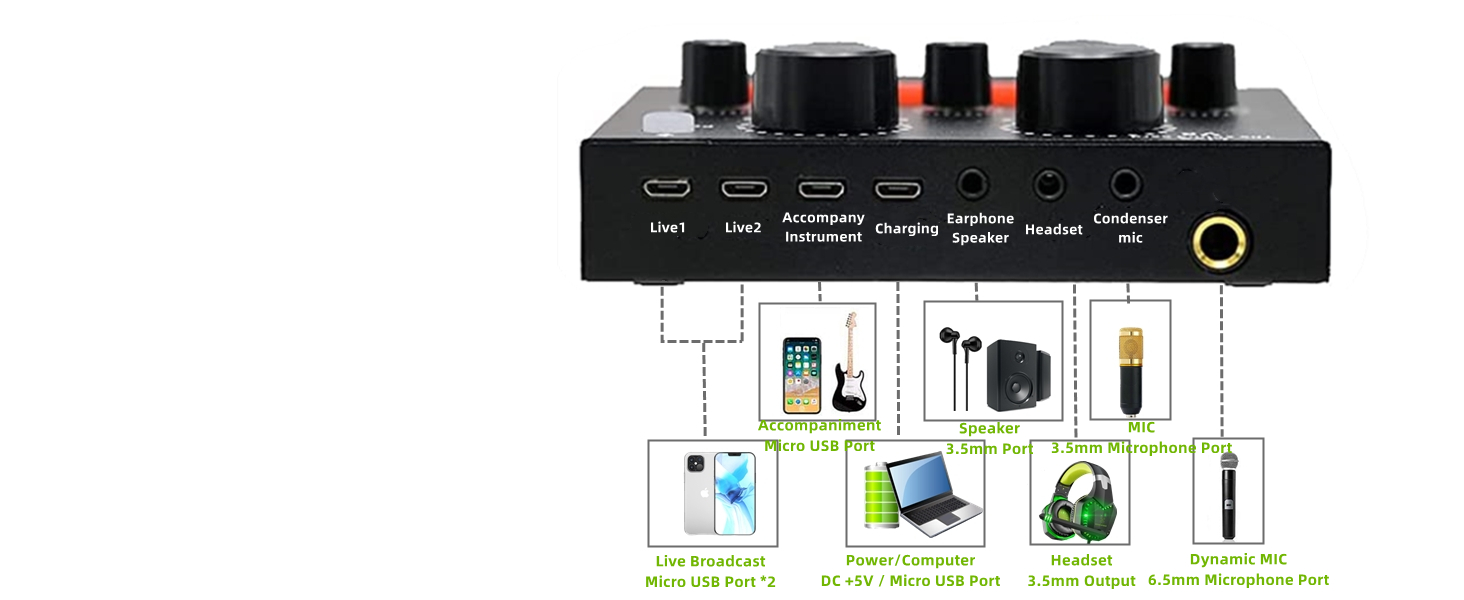
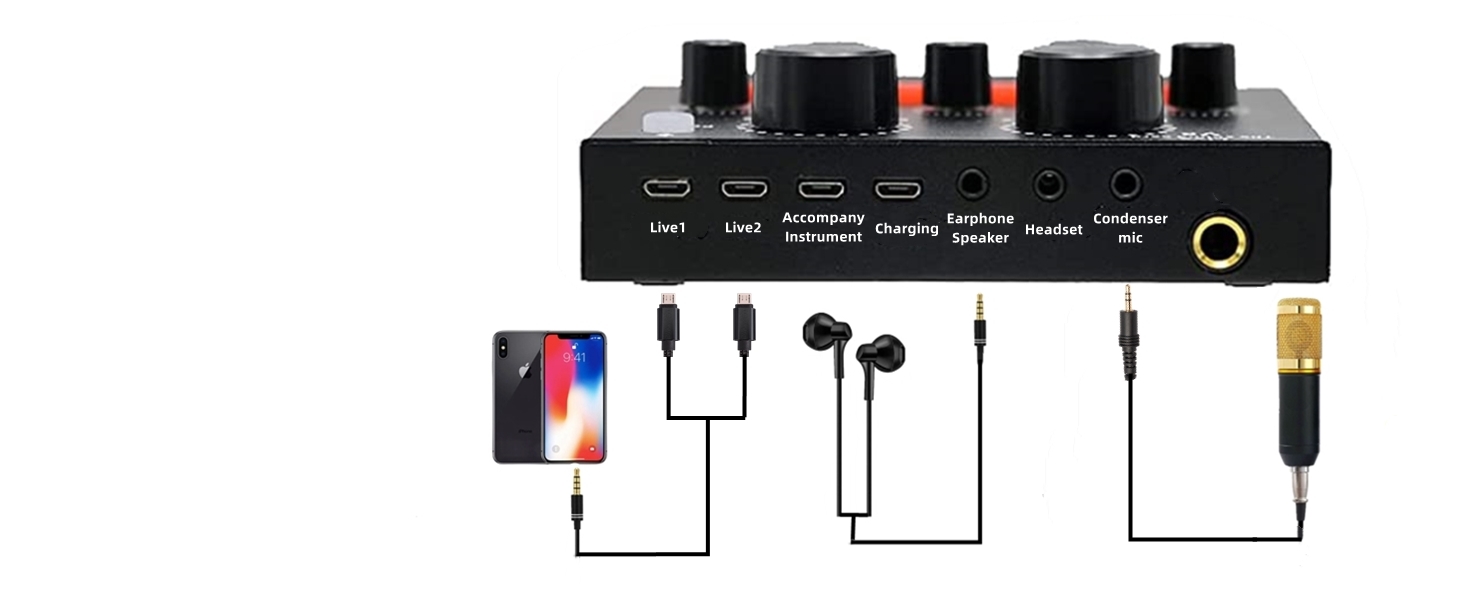
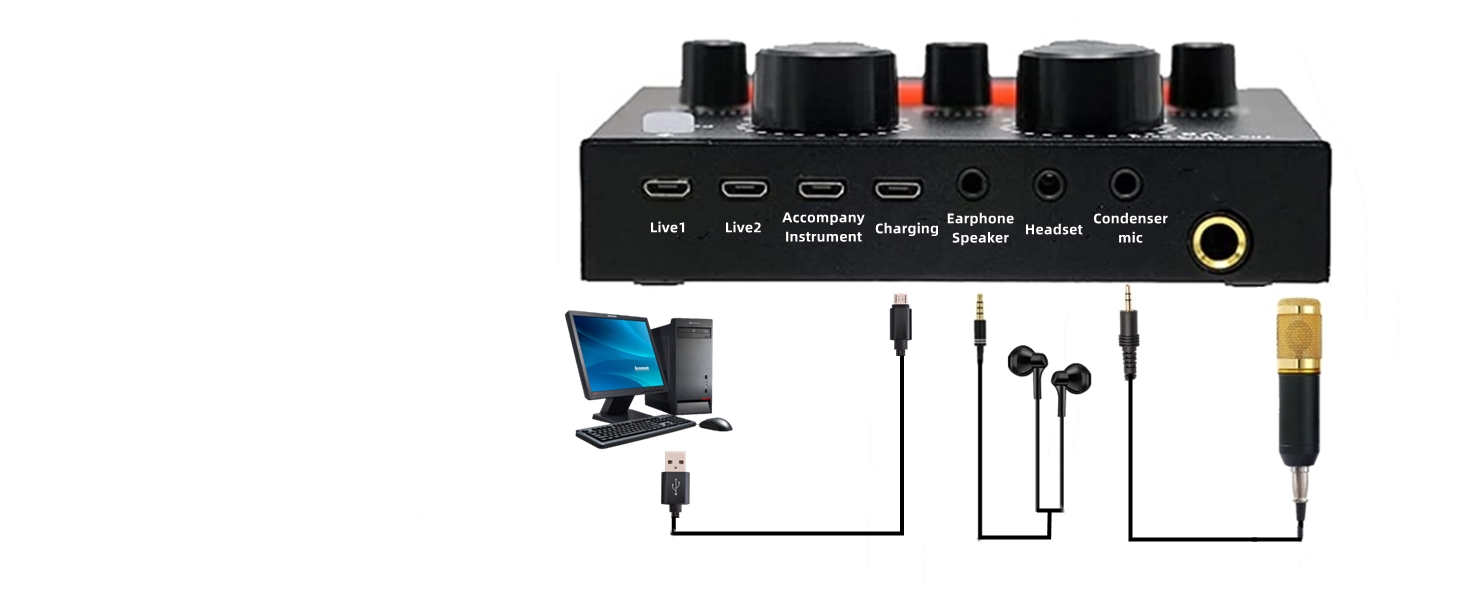
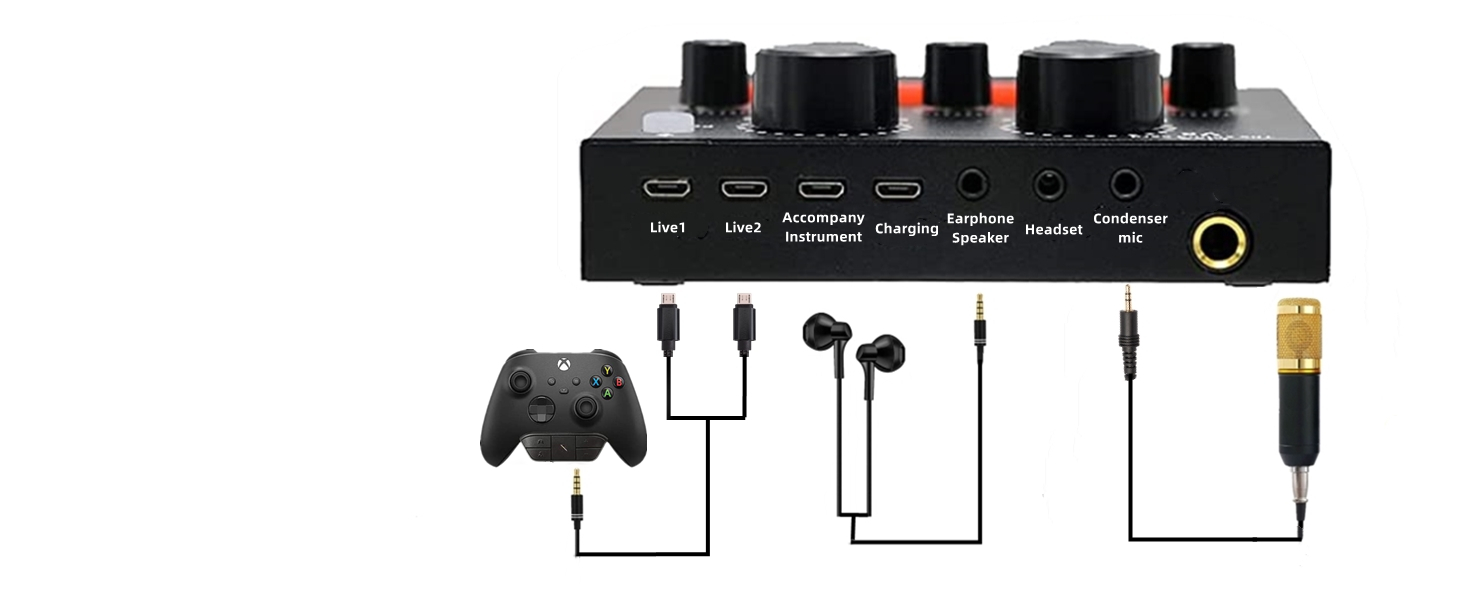
Connection Diagram and Interface Function
This condenser microphone bundle can be used on any mobile phone, computer and any game platform.
Attention
Connect the phone to the LIVE1/2 on the sound card via AUDIO CABLE(APPLE/TYPE-C requires adapter).
Attention
The computer will automatically identify and install the sound card driver.
Attention
Only 3.5mm interface is supported, other adapters are not included in the package.
Up to two years of service
Focusing on product improvement and user experience, If you encounter any product and usage problems, please contact the US.
How to use sktome podcast equipment bundle correctly?
Please refer to the page tutorial and enclosed instructions or contact our after-service team. We will give you a reply within 12 hours.
How to charge condenser microphone bundle?
It is recommended to charge the music recording equipment for more than 4 hours before using it. This Podcast Microphone Bundle is equipped with a USB-B data cable and charged with DC 5V. Compatible with most 5V / 1-2A USB outlets.
V8 sound card cannot be opened
1. Before use, it is recommended to charge it for about 4 hours.
2. Press and hold the power button for more than 3 seconds until the indicator light in the upper right corner turns flashing.
Condenser Microphone doesn't work
1. Check whether the connection part is installed firmly.
2. Plug and unplug the microphone and V8 sound card again.
3. Before working with the mobile phone or computer, connect earphone to the "earphone" jack to test the microphone works normally.
sktome Podcast Equipment Bundle Comparison
 V8 Podcast Equipment |  V8max Podcast Equipment |  Podcast Equipment for 2 |  M8 Podcast Equipment |  48V Podcast Equipment |  k300 Podcast Equipment |  BM800 Podcast Equipment | |
|---|---|---|---|---|---|---|---|
Customer Reviews | — | — | — | — | — | — | — |
Price | — | — | — | — | — | — | — |
Live Modes | 6 Live Modes | 6 Live Modes | 6 Live Modes | 6 Live Modes | 12 Live Modes | 12 Live Modes | 6 Live Modes |
Volume Control | 7 Volume Control | 7 Volume Control | 7 Volume Control | 7 Volume Control | 8 Volume Control | 10 Volume Control | 7 Volume Control |
Sound Effects | 12 Sound Effects | 12 Sound Effects | 12 Sound Effects | 12 Sound Effects | 23 Sound Effects | 20 Sound Effects | 12 Sound Effects |
Mic Stand | mic arm | mic arm | 2* mic arm | mic arm | Desktop Microphone Stand | Roud Base Fixing Bracket | mic arm |
Condenser Mic | BM800 condenser microphone | BM800 condenser microphone | 2* BM800 condenser microphone | BM800 condenser microphone | 48V XLR Podcast Microphone | podcast condenser microphone | BM800 condenser microphone |
Charging Interface | Micro B | Type-C | Type-C | Type-C | Type-C | Type-B | Micro B |
RGB Lighting Effect | ? | ? | ? | ? | ? | ? | ? |
LED Display | ? | ? | ? | ? | ? | ? | ? |
With Headphones | ? | ? | ? | ? | ? | ? | ? |
OTG Connection | ? | ? | ? | ? | ? | ? | ? |

Carefully Prepared Podcast Equipment Bundle: with good condenser microphone, what you get is a complete set of professional podcast microphone bundle, which was designed for podcasting, streaming, gaming, recording music and short video.

VOICE CHANGER
4 voice change options, giving you more fun in live broadcast and game.
WIDE COMPATIBILITY
Support all kinds of popular software and different devices (computer/mobile phone/laptop).
SOUND EFFECTS
12 kinds of sound effects make the live broadcast more interesting.
APPLICATION SCENARIO
This recording studio package was designed for podcasting, live streaming, recording and gaming.
WIDE COMPATIBILITY
Support all kinds of popular software and different devices (computer/mobile phone/laptop).


Product Recommendation
V8max Podcast Equipment Bundle
Podcast Microphone Bundle for 2
48V XLR Podcast Microphone Bundle
K300 Sound Card
i9 Voice Changer Headset
Podcast Microphone Bundle for 2


Upgraded podcast equipment bundle, integrates audio interface into one operation panel, offers rich functions and multiple controls to optimize your voice, free drive, plug and play.
Upgraded Podcast Equipment Bundle for 2 - The podcast microphone bundle is equipped with 2 podcast microphones and 2 microphone hanging arm clippers, newly-designed V8s sound card
The podcast mirophone bundle is an all-in-one solution for podcasters and streamers, featuring a high-quality 48V XLR microphone, plug and play live sound card, produces clear, crisp sound quality
The dj mixer board support 12 modes and 20 sound effects, 7-color atmosphere light, changes with the music, makes the same atmosphere effect as you have a party or a bar
Gaming Voice Changer Headset with Mic, Cool LED Light Over-Ear Headphones with Volume Control, Noise Reduction Voice Changer Gaming Headset for PS4/PS5/Xbox One/PC/Phone/Laptops
Upgraded Podcast Equipment Bundle for 2 - The podcast microphone bundle is equipped with 2 podcast microphones and 2 microphones stand, newly-designed V8s sound card
Connection Diagram and Interface Function
This condenser microphone bundle can be used on any mobile phone, computer and any game platform.
Attention
Connect the phone to the LIVE1/2 on the sound card via AUDIO CABLE(APPLE/TYPE-C requires adapter).
Attention
The computer will automatically identify and install the sound card driver.
Attention
Only 3.5mm interface is supported, other adapters are not included in the package.


Up to two years of service
Focusing on product improvement and user experience, If you encounter any product and usage problems, please contact the US.
How to use sktome podcast equipment bundle correctly?
Please refer to the page tutorial and enclosed instructions or contact our after-service team. We will give you a reply within 12 hours.
How to charge condenser microphone bundle?
It is recommended to charge the music recording equipment for more than 4 hours before using it. This Podcast Microphone Bundle is equipped with a USB-B data cable and charged with DC 5V. Compatible with most 5V / 1-2A USB outlets.
V8 sound card cannot be opened
1. Before use, it is recommended to charge it for about 4 hours.
2. Press and hold the power button for more than 3 seconds until the indicator light in the upper right corner turns flashing.
Condenser Microphone doesn't work
1. Check whether the connection part is installed firmly.
2. Plug and unplug the microphone and V8 sound card again.
3. Before working with the mobile phone or computer, connect earphone to the "earphone" jack to test the microphone works normally.
sktome Podcast Equipment Bundle Comparison
 V8 Podcast Equipment | V8max Podcast Equipment | Podcast Equipment for 2 | M8 Podcast Equipment | 48V Podcast Equipment | k300 Podcast Equipment | BM800 Podcast Equipment |
|---|---|---|---|---|---|---|
| Customer Reviews | ||||||
| — | — | — | — | — | — | — |
| Price | ||||||
| — | — | — | — | — | — | — |
| Live Modes | ||||||
| 6 Live Modes | 6 Live Modes | 6 Live Modes | 6 Live Modes | 12 Live Modes | 12 Live Modes | 6 Live Modes |
| Volume Control | ||||||
| 7 Volume Control | 7 Volume Control | 7 Volume Control | 7 Volume Control | 8 Volume Control | 10 Volume Control | 7 Volume Control |
| Sound Effects | ||||||
| 12 Sound Effects | 12 Sound Effects | 12 Sound Effects | 12 Sound Effects | 23 Sound Effects | 20 Sound Effects | 12 Sound Effects |
| Mic Stand | ||||||
| mic arm | mic arm | 2* mic arm | mic arm | Desktop Microphone Stand | Roud Base Fixing Bracket | mic arm |
| Condenser Mic | ||||||
| BM800 condenser microphone | BM800 condenser microphone | 2* BM800 condenser microphone | BM800 condenser microphone | 48V XLR Podcast Microphone | podcast condenser microphone | BM800 condenser microphone |
| Charging Interface | ||||||
| Micro B | Type-C | Type-C | Type-C | Type-C | Type-B | Micro B |
| RGB Lighting Effect | ||||||
| ? | ? | ? | ? | ? | ? | ? |
| LED Display | ||||||
| ? | ? | ? | ? | ? | ? | ? |
| With Headphones | ||||||
| ? | ? | ? | ? | ? | ? | ? |
| OTG Connection | ||||||
| ? | ? | ? | ? | ? | ? | ? |
sktome was founded in 2016, in the belief that make it easier for everyone to become a podcaster and share their lives on the Internet. Since established, we have designed a series of products and shipped to homes in the US, UK, French, Mexico, Canada, etc. sktome can Increase your pleasure in podcasting, gaming and recording music. it bring more fun to you and make your recording more creative.
Newly Podcast Equipment Bundle
Podcast Equipment Bundle for 2
48V XLR Podcast Microphone Kit
Condenser Microphone Bundle
voice changer
V8 Podcast Equipment Bundle
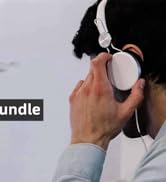

K300 Recording Equipment
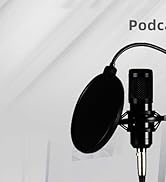
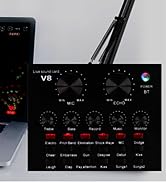
podcast microphone bundle
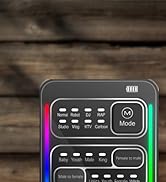

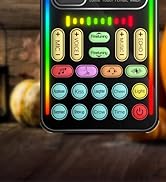
voice changer
Up to two years of service
Focusing on product improvement and user experience, If you encounter any product and usage problems, please contact the US.
How to use sktome podcast equipment bundle correctly?
Please refer to the page tutorial and enclosed instructions or contact our after-service team. We will give you a reply within 12 hours.
How to charge condenser microphone bundle?
Please use USB charging cabel in the package to charge, supply voltage: DC 5V.





