


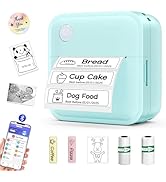
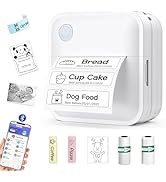
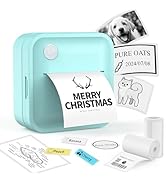
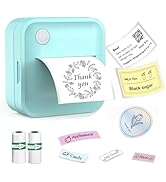
Label Maker with Tape
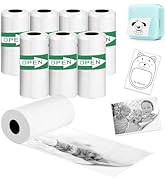
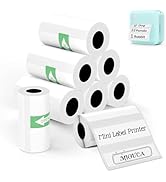
Need More Paper? Tap Here
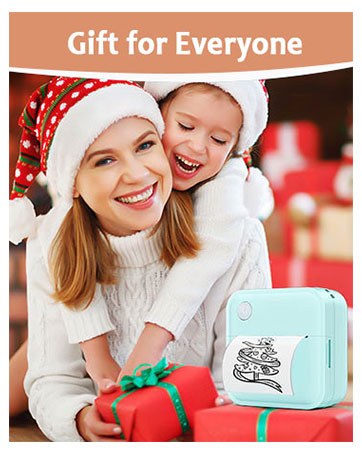
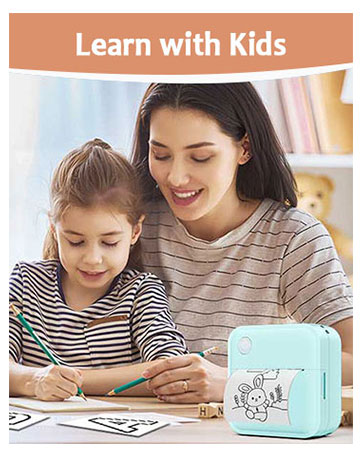
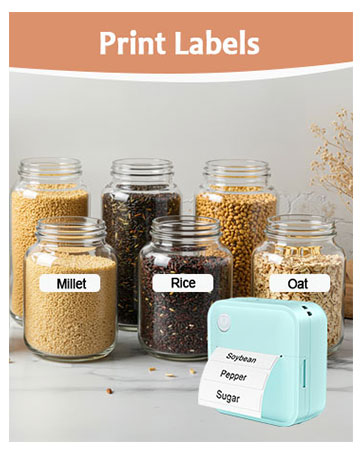
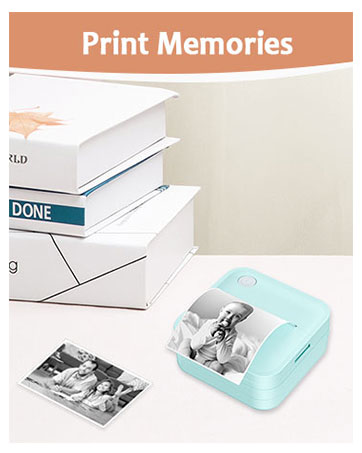

Born from a belief that simplicity fuels creativity, Miouca redefines labeling with sleek, intuitive design.
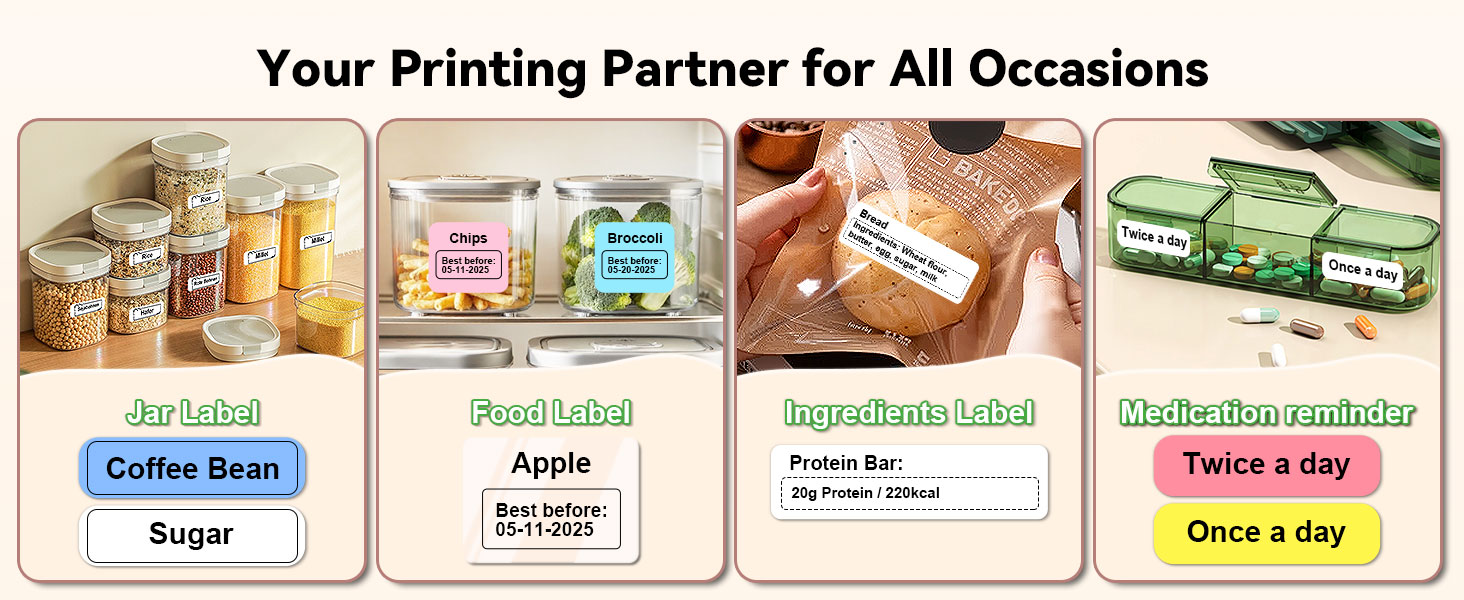
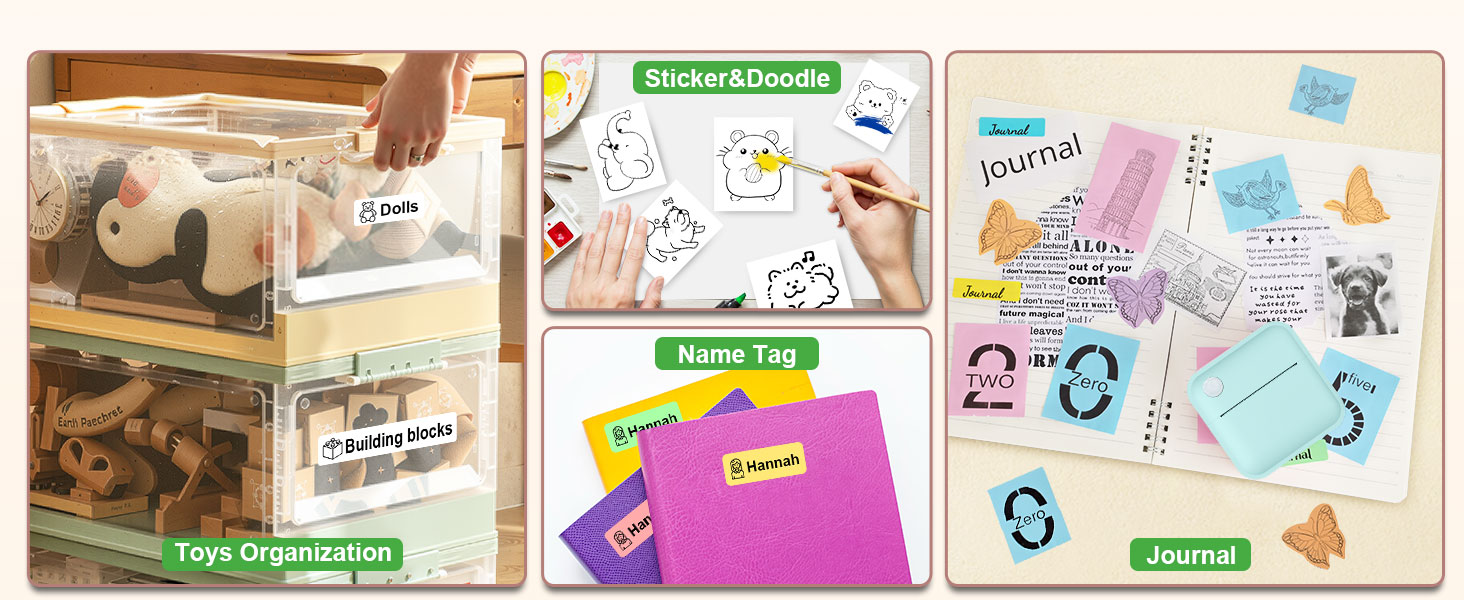
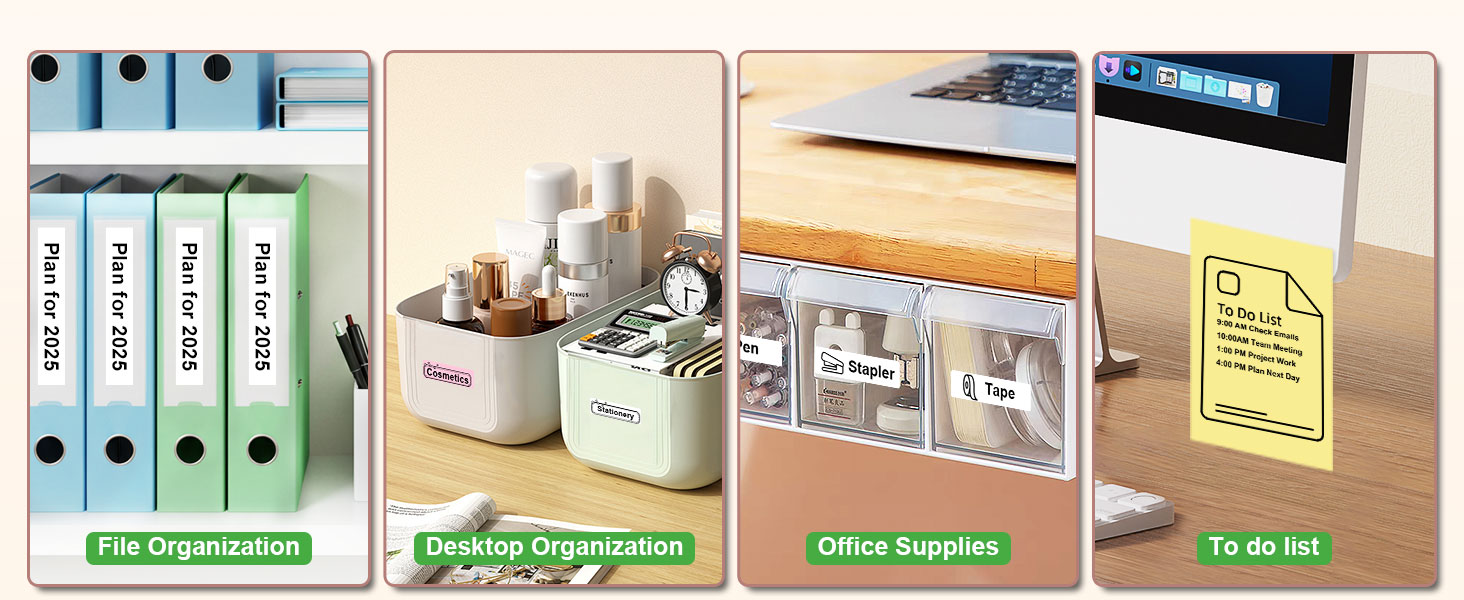
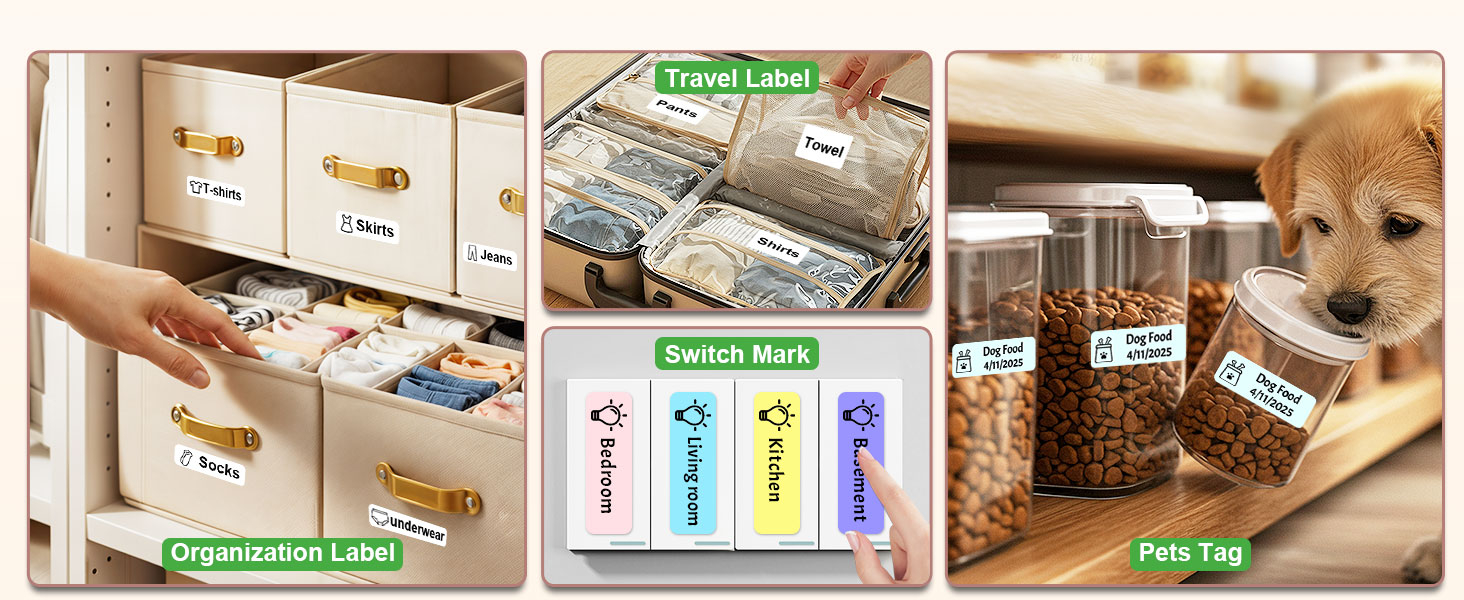
Our Bluetooth label makers blend cutting-edge thermal tech and Earth-conscious materials, empowering busy homes, offices, and classrooms to declutter effortlessly.
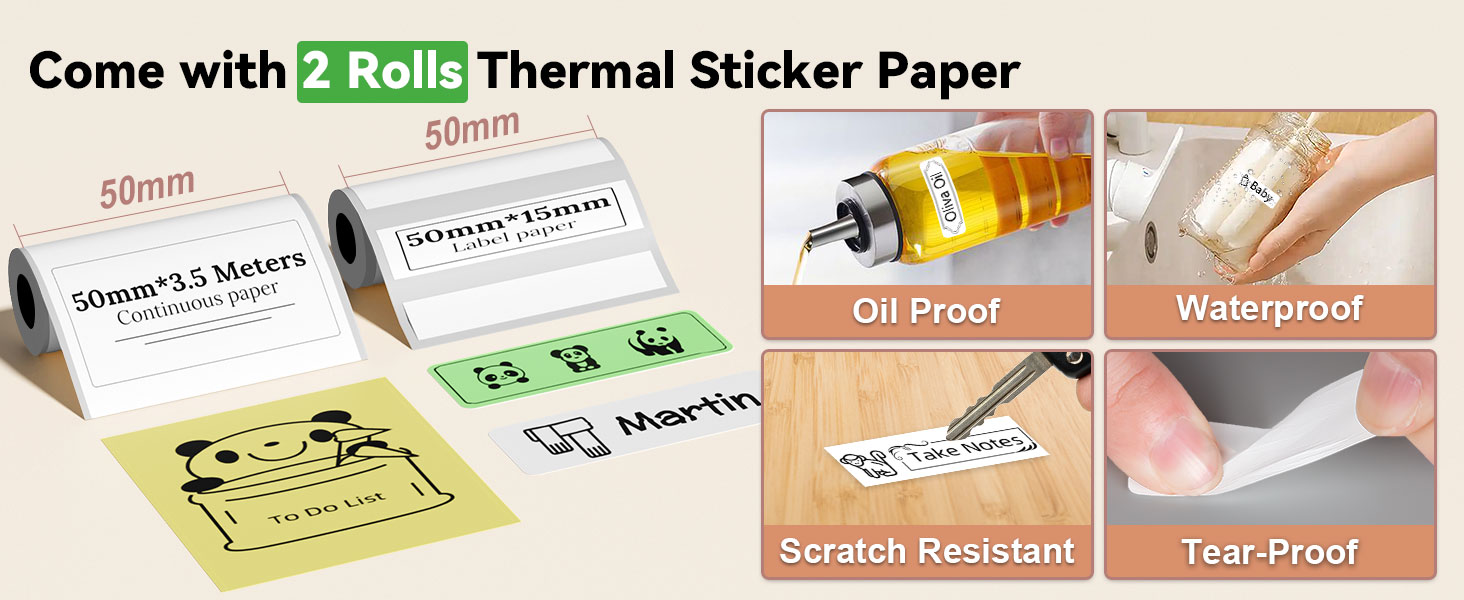
No ink, no fuss—just crisp, durable labels that turn chaos into clarity.
At Miouca, we craft tools that organize spaces and inspire mindful living.
Miouca label maker machine with tape
Merchant Video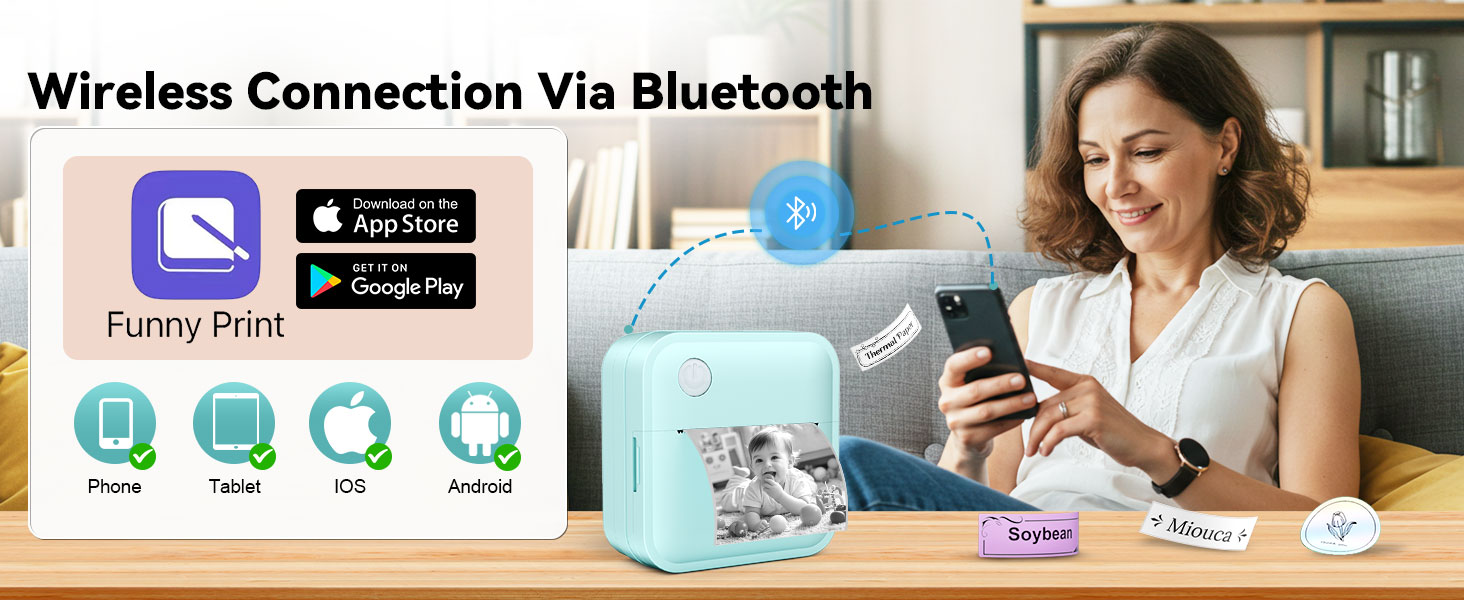
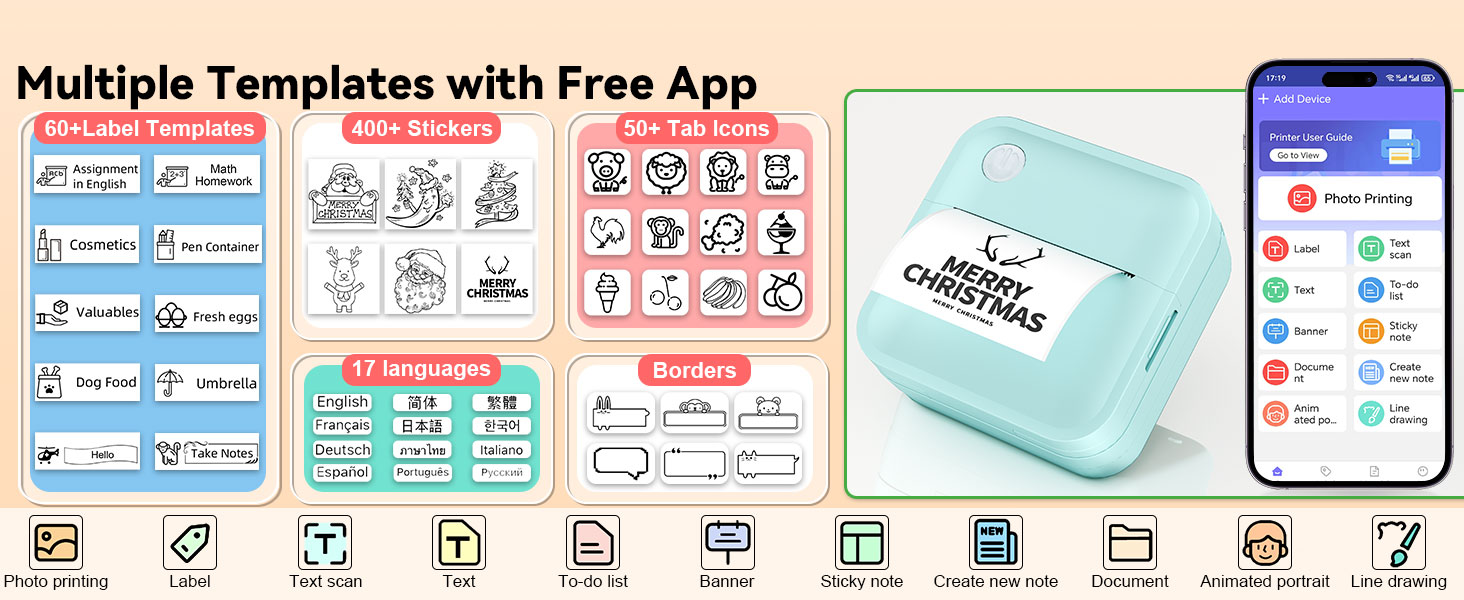
14 SIZE+ in One Lable Maker! - Save Money and Time to Simplify Your life.
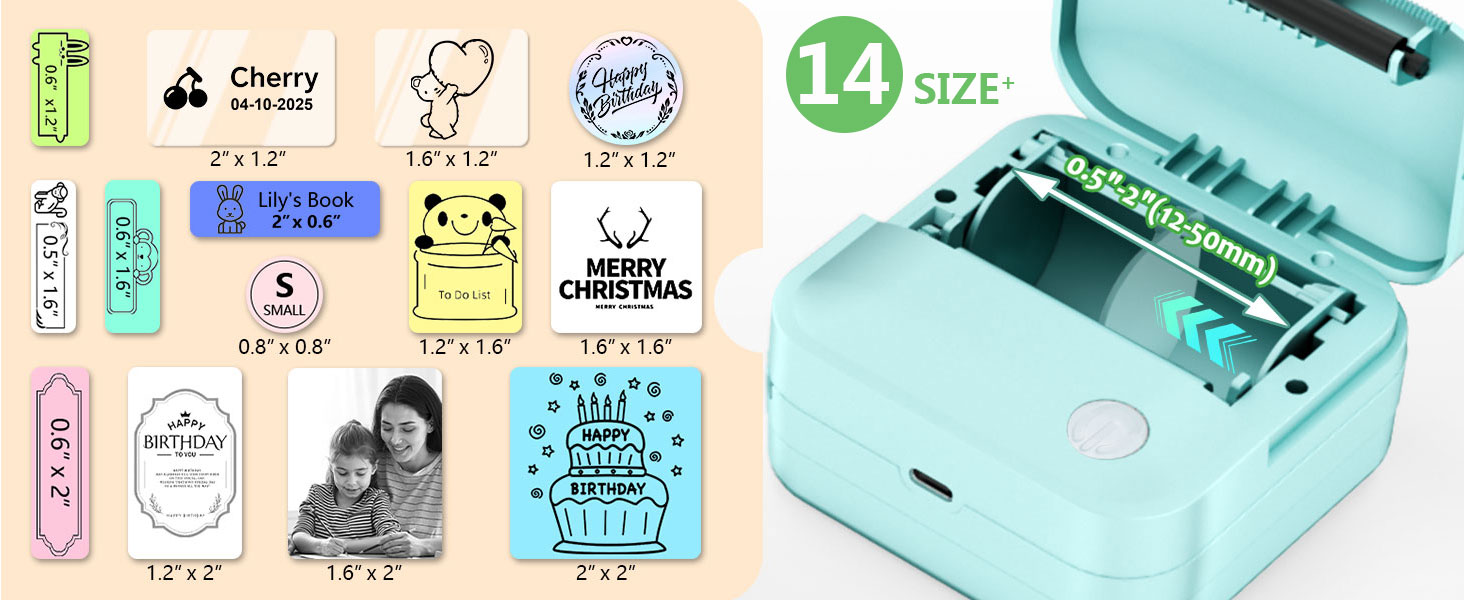
Featuring an innovative adjustable paper roller, this label maker machine can produce labels in 14 different sizes:
0.5"x1.6", 0.6"x1.2", 0.6"x1.6", 0.6"x2", 0.8"x0.8", 1.2"x1.2", 1.2"x1.6", 1.2"x2", 1.6"x2", 1.6"x1.2", 1.6"x1.6", 2"x0.6", 2"x1.2", 2"x2"
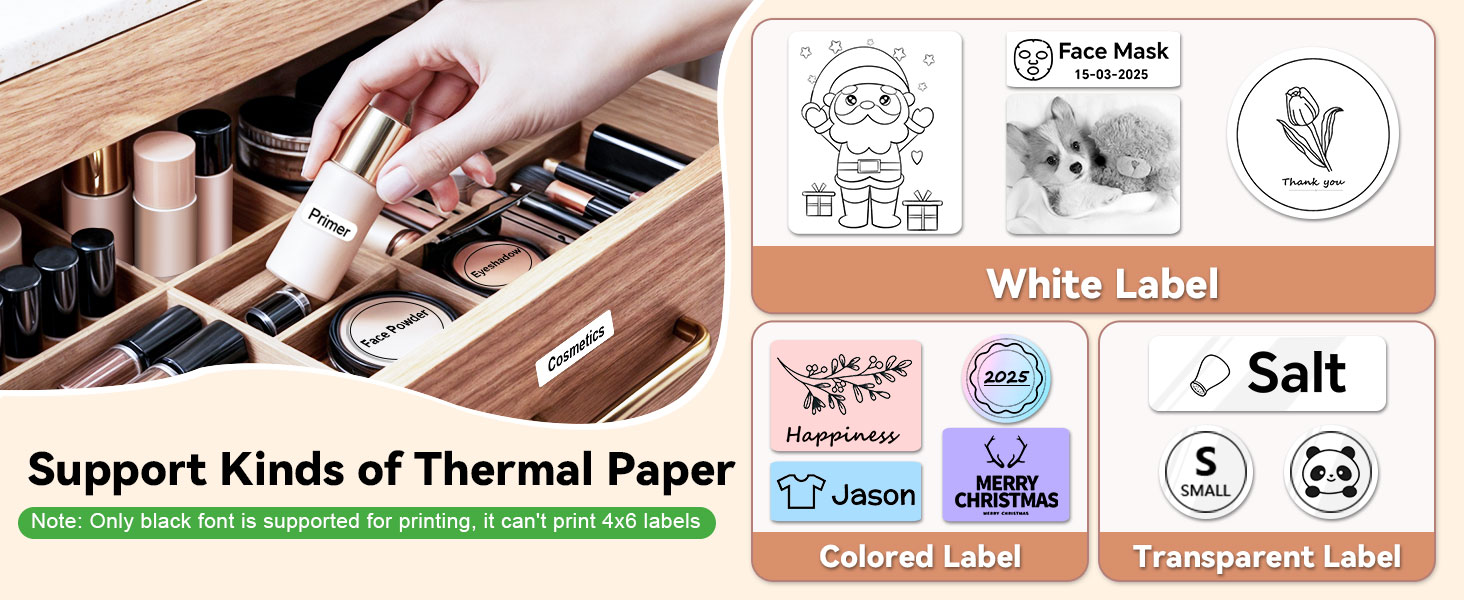
NOTE: It can't print 4x6 or shipping labels
Miouca Label Maker Machine with Tape
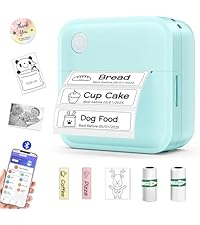 Blue Label Maker | 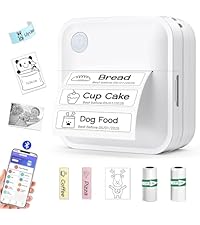 White Label Maker | 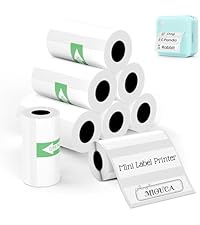 8 Rolls Label Paper | 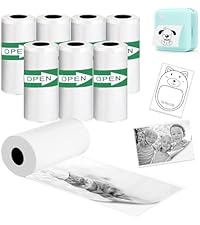 8 Rolls Continuous Paper | 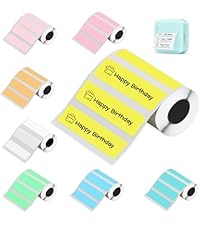 8 Rolls Color Label Paper | 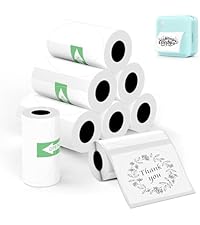 8 Rolls Round Label Paper | |
|---|---|---|---|---|---|---|
Customer Reviews | — | — | — | — | — | — |
Price | — | — | — | — | — | — |
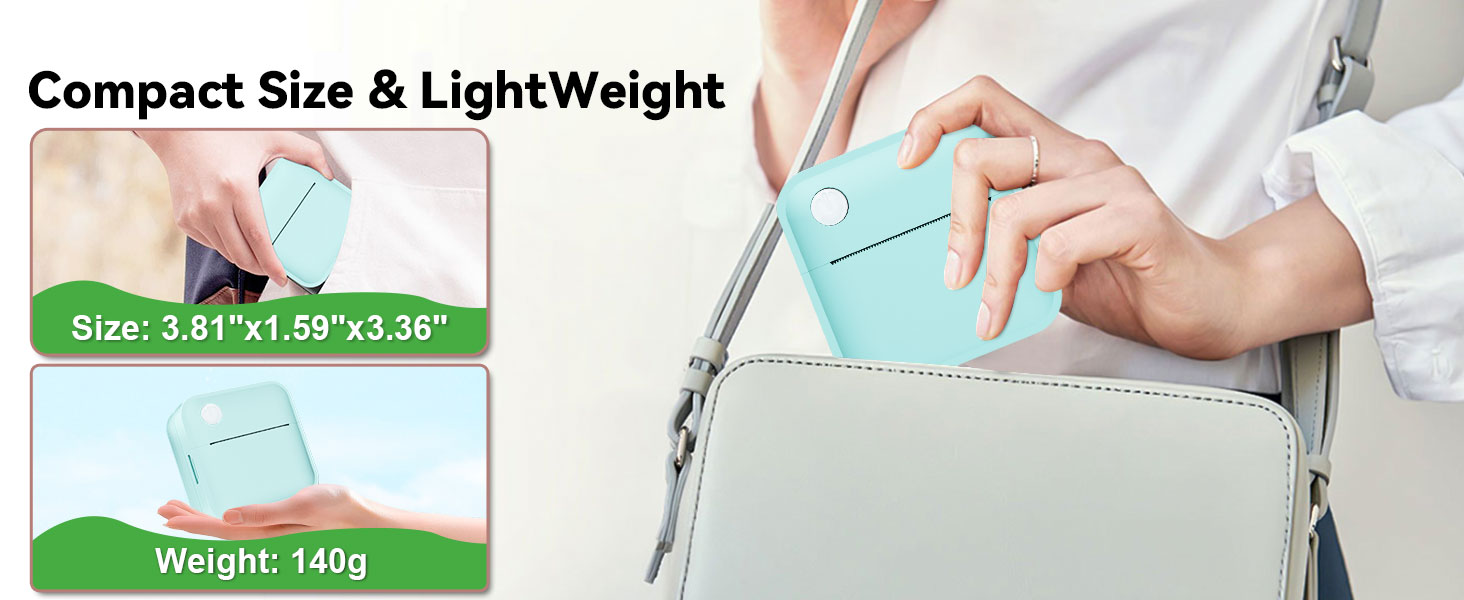
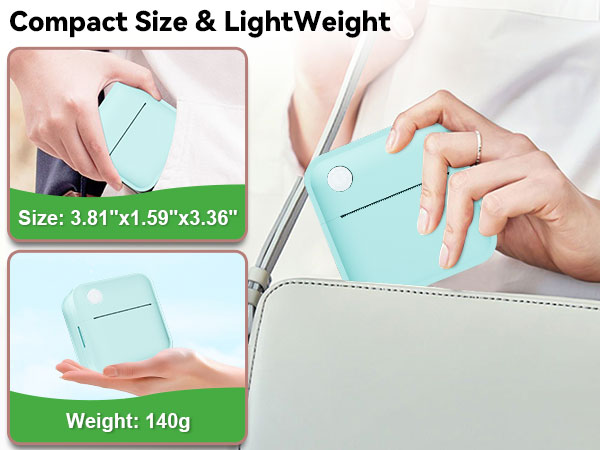
Product Dimensions | 3.81*1.59*3.36 in | 3.81*1.59*3.36 in | 50mmx15mm | 50mm*3.5metre | 50mmx15mm | 50mmx50mm |
Print Width | 12-50mm | 12-50mm | 50mm | 50mm | 50mm | 50mm |
Print Definition | 203dpi | 203dpi | 203dpi | 203dpi | 203dpi | 203dpi |
Print Method | Thermal | Thermal | Thermal | Thermal | Thermal | Thermal |
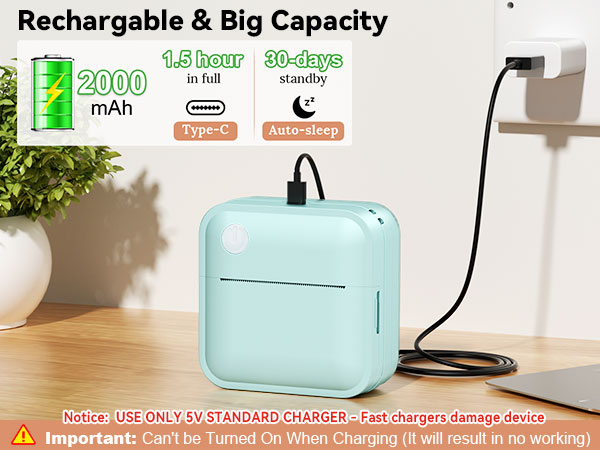
Battery Capacity | 2000mAh | 2000mAh | / | / | / | / |
Connectivity Technology | Bluetooth | Bluetooth | / | / | / | / |
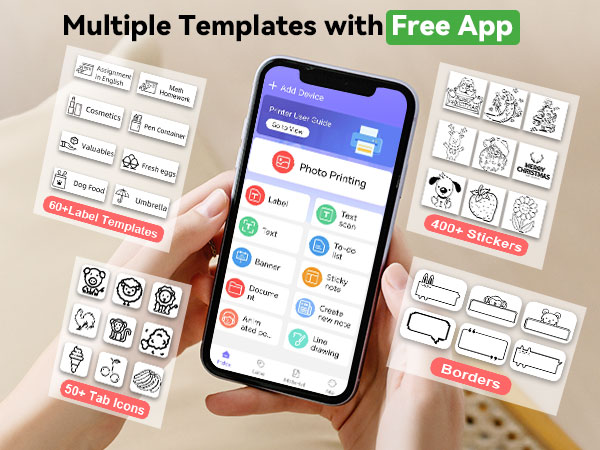
Device compatibility | Android & iOS | Android & iOS | / | / | / | / |
Printer Output | Monochrome | Monochrome | / | / | / | / |
Waterproof Label | ? | ? | ? | ? | ? | ? |
How large a label can our Label Maker print?
This label printer can print 0.5-2 inch(12-50mm) width labels.
It can’t print shipping label and 4 x 6 label.
Is payment or account registration required to use this App?
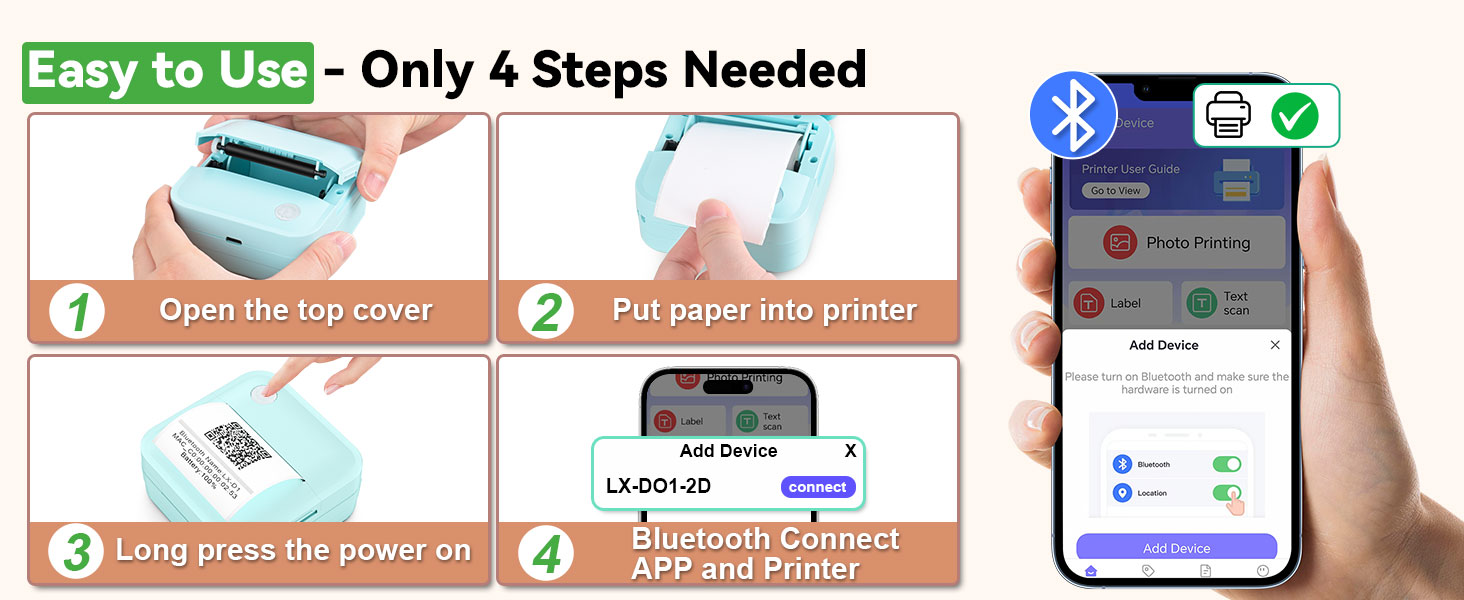
No payment and account login are required. Our App is permanently free. Please disregard the account login prompt and log in as a guest to use it.
Why won't my label printer turn on?
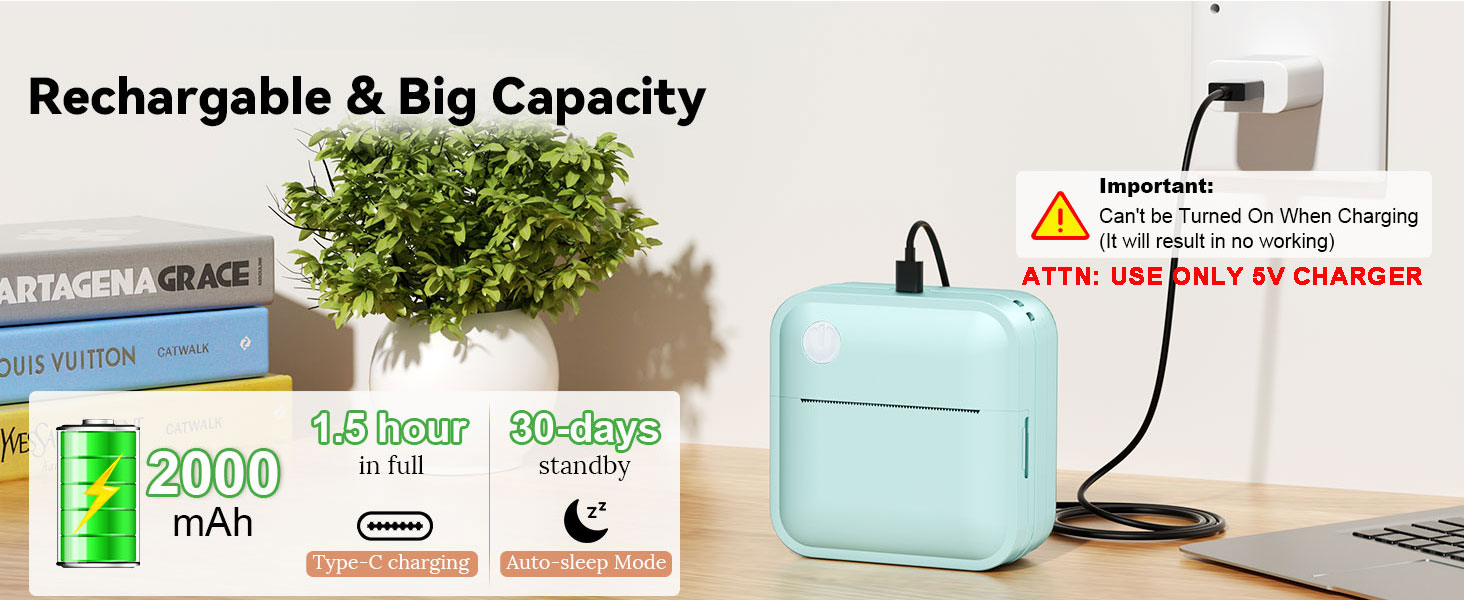
Ensure your label printer is fully charged.
Also, as our label printers have an automatic protection device against overheating, you need to unplug the charging cable to turn it on normally.
Why aren't the labels I print clear?
First, you can select print density number 7, which is the darkest, when printing.
If you're printing graphics, click the "Graphic printing" option before printing;
If you're printing text, click the "Text enhancement" option for better clarity.
Why my phone can't connect the label printer's app?
It may be due to Bluetooth's 3m range limit—move the device closer to your phone/tablet for stability. Also, the label printer’s Bluetooth connects to one device at a time; if linked to a phone, disconnect first before reconnecting to another.
Miouca label maker machine with tape
Merchant Video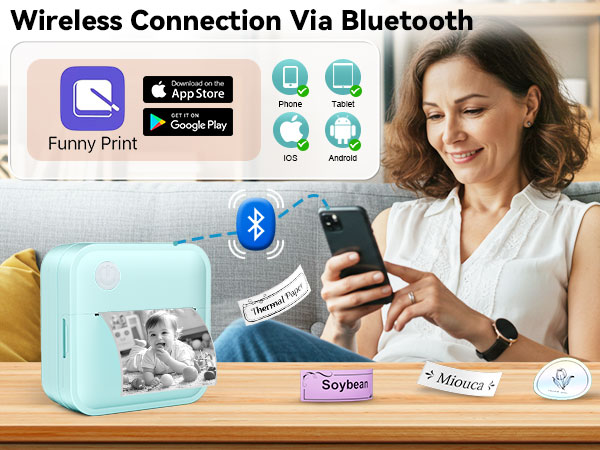
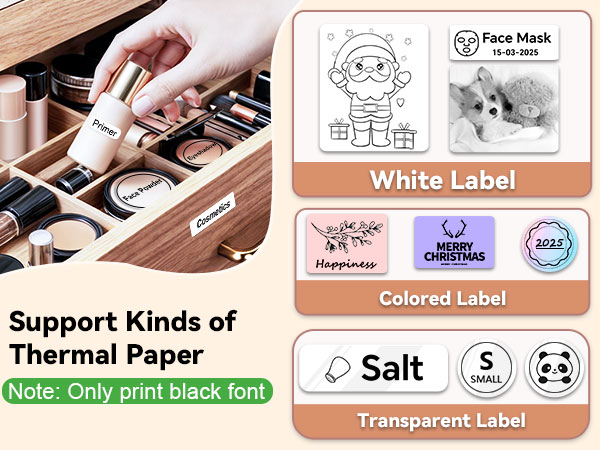
14 SIZE+ in One Lable Maker! - Save Money and Time to Simplify Your life.
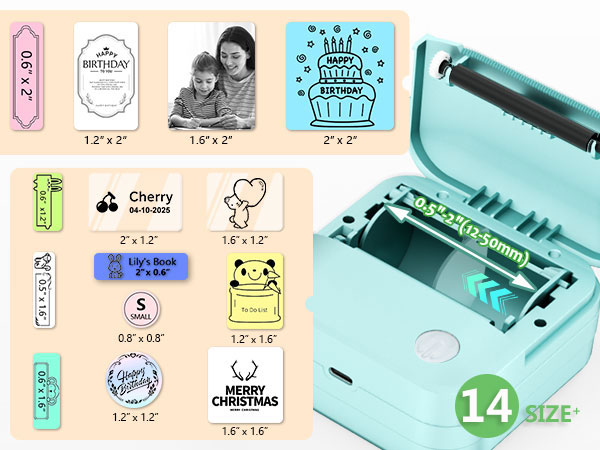
Featuring an innovative adjustable paper roller, this label maker machine can produce labels in 14 different sizes:
0.5"x1.6", 0.6"x1.2", 0.6"x1.6", 0.6"x2", 0.8"x0.8", 1.2"x1.2", 1.2"x1.6", 1.2"x2", 1.6"x2", 1.6"x1.2", 1.6"x1.6", 2"x0.6", 2"x1.2", 2"x2"
NOTE: It can't print 4x6 or shipping labels
Miouca Label Maker Machine with Tape
Blue Label Maker | White Label Maker | 8 Rolls Label Paper | 8 Rolls Continuous Paper | 8 Rolls Color Label Paper | 8 Rolls Round Label Paper |
|---|---|---|---|---|---|
| Customer Reviews | |||||
| — | — | — | — | — | — |
| Price | |||||
| — | — | — | — | — | — |
| Product Dimensions | |||||
| 3.81*1.59*3.36 in | 3.81*1.59*3.36 in | 50mmx15mm | 50mm*3.5metre | 50mmx15mm | 50mmx50mm |
| Print Width | |||||
| 12-50mm | 12-50mm | 50mm | 50mm | 50mm | 50mm |
| Print Definition | |||||
| 203dpi | 203dpi | 203dpi | 203dpi | 203dpi | 203dpi |
| Print Method | |||||
| Thermal | Thermal | Thermal | Thermal | Thermal | Thermal |
| Battery Capacity | |||||
| 2000mAh | 2000mAh | / | / | / | / |
| Connectivity Technology | |||||
| Bluetooth | Bluetooth | / | / | / | / |
| Device compatibility | |||||
| Android & iOS | Android & iOS | / | / | / | / |
| Printer Output | |||||
| Monochrome | Monochrome | / | / | / | / |
| Waterproof Label | |||||
| ? | ? | ? | ? | ? | ? |
How large a label can our Label Maker print?
This label printer can print 0.5-2 inch(12-50mm) width labels.
It can’t print shipping label and 4 x 6 label.
Is payment or account registration required to use this App?
No payment and account login are required. Our App is permanently free. Please disregard the account login prompt and log in as a guest to use it.
Why won't my label printer turn on?
Ensure your label printer is fully charged.
Also, as our label printers have an automatic protection device against overheating, you need to unplug the charging cable to turn it on normally.
Why aren't the labels I print clear?
First, you can select print density number 7, which is the darkest, when printing.
If you're printing graphics, click the "Graphic printing" option before printing;
If you're printing text, click the "Text enhancement" option for better clarity.
Why my phone can't connect the label printer's app?
It may be due to Bluetooth's 3m range limit—move the device closer to your phone/tablet for stability. Also, the label printer’s Bluetooth connects to one device at a time; if linked to a phone, disconnect first before reconnecting to another.
Label Maker with Tape
Need More Paper? Tap Here
Born from a belief that simplicity fuels creativity, Miouca redefines labeling with sleek, intuitive design.
Our Bluetooth label makers blend cutting-edge thermal tech and Earth-conscious materials, empowering busy homes, offices, and classrooms to declutter effortlessly.
No ink, no fuss—just crisp, durable labels that turn chaos into clarity.
At Miouca, we craft tools that organize spaces and inspire mindful living.





