Online Quote Requests
Buying for Business Just Got Easier

Streamline your business purchases with our online quote system today.
- Build and request a quote to your specifications.
- Your quote request will be answered in less than 2 hours.
- Enjoy personalized support from Account Executives.
- Get instant notifications and updates to your quote process.
- Place your order from quote to cart.
Let us work on your quote, so you can work on the tasks that matter.
For the best experience, log on or create an account before submitting a quote request.
How do I submit a request for quote?
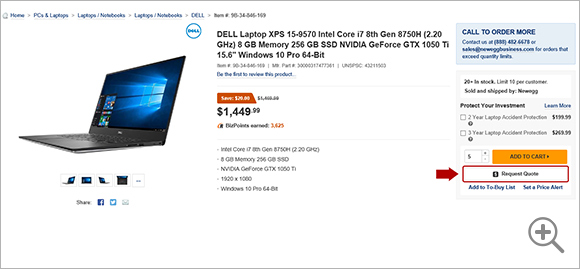
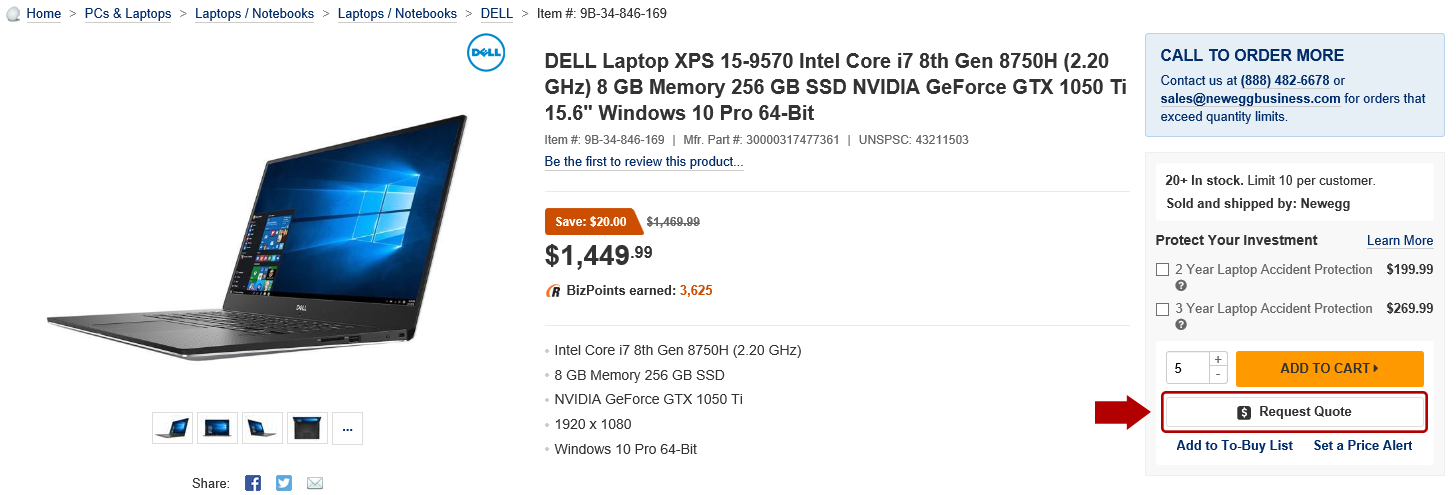
1. Navigate to the product page of the item(s) that you want to include to start your quote request.
Select the desired quantity, then click on the Request Quote button to add the item(s) to your request.
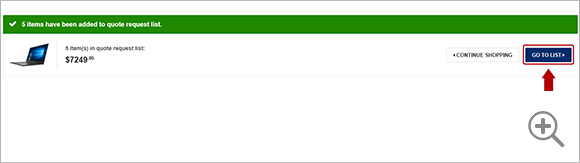
2. The next page confirms that the item(s) have been added to your quote request.
Select Continue Shopping to add additional items to your quote request.
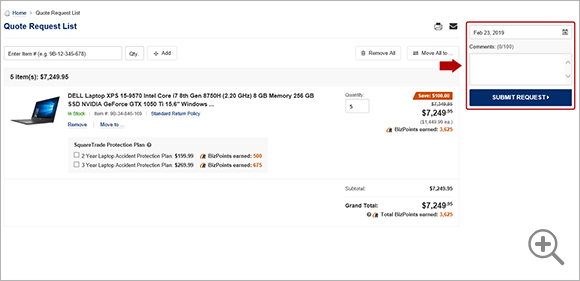
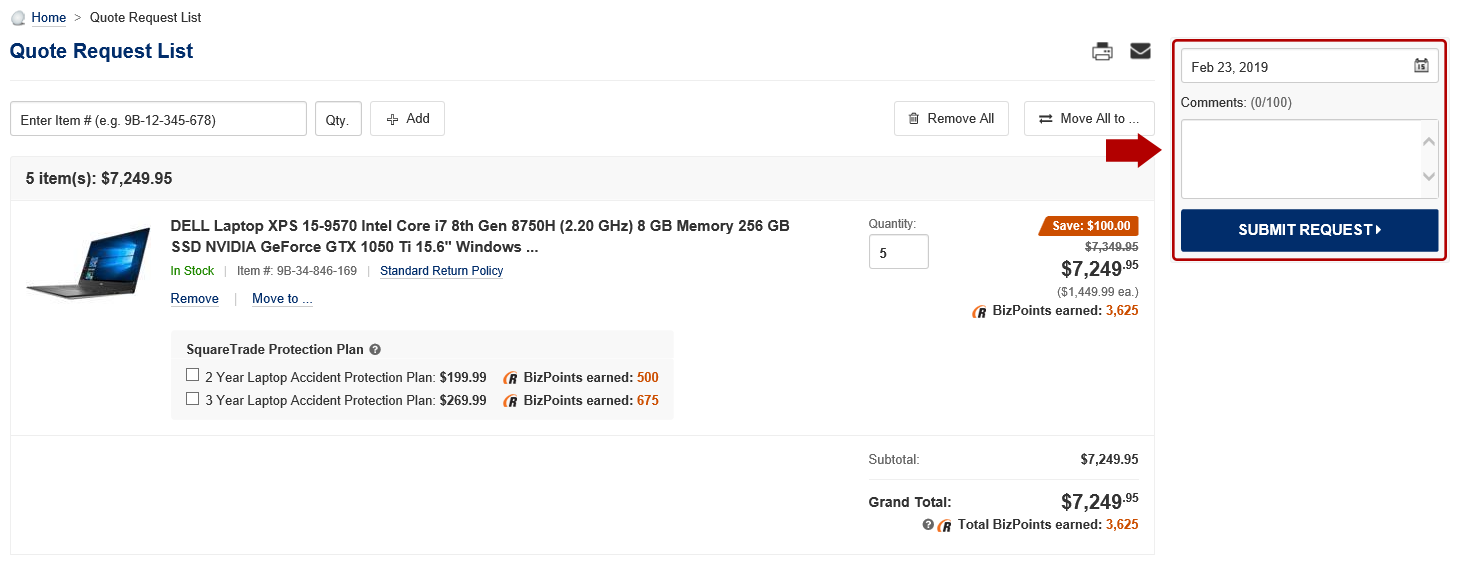
Select Go to List to view your quote request before submitting it to our Account Executives.

3. Add any comments or special remarks in the Comments (optional) field for our Account Executives to review. Then click on Submit Request.
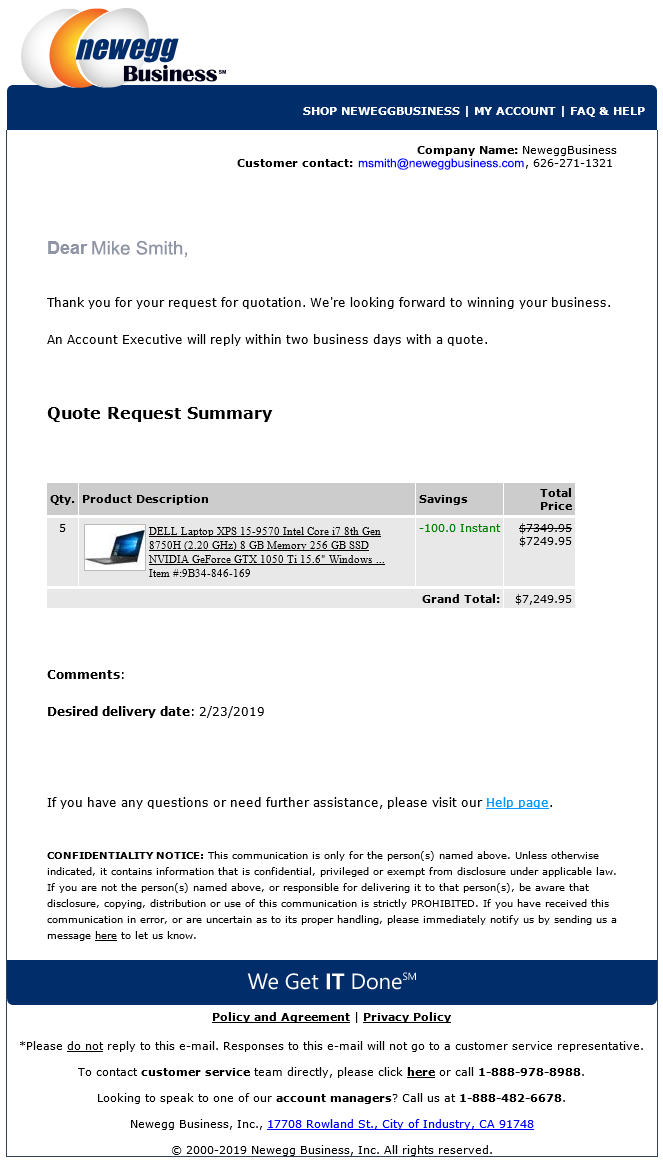
You will receive an e-mail confirming the receipt of your quote request. An Account Executive will follow up within two business days with a completed quote. View sample e-mail
Not logged on? You will be asked to create an account or provide your contact information.
How do I check the status of my quote?
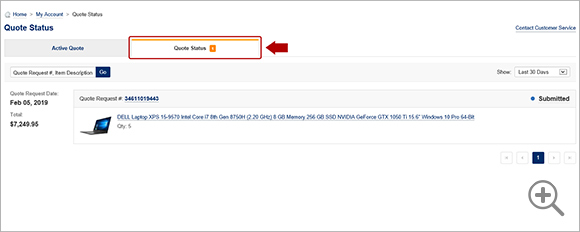
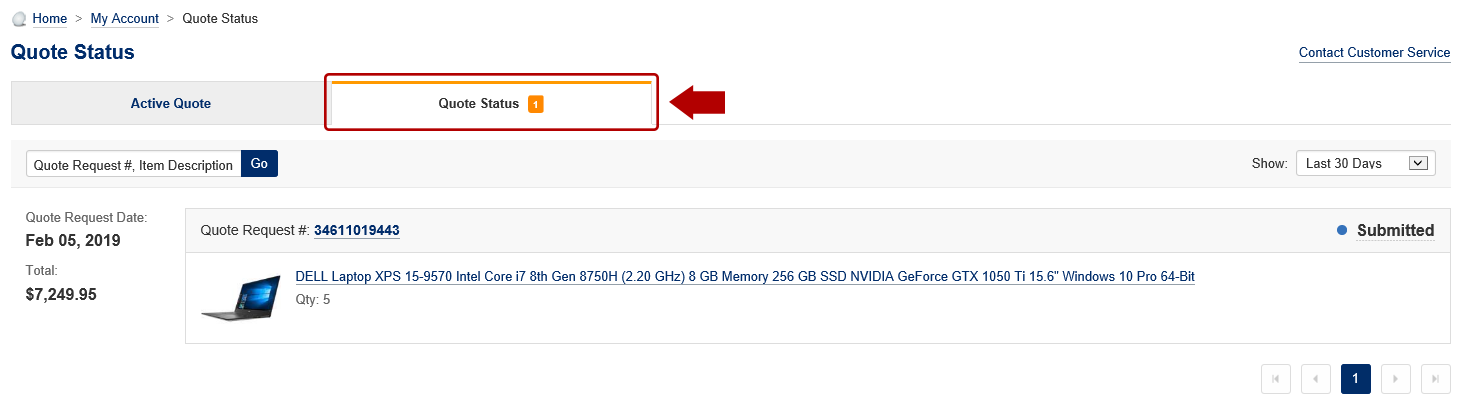
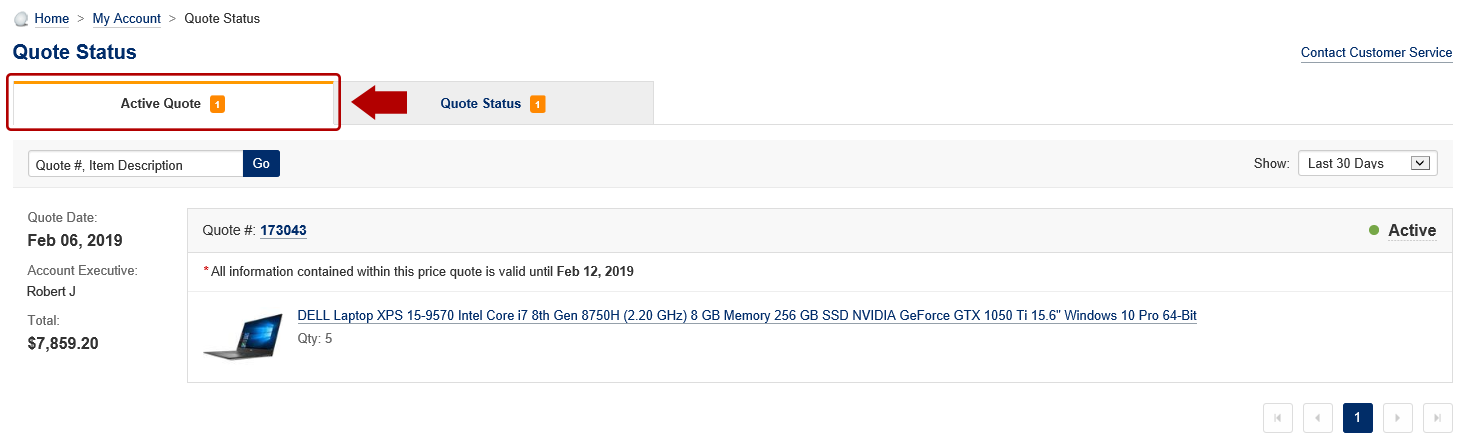
4. You can check the status of your quote requests in the Quote Status tab under My Account > Quote Status.
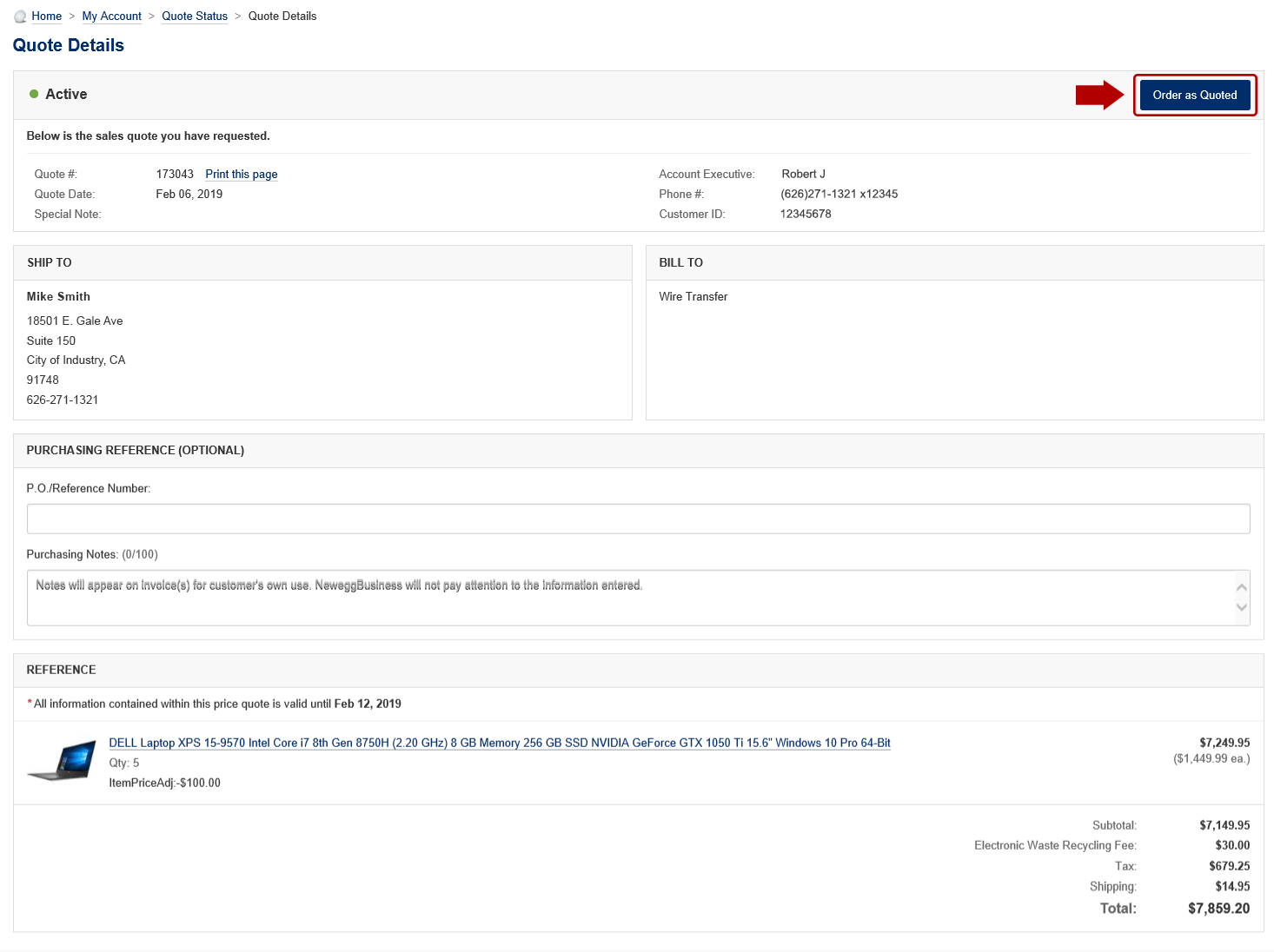
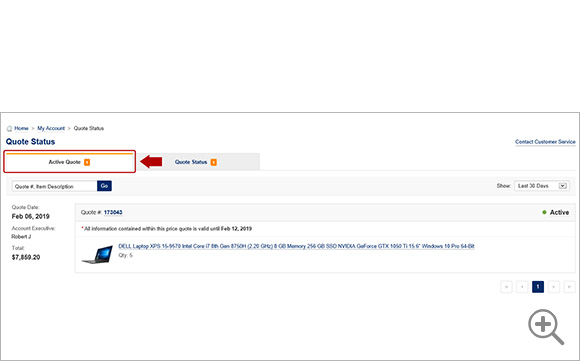
5. To view your completed quote, go to the Active Quote tab and click on the Quote ID Number.
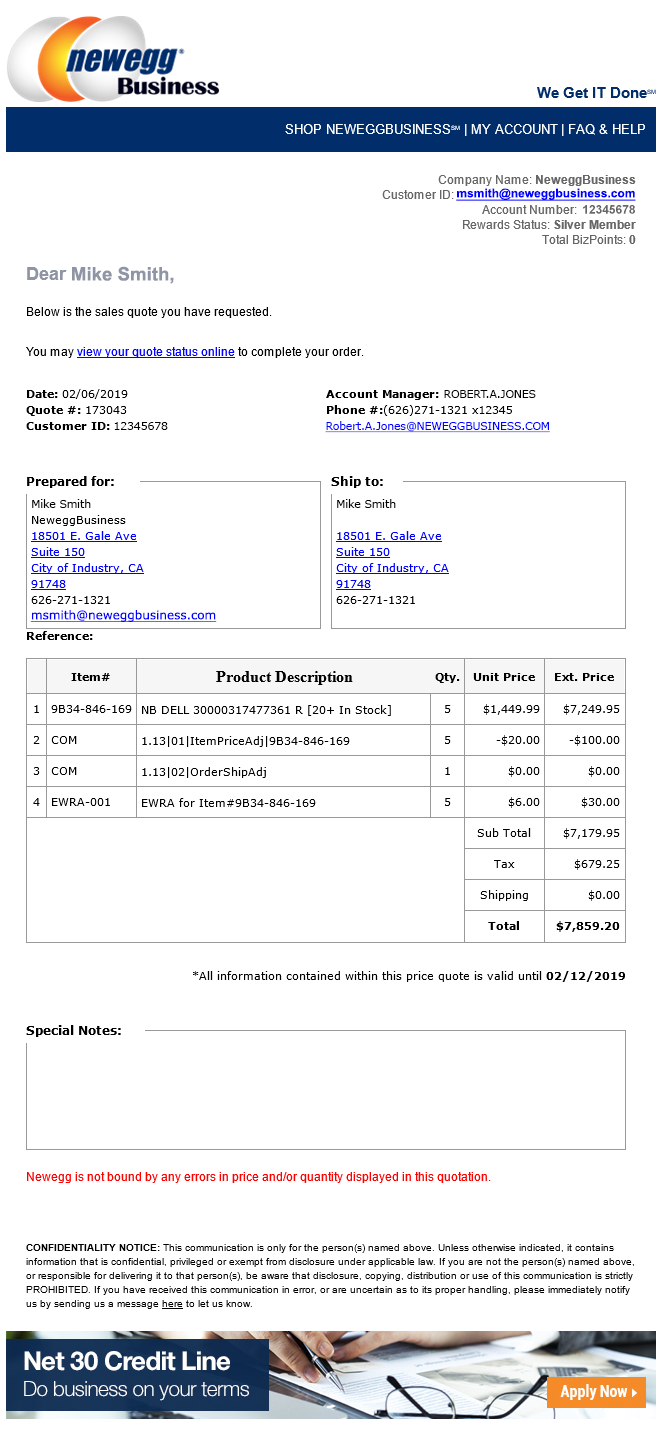
Once your quote is ready to view, you will receive an e-mail confirmation. View sample e-mail
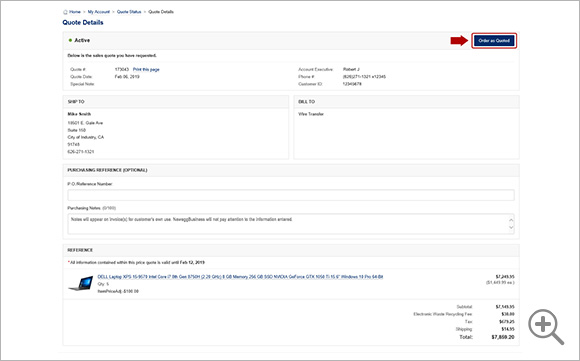
6. To proceed with the completed quote, click Order as Quoted. You will then receive an e-mail order confirmation.