


Mouse - Showing 1825 - 1848 of 69338 Products


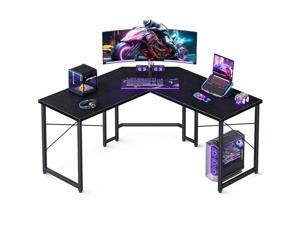
Casaottima L Shaped Gaming Desk, Corner Desk Gaming Table for Home Office, Computer ...
- Model #: JC40E-0527-651
- Item #: 9SIVRH8KY05828
- Return Policy: qianhaimaoyi Return Policy
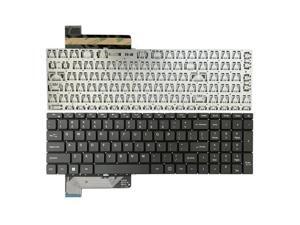
Keyboard suitable for Gateway GWNC31514 GWNC31514-Black color GWNC31514-BL ...
- Model #: C5JS-Z05141457
- Item #: 9SIVSKVKX79552
- Return Policy: JuWeiWangLuo Return Policy
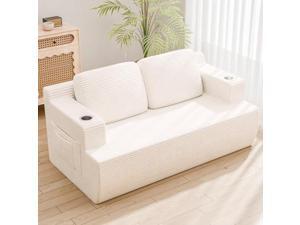
Homall 67 Cloud Couch Sofa 2 Seater Comfy Upholstered Loveseat Floor Sofa with High ...
- Model #: JC40E-0521-831
- Item #: 9SIVRH8KXG9486
- Return Policy: qianhaimaoyi Return Policy
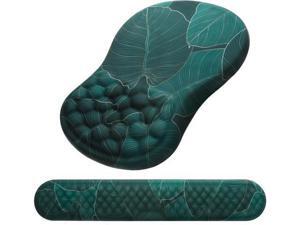
Mouse Pad Wrist Support 2 in1 Keyboard Wrist Rest+ Ergonomic Mouse Pad Non-Slip Wrist ...
- Model #: YC5KU.265260884
- Item #: 9SIVSMNKXU9296
- Return Policy: nonstop_7 Return Policy
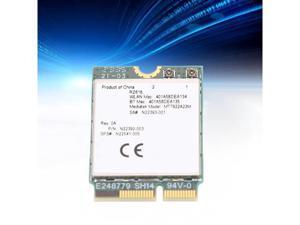
RZ616 MT7922A22M M.2 WiFi6E WL Network Card Module, 5374Mbps Bluetooth 5.2 Tri Band ...
- Model #: C5K8.0427028
- Item #: 9SIVSM8KVW7387
- Return Policy: Guohuashangmao Return Policy
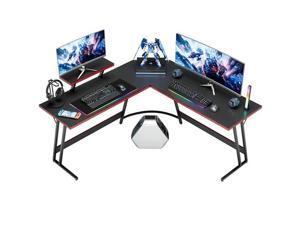
Homall L Shaped Gaming Desk Computer Corner Desk PC Gaming Desk Table with Large ...
- Model #: JC40E-0521-762
- Item #: 9SIVRH8KXG9097
- Return Policy: qianhaimaoyi Return Policy

Furmax Tall Dresser for Bedroom, 5 Drawer Dresser, Chest of Drawers, Organizer Drawers, for ...
- Model #: JC40E-0521-1396
- Item #: 9SIVRH8KXG6299
- Return Policy: qianhaimaoyi Return Policy
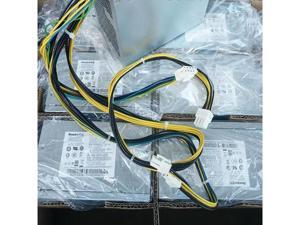
For P340 K M930T Power Supply HK600-11PP PCK010 SP50H29598 5P50V03181
- Model #: C5ZY.0519108
- Item #: 9SIVSWYKX37739
- Return Policy: SNUGGLESOFT LTD Return Policy
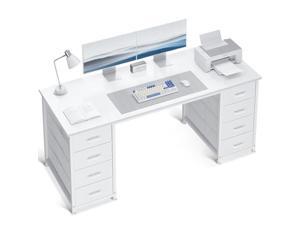
ODK 55 Inch Computer Desk with 8 Fabric Drawers, Modern Office Desk with Large Storage for ...
- Model #: JC40E-0527-671
- Item #: 9SIVRH8KY05826
- Return Policy: qianhaimaoyi Return Policy
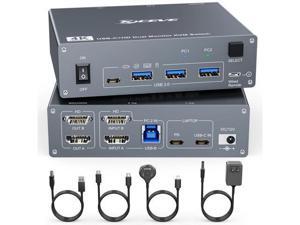
KVM Switch 2 Monitors 2 Computers USB C HDMI, Dual Monitor USB 3.0 USB Typc C KVM Switcher ...
- Model #: WC5K805180020
- Item #: 9SIVSM8KXB7400
- Return Policy: Guohuashangmao Return Policy
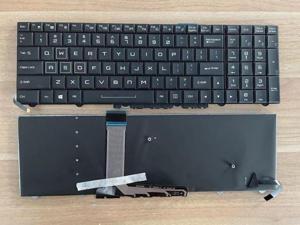
replacement keyboard for Clevo P750P750ZM P750G P750ZM-G P751G P751ZM US with ...
- Model #: C5JS-Z05141671
- Item #: 9SIVSKVKX79075
- Return Policy: JuWeiWangLuo Return Policy
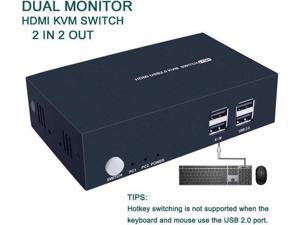
2 Port Dual Monitor KVM Switch HDMI 4K@30Hz 2 USB 2.0 Hub Supported Wireless Keyboard & ...
- Model #: WC5K805180219
- Item #: 9SIVSM8KXB6742
- Return Policy: Guohuashangmao Return Policy
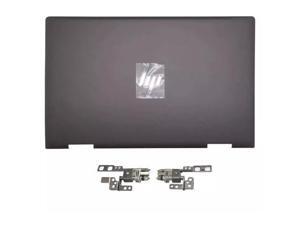
L94498-001 For HP Envy X360 13-AY Rear Lid Top Back Cover Brown LCD Hinges Rear
- Model #: C5JS-Z05180483
- Item #: 9SIVSKVKXP0234
- Return Policy: JuWeiWangLuo Return Policy
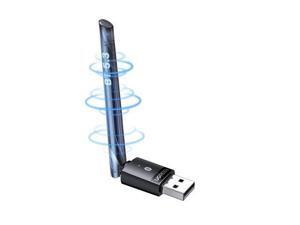
UGREEN Long Range Bluetooth 5.3 Adapter for PC, USB Bluetooth Dongle, Wireless Bluetooth ...
- Model #: WC5K805200028
- Item #: 9SIVSM8KXE2636
- Return Policy: Guohuashangmao Return Policy
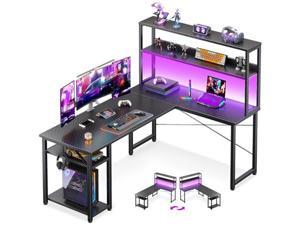
ODK 53" L Shaped Gaming Desk with Hutch & Headphone Hook, Corner Computer Table with ...
- Model #: JC40E-0527-689
- Item #: 9SIVRH8KY05634
- Return Policy: qianhaimaoyi Return Policy
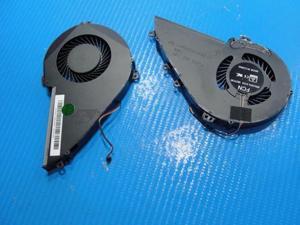
Cpu cooling fan for Blade RZ09-0220 17.3 inches 11273321100
- Model #: C5JS-Z05142400
- Item #: 9SIVSKVKX77889
- Return Policy: JuWeiWangLuo Return Policy
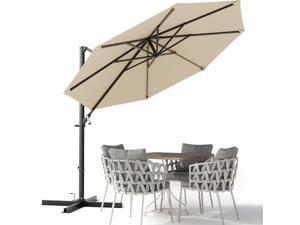
Devoko 10ft Cantilever Patio Umbrella, Round Large Outdoor Umbrella with 360-Degree ...
- Model #: JC40E-0521-330
- Item #: 9SIVRH8KXG5919
- Return Policy: qianhaimaoyi Return Policy
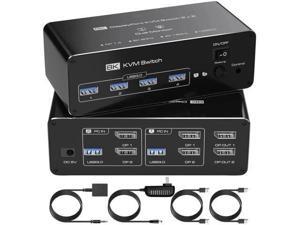
Dual Monitor DisplayPort KVM Switch 2 Monitors 2 Computers 8K@60Hz 4K@144Hz, DP KVM ...
- Model #: WC5K805180104
- Item #: 9SIVSM8KXB7104
- Return Policy: Guohuashangmao Return Policy
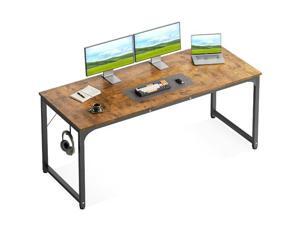
Casaottima 63 Inch Computer Desk for Home Office, Study Writing Table for Small Spaces, ...
- Model #: JC40E-0527-726
- Item #: 9SIVRH8KY05652
- Return Policy: qianhaimaoyi Return Policy
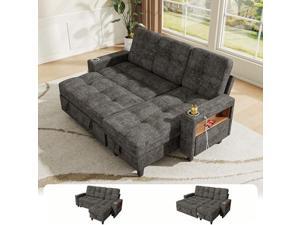
Homall 83'' L Shaped Convertible Sleeper Sofa Bed with Storage Chaise, Pull Out Couch with ...
- Model #: JC40E-0521-1408
- Item #: 9SIVRH8KXG6028
- Return Policy: qianhaimaoyi Return Policy
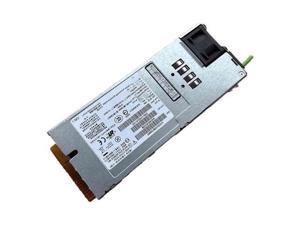
For Fujitsu RX200S7 DPS-800NB D S26113-E574-V52 Server Power Supply 800W
- Model #: C5ZY.0519205
- Item #: 9SIVSWYKX37442
- Return Policy: SNUGGLESOFT LTD Return Policy
Flamaker 9 Piece Patio Dining Set Outdoor Acacia Wood Table and Chairs with Soft Cushions ...
- Model #: JC40E-0521-1052
- Item #: 9SIVRH8KXG8366
- Return Policy: qianhaimaoyi Return Policy
19.5V 2.31A 45W laptop ac power adapter for XPS 12 9Q23 9Q33 12-L221X XPS12D Duo ...
- Model #: C5ZY.0514245
- Item #: 9SIVSWYKWR5600
- Return Policy: SNUGGLESOFT LTD Return Policy
83"Sectional Sleeper Sofa with Storage Chaise, Pull Out Couch Modular Sofa Bed with USB ...
- Model #: JC40E-0521-1023
- Item #: 9SIVRH8KXG8375
- Return Policy: qianhaimaoyi Return Policy
Considerations for Buying Computer Mice
Introduction
Like a keyboard, a computer mouse is an essential device for any workstation, even though touchscreen input is becoming more popular. However, with so many different features and types of mice available, you may be wondering which ones are essential for your staff and which ones are unneeded. Below, NeweggBusiness will go over some common considerations when purchasing computer mice.
Optical Technology
There are two major types of optical technology used in mice today, LED and laser. Neither is better than the other, as they are ideal for different types of users.
LED
An LED mouse usually costs less than a laser mouse, but may have slightly lower dots per inch (DPI) and is not as capable on shiny, black, and transparent surfaces. Sensitivity for an optical mouse typically ranges from 400 to 800 DPI, which is more than adequate for most tasks such as internet browsing, checking e-mail, or data entry.
Laser
One major advantage of a laser mouse is sensitivity, which can reach up to several thousand DPI. Also, laser mice can be used with a wider variety of surfaces than LED mice. So while an LED mouse may struggle with shiny, black, or glass surfaces, a laser mouse has no trouble. However, one downside is that laser mice typically cost more than most LED mice.
Connectivity
There are two types of connectivity for mice, wired and wireless. Users often debate over which type is superior, but to definitely declare that one is superior to the other is a difficult. Similar to the distinction between laser and LED, wired and wireless mice appeal to different types of users.
Wired
Some of the advantages of purchasing wired mice include lower cost, no worries about batteries, and no worries about wireless interference. It is the ideal option for staff that do not travel with their computers or mice in tow. If your staff do not have unused USB ports on their computers, consider equipping them with accessories such as USB hubs or Bluetooth dongles so that they can use Bluetooth mice.
Wireless
Wireless mice can potentially have issues with interference and many use batteries that need to be replaced, but does that make them inferior? Not quite, as they offer more convenience and are better suited for travellers and professionals mired by cable clutter. If you’ve decided to purchase wireless for some of your staff, then you will need to decide between RF mice and Bluetooth® mice.
- Radio frequency (RF) – RF wireless mice require use of USB dongles that are included with the mice. Some users may not like the fact that USB dongles are required, as it uses a USB port and can be lost if not careful.
- Bluetooth – Bluetooth mice do not require USB dongles but will require Bluetooth functionality on the computer. Another advantage of using Bluetooth mice is that they can be used with some tablets. However, some users do report that Bluetooth mice do require a little bit of time to “wakeup” after long periods of inactivity.
Size and Ergonomics
Mice can come in several sizes, with some better for laptop users and others for desktop users. Smaller mice are more convenient, especially if your users will be packing them into messenger bags or laptop cases. Desktop users that don’t expect to move their computers very much will find that larger mice are more than adequate
Alternatives
While most people are familiar with the standard mouse, there are a few alternatives that NeweggBusiness offers. Some are designed for increased ergonomics while others for precision. Here are two of the more common options.
Vertical Mice
These are special types of mice that are used with your hand in a vertical position, similar to how a joystick is held. Some manufacturers assert that using a vertical mouse puts less strain on the wrist and shoulder.
Trackball Mice
Trackball mice track movements of a ball in a socket instead of the entire mouse. The ball can be manipulated by the thumb, fingers, or palm depending on the design of the trackball mouse. Similar to vertical mice, trackball mice manufacturers state that they reduce strain and the likelihood of injury.

