


Mouse - Showing 1945 - 1968 of 69314 Products


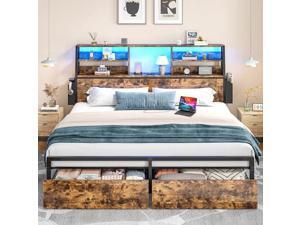
Homkdom King Size Bed Frame with Storage and Charging Station,King Bed Frame with LED ...
- Model #: C6TY-H0515-329
- Item #: 9SIVTDWKX71056
- Return Policy: Yerllnikret Return Policy
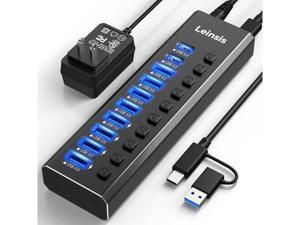
Powered USB Hub 3.2, LEINSIS 10-Port USB 3.2/USB C Hub (10Gbps USB-A 3.2 +2 USB-C 3.2 +7 ...
- Model #: C5YM-S520-859
- Item #: 9SIVTMDKYH2758
- Return Policy: Micnoieruntlr Return Policy
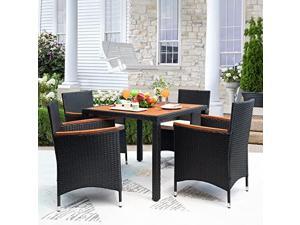
Devoko 5 PCS Furniture, Patio Conversation Set with Acacia Wood Top, Rattan Outdoor Dining ...
- Model #: C6TY-H05140550
- Item #: 9SIVTDWKX79601
- Return Policy: Yerllnikret Return Policy
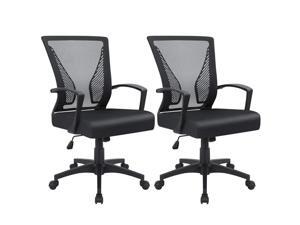
Furmax Office Chair Ergonomic Computer Desk Mesh Chair Mid Back Swivel Lumbar Support ...
- Model #: C6TY-H05140016
- Item #: 9SIVTDWKWK0047
- Return Policy: Yerllnikret Return Policy
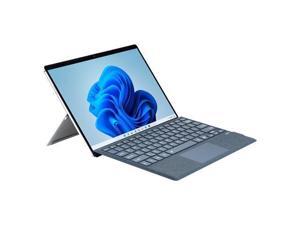
mobee Type Cover for Microsoft Surface Pro 7+/ Pro 7 / Pro 6 / Pro 5 / Pro 4 / Pro 3, Bluetooch Type ...
- Model #: C5YM-S520-1909
- Item #: 9SIVTMDKYH6470
- Return Policy: Micnoieruntlr Return Policy
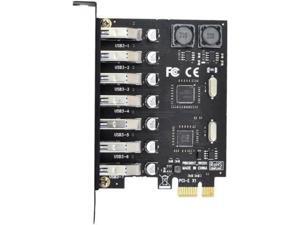
7 Ports PCI-E to USB 3.0 HUB PCI Express Expansion Card Adapter 5Gbps for Motherboard
- Model #: C5YJ-S527-2163
- Item #: 9SIVSW2KY05300
- Return Policy: QinQinDACANshop Return Policy

Furniwell Bookcase Bookshelves, 5-Shelf Tall Bookcase 71" Wood Open Display Floor ...
- Model #: C6TY-H05140591
- Item #: 9SIVTDWKX79628
- Return Policy: Yerllnikret Return Policy
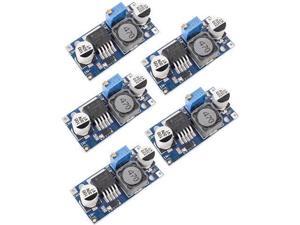
5 Pack LM2596 DC to DC Buck Converter 3.0-40V to 1.5-35V Adjustable Voltage Regulator ...
- Model #: C5YJ-S527-548
- Item #: 9SIVSW2KXS4574
- Return Policy: QinQinDACANshop Return Policy

Cute Frog Kawaii Green Desk Decor Mat, Large Gaming Mouse Pad for Computer Keyboard ...
- Model #: STARWELL306322042217LanG
- Item #: 9SIVNJ2KMT9955
- Return Policy: DianLan Return Policy
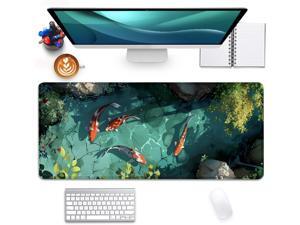
Japanese Koi Carp Fish Desk Pad Mouse Pad,Large Gaming Mouse Mat with Stitched ...
- Model #: STARWELL306322044037LanG
- Item #: 9SIVNJ2KMU0357
- Return Policy: DianLan Return Policy
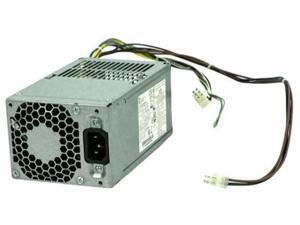
FOR 400 600 690 800 G1 G2 240W Power Supply 702309-002 702309-001 702307-002 ...
- Model #: C5YJ-S527-305
- Item #: 9SIVSW2KXS3662
- Return Policy: QinQinDACANshop Return Policy
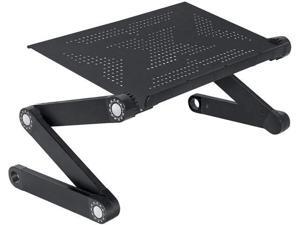
WonderWorker Newton Ergonomic Folding Laptop Table, Adjustable Laptop Stand, Portable ...
- Model #: C5YM-S520-554
- Item #: 9SIVTMDKYH1454
- Return Policy: Micnoieruntlr Return Policy
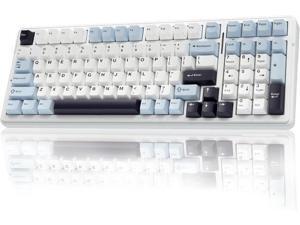
AULA F99 Wireless Mechanical Keyboard, Hot Swappable Custom Keyboard,Pre-lubed ...
- Model #: C5YM-S520-1029
- Item #: 9SIVTMDKYH3280
- Return Policy: Micnoieruntlr Return Policy
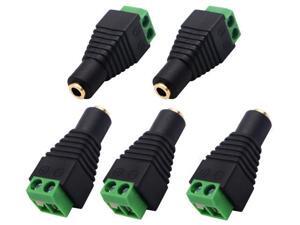
3.5mm Screw Terminal Gold Plated 3.5mm (1/8") TS Mono Female to 2 Pin Female Screw ...
- Model #: C53R-Z-521.1697
- Item #: 9SIVS8XKXK4014
- Return Policy: zijianmaoyigongsi Return Policy
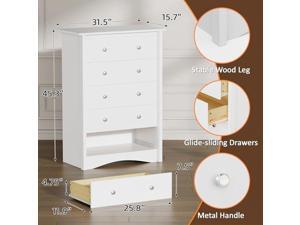
Flamaker Tall Dresser for Bedroom, 5 Drawer Dresser, Wood Dressers, Wide Chest of Drawer, ...
- Model #: C6TY-H05140619
- Item #: 9SIVTDWKX78417
- Return Policy: Yerllnikret Return Policy
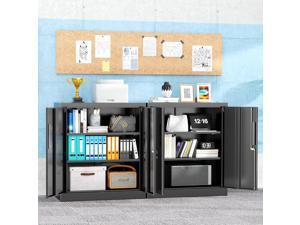
Locking Metal Cabinet, 36"×32"×16" Lockable Steel Storage Cabinet with 2 Doors and 2 ...
- Model #: C5YM-S528-76
- Item #: 9SIVTN0KYH7004
- Return Policy: Cuicuiqintoy Return Policy
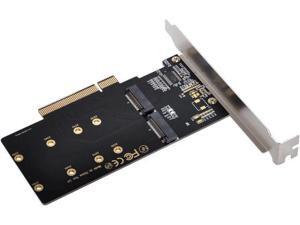
Dual 2X NVME M.2 AHCI to PCIE Express 3.0 Gen3 X8 X16 Raid Card VROC Raid0 Hyper Adapter
- Model #: C5YJ-S527-3403
- Item #: 9SIVSW2KXU9056
- Return Policy: QinQinDACANshop Return Policy
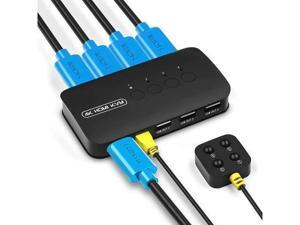
4 Ports HDMI KVM Switch, HDMI USB Selector for 4 Computers Share Keyboard Mouse Printer ...
- Model #: C5YJ-S527-1794
- Item #: 9SIVSW2KY06766
- Return Policy: QinQinDACANshop Return Policy
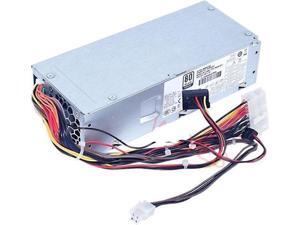
1pc 848050-003 797009-001 DPS-180AB-20 A Max 180W Power Supply
- Model #: C5YJ-S527-3146
- Item #: 9SIVSW2KXU8950
- Return Policy: QinQinDACANshop Return Policy
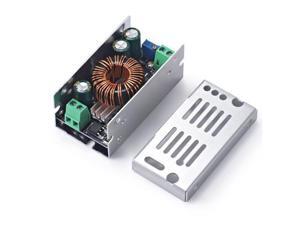
BUCIER 100W 6A DC-DC Buck Converter 10-90V 12V 24V 36V 48V 60V 72V 86 to 1.5V-60V 5V ...
- Model #: C53R-Z-521.925
- Item #: 9SIVS8XKXK6999
- Return Policy: zijianmaoyigongsi Return Policy

Homall Sectional Couches for Living Room, Modern Boneless Couch with Deep Seat, ...
- Model #: C6TY-H05140562
- Item #: 9SIVTDWKX79624
- Return Policy: Yerllnikret Return Policy
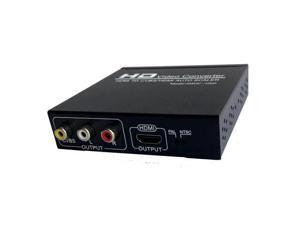
to CVBS/ auto scaler, convert video to RCA video for VHS, VCR,DVD Recorder PC to TV converter, ...
- Model #: C5YM-S520-1153
- Item #: 9SIVTMDKYH3463
- Return Policy: Micnoieruntlr Return Policy
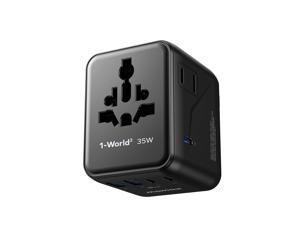
Universal Travel Adapter 7-in-1, All-in-one European Travel Plug Adapter with 3 USB-C PD & 2 ...
- Model #: C53R-M-525-271
- Item #: 9SIVS8XKY39772
- Return Policy: zijianmaoyigongsi Return Policy
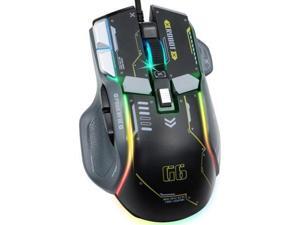
VEGCOO Wired Gaming Mouse, 12800 DPI Optical Gamer Mouse with 10 Programmable ...
- Model #: C5YM-S520-1974
- Item #: 9SIVTMDKYH6580
- Return Policy: Micnoieruntlr Return Policy
Considerations for Buying Computer Mice
Introduction
Like a keyboard, a computer mouse is an essential device for any workstation, even though touchscreen input is becoming more popular. However, with so many different features and types of mice available, you may be wondering which ones are essential for your staff and which ones are unneeded. Below, NeweggBusiness will go over some common considerations when purchasing computer mice.
Optical Technology
There are two major types of optical technology used in mice today, LED and laser. Neither is better than the other, as they are ideal for different types of users.
LED
An LED mouse usually costs less than a laser mouse, but may have slightly lower dots per inch (DPI) and is not as capable on shiny, black, and transparent surfaces. Sensitivity for an optical mouse typically ranges from 400 to 800 DPI, which is more than adequate for most tasks such as internet browsing, checking e-mail, or data entry.
Laser
One major advantage of a laser mouse is sensitivity, which can reach up to several thousand DPI. Also, laser mice can be used with a wider variety of surfaces than LED mice. So while an LED mouse may struggle with shiny, black, or glass surfaces, a laser mouse has no trouble. However, one downside is that laser mice typically cost more than most LED mice.
Connectivity
There are two types of connectivity for mice, wired and wireless. Users often debate over which type is superior, but to definitely declare that one is superior to the other is a difficult. Similar to the distinction between laser and LED, wired and wireless mice appeal to different types of users.
Wired
Some of the advantages of purchasing wired mice include lower cost, no worries about batteries, and no worries about wireless interference. It is the ideal option for staff that do not travel with their computers or mice in tow. If your staff do not have unused USB ports on their computers, consider equipping them with accessories such as USB hubs or Bluetooth dongles so that they can use Bluetooth mice.
Wireless
Wireless mice can potentially have issues with interference and many use batteries that need to be replaced, but does that make them inferior? Not quite, as they offer more convenience and are better suited for travellers and professionals mired by cable clutter. If you’ve decided to purchase wireless for some of your staff, then you will need to decide between RF mice and Bluetooth® mice.
- Radio frequency (RF) – RF wireless mice require use of USB dongles that are included with the mice. Some users may not like the fact that USB dongles are required, as it uses a USB port and can be lost if not careful.
- Bluetooth – Bluetooth mice do not require USB dongles but will require Bluetooth functionality on the computer. Another advantage of using Bluetooth mice is that they can be used with some tablets. However, some users do report that Bluetooth mice do require a little bit of time to “wakeup” after long periods of inactivity.
Size and Ergonomics
Mice can come in several sizes, with some better for laptop users and others for desktop users. Smaller mice are more convenient, especially if your users will be packing them into messenger bags or laptop cases. Desktop users that don’t expect to move their computers very much will find that larger mice are more than adequate
Alternatives
While most people are familiar with the standard mouse, there are a few alternatives that NeweggBusiness offers. Some are designed for increased ergonomics while others for precision. Here are two of the more common options.
Vertical Mice
These are special types of mice that are used with your hand in a vertical position, similar to how a joystick is held. Some manufacturers assert that using a vertical mouse puts less strain on the wrist and shoulder.
Trackball Mice
Trackball mice track movements of a ball in a socket instead of the entire mouse. The ball can be manipulated by the thumb, fingers, or palm depending on the design of the trackball mouse. Similar to vertical mice, trackball mice manufacturers state that they reduce strain and the likelihood of injury.

