


 All Categories
Built for How Business Buys.
All Categories
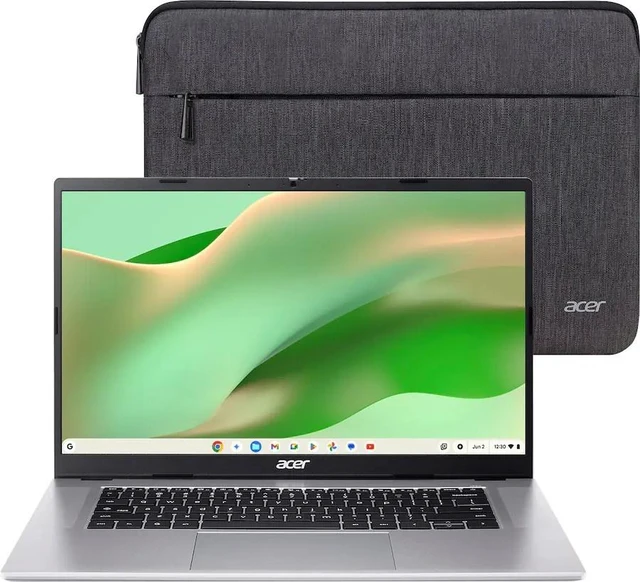
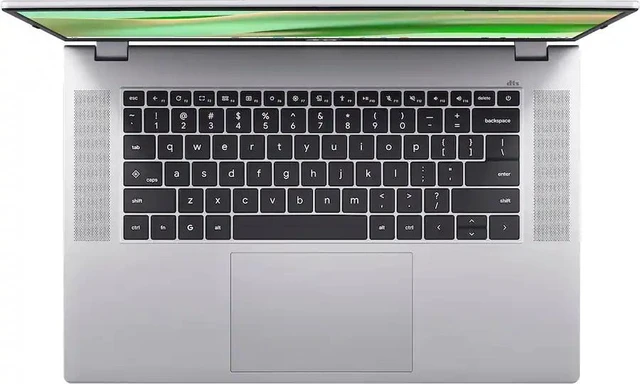
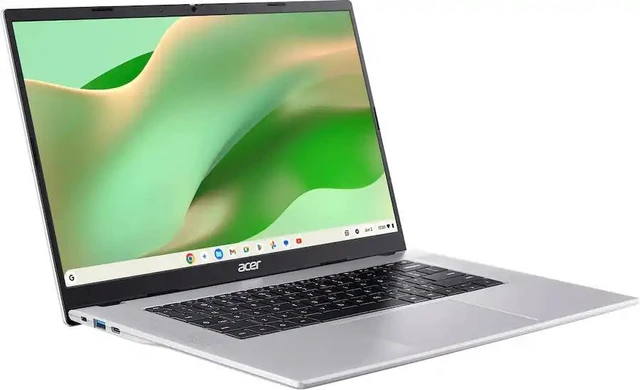
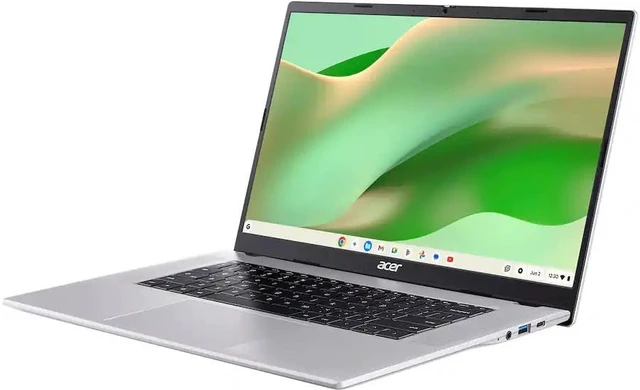
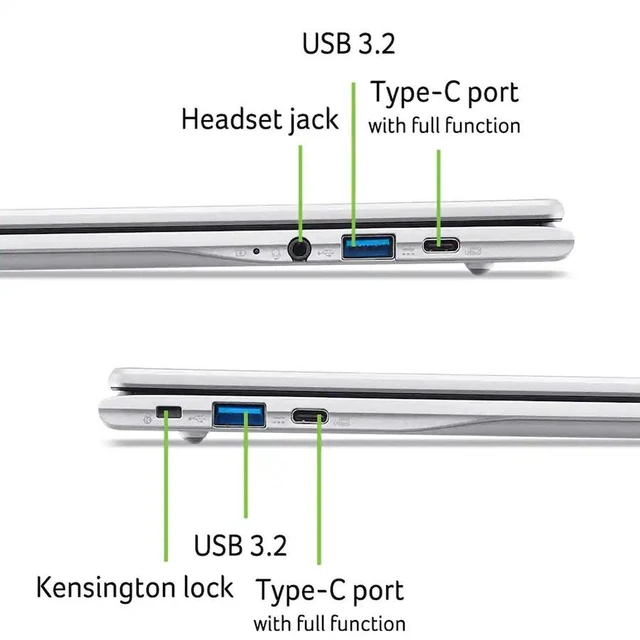
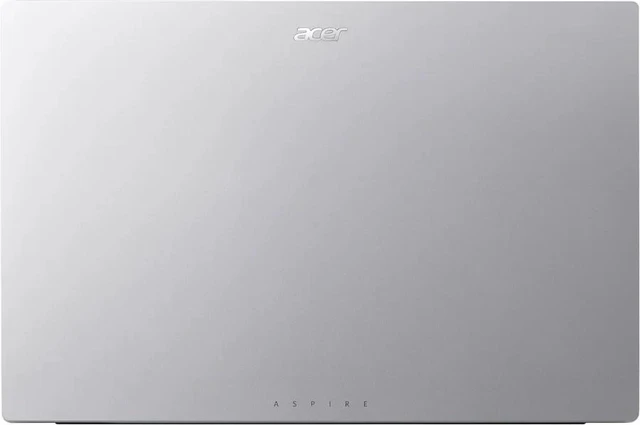
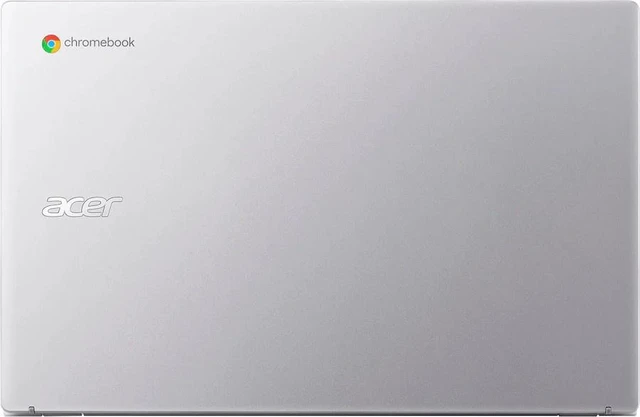


The Acer Chromebook 315 is a lightweight and affordable laptop designed for students, families, and everyday users who primarily work online. Powered by the Intel® Processor N50, 8GB DDR5 RAM, and 128GB eMMC storage, it delivers reliable performance for web browsing, online learning, cloud-based productivity, video streaming, and video conferencing. Its 15.6-inch Full HD IPS touchscreen display provides sharp visuals and responsive touch controls, while ChromeOS offers fast boot times, automatic updates, and built-in security. Enjoy a spacious, flexible ChromeOS experience with the Acer Chromebook 315, featuring a 15.6-inch FHD IPS touchscreen that delivers sharp 1920x1080 visuals and intuitive touch control. Powered by an Intel N50 processor and 8GB of DDR5 RAM, it is well suited for browsing, email, online learning, cloud applications, video calls, streaming, and everyday productivity. The 128GB eMMC storage provides convenient space for essential files and offline content, while Intel UHD Graphics supports clear visuals for work, entertainment, and web-based activities.
Key Features
The Acer Chromebook 315 is an excellent choice for students, teachers, remote workers, and anyone looking for an affordable laptop focused on web-based productivity, cloud computing, and everyday entertainment. ChromeOS offers a streamlined, easy-to-use platform with quick access to familiar Google services and compatible applications. The generous touchscreen is useful for navigating pages, viewing media, and interacting naturally with supported apps, while the laptop format remains practical for home, school, office, or travel. Finished in Silver, this Acer Chromebook combines a clean modern appearance with dependable everyday functionality, making it an appealing choice for students, families, remote workers, and users who prefer a simple cloud-connected computer.
Frequently Asked Questions
Q1: Is the Intel® Processor N50 suitable for everyday tasks?
Yes. It is well-suited for web browsing, email, online learning, Google Workspace, video streaming, and other everyday computing activities.
Q2: Is 8GB DDR5 RAM enough for ChromeOS?
Yes. 8GB of RAM provides a smooth experience when using multiple browser tabs, Android apps, and ChromeOS productivity tools simultaneously.
Q3: Can I install Windows applications on this Chromebook?
No. ChromeOS is designed primarily for web applications, Android apps from the Google Play Store (on supported models), and Linux applications. Traditional Windows desktop software is generally not supported.
Q4: Is the touchscreen useful?
Yes. The touchscreen makes navigating ChromeOS, browsing the web, using Android apps, and interacting with documents more intuitive and convenient.
Q5: Who is this Chromebook best suited for?
It is ideal for students, educators, remote workers, and home users who primarily use web-based applications and want an affordable, secure, and easy-to-maintain laptop with a large touchscreen display.
