


 All Categories
Built for How Business Buys.
All CategoriesShipped by Ancepts 3D Official Store
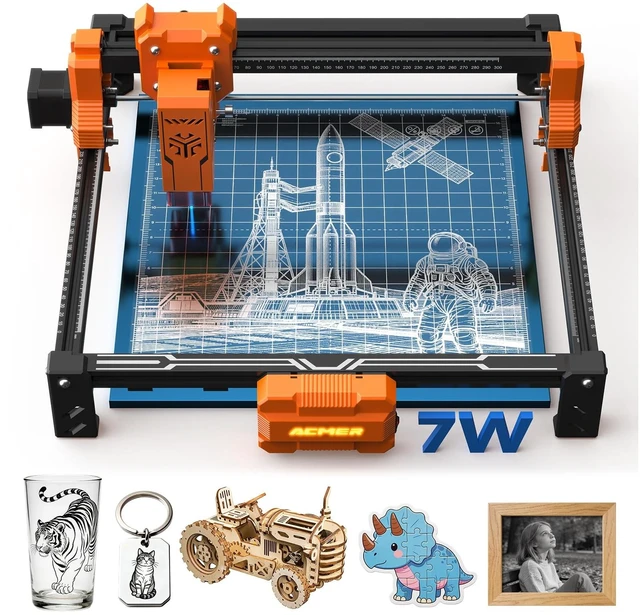
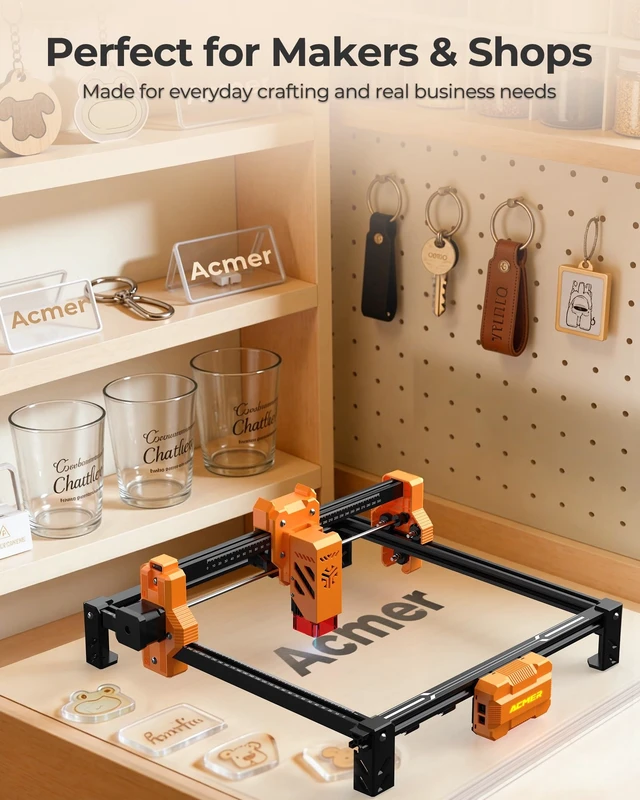
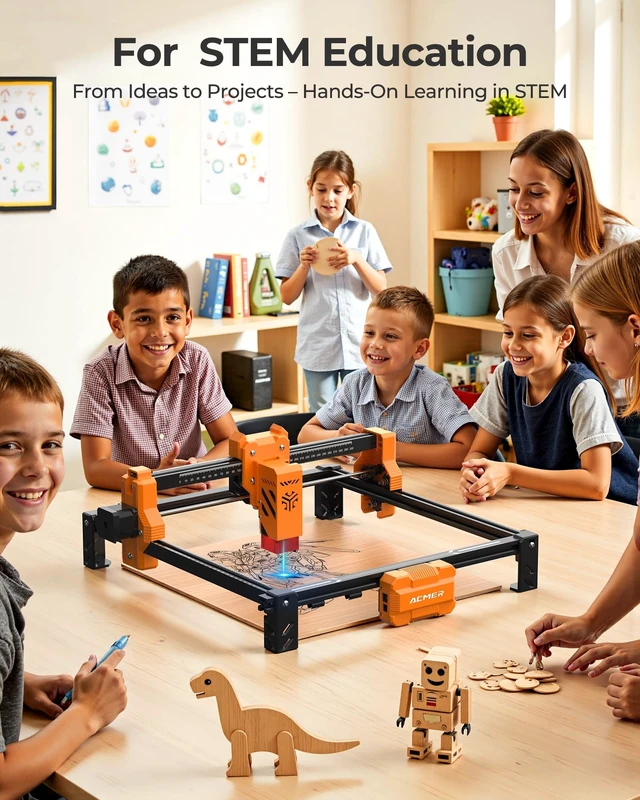
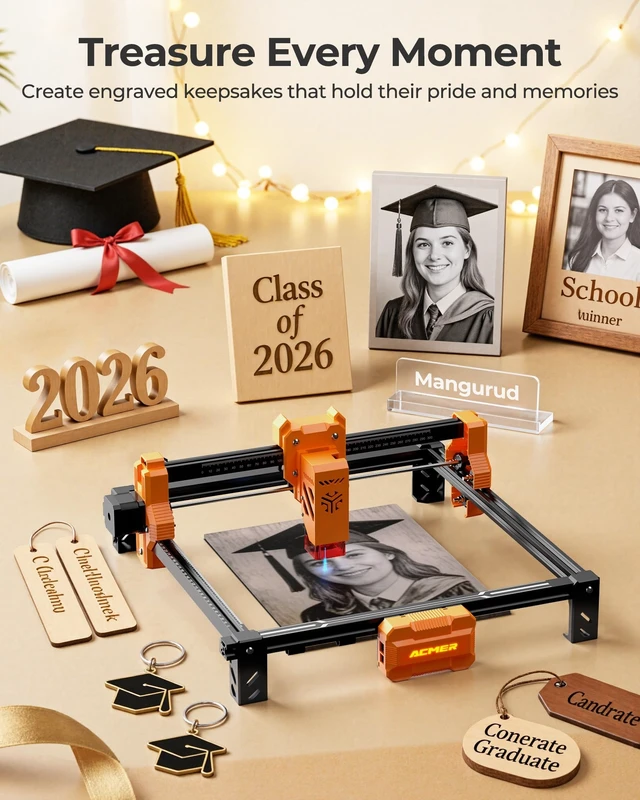



ACMER specializes in laser engraving machines, breaking industry limits on materials, speed, and area. We innovate for efficiency and ease of use, empowering creators to bring ideas to life effortlessly. Our mission is to enhance the DIY experience, making laser engraving faster and more accessible.



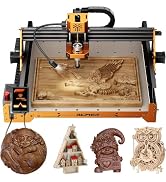
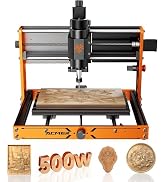
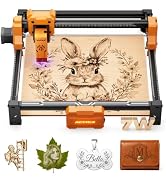
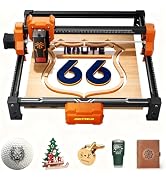
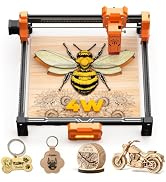
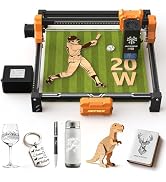

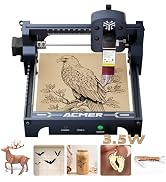
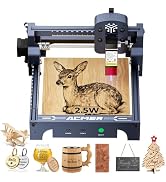
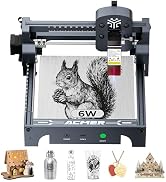
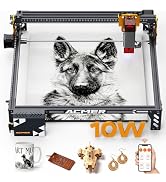
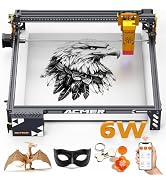
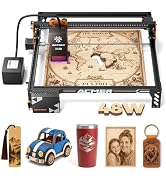
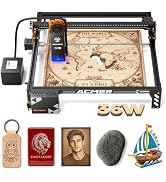
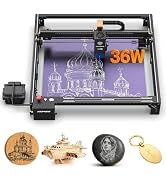
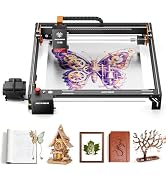

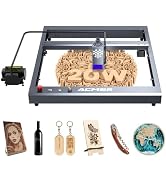


Laser Engraver |

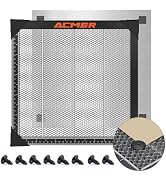
Honeycomb Laser Bed |

Laser Rotary Roller |

C4 Air Assist Pump Kit |

5MP LightBurn Camera |
|
|---|---|---|---|---|---|
|
Customer Reviews
|
— | — | — | — |
—
|
|
Price
|
— | — | — | — | — |
|
Label
|
Core Machine | Work Surface | Creative Expansion | — | Visual preview 450 x 450mm |
|
Compatible with S2
|
? | ? | ? | ? | ? |
|
Primary Function
|
Laser engraving & cutting | Protect desk & improve airflow | 360° cylindrical engraving | Cleaner cutting results | Visual Positioning Assistance |
|
Upgrade Benefit
|
Start your laser journey | Cleaner cuts & airflow | Rotary engraving support | Cleaner cuts & airflow | Improved Precision&Efficiency |
|
Best For
|
Beginners & hobby makers | Cleaner cutting results | Cups, bottles & round objects | Cleaner cutting results | For Batch Engraving |
Do I need to purchase software to use my ACMER laser engraver?
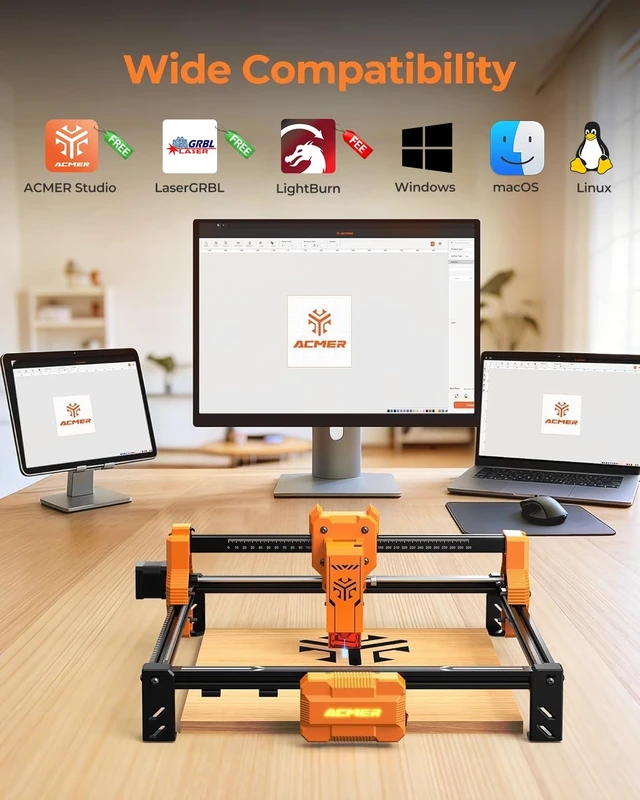
ACMER Studio is ACMER’s self-developed software for design and machine control, with core engraving functions available without an additional software purchase. LightBurn is also supported and requires a separate license.
Is an ACMER laser engraver suitable for beginners?
Yes. ACMER machines are designed for straightforward setup and everyday engraving projects. ACMER Studio also helps simplify designing, material settings, and machine control.
How can I get better engraving results?
Proper focus and the right speed and power settings are key. Testing your material first can help you achieve cleaner, sharper engraving results.
What materials can I engrave with an ACMER laser?
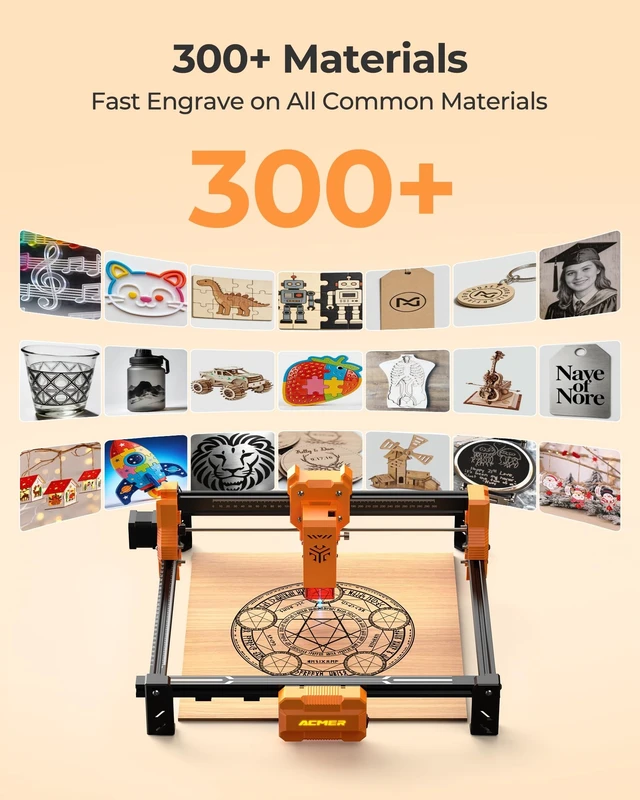
Depending on the model, you can work with materials such as wood, leather, dark acrylic, coated metal, and more. Transparent or reflective materials may require surface preparation.
Can I expand my ACMER setup later?
Yes. Compatible accessories such as rotary rollers, air assist, honeycomb beds, enclosures, and risers can help you take on more types of engraving projects.


Self-developed software
AI-Powered Desgin
|
Laser Engraver |
Honeycomb Laser Bed |
Laser Rotary Roller |
C4 Air Assist Pump Kit |
5MP LightBurn Camera |
|---|---|---|---|---|
| Customer Reviews | ||||
| — | — | — | — |
—
|
| Price | ||||
| — | — | — | — | — |
| Label | ||||
| Core Machine | Work Surface | Creative Expansion | — | Visual preview 450 x 450mm |
| Compatible with S2 | ||||
| ? | ? | ? | ? | ? |
| Primary Function | ||||
| Laser engraving & cutting | Protect desk & improve airflow | 360° cylindrical engraving | Cleaner cutting results | Visual Positioning Assistance |
| Upgrade Benefit | ||||
| Start your laser journey | Cleaner cuts & airflow | Rotary engraving support | Cleaner cuts & airflow | Improved Precision&Efficiency |
| Best For | ||||
| Beginners & hobby makers | Cleaner cutting results | Cups, bottles & round objects | Cleaner cutting results | For Batch Engraving |
Do I need to purchase software to use my ACMER laser engraver?
ACMER Studio is ACMER’s self-developed software for design and machine control, with core engraving functions available without an additional software purchase. LightBurn is also supported and requires a separate license.
Is an ACMER laser engraver suitable for beginners?
Yes. ACMER machines are designed for straightforward setup and everyday engraving projects. ACMER Studio also helps simplify designing, material settings, and machine control.
How can I get better engraving results?
Proper focus and the right speed and power settings are key. Testing your material first can help you achieve cleaner, sharper engraving results.
What materials can I engrave with an ACMER laser?
Depending on the model, you can work with materials such as wood, leather, dark acrylic, coated metal, and more. Transparent or reflective materials may require surface preparation.
Can I expand my ACMER setup later?
Yes. Compatible accessories such as rotary rollers, air assist, honeycomb beds, enclosures, and risers can help you take on more types of engraving projects.
ACMER specializes in laser engraving machines, breaking industry limits on materials, speed, and area. We innovate for efficiency and ease of use, empowering creators to bring ideas to life effortlessly. Our mission is to enhance the DIY experience, making laser engraving faster and more accessible.
ACMER S2 Laser Engraver choose the laser power that fits your projects.
The ACMER S2 is a desktop diode laser engraver with a 300 x 300 mm working area, USB connectivity, and compatibility with LightBurn and LaserGRBL. Choose the 7W or 12W option on this page; each option is a separate, correctly identified laser-output configuration.
Built for personalized projects
Create detailed designs on compatible materials such as wood, paper, leather, dark acrylic, anodized aluminum, and prepared coated surfaces. Actual engraving and cutting results vary with material composition, thickness, color, focus, speed, power, and air-assist setup.
Key specifications
In the box
S2 engraver frame and laser module, power adapter, USB cable, safety glasses, assembly hardware/tools, and documentation. Package contents may vary by production batch; use the final packing list for the exact contents.
Laser safety
Class IV laser product. Wear the included appropriate laser safety eyewear, operate only in a well-ventilated area, keep the unit attended while operating, and do not use on reflective materials unless the manufacturer specifically permits and provides a safe procedure.
Product information
| Model Name | S2 7W Laser Engraver |
| Package Quantity | 1 |
| Brand Name | ACMER |
| Is Product Expirable | No |
| Item Package Dimensions | 15.0114 L x 29.591 W x 54.7116 H centimeters |
| Size | 7000mW |
| Item Highlight | 0.01mm Precision, 300×300mm Engraving Area, 10000mm/min Speed, for Wood, Metal, Acrylic, Leather, DIY & Education |
| Color | Pack-002 |
| Package Weight | 3.719 kilograms |
| Manufacturer | ACMER |
| Model Number | S2 7W-0082010099-US-006 |
| Are batteries required? | No |
| Are batteries included? | No |


