


 All Categories
Built for How Business Buys.
All Categories
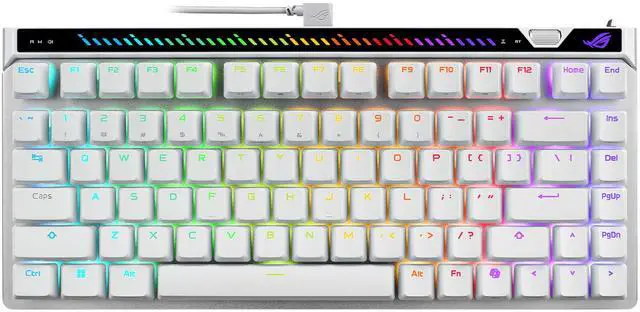
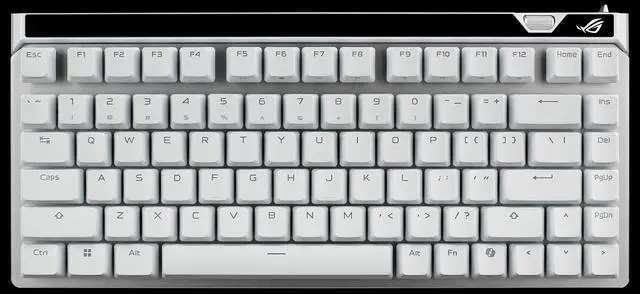
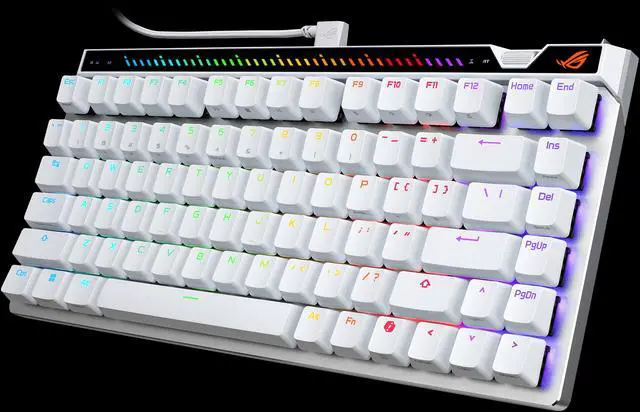
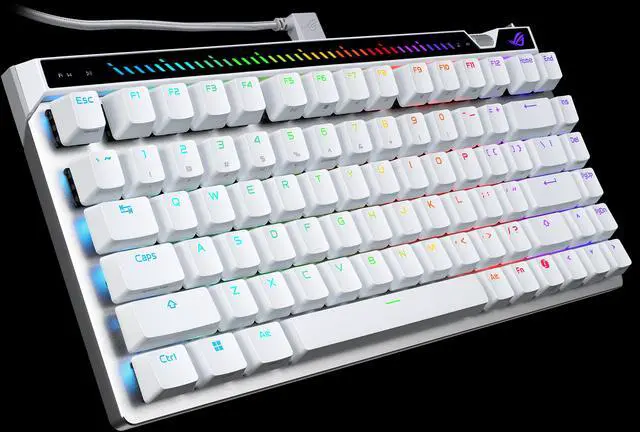
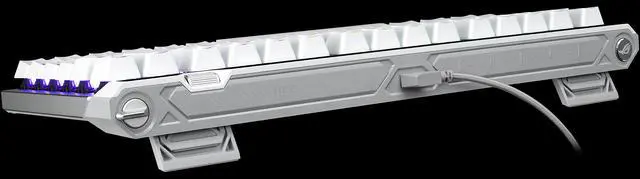
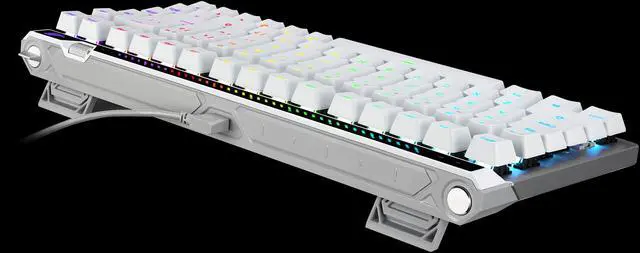
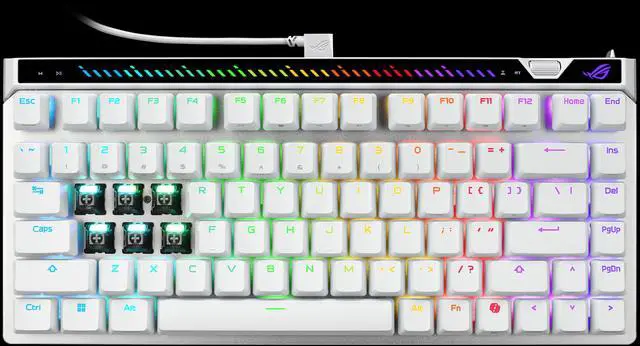

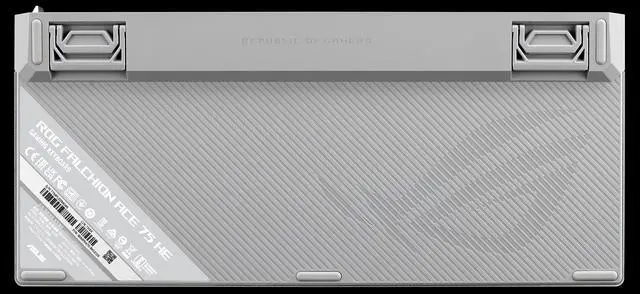



The ROG Falchion Ace 75 HE builds on the success of the ROG Falchion Ace HFX with a roomier 75% layout, upgraded HFX V2 & V2X magnetic switches magnetic switches, and a new ROG Hall Sensor. It also introduces an adjustment wheel for effortless on-board tuning, while retaining the multifunction button, interactive touch panel, and the fan-favorite Rapid Trigger toggle. Plus, an 8000 Hz polling rate delivers lightning-fast response, ensuring every keystroke is registered with unmatched speed and precision.
ROG HE is a new keyboard platform that features structural upgrades for improved stability and performance. It is a socket platform identifier for ROG keyboards using Hall Effect switches and supports hot-swappable magnetic switches. The magnetic switches can be shared across all supported ROG HE keyboards and will support future upgrades within the same socket.

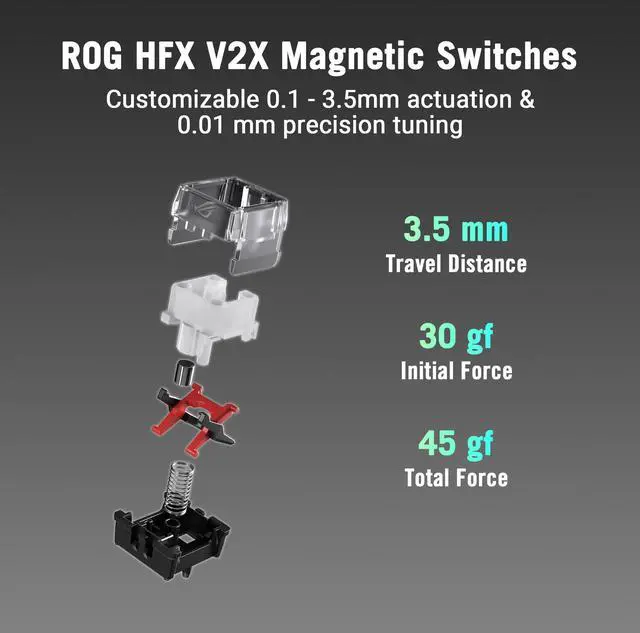
The upgraded ROG HFX V2 & V2X magnetic switches take precision and consistency to the extreme. With smoother travel, tighter magnetic control, and ultrafine adjustability, every keystroke feels unmistakably ROG.

3.5 mm
Travel Distance
32 gf
Initial Force
49 gf
Total Force

3.5 mm
Travel Distance
30 gf
Initial Force
45 gf
Total Force

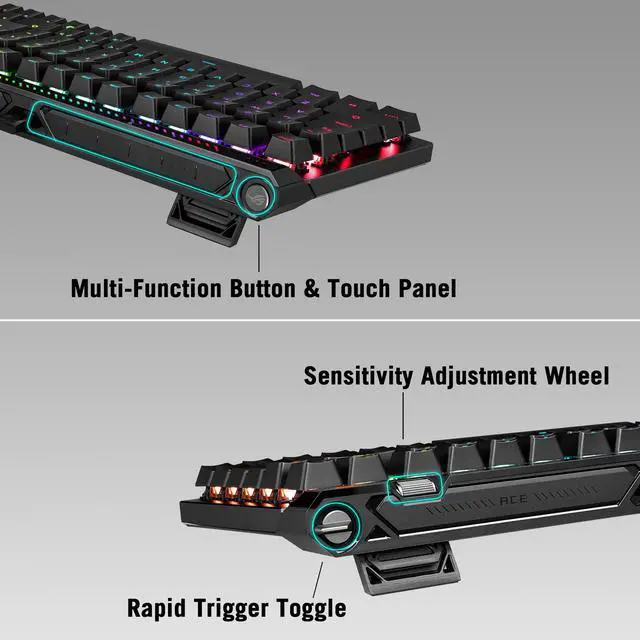
The built-in Rapid Trigger toggle enables instant activation and deactivation. You can also press the wheel to switch between actuation point and rapid trigger sensitivity adjustment, then roll the wheel to fine-tune your preferred settings. By default, the Rapid Trigger feature is enabled for the WASD keys only.

The multi-function button and interactive touch panel offer intuitive control over volume, media playback, lighting effects, and custom commands. An integrated LED light bar above the function key row provides real- time visual feedback, reflecting every adjustment with dynamic precision.
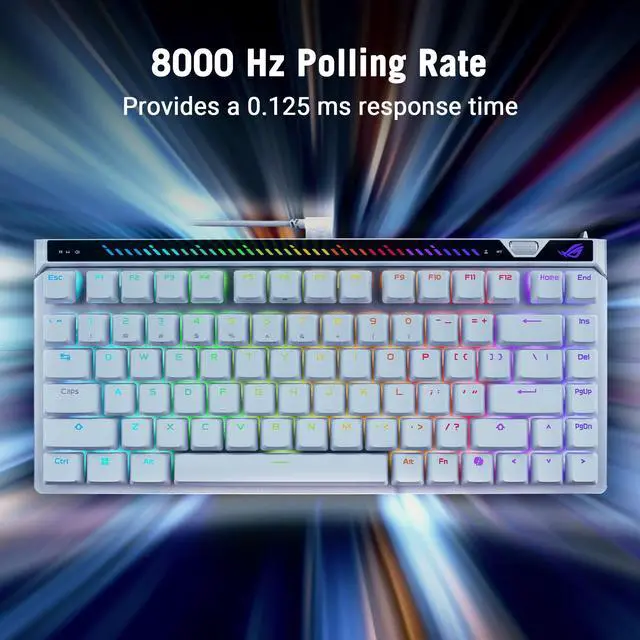
A high-speed USB microcontroller delivers an 8000 Hz polling rate that refreshes input up to 8X faster than most gaming keyboards, reducing delay from 1 millisecond to a mere 0.125 ms.

* Polling rate is how often the keyboard reports to your computer. The faster the polling rate, the quicker the response time of each keypress. Gaming keyboards typically have a top polling rate of 1000 Hz. An 8000 Hz polling rate means the keyboard reports 8000 times per second, which eliminates input lag.
In Speed Tap (SOCD*) mode, as soon as the system detects the input of two keys (e.g., A and D), it will prioritize the last input and automatically release the previous one. This means that in FPS games, pressing two opposing directional keys will no longer cause the character to stop moving. Instead, directional changes can now be done immediately, without releasing the previous key—eliminating any time gap for counter-strafing and ensuring precise aim every time.

* Speed Tap feature is turned off by default. Simultaneously press Fn + Caps keys to activate.
* SOCD - Simultaneously Opposing Cardinal Directions
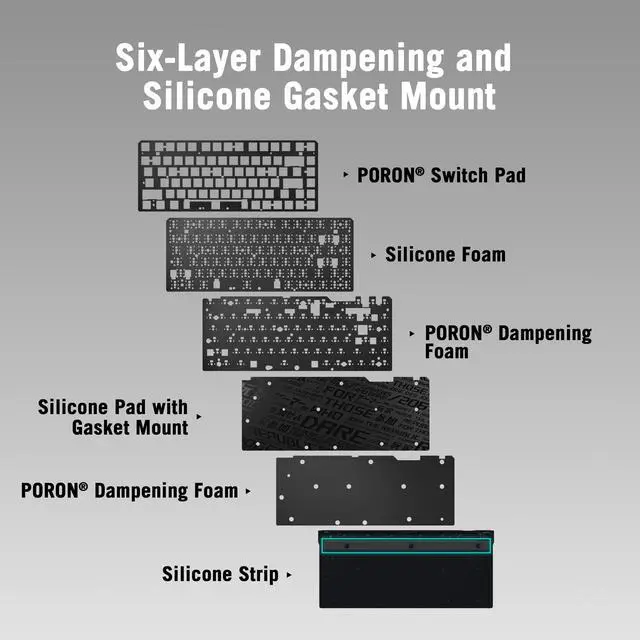
The Falchion Ace 75 HE uses six dampening layers - three PORON® and three silicone layers - to absorb keystroke vibrations and pinging noise.


Built for gamers on the move, the custom-fit carry case shields your keyboard from impact and scratches, keeping it secure and ready for every match - anytime, anywhere.

The angled USB Type-C® connector allows for a neater gaming setup and keeps the cable away from your mousing hand.

Durable keycaps with a textured finish resist wear and deliver a consistent, satisfying typing feel.

Gear Link is a new web-based app that lets gamers customize keyboard settings without the need for additional file downloads or installation. Simply visit the Gear Link webpage, connect the device, and fine-tune settings - all from a browser.

Why does it feel like there's no effect after enabling the Rapid Trigger toggle?
By default, the Rapid Trigger feature is only enabled for the WASD keys when toggled on. If you need to change which keys the feature applies to, please adjust the settings in Gear Link .
Why is there still a 0.7 ms delay even though I have an 8000 Hz polling rate?
The theoretical response time for an 8000Hz polling rate is 0.125 ms, meaning your computer requests data from the keyboard every 0.125 ms. However, the actual end-to-end delay is also influenced by the travel distance of the switch and the processing speed of the device.
ur testing method is as follows:
- Set the actuation travel to 0.1 mm.
- Use a solenoid to press a keycap with a metal sheet attached. When the solenoid first contacts the metal sheet, it sends the first signal.
- The solenoid continues to press the switch, and when it reaches the 0.1 mm actuation point, it sends a second signal.
- The time difference between these two signals is the click latency.
* Actual data may vary depending on the testing environment and methods, but the data provided in this document is based on results obtained under consistent conditions and methods.
How can I check the current actuation point or rapid trigger sensitivity setting when adjusting it with the sensitivity adjustment wheel?
You can clearly identify the current setting through the RGB light bar on the top of the keyboard. Each increase of one segment represents +0.1 mm, and each decrease of one segment represents -0.1 mm.
How do I activate Speed Tap?
To activate Speed Tap, press and hold the Fn + Caps keys for 1 second. The activated keys will flash white briefly, with the default activation being the AD keys. Pressing the keys again will cause them to flash red, indicating that the Speed Tap function is now deactivated.
Is this a hot-swappable keyboard? Can I use my own magnetic switch?
Essentially, the magnetic switches are hot-swappable. However, the functionality of the magnetic switches depends on the position of the magnets and the compatibility with the Hall Sensor. A third-party switch manufacturer will soon launch switches compatible with our keyboard. With the switch calibration feature scheduled to go live later this year, users will be able to calibrate them in Gear Link and start using them right away.
Will Gear Link be available for previous keyboard models?
Other than ROG Falchion ACE 75 HE, Gear Link also supports ROG Azoth 96 HE, ROG Falcata, ROG Harpe II Ace, ROG Azoth X and ROG Keris II Origin. For future models please refer to Gear Link FAQ.
Can I reset all personalized settings to factory default settings?
Yes, please press Fn + Esc and hold these two keys until the keyboard LEDs begin blinking green, then release the two keys.
Why is the ROG Falchion Ace 75 HE incompatible with other magnetic switches with central magnet?
There is no industry standard. In analog switches, there are both magnetic and optical variants. The ROG development team has also observed ongoing discussions within the community and supply chain regarding performance improvements for existing analog switches. We anticipate that switch designs will continue to evolve.
Our keyboard is designed to provide users with the most complete experience right out of the box. We've fine-tuned the switch feel to perfection, ensuring optimal stability and enhancing both the bottom-out feel and sound. This way, users don't need to make any additional modifications.
Compared to other magnetic switches, ROG places the magnet on the side. The main reason is that one major drawback of placing the magnet in the center is that it worsens the bottom-out feel, and the sound is not perfect. However, the ROG HFX V2 Magnetic switches retain the mechanical switch's stem design while positioning the magnet to the side, allowing the stem to fully bottom out. This results in a more focused and solid feel and sound. Please refer to the images below:


