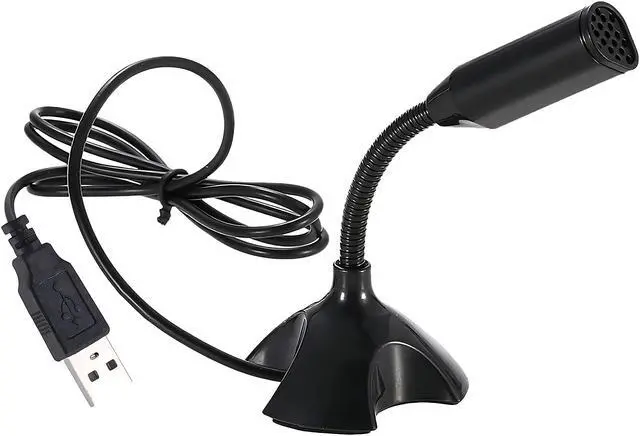
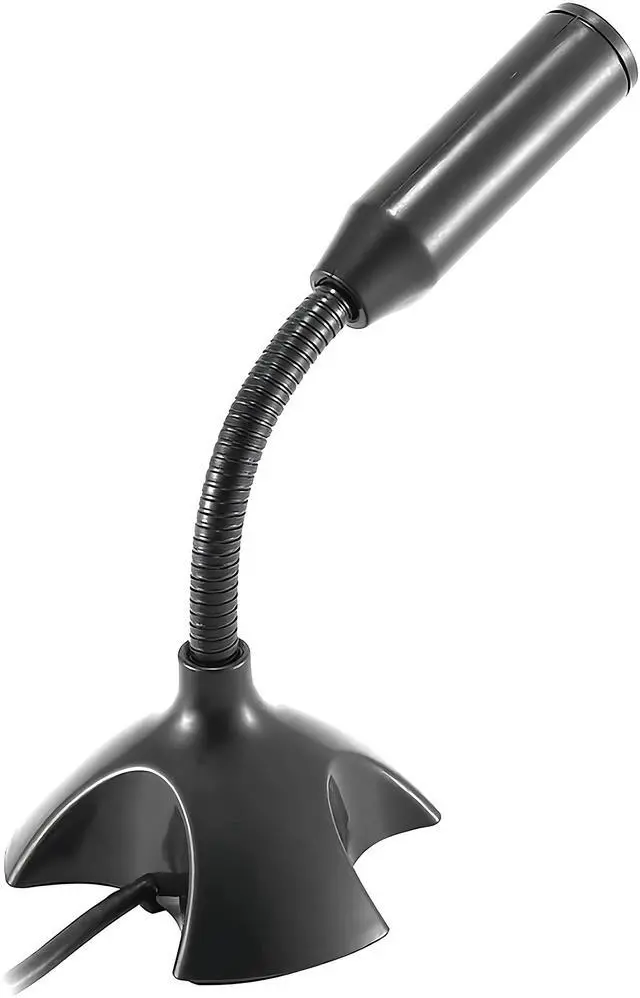
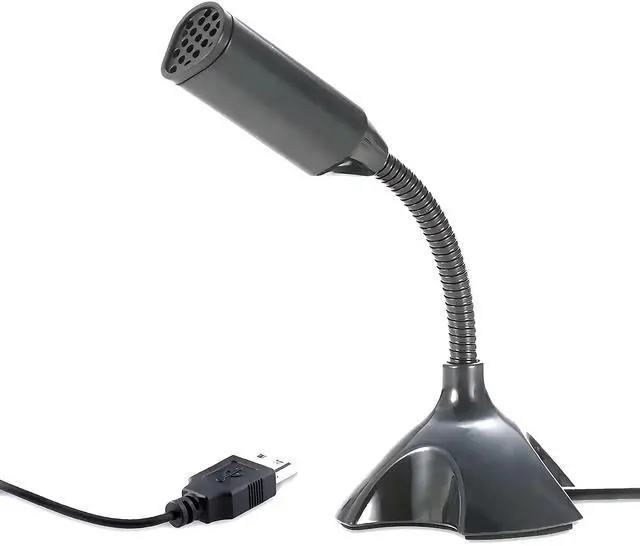
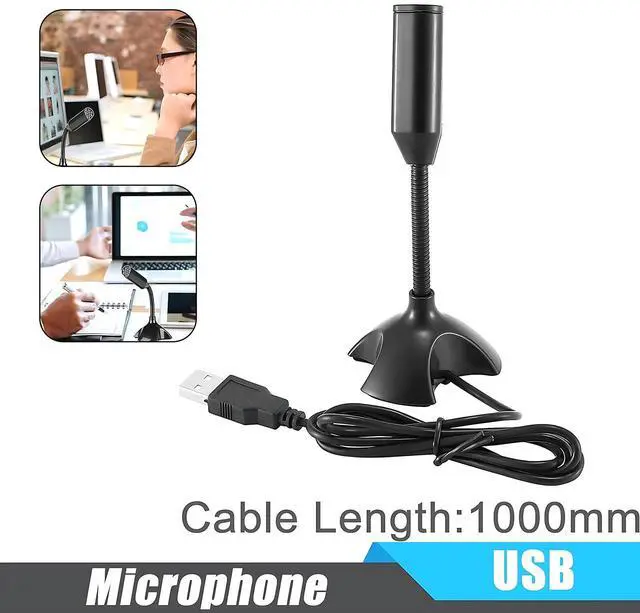
Mini USB Microphone for Desktop Computer and Laptop,Portable USB Condenser Mic With Adjustable Stand,Compatible with PC/Mac,Plug & Play,Ideal for Meeting,Online Class,Games,Remote work(Black)
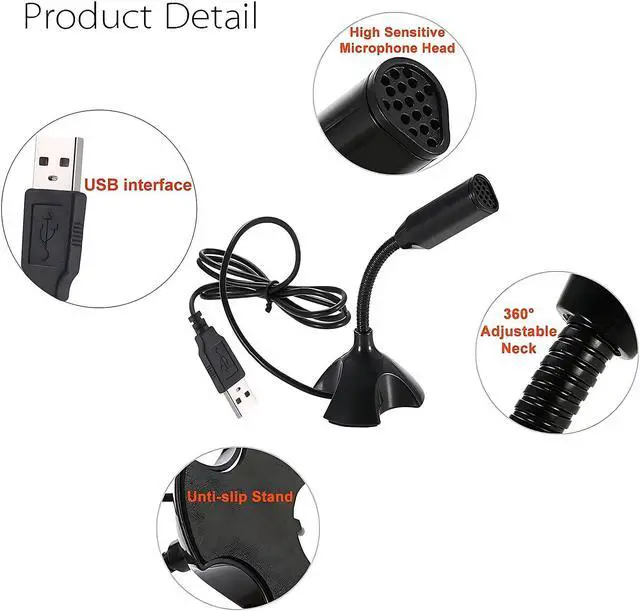
[USB Computer Microphone with Advanced Chip]:This USB Microphone Build in Advaned Chip and filters out background noises and offers excellent sound quality for clear communication.
[Portable USB Microphone Widely Compatible]:USB plug Suitable for any models Desktop computer and Laptops with USB interface.
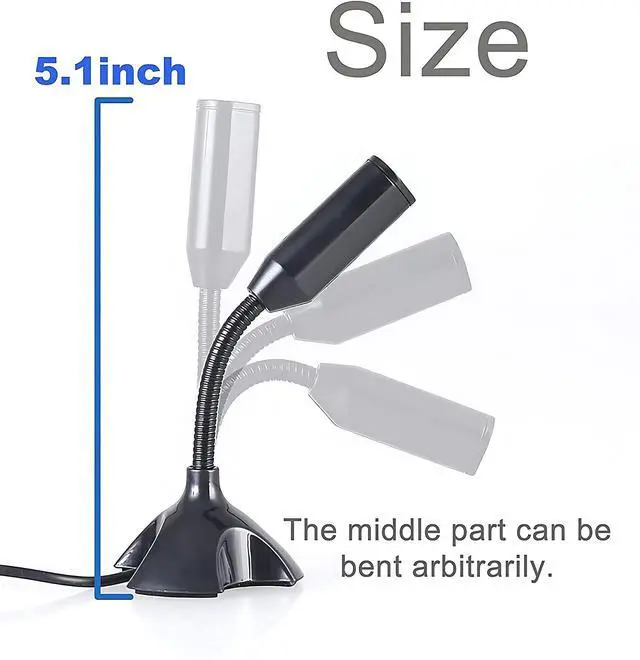
[Mini USB Microphone With 360°Flexible gooseneck]Creative design gooseneck is 360°adjustable to fit wherever it's needed.
[Computer USB Mic Microphone with Mutil-purpose]Plug is suitable for KTV,Internet chat,MSN,SKYPE,Network video conferencing,Network singing,Network recording,Computer games.
[External Computer Microphone Play & Plug]Professional network microphone Professional voice chat tool,Just Plug and play,No driver required,Portable and practical.
{Important Tips}--(a)You can adjust the microphone volume in System Setting Panel. e.g for in Win 10: Start->Settings->"System-> select Sound in the side bar -> choose 3- USB PnP Sound Device as Input Device -> click Device Properties -> move the volume slider to 85-100.
{Important Tips}--(b)Skype:Option->Audio Device -> select 3- USB PnP Sound Device-> move the volume slider to 100.You can do similar settings on other systems & Apps.
+
+
Overview
Specs
Reviews
Mini USB Microphone for Desktop Computer and Laptop, Portable USB Condenser Mic With Adjustable Stand, Compatible with PC/Mac, Plug & Play, Ideal for Meeting, Online Class, Games, Remote work (Black)
Learn more about the Generic Brand M-306
Model
Brand
Blapsuro
Model
M-306
Part Number
M-306
Details
Specification
Wireless Omnidirectional Tabletop Microphone
Sound
Polar Pattern
Omnidirectional
Sensitivity
-47 decibels
Power
Power Supply
Corded Electric
Dimensions & Weight
Weight
0.05
Additional Information
First Listed on Newegg
September 13, 2026
Customer Reviews of the Generic Brand M-306
There are no reviews yet.
Do you own this product?
Warranty & Returns
Warranty, Returns, And Additional Information
Warranty
Please contact the Seller directly for warranty information. Warranty information may also be found on the Manufacturer's website.