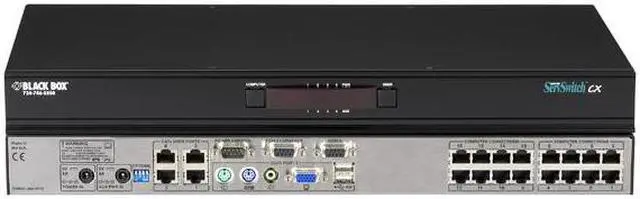
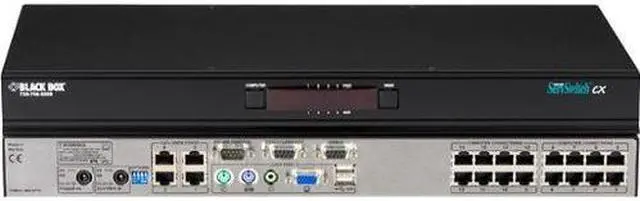
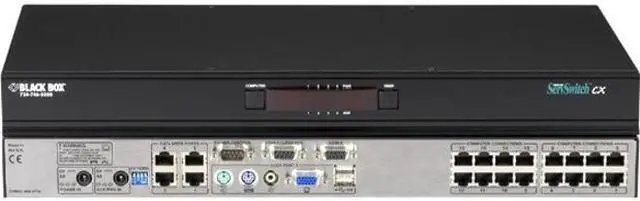
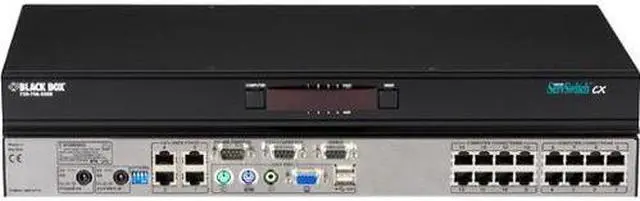
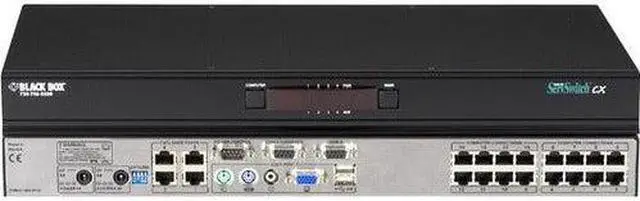
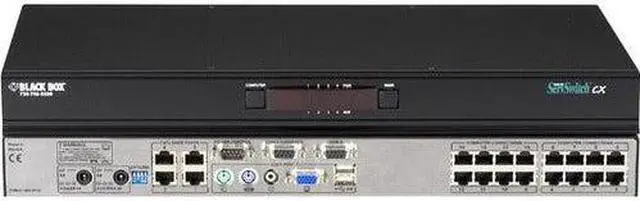
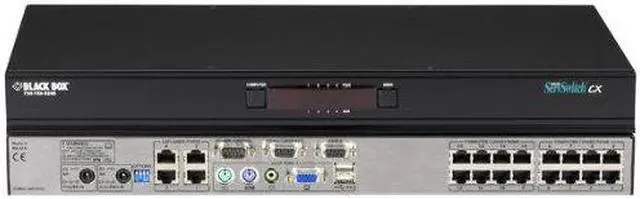
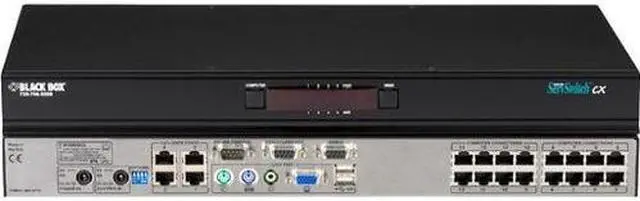
DescriptionServSwitch CX KVM Switch, (1) Analog Console Port + (4) Users, (16) Servers
Quick Facts - Maximum resolution: 1900 x 1440.
- Switch via on-screen menus.
- Ideal for small and mid-size data centers.
Further Details - Connect to speakers to hear audio prompts from the servers.
- Reset one or more host system power switches via its power control port.
- Supports DDC emulation.
- Supports PS/2 or USB style keyboard and mouse.
- Easily cascadable.
- Remote users can connect to switch using ServSwitch CX Remote Units.
- Flash upgradable.
- Easily switch computers via hotkeys, on-screen display, or mouse.
- Includes rackmounting hardware.
Easier connections than ever! There are no bulky KVM cables to deal with-the ServSwitch CX enables up to four users to connect to the switch via CAT5, CAT5e, or CAT6 UTP cable. In addition, you can mix and match different kinds of servers on the same CX switch! Just run CATx cables from the switch's server ports to the Server Access Modules (SAMs) (sold separately) that connect to your servers. Simply choose the appropriate SAM for each server and you're all set.
What's more, you can connect the ServSwitch CX to either a PS/2® or USB keyboard and mouse-it includes both connector types!
To connect a remote PS/2 console to the ServSwitch CX with IP using CATx cable, order a ServSwitch CX Remote Unit (sold separately). Three models are available: Basic, with Audio, and with Audio Skew Compensation.
- Description
ServSwitch CX KVM Switch, (1) Analog Console Port + (4) Users, (16) Servers
Quick Facts
- Maximum resolution: 1900 x 1440.
- Switch via on-screen menus.
- Ideal for small and mid-size data centers.
Further Details
- Connect to speakers to hear audio prompts from the servers.
- Reset one or more host system power switches via its power control port.
- Supports DDC emulation.
- Supports PS/2 or USB style keyboard and mouse.
- Easily cascadable.
- Remote users can connect to switch using ServSwitch CX Remote Units.
- Flash upgradable.
- Easily switch computers via hotkeys, on-screen display, or mouse.
- Includes rackmounting hardware.
Easier connections than ever!
There are no bulky KVM cables to deal with-the ServSwitch CX enables up to four users to connect to the switch via CAT5, CAT5e, or CAT6 UTP cable. In addition, you can mix and match different kinds of servers on the same CX switch! Just run CATx cables from the switchs server ports to the Server Access Modules (SAMs) (sold separately) that connect to your servers. Simply choose the appropriate SAM for each server and youre all set.
Whats more, you can connect the ServSwitch CX to either a PS/2® or USB keyboard and mouse-it includes both connector types!
To connect a remote PS/2 console to the ServSwitch CX with IP using CATx cable, order a ServSwitch CX Remote Unit (sold separately). Three models are available: Basic, with Audio, and with Audio Skew Compensation.