


 All Categories
Built for How Business Buys.
All CategoriesShipped by NeweggBusiness
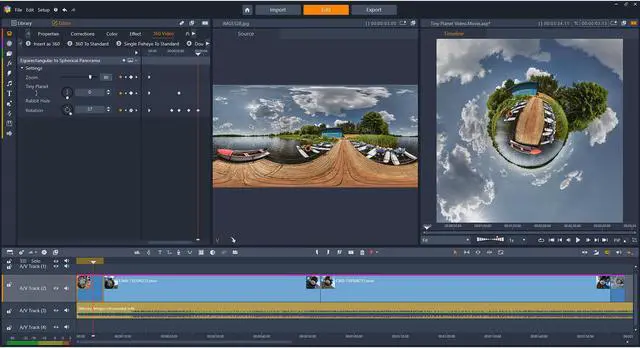
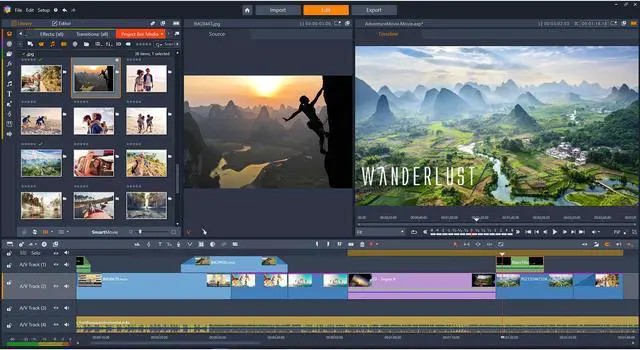


Unleash your inner producer and realize your vision with powerful video editing software. Edit in HD video on the multi-track timeline, choose from over 1,800 video effects, and perfect your audio. With pro-caliber features like Split Screen video, Multi-camera editing, screen recording software, and more, you can edit movies like a pro with Pinnacle Studio Plus. When you’re ready, burn DVDs complete with menus, upload videos directly to social media, or output to popular file formats. Explore the possibilities with Pinnacle Studio Plus.
PINNACLE STUDIO PLUS: Edit on 24-tracks with 1800+ video effects. Includes all the power of Pinnacle Studio, PLUS:
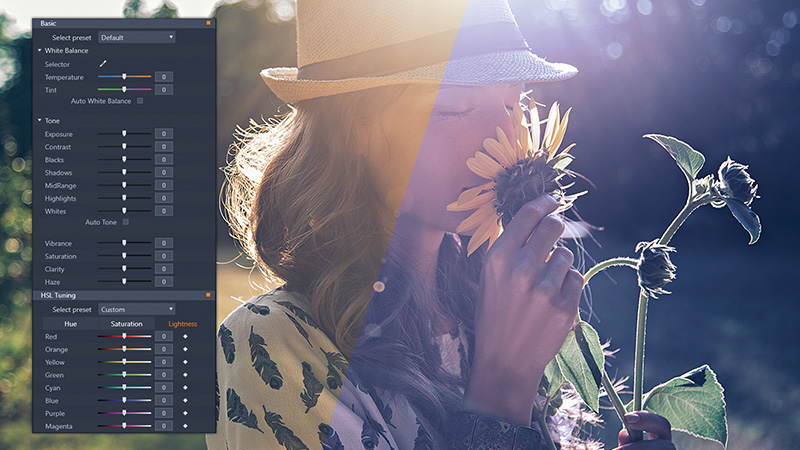
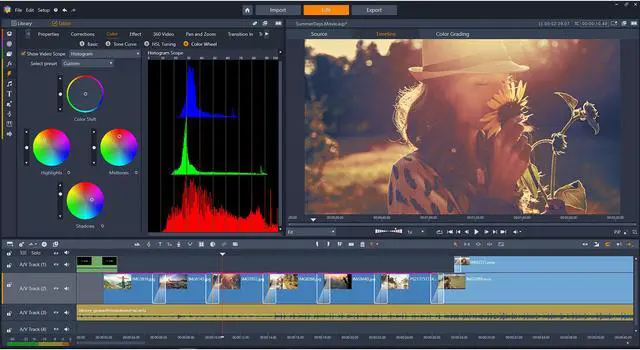
Modify and correct video on a per color basis to set the tone of your video. Basic Color Grading extends all of the capabilities of Hue, Saturation, and Luminance color grading plus adds Tone Curve, which can be added as a global effect or by primary color to add body to your work. Even adjustment of the luminance for the various levels of the image (dark, mid-tones, and highlights) to get that a pro-level look and feel.
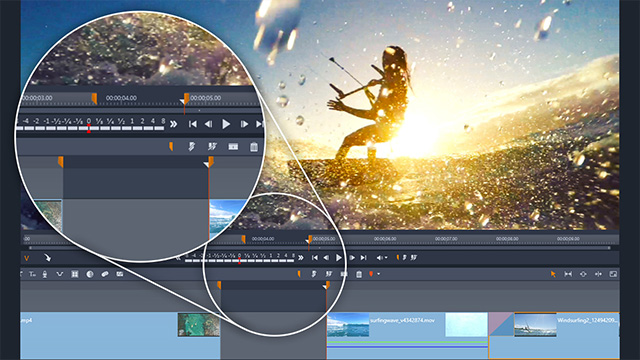
Not only can you drag and drop your media to the timeline, but now precisely insert clips with new three- and four-point editing. Mark the in and out points of your clip and identify the location on your timeline of where to place them for the ultimate level of flexibility and precision.
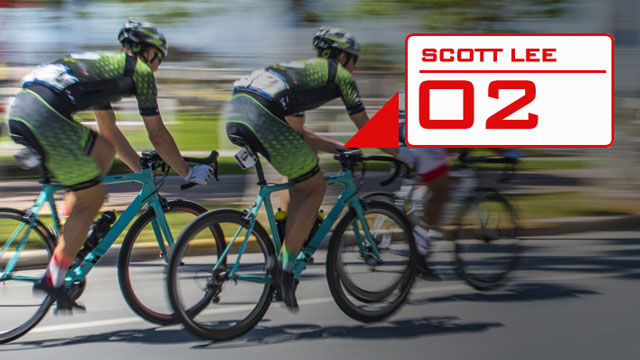
Put the focus on certain people or objects in your video using Motion Tracking. Add moving text or graphics to track players in a sporting event, or draw attention to particular guest in a room full of people. Mark your object, press play to track its motion and then easily add the overlay of your choice.
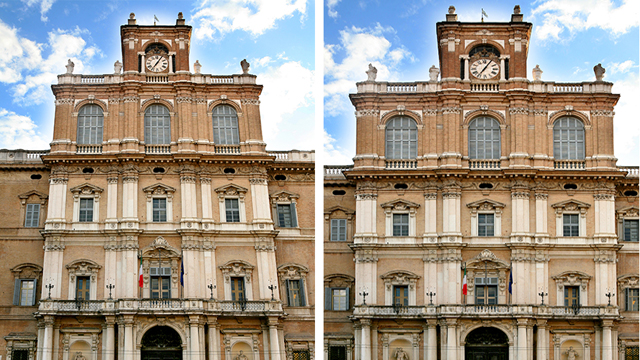
Quickly remove distortion and create pro-like videos. Quickly straight lines that appear to be curved or angled and even straighten the horizon. Make footage feel fluid with the rest of your film and correct lens distortions from wide angle cameras.
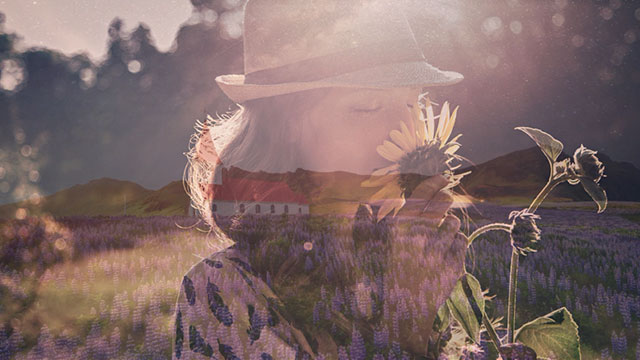
Add impact to your video tracks and adjust the opacity of a video clip, so you can see multiple clips at the same time, create superimposed effects or custom fade-in / fade-out transitions. Easily control the transparency of each track directly from the timeline.
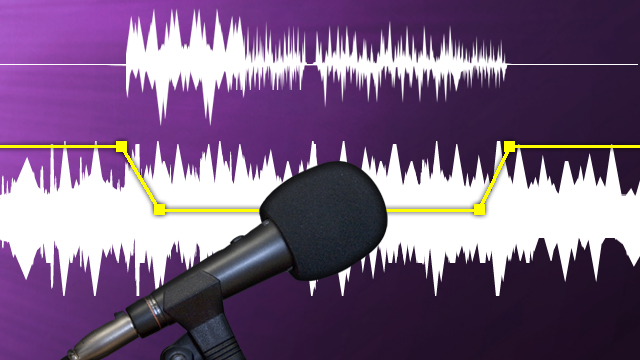
Balance dialog and narration with background sound for pro-quality audio. Use Audio Ducking to detect audio or voiceover and automatically dial down the volume of the background sound. Adjust the Ducking Level and Sensitivity for even more control.
PINNACLE STUDIO: Edit on six-tracks with 1500+ video effects.
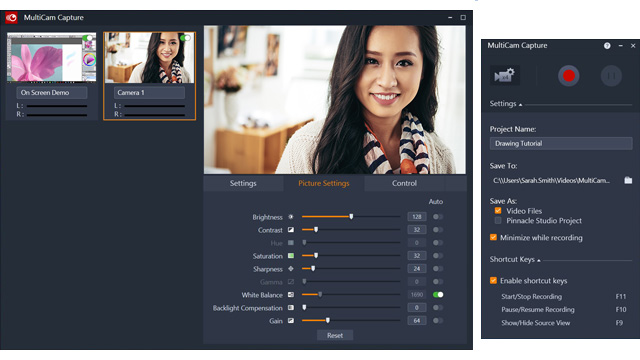
Record your screen and webcam simultaneously and create engaging tutorial videos. With unique screen recording software, you can easily capture video, system audio, and microphone sound in a single click and edit them together seamlessly with multi-camera editing.

Quickly modify or correct color in your production with simplified color grading controls. Shift the colors, and adjust the saturation and luminance on a per color basis. Plus, with Look-up Tables, you can store the corrections and changes you've made to your image(s) and apply your saved preferences to any movie.

Bring your focus to the spotlight and highlight a single color in your picture, pushing everything else to the background in black and white. A truly unique effect to add to your next video.

Show multiple video streams simultaneously with new Split Screen video. Easily drag and drop to create impressive promotional videos or share the highlights from your latest trip! Choose an existing template or create your own with the Split Screen template creator.
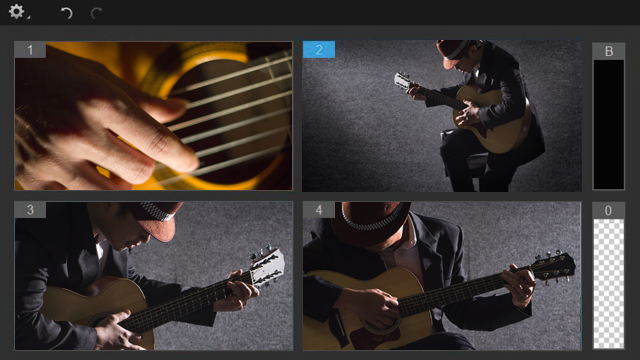
Combine footage from multiple devices to create more dynamic videos. Easily align and sync clips with audio syncing or by markers. When you’re ready, select the angle you want to show as the video plays, to create your own multi-camera production.
Studio: two cameras, Studio Plus: four cameras, Studio Ultimate: six cameras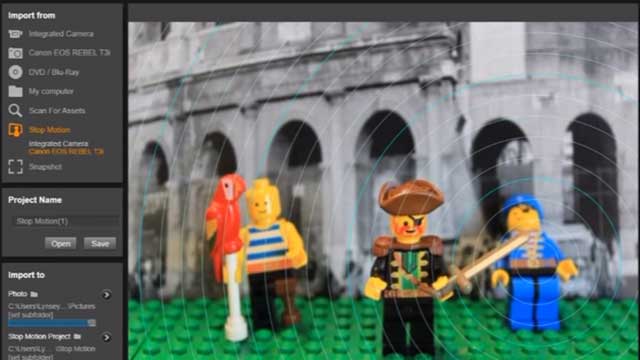
Gather your props, plug in your camera and capture your story frame by frame. Control camera settings, see overlay frames, set distances and capture frames automatically or manually from within Pinnacle Studio.

Superimpose your subjects onto virtual backgrounds with the power of green screen. Adjust how the overlay blends with the background, set a transparent color, and easily swap out backgrounds using the Chroma Key effect.

Play with the video speed with Time Remapping and easily add slow motion or high speed effects to your videos. Freeze the action or even reverse and replay your scenes. Simply select your clip, go into the Editor, and select Time Remapping to set the speed.

Detach or mute audio, or fade in and out audio from your clips all within a few clicks on the timeline. Add royalty-free music to your timeline and have them automatically adjust to the length of your movie with the ScoreFitter music library.
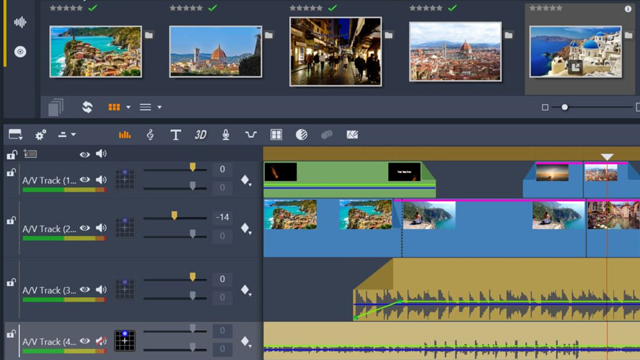
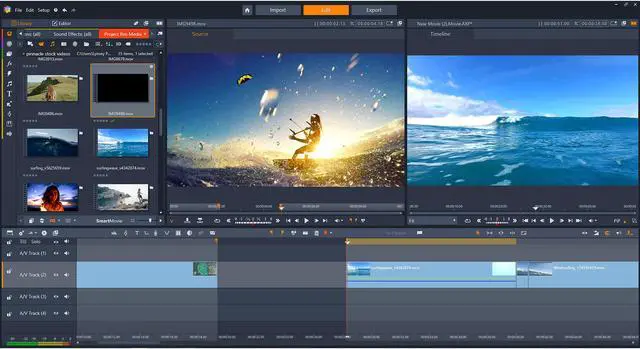
Enjoy Timeline or Storyboard editing. Easily trim video and edit freely on the multi-track timeline. Create sophisticated picture-in-picture and multi-layer HD effects with frame accuracy and keyframe editing—produce like a pro with the control you need.
Studio: six-track, Studio Plus: 24-track, Studio Ultimate: unlimited tracks
Drag and drop your videos, photos, and music, and let SmartMovie, the automatic movie generator, do the rest. Preview your slideshow and edit in the timeline to customize your movie. Or, start with hundreds of Montage video templates with themes perfect for every occasion.

Add excitement and polish to every production with hundreds of customizable video effects, animated titles and transitions. Enhance colors, add effects, turn grey skies blue and much more.
Studio: 1500+ effects, Studio Plus: 1800+ effect, Studio Ultimate: 2000+ effects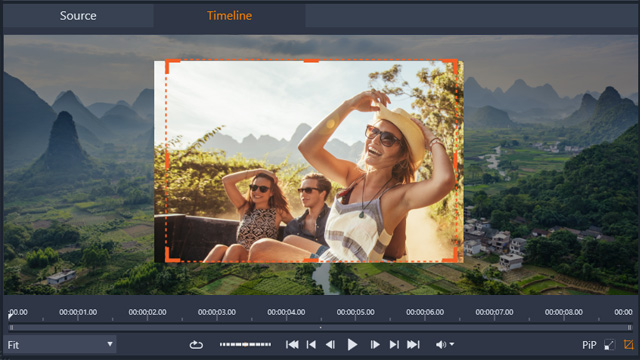
Add motion to your still images or videos with simple controls for Pan and Zoom. Or, layer clips and create a picture-in-picture effect, or crop video directly in the preview pane!
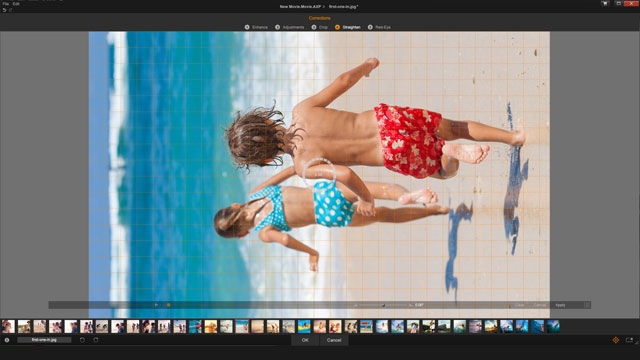
Crop and rotate video or enhance color with Pinnacle Studio. Edit footage, apply quick effects, and even eliminate red eye from your photos and film!
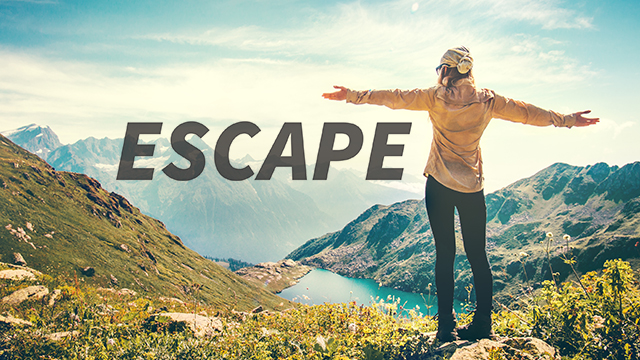
Add titles to your photos and videos, or overlay graphics on your clips. Create custom titles with animations and motion and try your hand at the 3D title editor.
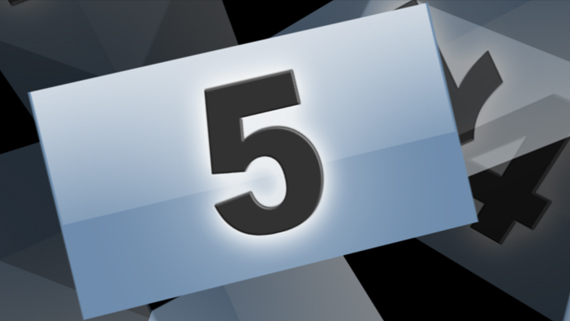
Save your finished projects as templates and fast-track future work. When your project is complete, you can go to ‘File, Save Movie as Template’ and easily replace media with placeholders.
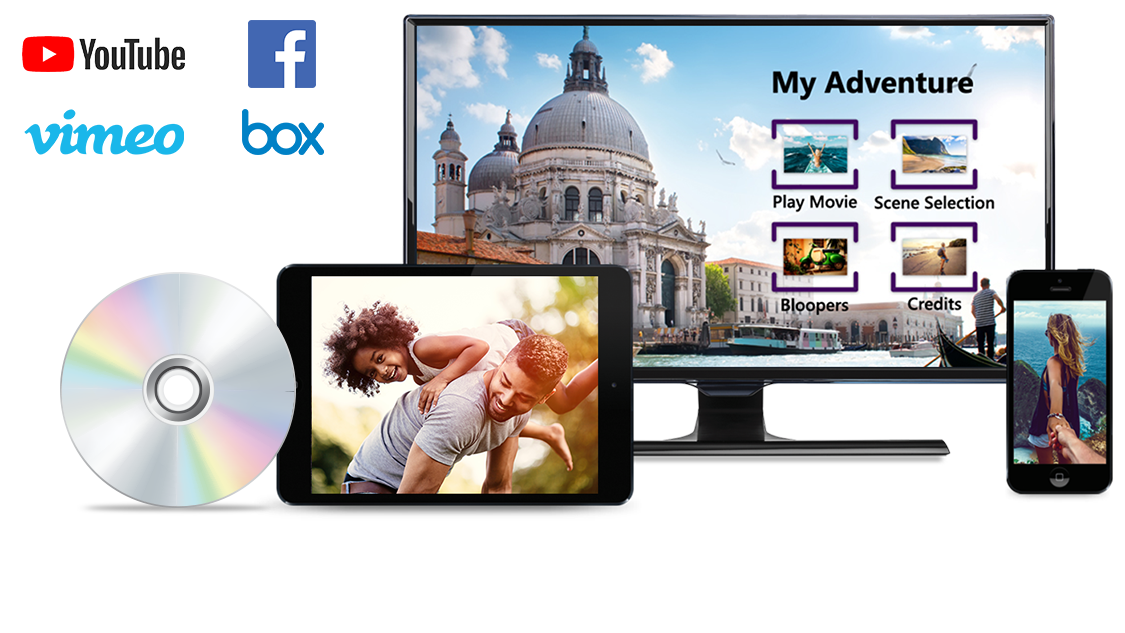
Upload your video to YouTube, Facebook, Vimeo, and Box directly from Pinnacle Studio.
Export to popular formats to playback on your favorite device—with full support for Apple and Android devices, game consoles, and more.
Author DVDs with customizable themed menus, chapters, and music.
Studio: 20+ Templates, Studio Plus: 50+, Studio Ultimate: 100+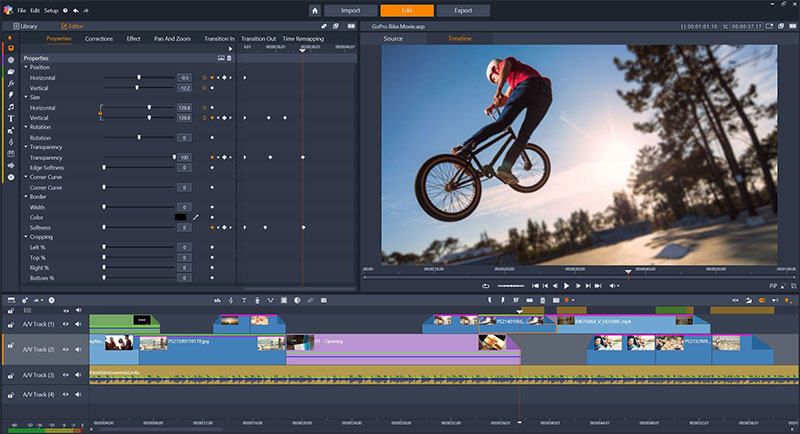
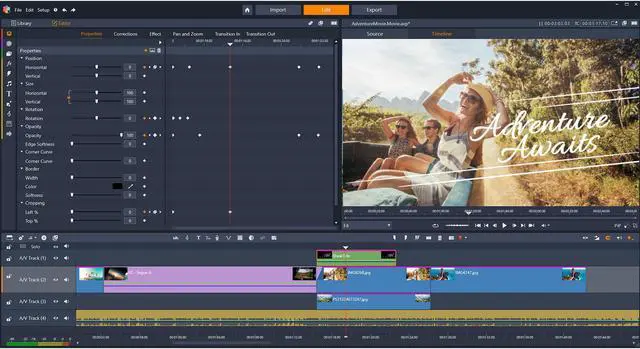
Apply video effects exactly how you want to—use keyframes to control every detail of your effect from start to finish. With unparalleled precision and control, you can edit video on an unlimited number of tracks. Pinnacle Studio brings you power, precision, and the control you crave, to bring your video to life in ways you only dreamed of.
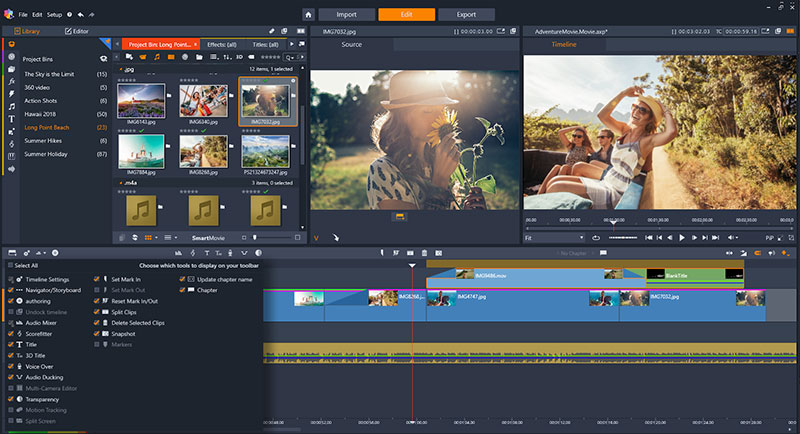
Customize your workspace and easily create custom shortcuts to edit work your way and streamline your workflow. Create custom profiles and adjust screen resolutions. Customize your workspace and set quick access points to the tools you use most.

Extend your editing across dual monitors with new detachable windows. View the library, preview pane, and editor mode simultaneously with new dual window controls. Even detach windows to work seamlessly across multiple screens.
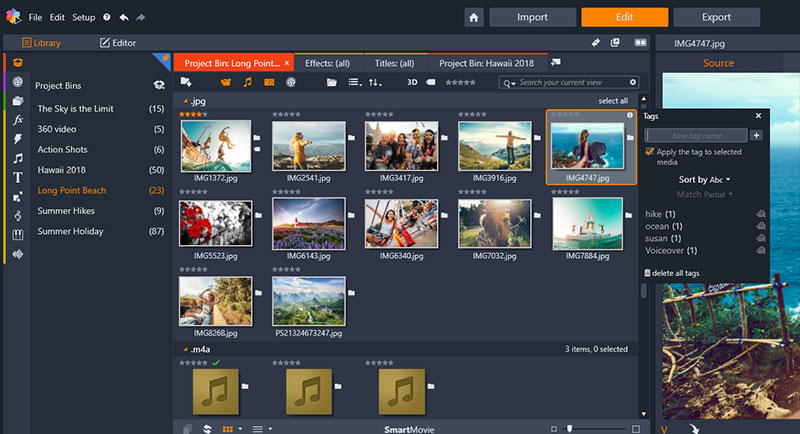
Organize your media in project bins and with a simple right-click, add your most-used effects to your favorites section.
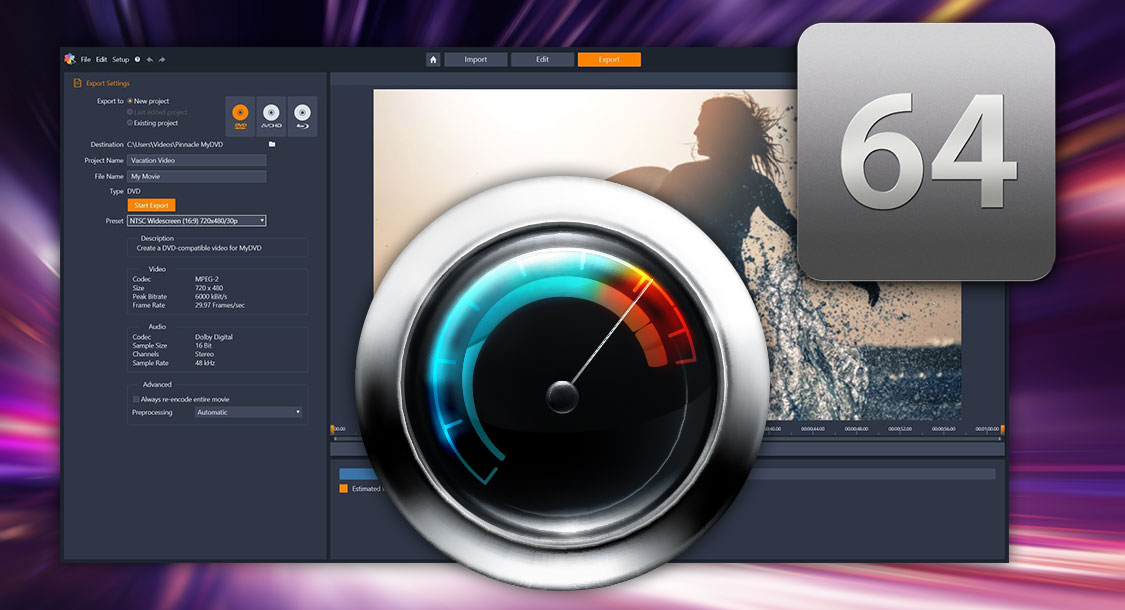
View results sooner with native 64-bit architecture that lets you make the most of your PC’s processing power and memory. Enjoy faster multi-track rendering and better file handling.
Whatever your video passion, talents, or interests, Pinnacle Studio delivers a collection of complementary powerful applications to satisfy all your video editing needs to delight your audience. Pinnacle Studio includes:
Harness the power and creativity in NEW Pinnacle Studio 22 Ultimate, a fully-loaded, advanced editing suite with pro-caliber tools and features.

Record your screen and webcam, capture video and audio, and create engaging how-to videos.

Burn your video projects to DVD and AVCHD with 100+ customizable menus, submenus, chapters, and music.

Add incredible creative effects and correct almost any video problem with premium effects from NewBlueFX—exclusive to Ultimate.