


 All Categories
Built for How Business Buys.
All CategoriesShipped by NeweggBusiness

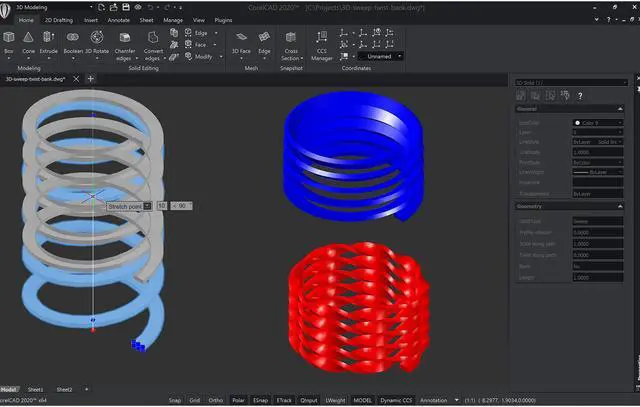
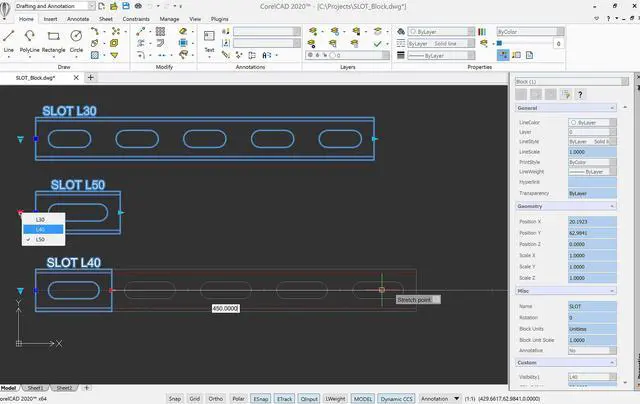
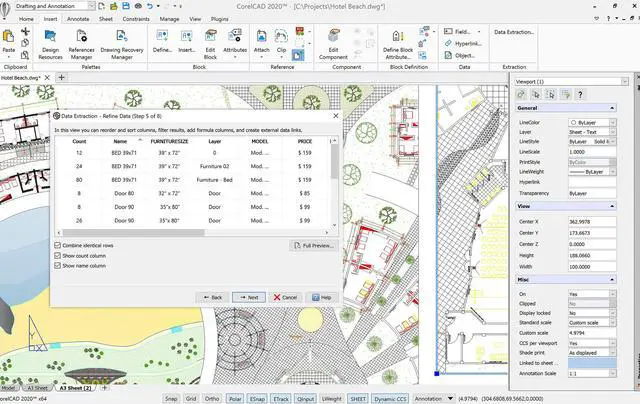
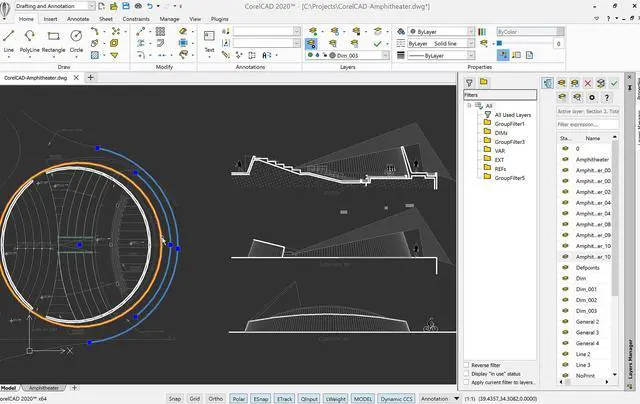
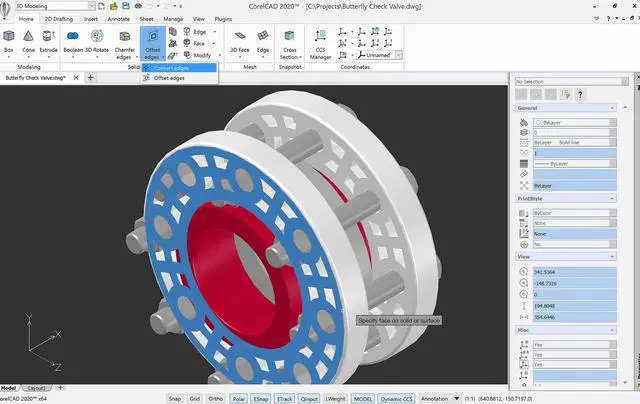


Experience a simplified CAD workflow using the professional, time-saving tools in CorelCAD 2020, available on Windows and macOS, at an affordable price. Collaboration is easy with full native .DWG file format support. Leverage the enhanced 2D drafting functionality, advanced 3D modeling tools, and .STL support to elevate design efficiency and optimize output.
Empower yourself with CorelCAD, an incredibly robust set of design tools developed expressly for design professionals. Conceptualize, plan, draft, layout, and edit with the assistance of a leading computer aided design software on the market. With an expansive feature set, your 2D drawings will come together expertly.

Arm yourself with an advanced CAD program designed to create 3D computer graphics, effortlessly. Experience a fast transformation process, from 2D designs into three-dimensional graphics, in just a few clicks. Feel confident that you’ll achieve results fast with CorelCAD; delivering to specifications, project parameters and industry standards.

Elevate your work with a strong tool for text, graphics, and tactile outputs. CorelCAD’s full feature set manages nearly any technical design task, making collaborations with colleagues, classmates, or stakeholders a breeze. 3D printing is simple with .STL support for 3D printers or output connection.

Tackle projects head-on with CorelCAD, for precise results on time, every time. With the latest AutoCAD, full native, .DWG file format support, designers can collaborate seamlessly. CAD software aligns with any working environment, leveraging incredible customization and automation support options for the best user experience.


Specify a set of object attributes and/or block attributes and extract that information.
Form a new dimension style from a specified dimension.
Generate 2D objects from the boundary of a 3D solid or surface and wireframe geometry from the edge.
Use layers in a PDF file to reflect the drawing layers in the DWG file and group multiple drawings into a single PDF file.
Save a Custom Block as a separate drawing with a specified name.
* Ribbon UI, Drawing tabs, import and export of CorelDRAW (.CDR) and Corel DESIGNER (.DES) file formats, Data Extraction Wizard, support for 3Dconnexion input devices and Microsoft VSTA are only available in CorelCAD for Windows.