


 All Categories
Built for How Business Buys.
All CategoriesShipped by NeweggBusiness
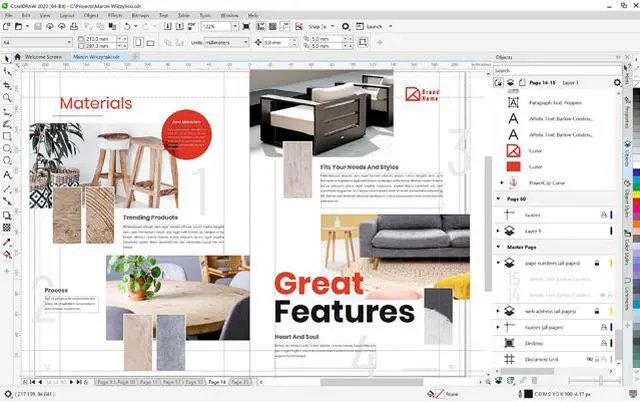
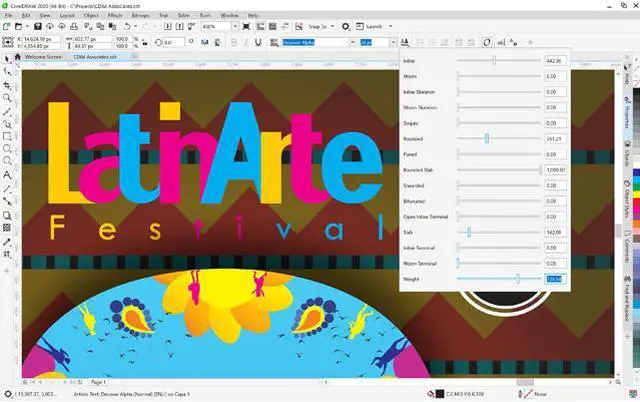
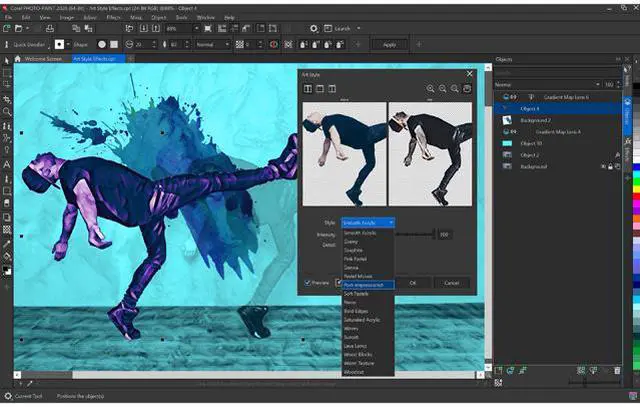
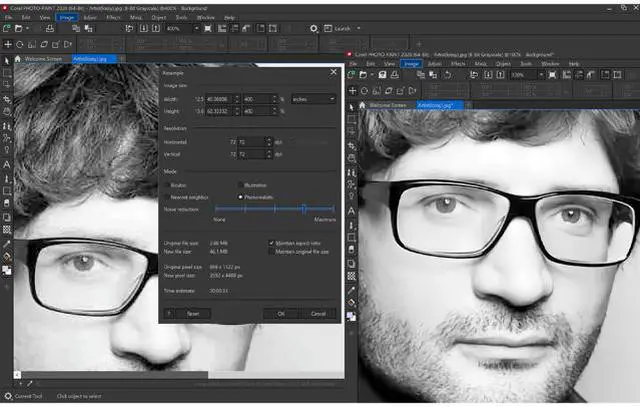


Break down creative barriers with CorelDRAW Graphics Suite 2020. Find all the professional vector illustration, layout, photo editing and typography tools you need to create and complete important design projects, from virtually any device.

Produce unique illustrations, signage, logos and more—on Windows or Mac—and on the go with CorelDRAW.app.

Collaborate with clients and colleagues using CorelDRAW.app to gather feedback from one or many reviewers.

Deliver exceptional results in less time, thanks to seriously productive tools for any type of output.
From stunning artwork to impactful web graphics and stand-out print, express your creative vision with tools that empower you to deliver pro results you'll be proud of.
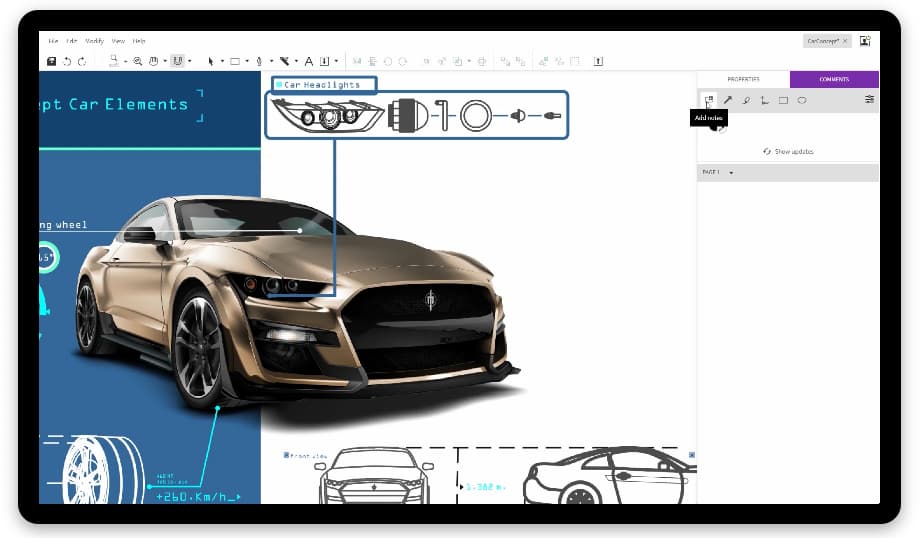
Connect with clients and colleagues on designs like never before. Share your concepts with your reviewers in the Cloud, inviting them to view, annotate, and comment directly on your CorelDRAW design files using CorelDRAW.app. Making design changes couldn't be easier, with feedback from one or many contributors, all in one place—your working file.
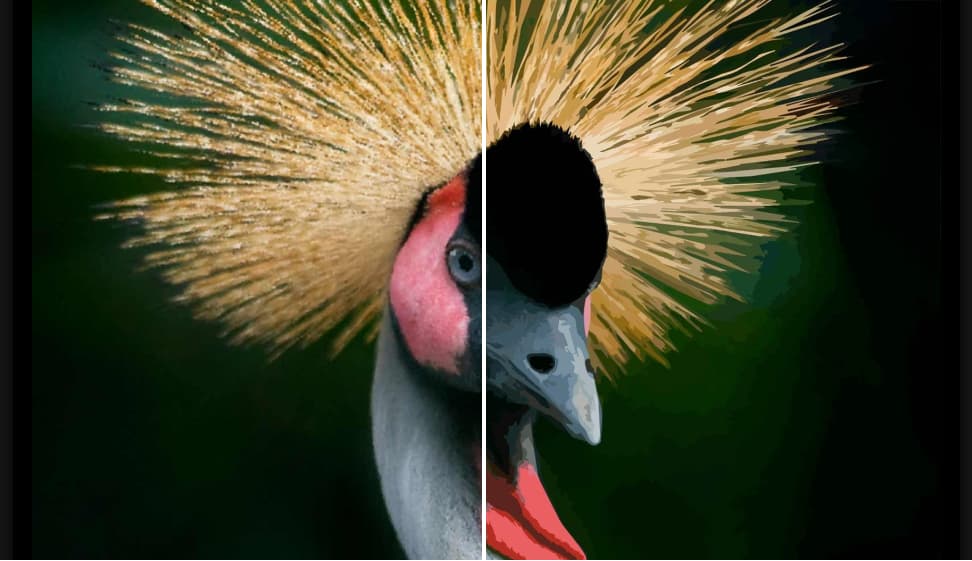
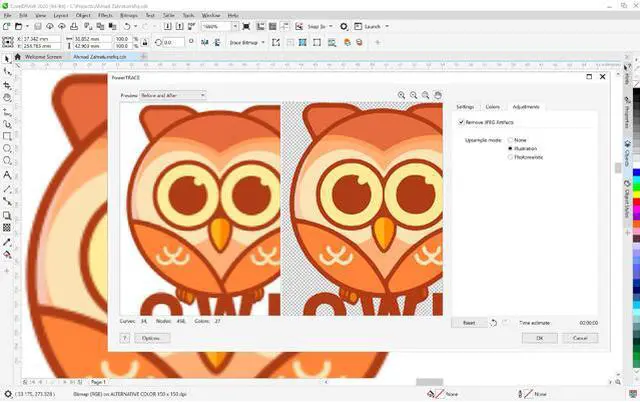
Enjoy exceptional bitmap-to-vector trace results, thanks to the impressive new AI-powered PowerTRACE. Benefit from advanced image-optimization options that help improve the quality of a bitmap as you trace it.
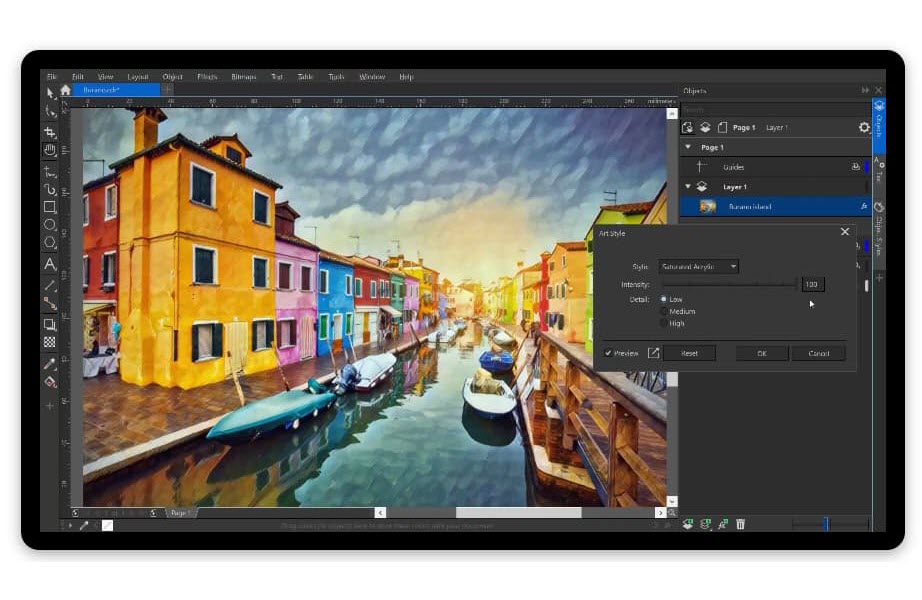
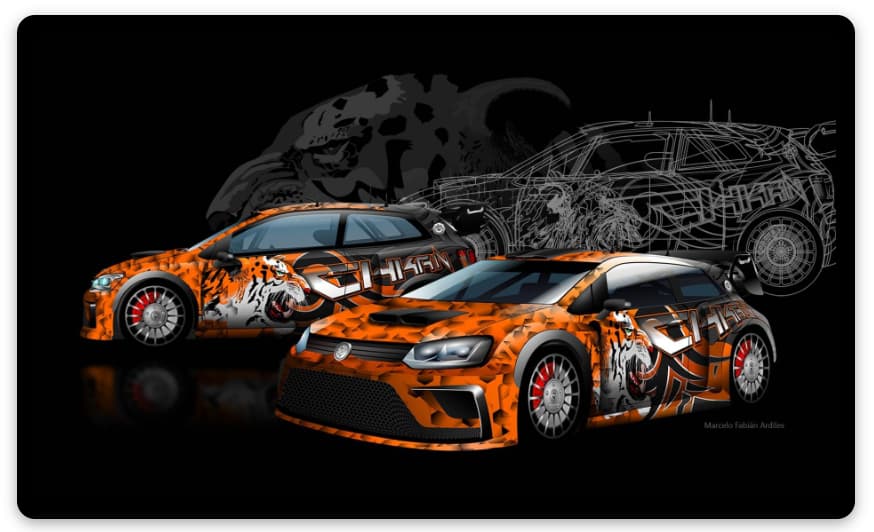
Work more efficiently and achieve better results with a noticeably quicker, more responsive suite of applications. With up to 10x faster performance over our last version, you'll move from concept to completion in record time.
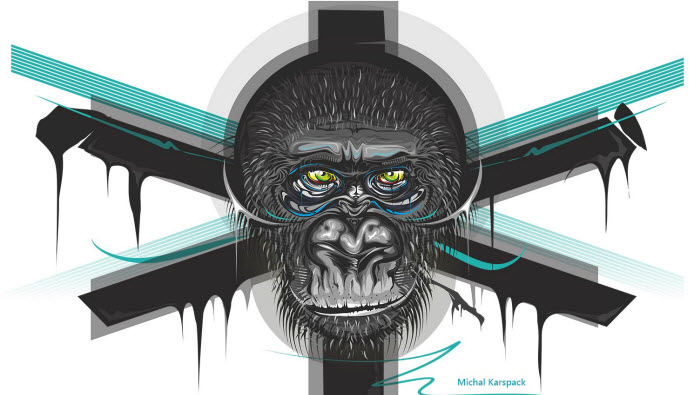
Thanks to your valuable input, we've made enhancements to Find & Replace, Align and Distribute, shadow effects, and more in CorelDRAW. Your most loved Corel PHOTO-PAINT features—from masks, effects and lenses, to Replace Color—also got much better!

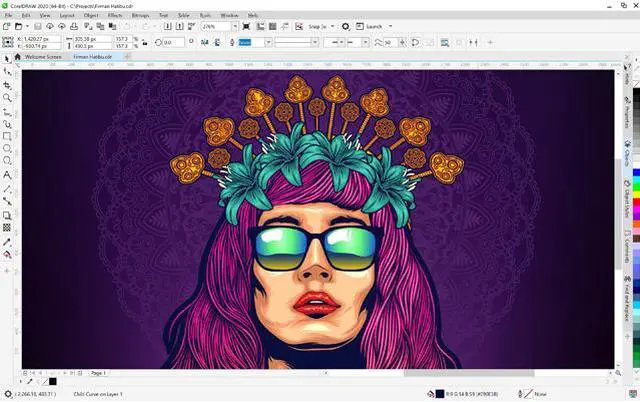
Use CorelDRAW's powerful vector illustration tools to turn basic lines and shapes into complex works of art. Create curves with many versatile shaping and drawing tools. Add creative effects to your vector artwork with effect tools like Contour, Envelope, Blend, Mesh Fill, and more.

Find all the tools you need to create layouts for brochures, multi-page documents and more. Use the Placeholder Text tool to mock up a page and see how the text will look.
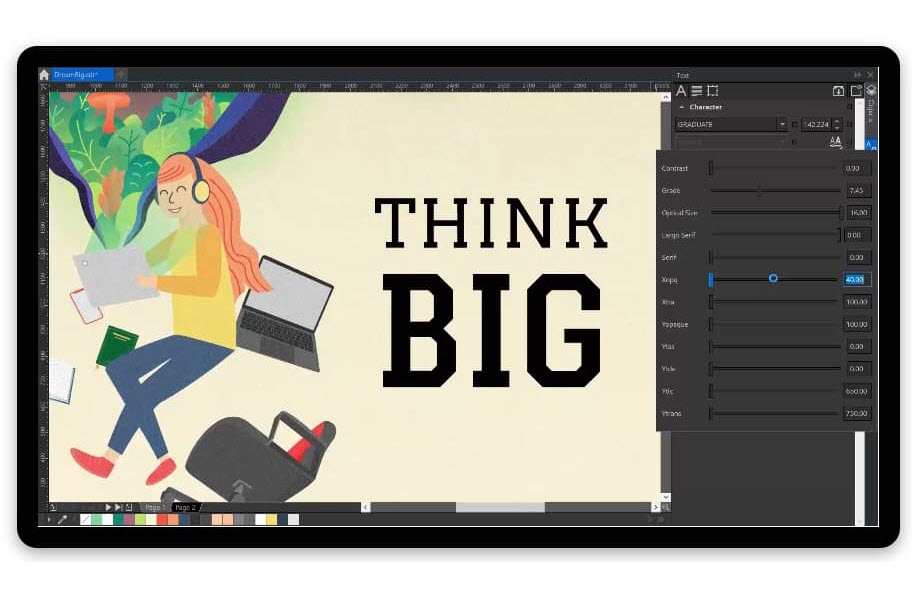
Arrange type beautifully with a complete set of typography tools. Add effects to text like block shadows and contours, fine-tune fonts responsively with variable font support, fit text to paths, and more.
Organize and manage your font library with the intuitive Corel Font Manager, and use your favorite fonts without installing them. Work faster with fonts using the network storage feature.

Retouch and enhance your photos with Corel PHOTO-PAINT's powerful layer-based photo editing tools. Adjust color and tone, remove imperfections, correct perspective and more. Use AfterShot 3 HDR to create stunning High Dynamic Range photos from your RAW images.

Easily apply color to fills and outlines using color swatches, or generate colors based on color harmonies. Change the transparency of an object and fill objects with patterns, gradients, mesh fills, and more.

Edit bitmaps and vectors knowing you won't harm the original image or object. Enjoy many non-destructive features such as the Block Shadow tool, Symmetry Drawing mode, the Impact tool, Add Perspective, and Non-Destructive Effects in CorelDRAW and Corel PHOTO-PAINT.
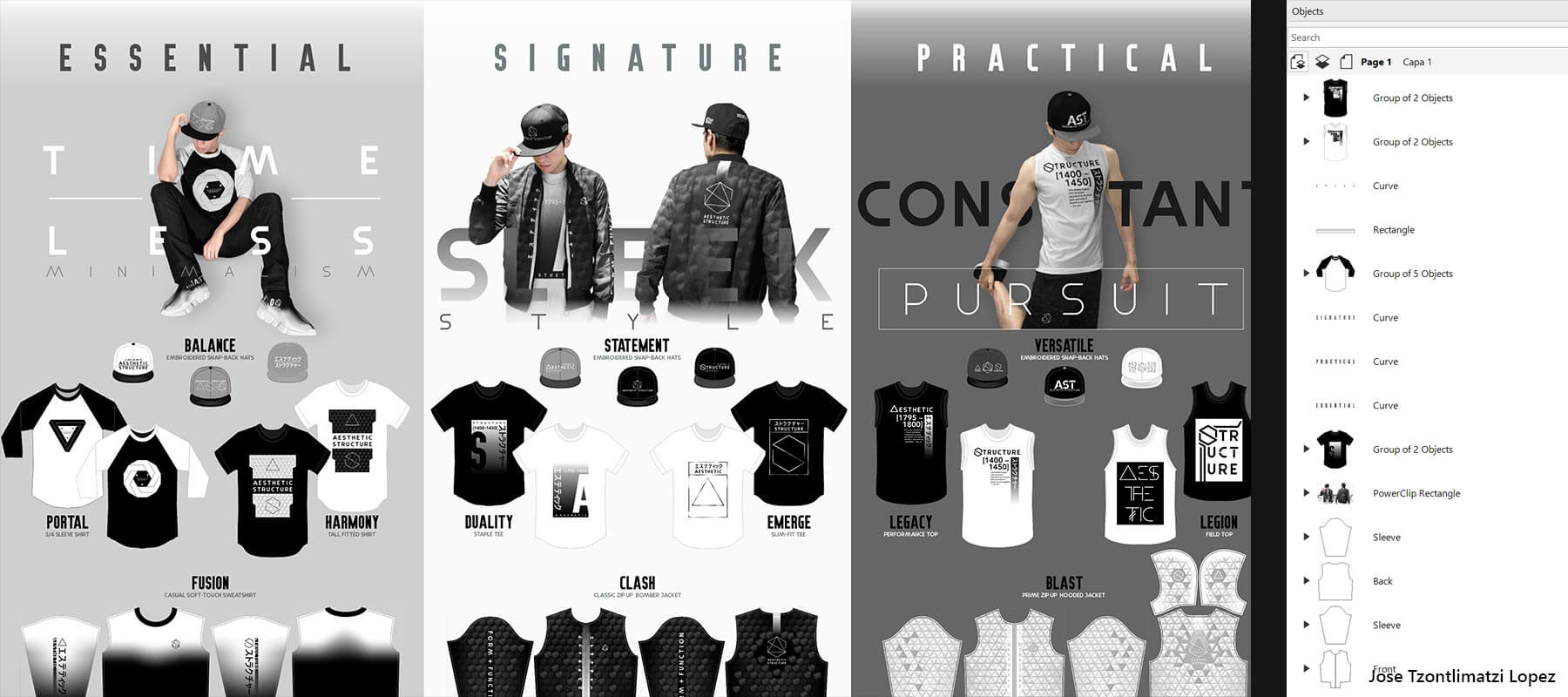
The Object Styles docker makes it a breeze to manage styles and style sets to apply consistent formatting across multiple objects, produce iterative versions, and format whole documents quickly and consistently.
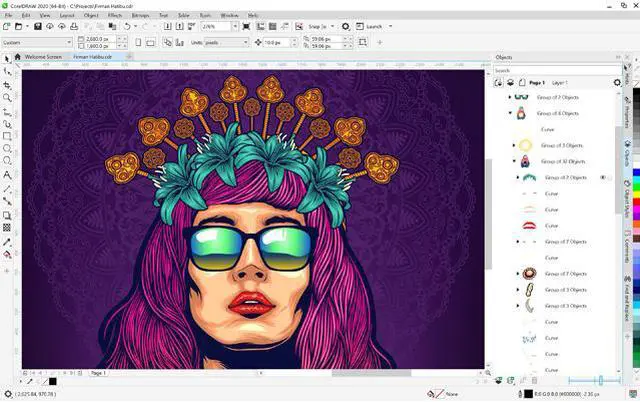
Control every element in your document with a handy Objects docker, that allows you to hide, rename, search for objects, and change their stacking order. Use the Object Properties docker to manage object formatting, fills, and more.
Adapt your design space to match your workflow needs. Seamlessly import CorelDRAW and Corel PHOTO-PAINT workspaces that were created in previous versions, or use predefined workspaces to keep industry-specific tools organized and accessible.

Experience flawless publishing and output, every time.
Compatible with over 100 graphics, publishing and image file formats, easily import and export a variety of project assets based on client-provided files or needs.

We're also native on macOS! Please search Mac vesion.
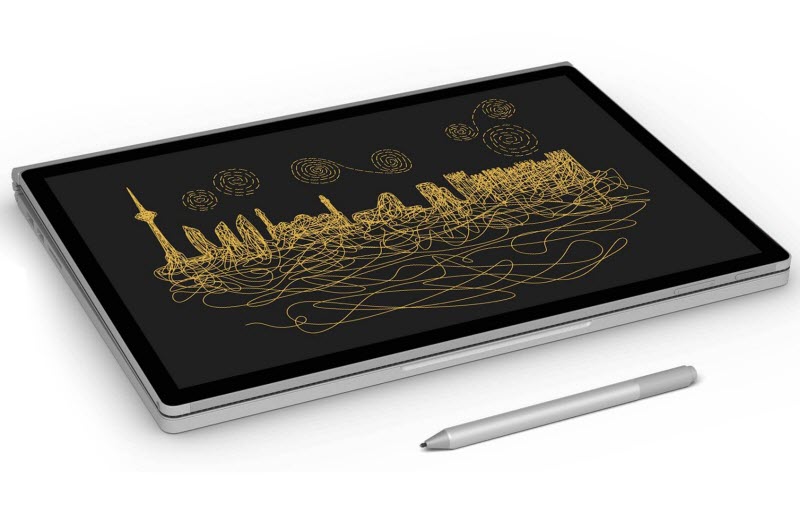
Work quickly and efficiently with Windows Real-Time Stylus pen-compatible tablets, such as the Microsoft Surface, in addition to Wacom tablets and devices.
Create quick adjustments using touch or a stylus. The Touch workspace maximizes the size of your drawing window by displaying only the tools and commands used most often, plus you can pan and zoom with a single gesture.
Enjoy support for wheel devices, such as the Microsoft Surface Dial. Experience an alternative way of working in CorelDRAW by using touch and dial alone. Put your keyboard aside and try the contextual onscreen UI.

Be successful sooner with a comprehensive library of helpful learning resources.
* CorelDRAW Graphics Suite 2020 supports Windows 10, version 1903, 1909 and later versions which may be released during the lifecycle of CorelDRAW Graphics Suite 2020. Variable fonts are supported on Windows 10 only.
** Features that use AI (Artificial Intelligence) require 64-bit applications. AI features are not supported in CorelDRAW Graphics Suite 32-bit applications.