


 All Categories
Built for How Business Buys.
All CategoriesShipped by Sage Sustainable Electronics

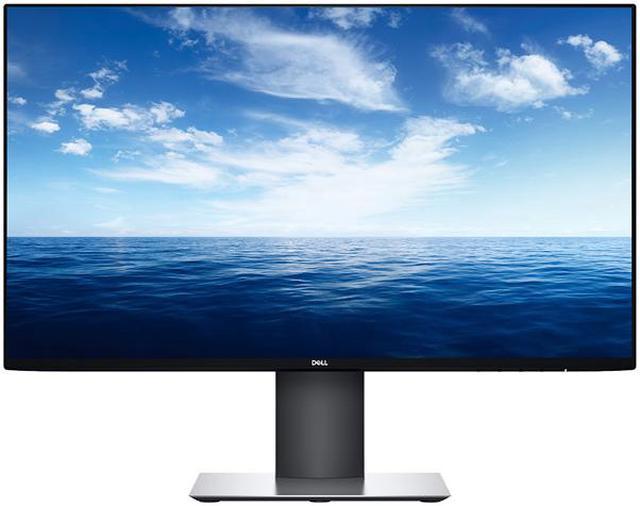
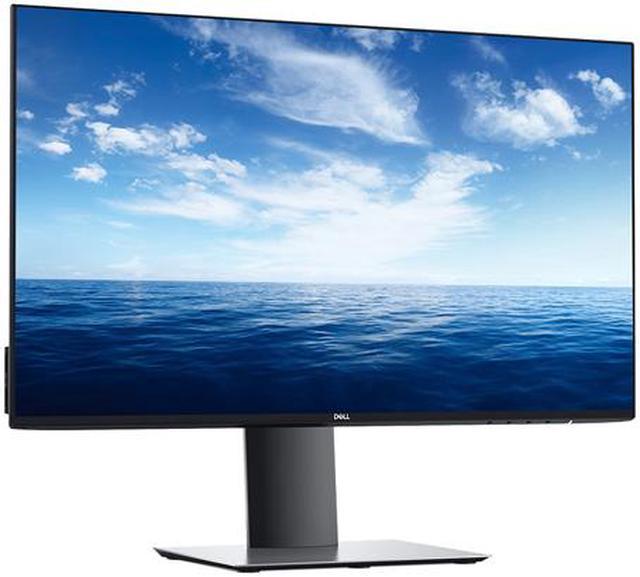
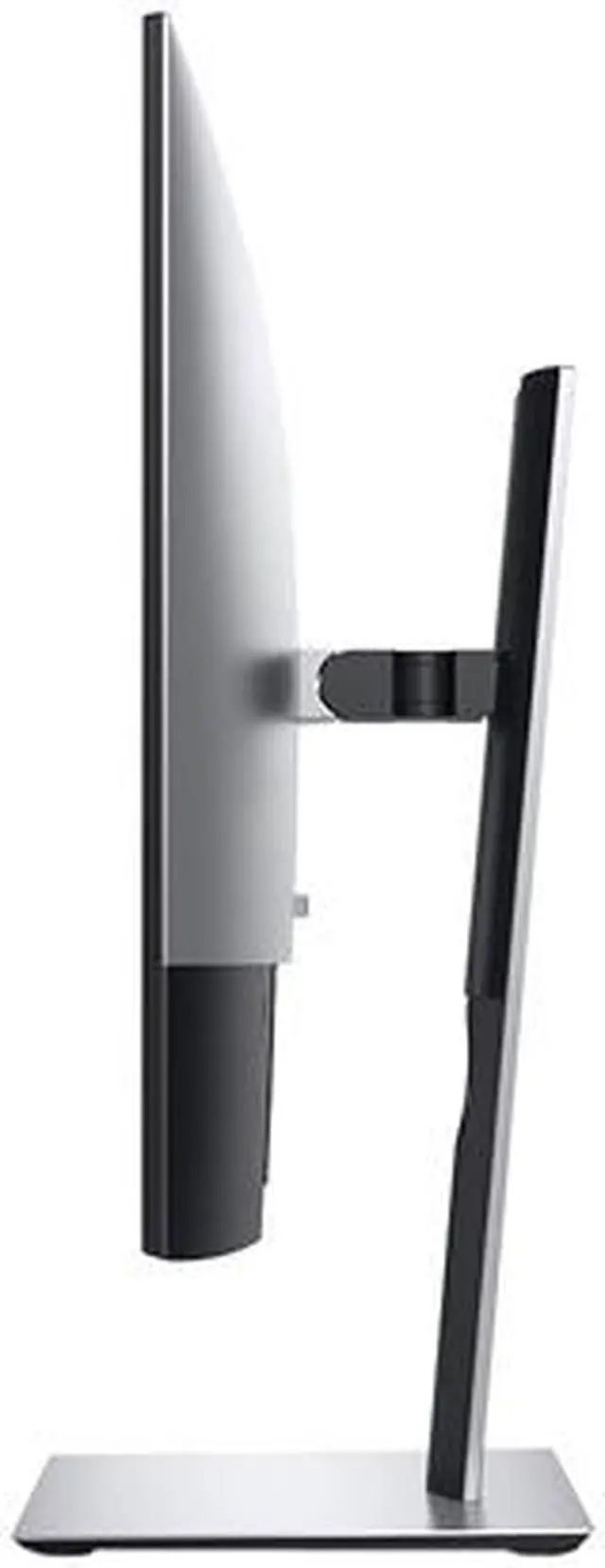
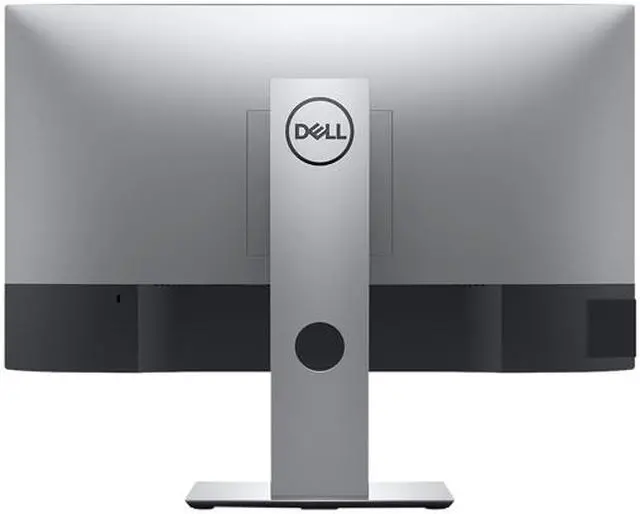
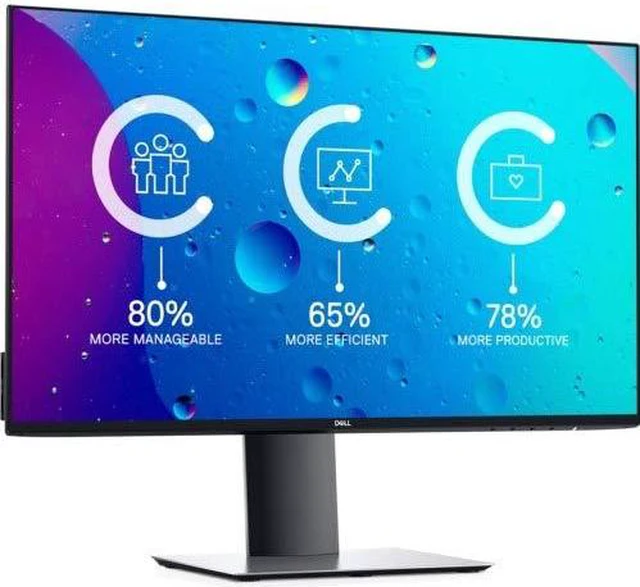


Dell UltraSharp U2419HC 24" monitor reveals the vibrant color and fine details of Full HD content while keeping your workspace free of clutter. Bezel is ultra thin. Profile is extremely slim. It is great for building multi-monitor setup. Coupled with Dell Display Manager software, you can turn it into a multitasking beast.. No matter where you sit, colors stay accurate and consistent across a wide viewing angle thanks to the IPS technology. You can adjust it for the optimal viewing experience. It even comes with USB-C to transfer power, data, video and audio over a single cable and eliminate cable clutter. This monitor is anything but ordinary.

Impressive screen performance: Experience superb screen clarity with Full HD (1920x1080) resolution on a 23.8” screen.
Color consistency comes standard: Your UltraSharp monitor is factory calibrated at 99% sRGB coverage to an accuracy of Delta-E less than two, for precise hues right out of the box. Plus with 99% Rec709 and 85% DCI-P3 color coverage, you’ll see true-to-life colors in video formats.
Always the best view: See consistent, vibrant colors across a wide viewing angle enabled by In-Plane Switching (IPS) technology.

More room to work: With a stylishly thin panel profile (only 6.5mm at its thinnest) and a compact base that's approximately 30% smaller than its predecessor¹, you can free up valuable desk space.
Adjust to your comfort: Pivot, tilt, swivel and adjust the height of your monitor for a comfortable setup all day long. Our improved design, with the hinge on the riser, makes it easier to adjust while keeping the riser in the same place.
Clean and clutter-free: Focus on your work while hiding away cable clutter with an improved cable management design.
Easy on the eyes: This TUV² Certified monitor has a flicker-free screen with ComfortView, a feature that reduces harmful blue light emissions. It’s designed to optimize eye comfort even over an extended period of time.

All in one: Declutter your desk with the included USB-C cable, a single cable solution that transmits power, data, video and audio.
Big convenience in one cable: Get an easy charge with USB-C, the same cable that connects your device to the monitor. Also, as you charge your PCs with up to 65W of power, protect it with Dell’s built-in surge protection.
Smooth transitions: Move from desk, to meeting and back again effortlessly with convenient, single cable connectivity via USB-C.

Expand your efficiency: The virtually borderless design featuring InfinityEdge lets you enjoy a nearly seamless view of your content across multiple monitors. And, with dual monitors, you can increase your productivity by up to 18%³.
More ways to multitask: Easily organize multiple applications using predefined templates or a customized template with the Easy Arrange feature on Dell Display Manager software. Plus, you can conveniently tile your applications across a multi-monitor setup.
Get right to work: With Auto-restore on Dell Display Manager, you can disconnect, reconnect and all of your applications will be in the same position where you left off.

Ports & Slots:
1. AC power port | 2. HDMI port | 3. DP port (in) | 4. USB-C / DisplayPort4 | 5. DP port (out) | 6. Audio line-out port5 | 7. USB downstream ports (x1 with Power Charging) | 8. Stand lock | 9. USB downstream ports (x1 with Power Charging)
Cable Included:
Power cable | DP to DP cable | USB 3.0 upstream cable
1. Based on Dell internal analysis comparing the area of the monitor base of Dell U2419H vs U2417H.
2. TUV Certified (ID0000051369 – Flicker Free / ID0000051370 - Low Blue Light Content).
3. Source: “Dell Displays, Productivity and Satisfaction Single vs. Dual Monitors,” conducted by SURL, Wichita State University and commissioned by Dell, October 2015.
4. USB Type-C is not supported on Windows versions that are prior to Windows 10.
5. The audio line-out port does not support headphones.
Outstanding visuals
Impressive screen performance: Experience superb screen clarity with Full HD (1920x1080) resolution on a 23.8" screen.
Color consistency comes standard: Your UltraSharp monitor is factory calibrated at 99% sRGB coverage to an accuracy of Delta-E less than 2, for precise hues right out of the box. Plus with 99% Rec709 and 85% DCI-P3 color coverage, you'll see true-to-life colors in video formats
Always the best view: See consistent, vibrant colors across a wide viewing angle enabled by In-Plane Switching (IPS) technology.
Innovative design
More room to work: With a stylishly thin panel profile (only 6.5mm at its thinnest) and a compact base that's approximately 30% smaller than its predecessor, you can free up valuable desk space.
Adjust to your comfort: Pivot, tilt, swivel and adjust the height of your monitor for a comfortable setup all day long. Our improved design, with the hinge on the riser, makes it easier to adjust while keeping the riser in the same place.
Clean and clutter-free: Focus on your work while hiding away cable clutter with an improved cable management design.
Easy on the eyes: This TUV Certified monitor has a flicker-free screen with ComfortView, a feature that reduces harmful blue light emissions. It's designed to optimize eye comfort even over an extended period of time.
Convenient connectivity
All in one: Declutter your desk with the included USB-C cable, a single cable solution that transmits power, data, video and audio.
Big convenience in one cable: Get an easy charge with USB-C, the same cable that connects your device to the monitor. Also, as you charge your PCs with up to 65W of power, protect it with Dell's built-in surge protection.
Smooth transitions: Move from desk, to meeting and back again effortlessly with convenient, single cable connectivity via USB-C.
Maximize your productivity
Expand your efficiency: The virtually borderless design featuring InfinityEdge lets you enjoy a nearly seamless view of your content across multiple monitors. And, with dual monitors, you can increase your productivity by up to 18%.
More ways to multitask: Easily organize multiple applications using predefined templates or a customized template with the Easy Arrange feature on Dell Display Manager software. Plus, you can conveniently tile your applications across a multi-monitor setup.
Get right to work: With Auto-restore on Dell Display Manager, you can disconnect, reconnect and all of your applications will be in the same position where you left off.
Connectivity Options
Ports & Slots:
1. AC power port | 2. HDMI port | 3. DP port (in) | 4. USB-C/ DisplayPort | 5. DP port (out) | 6. Audio line-out port | 7. USB downstream ports (x1 with Power Charging) | 8. Stand lock | 9. USB downstream ports (x1 with Power Charging)
Cables Included:
Power cable | USB-C cable (C to C) | DP to DP cable
Peace of mind, guaranteed
Our products are engineered with care and precision, so we guarantee support and peace of mind.
A brand you can rely on
As the No. 1 monitor brand worldwide, we take pride in our unyielding commitment to quality and the utmost customer satisfaction.
Premium Panel Exchange
The Dell Premium Panel Exchange allows a free panel replacement during the Limited Hardware Warranty period even if only one bright pixel is found.
