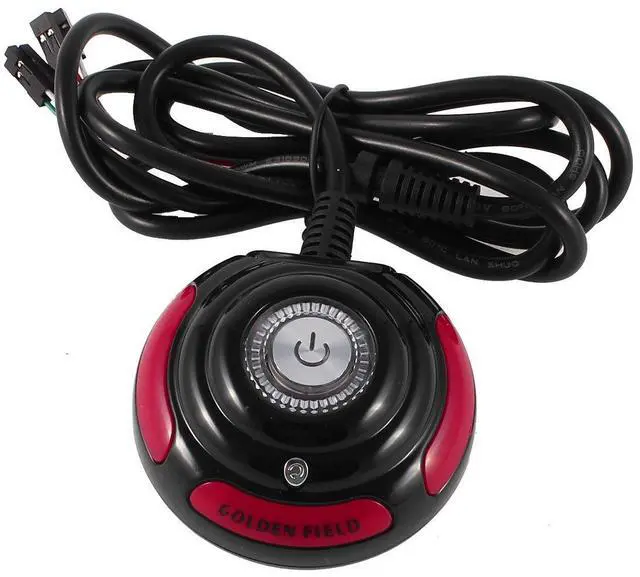
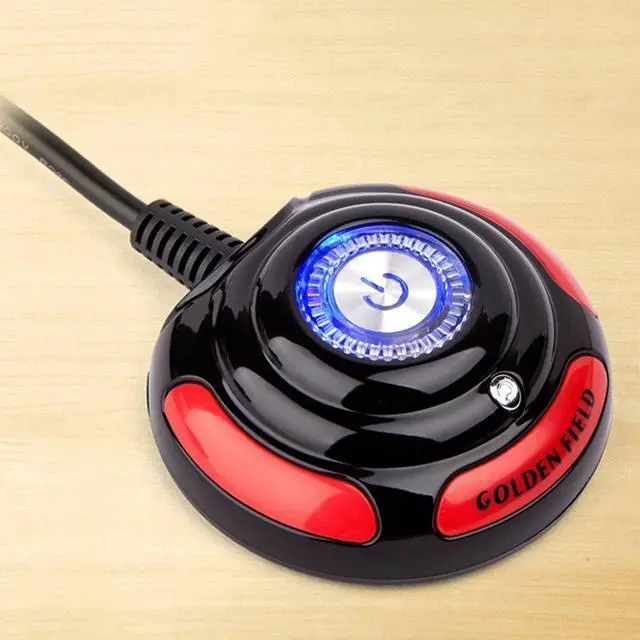
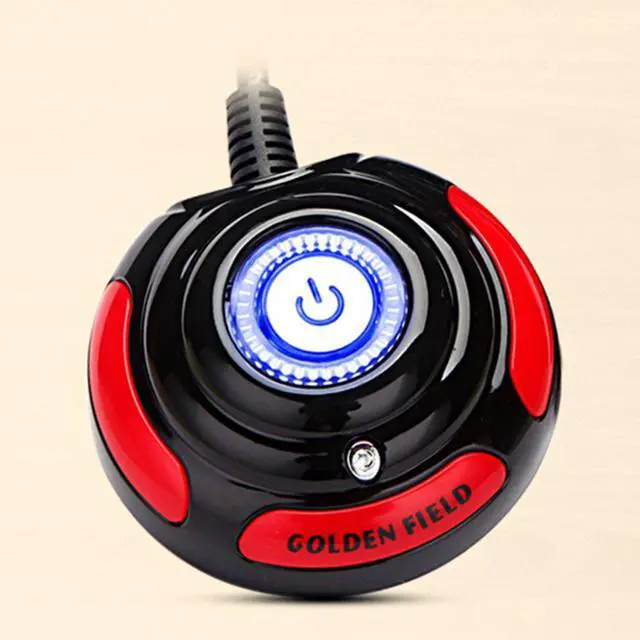
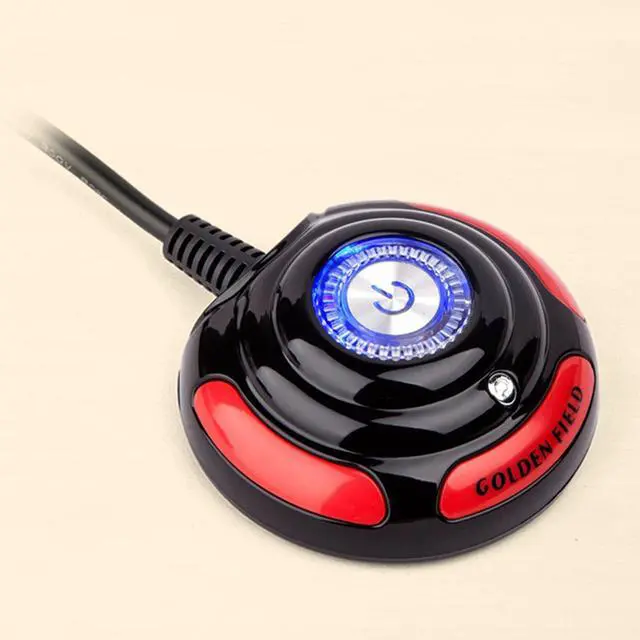
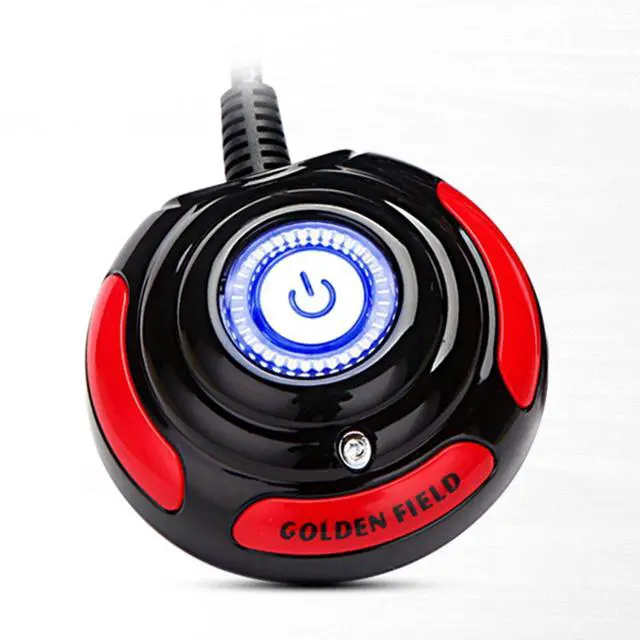
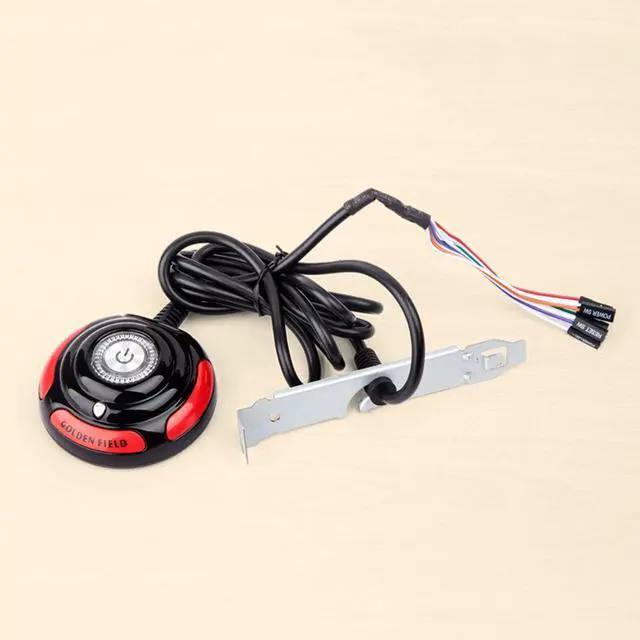
Computer Power Button: Making power computer much easier. Located computer in a hard to reach area , this is a convenient switch on the desk and hitting it rather than bend down to turn the computer on.
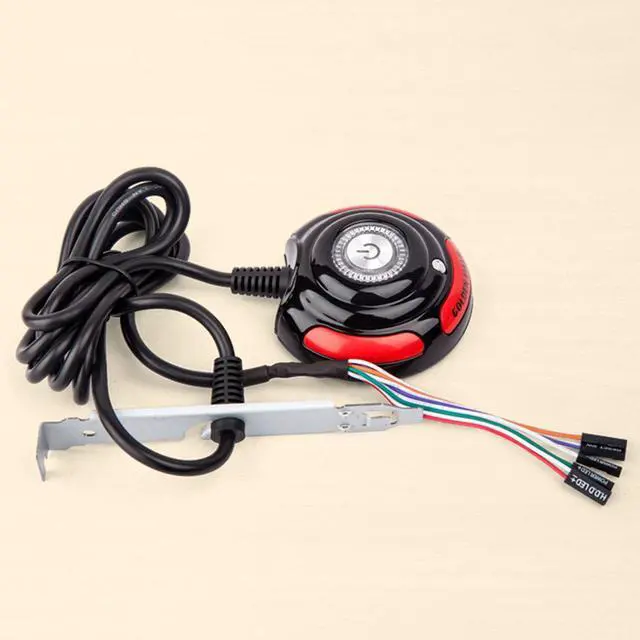
Better Protection: External material is plastic, metal. There is a metal sleeve over the cable that sits nicely in the card-slot cover to prevent the cable from being accidentally pulled or disconnected from the main board.
Design: There are two buttons on the switch. One is Power Button in the center and the other is a Reset Button. The pc power switch button set comes with two switches (Power, Reset) and three LEDs (Power, Hard Drive Activity, Sleep). Each switch and LED is clearly labeled to make installation easy.
LED Lights Modes: They're solid blue when it's on, and flicker pieces of red when your computer is loading or doing something memory intensive.
Wide Applicability: The 5.6ft/1.7m desktop computer power button suitable for most desktop computers, you can install it in office, home, Internet cafe, computer room, multimedia classroom, computer modification, etc.
+
+
Overview
Specs
Reviews
Desktop PC motherboard atx power reset switch, momentary switch button, fits most desktop computer host cases with front panel button..
Learn more about the Generic Brand a13112600ux0340
Details
Type
Push Buttons
Brand
Duracell
Switch Function
manual
Model
a13112600ux0340
Model
Part Number
a13112600ux0340
Details
Housing Material
Metal
Mounting Style
Panel Mount
Size/Dimensions
4 cm x 14.7 cm x 17.3 cm
Material
Metal
Standards/Certifications
IP00
Operating Temperature
0 degrees_celsius
Color/Finish
Black
Operating Frequency
not_applicable
Actuation Type
Push Button
Duty
Desktop Computers
Compatibility/Fitment
Desktop Computers
Resolution
2
Display Type
a13112600ux0340
Color Display
Black
Features
Desktop Computers
Additional Information
First Listed on Newegg
August 13, 2026
Customer Reviews of the Generic Brand a13112600ux0340
There are no reviews yet.
Do you own this product?
Warranty & Returns
Warranty, Returns, And Additional Information
Warranty
Please contact the Seller directly for warranty information. Warranty information may also be found on the Manufacturer's website.



 All Categories