2x1 USB C KVM Switch 8K@60Hz 4K@120Hz, 2 Port Type C KVM Switch for 2 Computers Share 1 Monitor (HDMI or DP Output), USB C KCM with 4 USB 2.0 Ports, 2 USB-C Cables Included
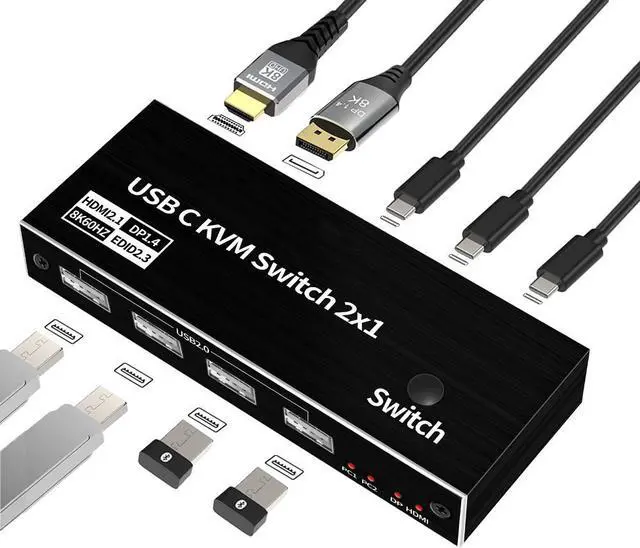
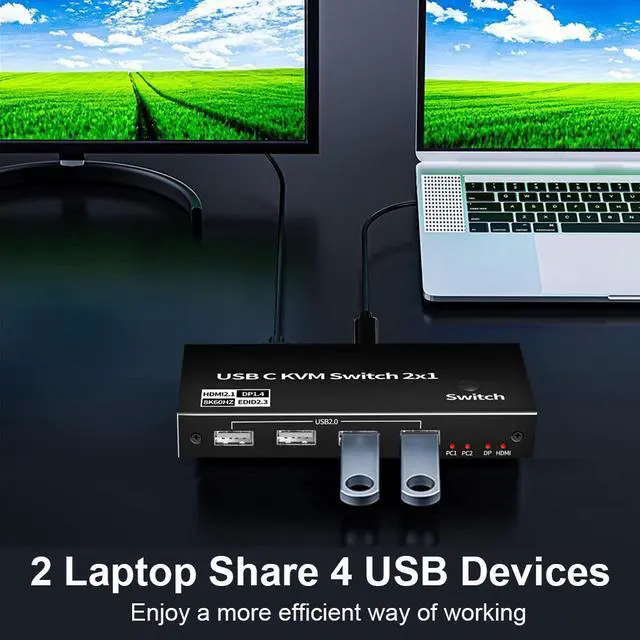
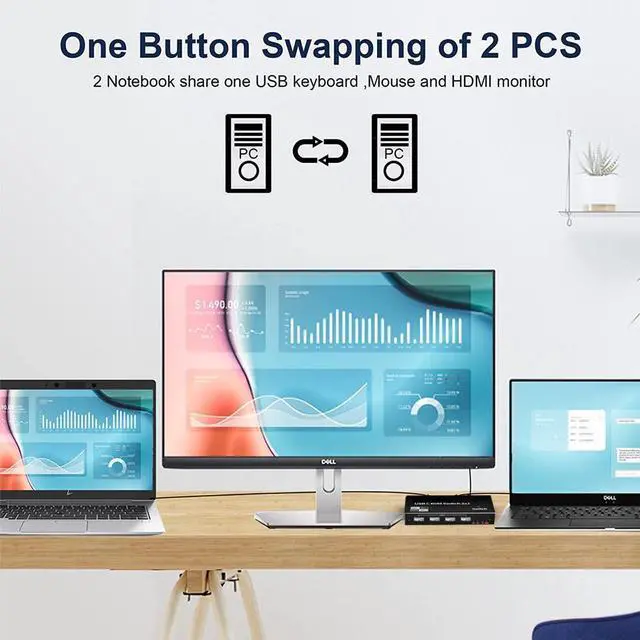
8K USB C KVM Switch allows you to share one USB keyboard, USB mouse,2 x USB 2.0 device and one Displayport or HDMI monitor to control 2 Macbook,computers, laptops, game consoles.
It is designed for multitask with two computers at your necessary, increasing productivity in the office or at home ; You can switch between 2 computers using a manual switch located on the top of the KVM unit.
Widely used in many occasions:Our This USB-C Switch is easy to use and can be widely used in Studying, Entertainment, Work and other Occasions, ultra-High-Definition Smooth Video and Picture Quality Experience, Multi-source Switching, providing multiple possibilities for work and entertainment
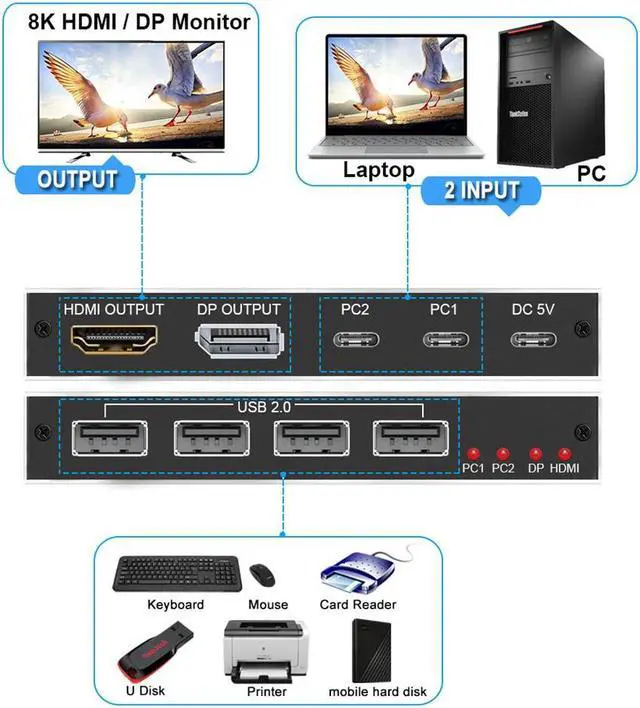
Input Port: 2 x USB Type C Female Port for USB-C PC Input,1xUSB Type-C Female for Power
Output Port: 1 x DP Female Port,1x HDMI Female Port,4 x USB 2.0 A Female Port
+
+
Overview
Specs
Reviews
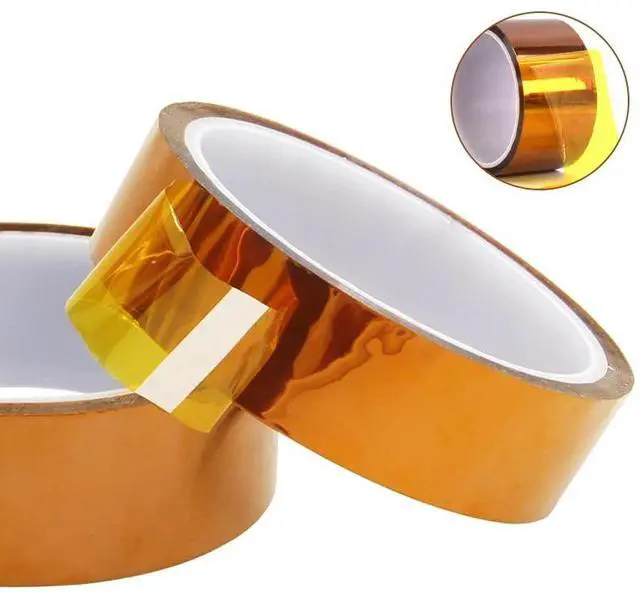
30m Long Gold Finger High Temperature Resistant Tape Polyimide Tape Multi Size Pet Anti Static Lithium Battery Insulation Tape
Learn more about the ESTONE OZK5
Model
Brand
ESTONE
Series
OZK5
Model
OZK5
Details
Type
DisplayPort, USB
PC Connectors
USB-C
Computer Connections
2 Ports
Monitor Connections
1 Port
Video Resolution
7680*4320
PC Selection
Push Buttons
AutoScan Interval
3 seconds
LED Indicators
Yes
Features
USB Features
with USB support
Application
Widely used in many occasions:Our This USB-C Switch is easy to use and can be widely used in Studying, Entertainment, Work and other Occasions, ultra-High-Definition Smooth Video and Picture Quality Experience, Multi-source Switching, providing multiple possibilities for work and entertainment
Features
2xUSB-C 8K KVM Switch with one DisplayPort 1.4 or HDMI 2.1 Port for Video,with this 2 Port 8K KVM Switcher,you are able to connect from the switcher's two PC Input Port to your USB-C PC/Laptops via two standard USB-C Gen-2 Cable,then connect from the switcher's Standard DP 1.4 /HDMI 2.1 port to your Monitors via your own displayport 8K Standard Cable,you can press the "Switch"button to switch between two of your PCs.Note:You must plug our USB C to USB A cable to power the switcher while working
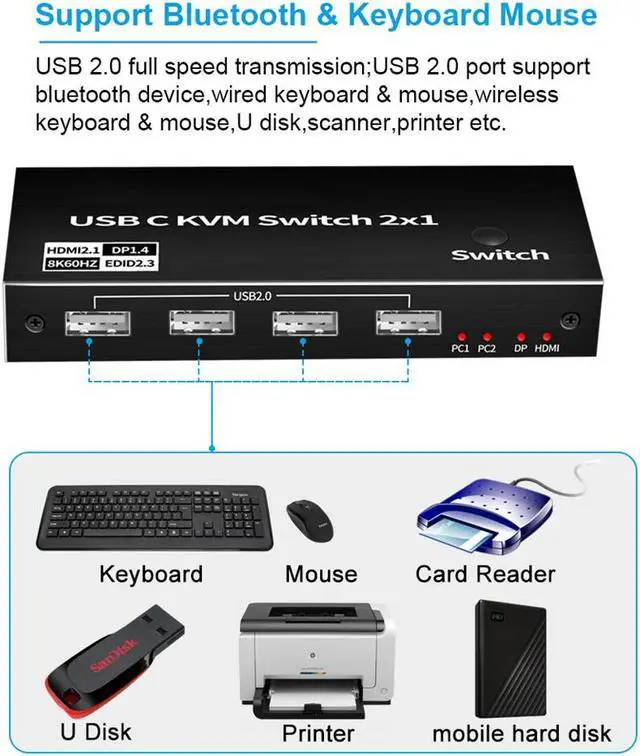
With 4 x USB2.0 Output Port,two Computers share one set,you can connect 4xUSB2.0 Output to your USB Mouse,Keyboard,Printer,Disks,or other usb devices,while you switch from one PC to another PC,Your USB device will be synced to your external display without pluging and unpluging the related USB device repeatedly.The USB Port supports the USB 2.0 Specifications and the transfer rate is 480Mbps
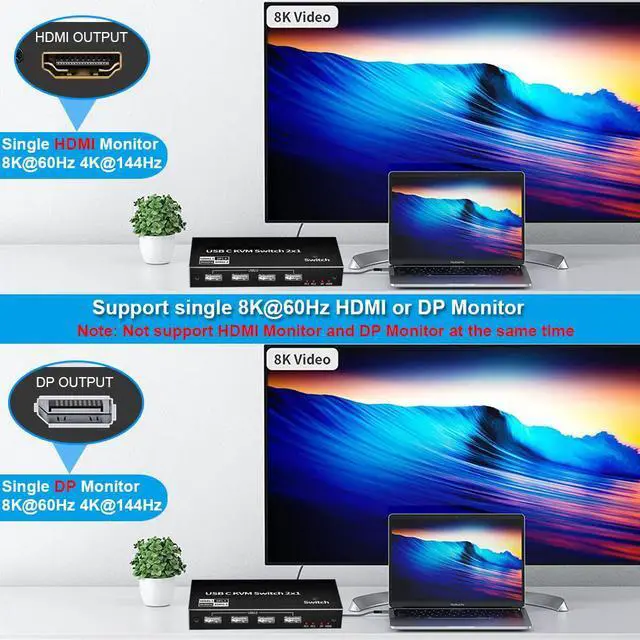
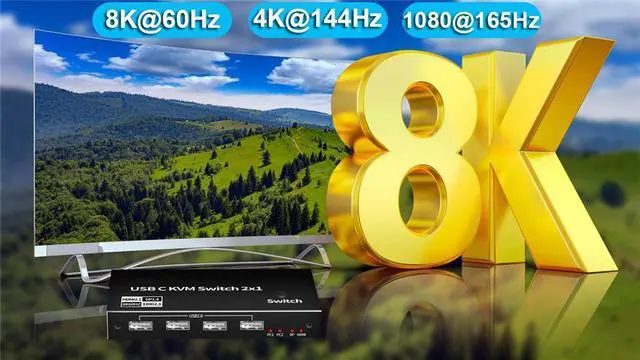
DisplayPort 1.4 or HDMI 2.1 Video Output,with this switch,you can max output 8K@60Hz 4K@144Hz resolution in your external DisplayPort/HDMI Monitors,This requires that your USB-C pc and HDMI/DisplayPort cable Monitors should both supports the max resolution you would like to output,that is,your computer's USB-C port should be thunderbolt 4 and Monitor's DP/HDMI Port should be select(Note:HDMI and DP port could not display at the same time,only support single monitor).If laptops with usb-c Gen-2 Port or Thunderbolt 3 Port,it can only max up to 4K@60Hz
This USB-C KVM switch equipped with two USB-C Gen-2 Cable as accessories to connect your USB-C Laptops,meanwhile,it includes a USB-A to USB-C Cabler for Power.With Multiple USB Ports,solved the problems of insufficient USB Interface,Two computers share one screen, and connect USB devices such as mouse and keyboard synchronously.Notes:The PC1 Input and PC2 Input only connect to your USB-C PC,these two ports are forbidden to connect to your USB-C Hub
Widely used in many occasions:Our This USB-C Switch is easy t
Dimensions & Weight
Dimensions
5.43 x 5.35 x 1.46 inches
Weight
9.52 Ounces
Package Contents
Package Contents
• 1 x USB C Thunderbolt 4 KVM Switch
• 1 x USB Power Cable(Type A to Type C)
• 2 x 1.2 meter USB Gen 2 Cable(Type C to Type C)
• 1 x User Manual
Additional Information
First Listed on Newegg
September 11, 2023
Customer Reviews of the ESTONE OZK5
There are no reviews yet.
Do you own this product?
Warranty & Returns
Warranty, Returns, And Additional Information
Warranty
Please contact the Seller directly for warranty information. Warranty information may also be found on the Manufacturer's website.



 All Categories