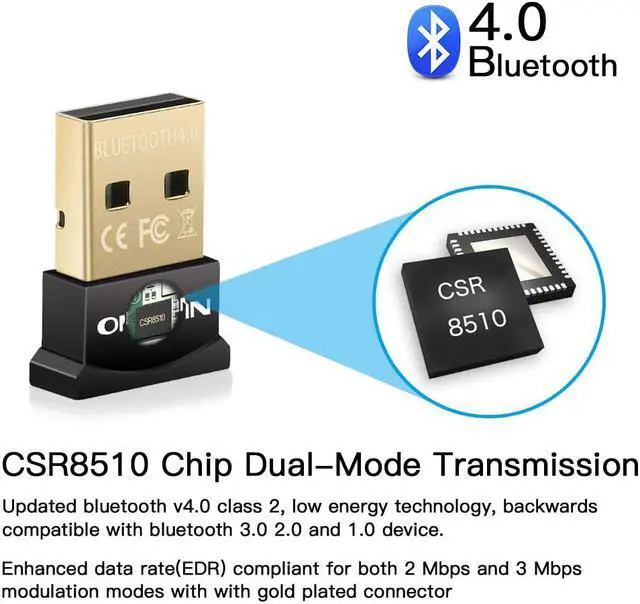
Bluetooth specification: V4.0 Compliant
Interface: USB Compliance
Symbol rate: Up to 3Mbps
Receiving/Sending range: 10M/33FT
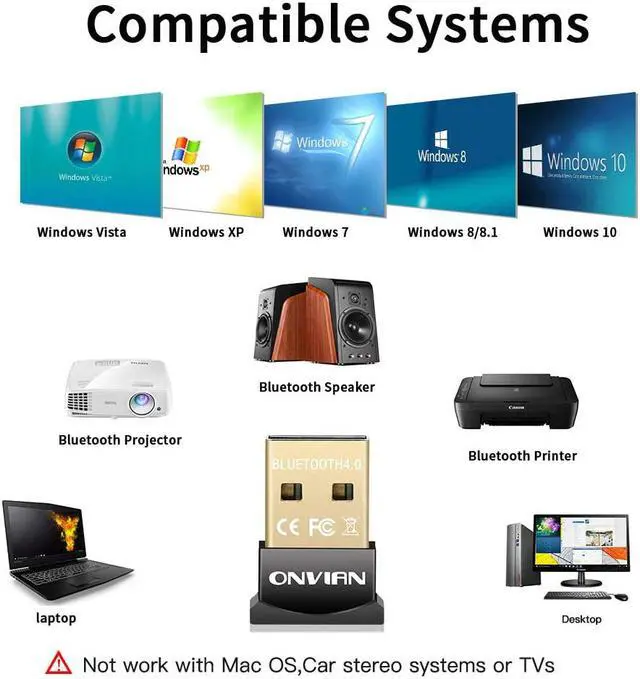
Operation system: Windows XP Vista Windows7 8 8.1 10
Supporting profiles: Networking Dial-up Fax LAN access and Headset
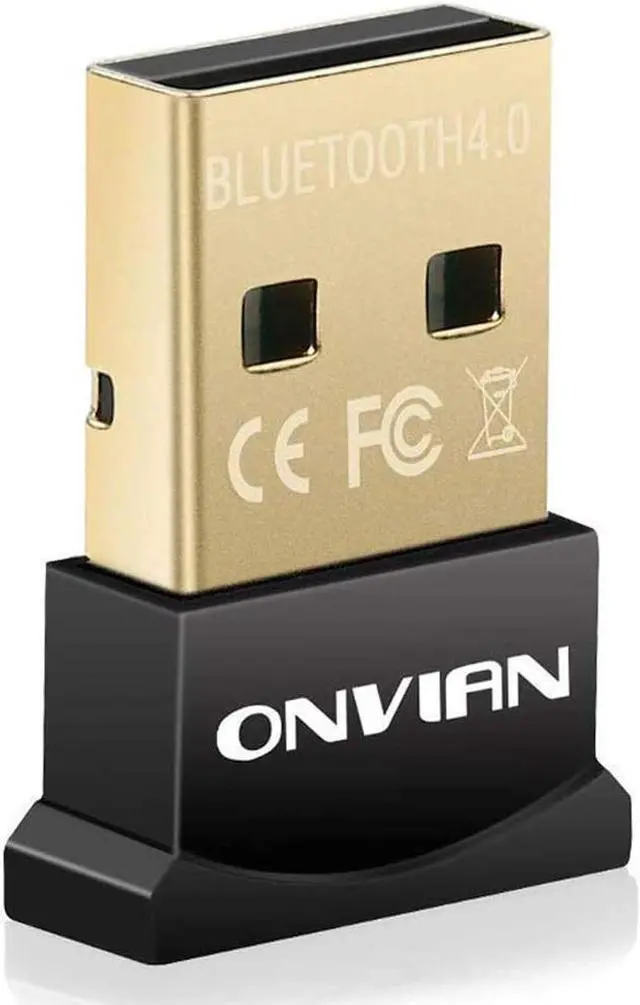
Onvian Bluetooth Dongle
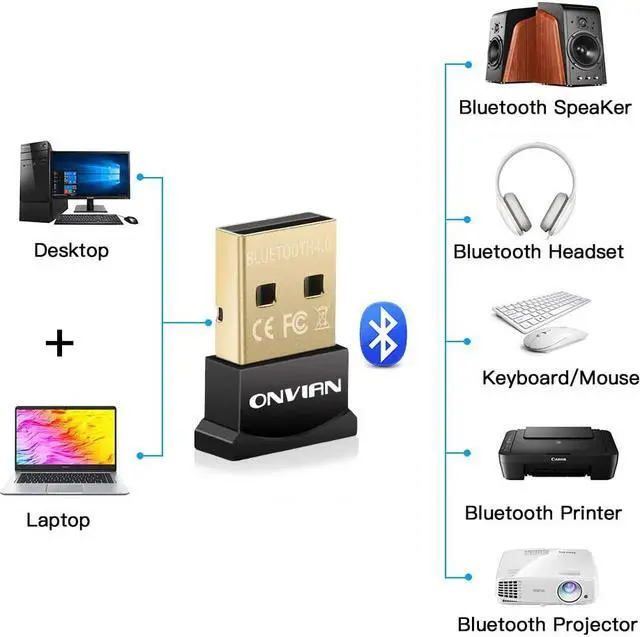
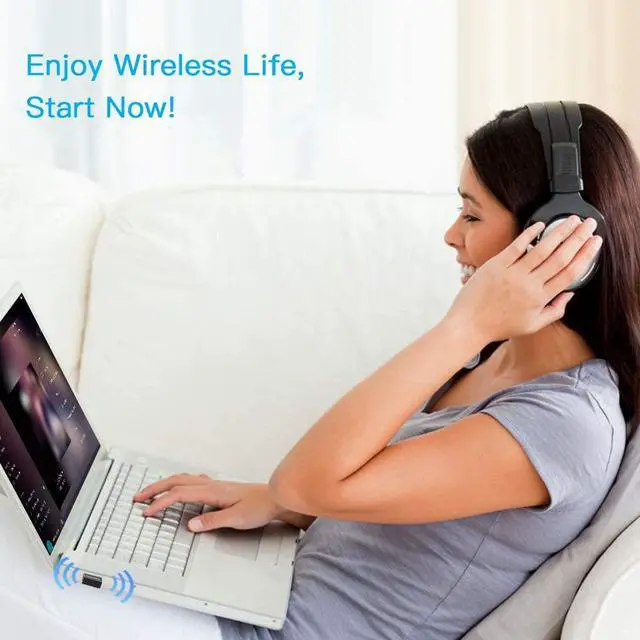
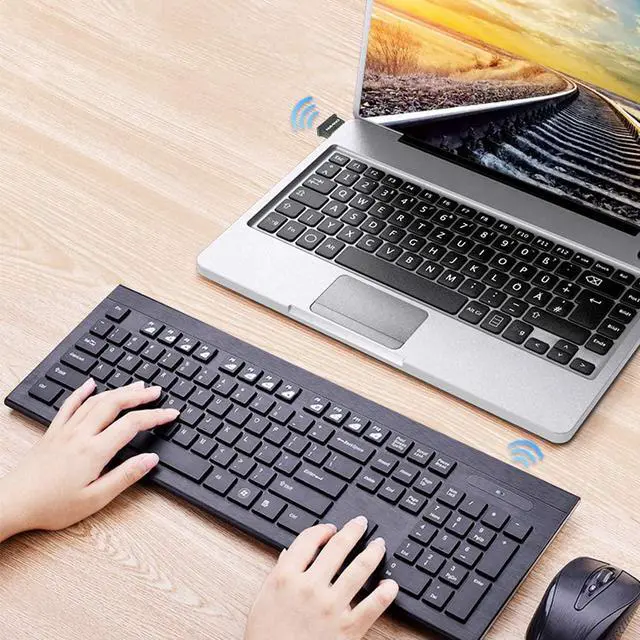
Add Bluetooth to your Windows or Linux computer and open the door to cordless convenience with Smartphones, tablets, keyboards, mice, speakers, printers, headsets and more bluetooth-enable devices
You may have these problems:
Why is the audio quality so terrible?
Please uncheck "Handsfree telephony" from the services setting on your bluetooth device -> Control Panel/Hardware and Sound/Devices and Printers -> select your device and right-click, open Properties, then go to Services tab and uncheck Handsfree Telephony
Can it work with my game controller?
Works well for Xbox One S Controller (Windows 10 with Anniversary Update or greater only), but for DS4 which use a non-standard Bluetooth implementation that requires third-party software, you can install them yourself and have a try.
Something you might wanna know:
USB 3.0 introduced radio frequency interference in the 2.4GHz to 2.5GHz range, which is the same radio spectrum used by Bluetooth and Wi-Fi, please don't use USB 3.0 port, and the bluetooth adapter should not be too close to your router or working USB 3.0 devices
Try not to plug the bluetooth adapter in the back of the computer, because there are more radio interference and the metal of your tower-style computer case will block the bluetooth signal
*Some devices like BOSE may need special driver for Windows 7
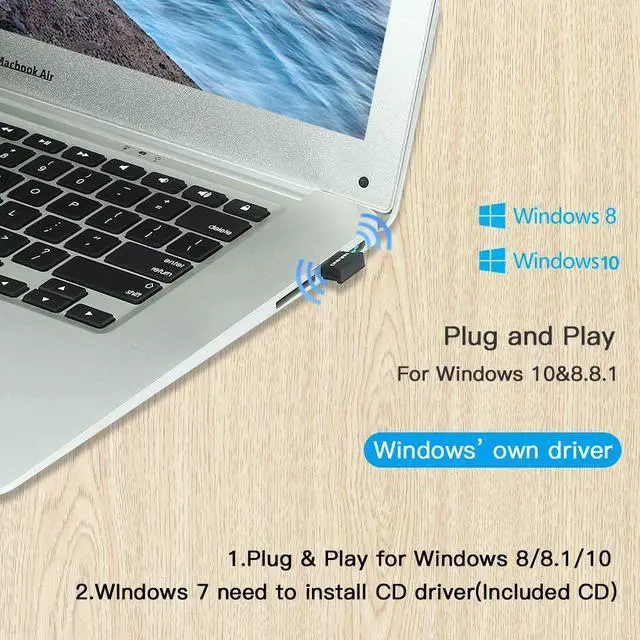
Plug and Play
No driver needed for Windows 10. The CSR driver in the CD is only for Windows 7 to connect audio devices
CSR 8510 Inside
Dual-mode Bluetooth transfer can offer a stable way to transfer File, Audio or Voice Wirelessly
Better Audio Quality
APT-X supported, you can enjoy your favorite music in a better way
Bluetooth 4.0
Ultra low power consumption to extend the battery life of your laptop or portable device