Metal Mini Mouse Jiggler, T5s Mouse Mover with Timer, LED Countdown, Undetectable, 3-Button Control, for Office, Remote Work, Online Meetings,Shaker Wiggler to Boost Your Productivity (Black)
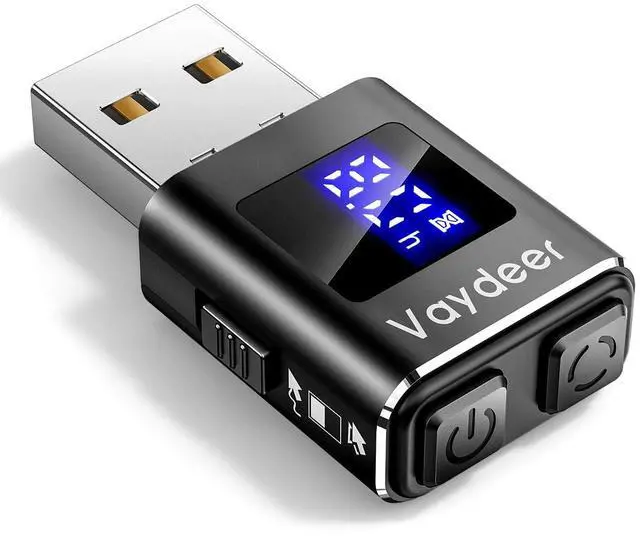
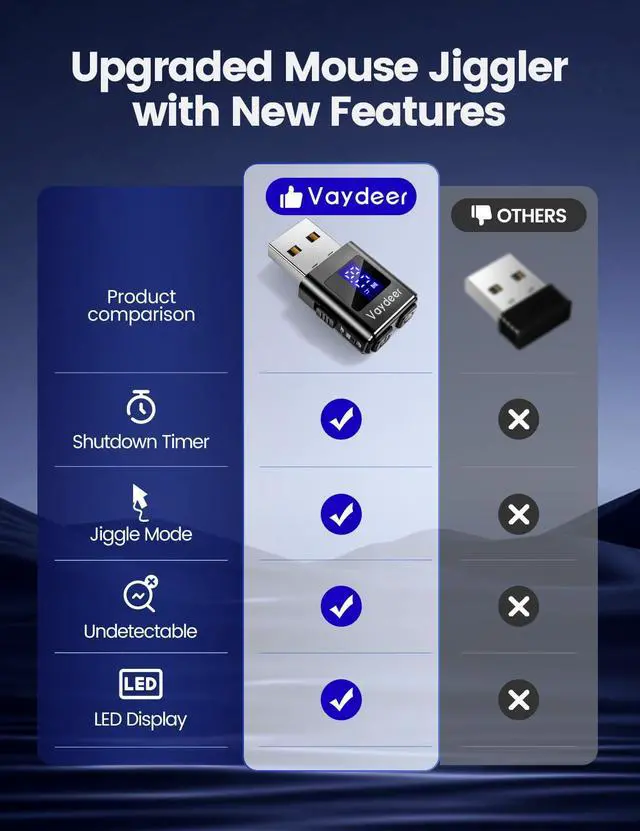
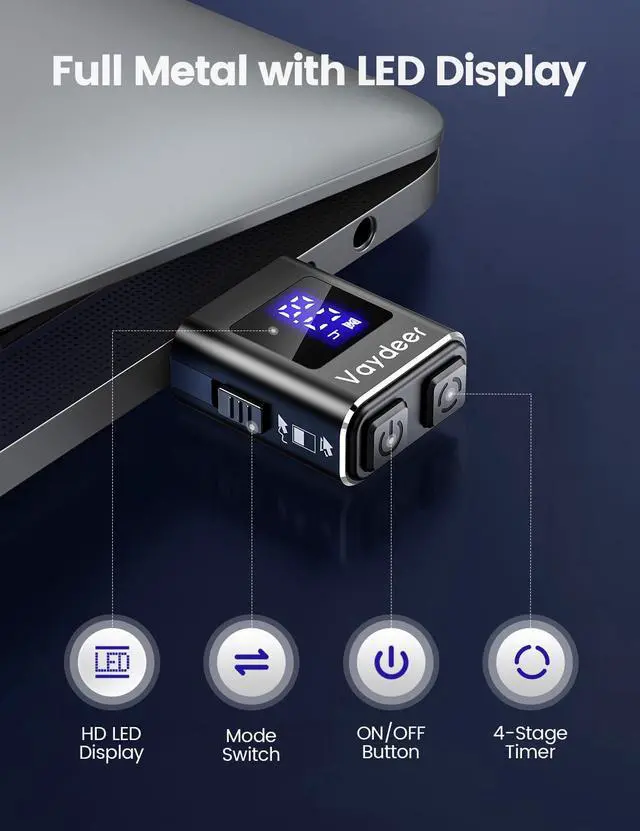
Advanced Timer Function with Countdown DisplayThe VAYDEER Mini Mouse Jiggler features an innovative timer function with a clear LED countdown display. Easily set the device to automatically shut off after 2, 4, 6, or 8 hours. For continuous operation, simply select the "--" mode and the wiggler will run non-stop until you turn it off.
Three-Button Operation for Enhanced ConvenienceExperience seamless control with VAYDEER's intuitive three-button design. The dedicated power button ensures easy on/off operation, while the mode button lets you switch between different cursor movement patterns effortlessly. The timer button allows quick access to your preferred shutdown time or continuous operation mode.
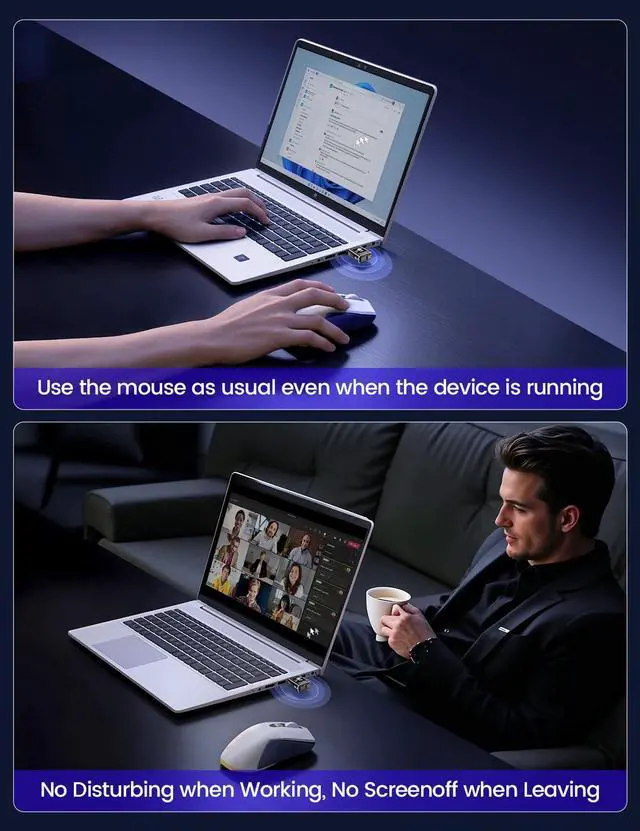
Customizable Movement Patterns with LED Display Select from two movement modes using the side buttons: Mode 1 provides subtle micro-shakeshardly noticeable and doesnt affect normal mouse usewhile Mode 2 offers a larger range of motion. The LED screen displays the current mode, countdown ti
+
+
Overview
Specs
Reviews
Metal Mini Mouse Jiggler, T5s Mouse Mover with Timer, LED Countdown, Undetectable, 3-Button Control, for Office, Remote Work, Online Meetings, Shaker Wiggler to Boost Your Productivity (Black)
Learn more about the Vaydeer
Model
Brand
HP
Name
Vaydeer
Model
FM9041
Part Number
FM9041
Type
PC Keyboard\Mouse Combos
Details
Interface
USB
Color
Black
Hand Orientation
Right Hand
Tracking Method
Optical
Sensor
Optical
Buttons
3
Scrolling Capability
Touch Scroll
Weight
5 grams
OS / System Requirement
Operating System Supported
Windows 98/ ME/ 2000/ XP; Mac OS X 9.X +
System Requirement
USB port
Manufacturer Warranty
Parts
1 Year
Labor
1 Year
Details
Sports Team
Atlanta Braves
Windows Vista
Certified for Windows Vista
Additional Information
First Listed on Newegg
July 25, 2026
Customer Reviews of Vaydeer
There are no reviews yet.
Do you own this product?
Warranty & Returns
Warranty, Returns, And Additional Information
Warranty
Please contact the Seller directly for warranty information. Warranty information may also be found on the Manufacturer's website.