


 All Categories
Built for How Business Buys.
All Categories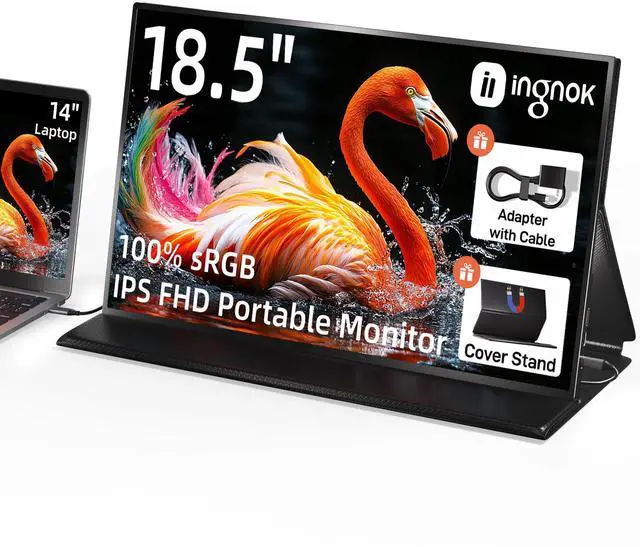
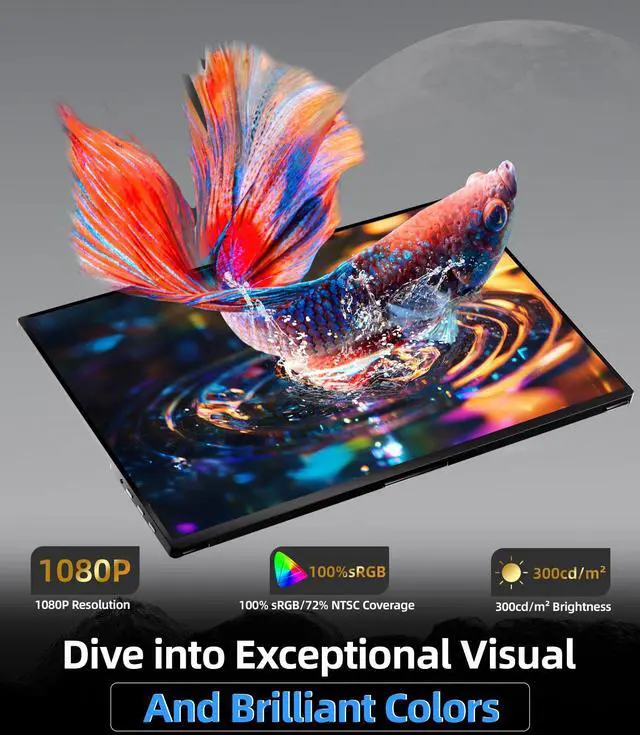
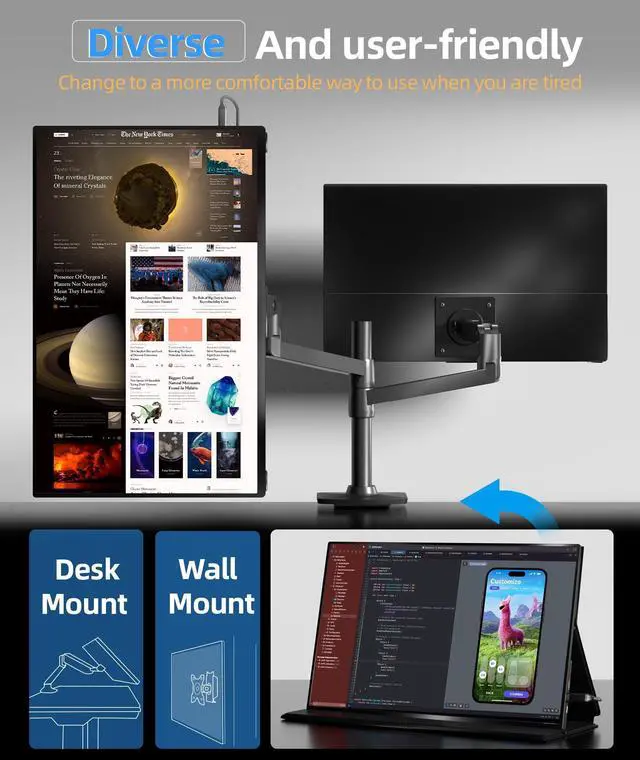
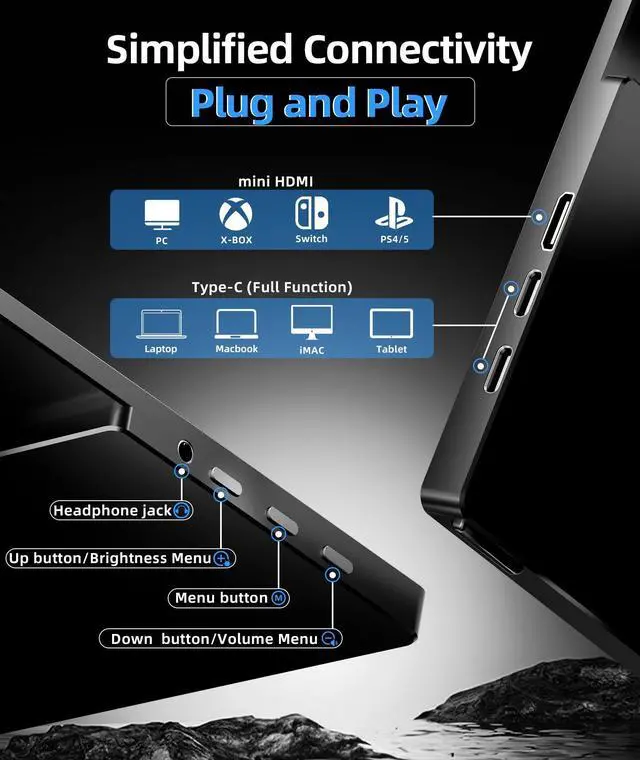
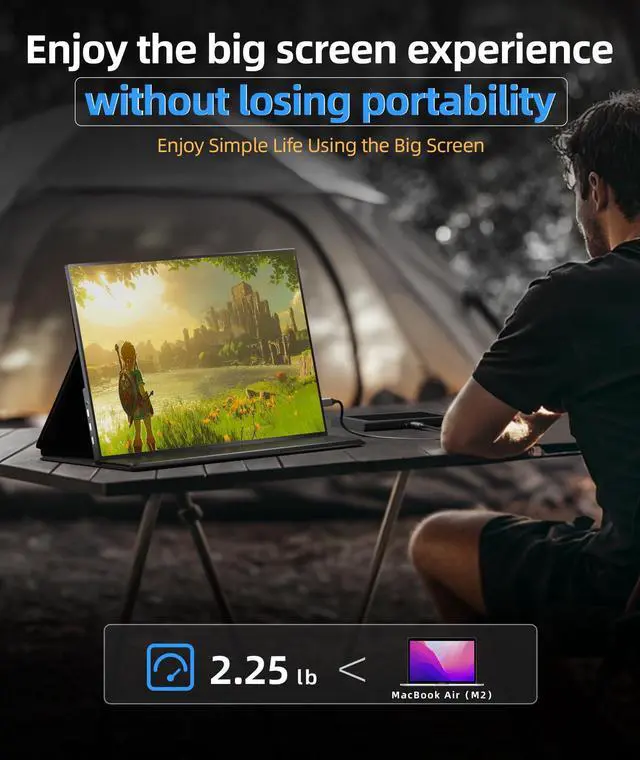


With a lifelike display,your creativity is no longer limited, whether it's image design or video editing, capturing every detail and colour with precision.

Experience stunning details with a 1200:1 contrast ratio, delivering deep blacks and vibrant colors. Perfect for video editing, design, or streaming, it enhances clarity, color depth, and realism

Blue light protection for a relaxing and enjoyable viewing time. Your eye health is taken into account every second, making life in front of the screen more comfortable and cosy!

Why does the screen flicker and automatically reboot when adjusting brightness/volume?
This occurs due to insufficient power supply from the adapter. The monitor requires approximately 15W at maximum brightness. To resolve this, ensure the power adapter outputs over 10W to deliver stable power to the monitor(e.g., 5V/2A or higher)
Does maintenance service cover screen broken?
We sincerely regret that physical screen damage resulting from accidental impact or mishandling cannot be accommodated under our maintenance service Stand, as this aligns with industry-standard guidelines for monitor products.
Why does my monitor only adjust the volume and brightness, and can't even call out the menu?
This is because your monitor has entered the test mode.Please press and hold the center button on the monitor's edge for 3 seconds to power off, then repeat the 3-second press to restart. Normal functionality will resume after restart.


With a lifelike display,your creativity is no longer limited, whether it's image design or video editing, capturing every detail and colour with precision.
Experience stunning details with a 1200:1 contrast ratio, delivering deep blacks and vibrant colors. Perfect for video editing, design, or streaming, it enhances clarity, color depth, and realism
Blue light protection for a relaxing and enjoyable viewing time. Your eye health is taken into account every second, making life in front of the screen more comfortable and cosy!


Why does the screen flicker and automatically reboot when adjusting brightness/volume?
This occurs due to insufficient power supply from the adapter. The monitor requires approximately 15W at maximum brightness. To resolve this, ensure the power adapter outputs over 10W to deliver stable power to the monitor(e.g., 5V/2A or higher)
Does maintenance service cover screen broken?
We sincerely regret that physical screen damage resulting from accidental impact or mishandling cannot be accommodated under our maintenance service Stand, as this aligns with industry-standard guidelines for monitor products.
Why does my monitor only adjust the volume and brightness, and can't even call out the menu?
This is because your monitor has entered the test mode.Please press and hold the center button on the monitor's edge for 3 seconds to power off, then repeat the 3-second press to restart. Normal functionality will resume after restart.

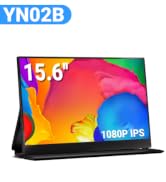
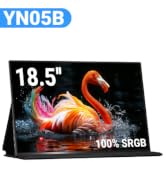
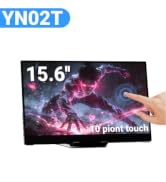

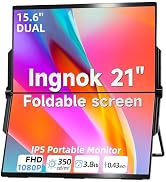
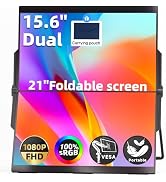
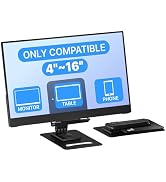
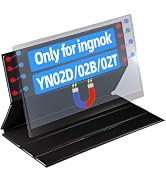


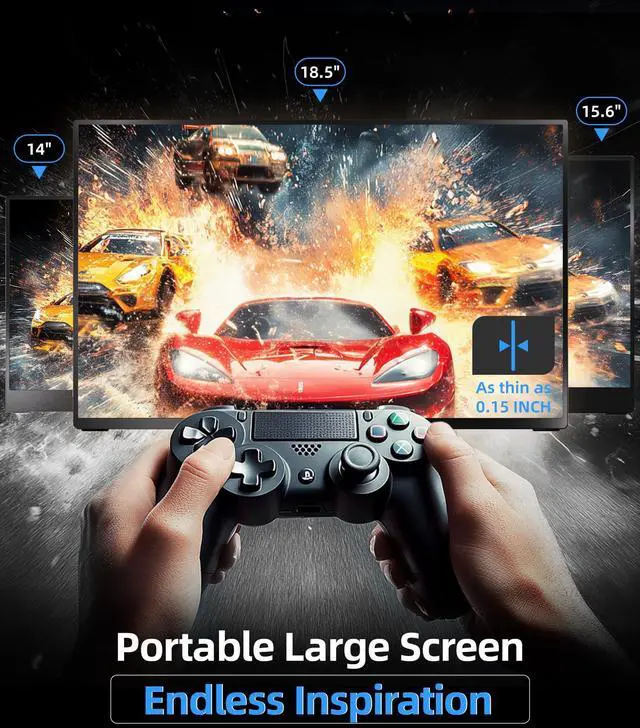
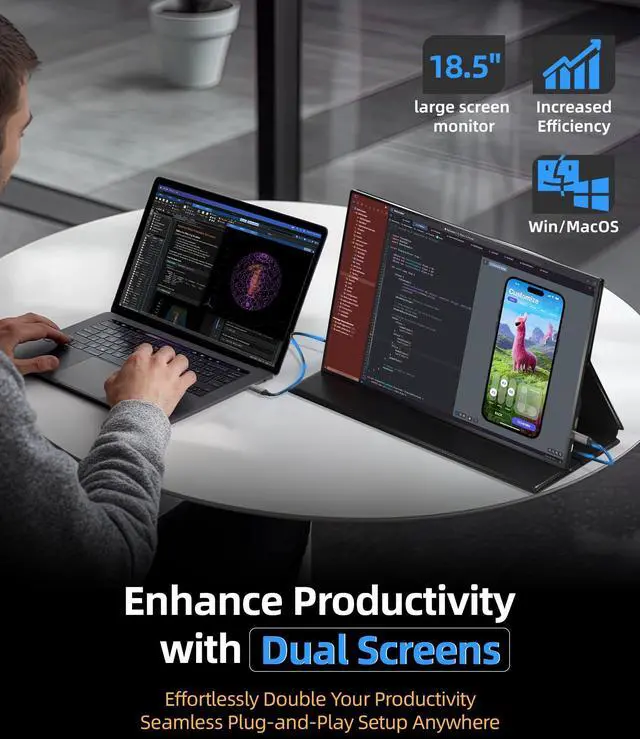
Expand your workspace effortlessly: This 18.5" portable monitor instantly adds a secondary screen to desktops/laptops via single USB-C. Enjoy glare-free viewing with IPS technology for extended indoor use. Maximize productivity in home offices with plug-and-play setup
| Brand | Ingnok |
| Screen Size | 18.5 Inches |
| Resolution | FHD 1080p |
| Aspect Ratio | 16:9 |
| Screen Surface Description | Matte |
| Product Dimensions | 16.57 x 9.84 x 0.44 inches |
| Item Weight | 5.74 pounds |
| Manufacturer | Ingnok |
| Item model number | YN05B |
| Date First Available | May 26, 2023 |
| Standing screen display size | 18.5 Inches |
| Voltage | 5 Volts (DC) |
| Image brightness | 300 Candela |
| Total Usb Ports | 2 |


