• $30.98
  • Free 30-day Returns
  • Ships from China.

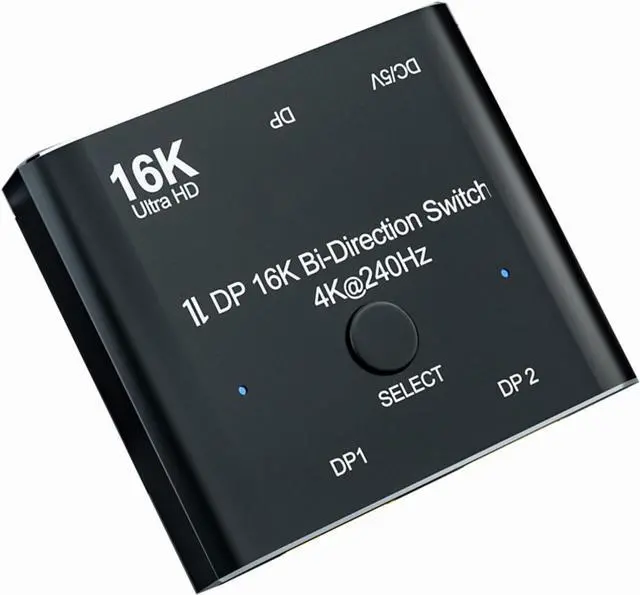
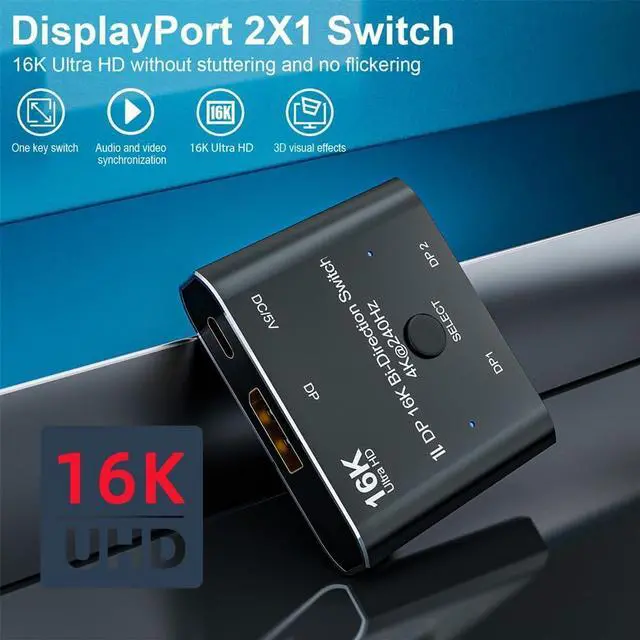
    LUOM 16K Displayport 2.0 Switch, Bi-Directional 1in 2 Out or 2in 1out DP 2.0 Switcher Converter Supports 16K@60Hz 8K@60hz 4K@240hz for Dual DP Sources or Displays

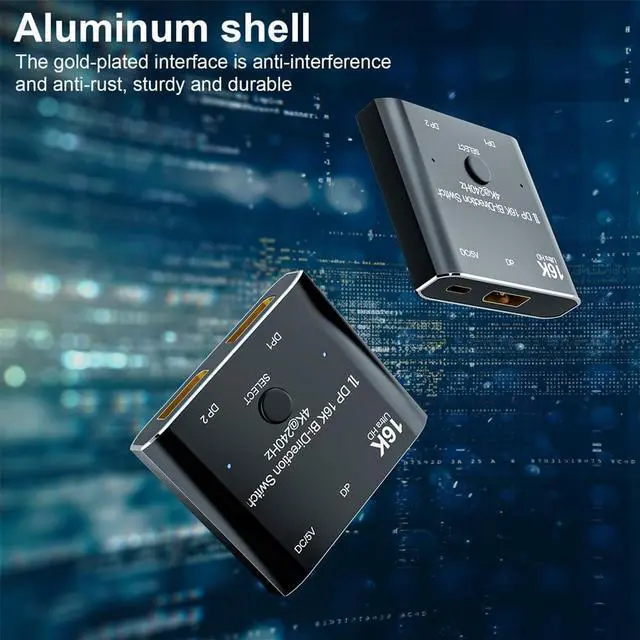
    • Updated Displayport Switcher with Power Cable: The additional power cord and power interface provide additional power supply, which solves the problem that most similar products in the market are easy to have two screens both are not bright in the case of 1 in 2 out.Our is a professional video transmission equipment research and development brand. We listened to our customers and researched the market and finally launched this latest version of the Displayport Switcher Box.
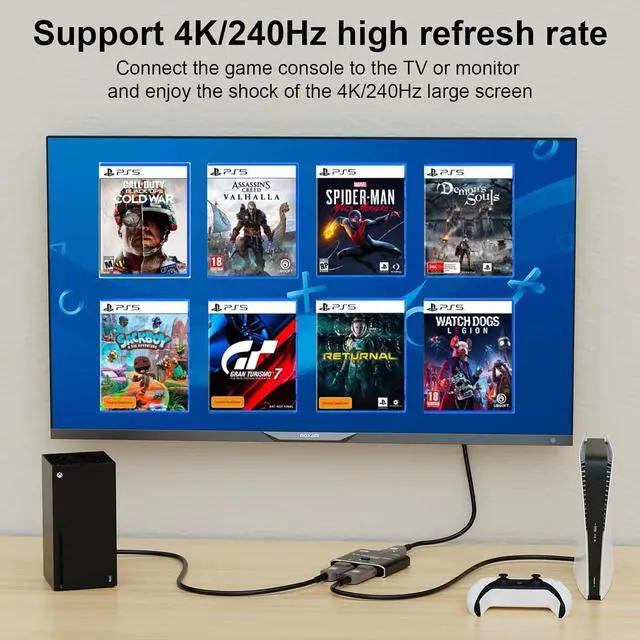
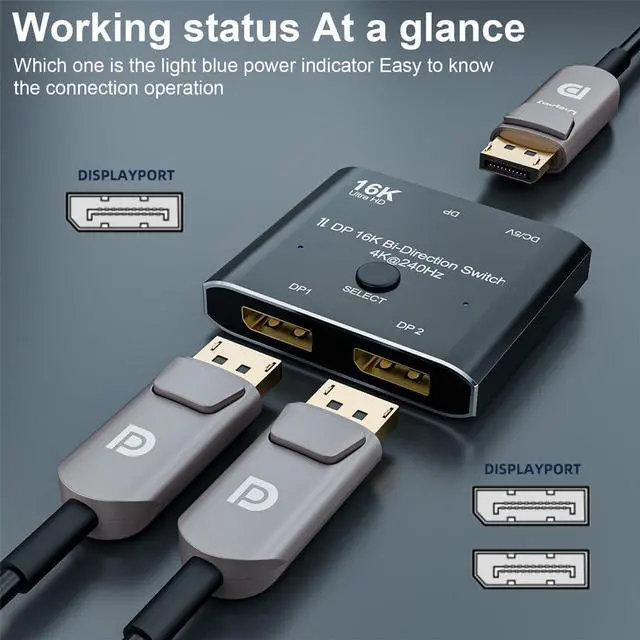
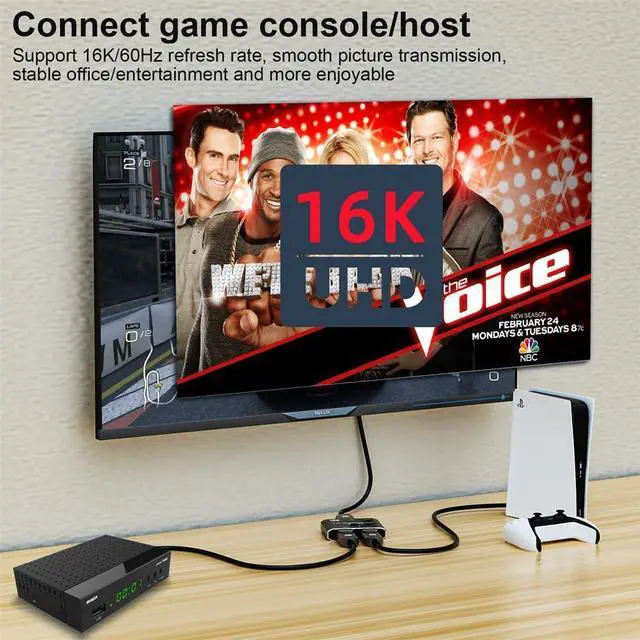
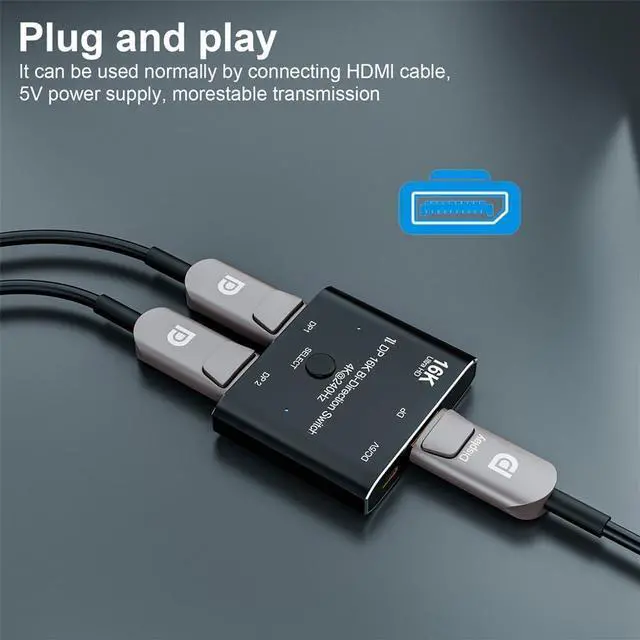
    • Bidirectional Display port 2.0 Switch Splitter: Bi-directional displayport splitter allows 2 DP video source share 1 display or 1 source share 2 displays. Such as laptops, tablets and other devices. NOTE:Two displays CANNOT display simultaneously. You need to use a standard DP2.0 Cable(within 6.6feets) to connect this DP switcher and use the USB cable to power it,otherwise it will flicker or the screen will turn blackpower cable included).
    +
    +
    Overview
    Specs
    Reviews
    Updated Displayport Switcher with
    Power Cable: The additional power cord and power interface provide additional power supply, which solves the problem that most similar products in the market are easy to have two screens both are not bright in the case of 1 in 2 out. Our is a professional video transmission equipment research and development brand. We listened to our customers and researched the market and finally launched this latest version of the Displayport Switcher Box.
    Bidirectional Display port 2.0 Switch Splitter: Bi-directional displayport splitter allows 2 DP video source share 1 display or 1 source share 2 displays. Such as laptops, tablets and other devices.
    NOTE: Two displays CANNOT display simultaneously. You need to use a standard DP 2.0 Cable(within 6.6 feets) to connect this DP switcher and use the USB cable to power it, otherwise it will flicker or the screen will turn blackpower cable included).

    Warranty & Returns

    Warranty, Returns, And Additional Information

    Warranty

    • Please contact the Seller directly for warranty information. Warranty information may also be found on the Manufacturer's website.
    • CONTACT

    Return Policies

    Manufacturer Contact Info

    LOADING...