• $499.99
  • This item is not returnable
  • Limit 5 per customer.
    Sold by NeweggBusiness

    Shipped by NeweggBusiness

    NUANCE Dragon Professional Individual 15 - Download

    • Item #: 9B-32-182-376
    • Mfr. Part #: SN-K809A-G00-15.0
    • UNSPSC: 43230000
    • Faster and more accurate than ever, with next-generation speech recognition technology that continues to adapt to your voice even while you're dictating
    • Create, format and edit by voice quickly and efficiently in the latest applications
    • Easily create custom words such as proper names and specific industry terminology
    • Create custom voice commands to insert frequently-used text and graphics
    • Use a Nuance-approved digital recorder to capture thoughts on the go for later automatic transcription
    • Share dictation and sync customizations with the Dragon Anywhere mobile solution to continue documentation work anywhere you go
    • Work easily on popular form factors such as portable touchscreen PCs
    • Command and control your computer by voice in ergonomic, hands-free comfort
    • Even easier to get started with contextual guidance tailored to your usage
    Please note that this product is non-returnable and non-refundable.
    +
    +
    Overview
    Specs
    Reviews
    image
    image

    Drive documentation productivity—all by voice

    Put your voice to work to create reports, emails, forms and more with Dragon Professional Individual, v15. With a next-generation speech engine leveraging Deep Learning technology, dictate and transcribe faster and more accurately than ever before, and spend less time on documentation and more time on activities that boost the bottom line.

    image
    Powered by Deep Learning Fast and accurate documentation

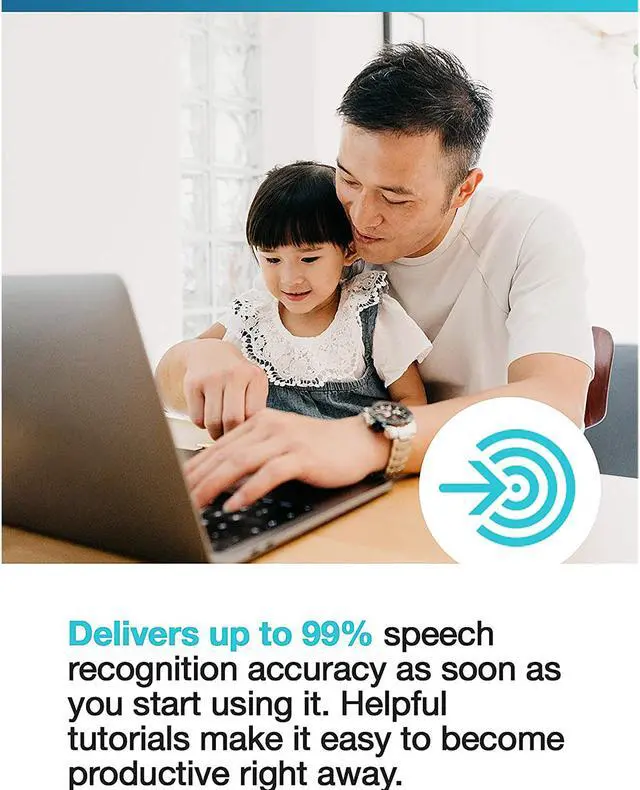
    With a next-generation speech engine leveraging Deep Learning technology, Dragon adapts to your voice or environmental variations—even while you’re dictating. Create documents and reports quickly and accurately, and zip through computer tasks in record time—all by voice.

    • Dragon learns the words and phrases you use the most to minimize corrections
    • Optimizes accuracy for speakers with accents or in slightly noisy environments such as an office cubicle
    • Smart Format Rules automatically adapt to how you want abbreviations, dates, phone numbers and more to appear
    • Apply formatting by voice, such as bold or underline
    • Work within popular business applications
    image
    Work on the road Get documentation done anytime, anywhere

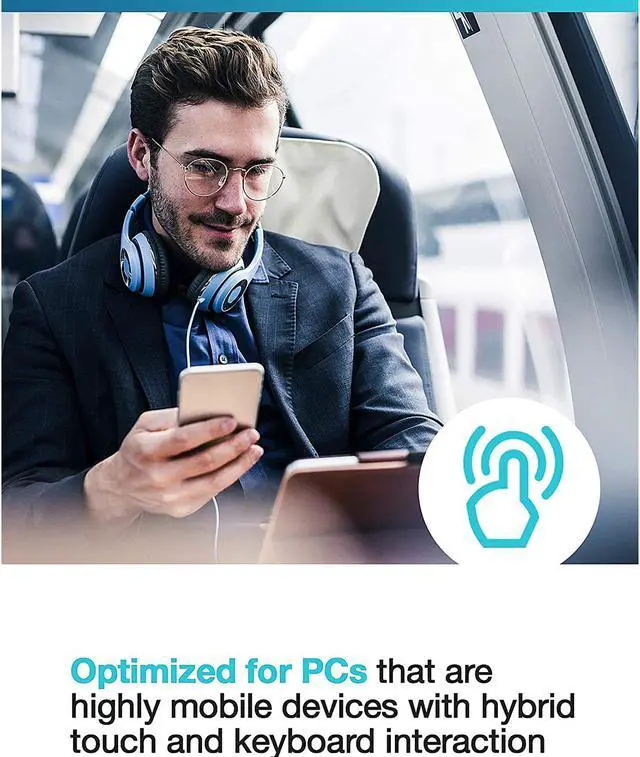
    Keep up with documentation even on the road or out in the field. Dragon works with popular form factors such as portable touchscreen PCs. And it syncs with Dragon Anywhere, the separate, cloud-based mobile dictation solution, letting you create and edit documents of any length by voice directly on your iOS or Android device for seamless productivity no matter where your job takes you.

    • Speak as long as you want to complete documents of any length—from a business report to an entire book
    • Easily create form-based templates and fill out reports, such as client in-take forms—all in the moment
    • Import and export to and from popular cloud-based document-sharing tools like Dropbox and note-taking apps like Evernote
    • Sync with Dragon Professional Individual, and work started on the road can be completed back at the desktop for seamless document workflows
    • Subscription is required for Dragon Anywhere
    image
    Advanced customization and personalization Work more efficiently with powerful customizations

    Imagine saying “Insert Signature” and Dragon fills in your contact details, or dictating industry-specific terminology and Dragon types every word correctly—every time. With advanced personalization features, like the ability to create custom commands and custom words, Dragon Professional Individual allows you to tailor it to the way you work for big productivity gains.

    • Import and export custom word lists for acronyms or other unique business-specific terminology
    • Create custom voice commands for inserting frequently-used text and graphics
    • Create time-saving macros to automate multi-step workflows or business processes via simple voice commands
    image
    Easy transcription Dictate anywhere, transcribe back at your desktop

    Don’t fall behind on reports and other documentation due to business travel. Dictate into a digital voice recorder and Dragon will automatically transcribe the recordings when you connect to your desktop. You can also transcribe another single speaker’s voice from pre-recorded audio files or from podcasts. Streamlined setup makes transcription faster and easier than ever.

    • Complete transcription quickly and accurately with no voice training required—even for third-party speakers
    • Transcribe from .wav, .mp3, .wma, .dss, .ds2, and .m4a.
    • Get a head start as you review or correct your transcription results with automatic application of basic punctuation that are not dictated
    • Save time and eliminate reliance on costly transcription services

    System requirements

    • RAM: Minimum 4GB
    • CPU: Intel dual core or equivalent AMD processor. Faster processors yield faster performance.
    • Free hard disk space: 8GB
    • Supported operating systems: Windows 7, 8.1, 10 (32- and 64-bit); Windows Server 2008 R2 & 2012 R2
    • Internet Explorer 11 or higher or the current version of Chrome or Firefox for Online Help
    • A sound card supporting 16-bit recording
    • An Internet connection for product download and automatic product activation (a quick anonymous process)
    • Note: Does not support dictation into Electronic Medical Record (EMR) systems. For EMR support, please use Dragon Medical One.

    Warranty & Returns

    Warranty, Returns, And Additional Information

    Return Policies

    • Return for refund within: non-refundable
    • Return for replacement within: non-replaceable
    • This item is covered by NeweggBusiness.com's Consumable Product Return Policy.
    • Read full return policy for details.
    LOADING...