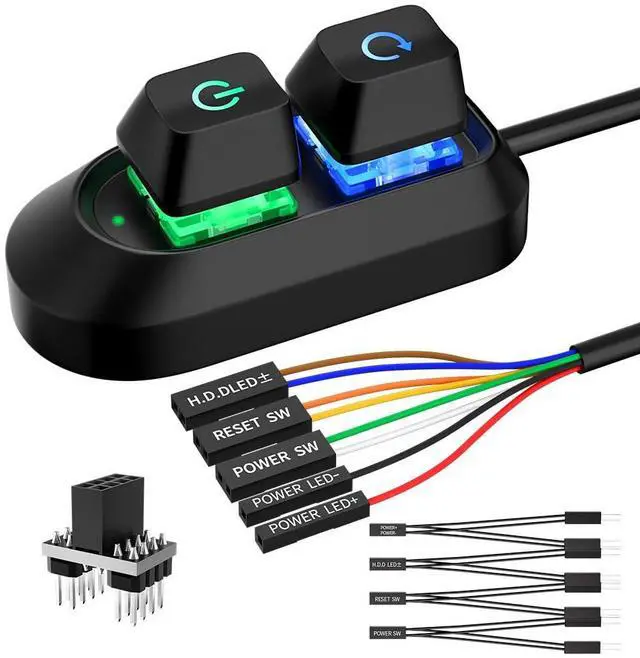
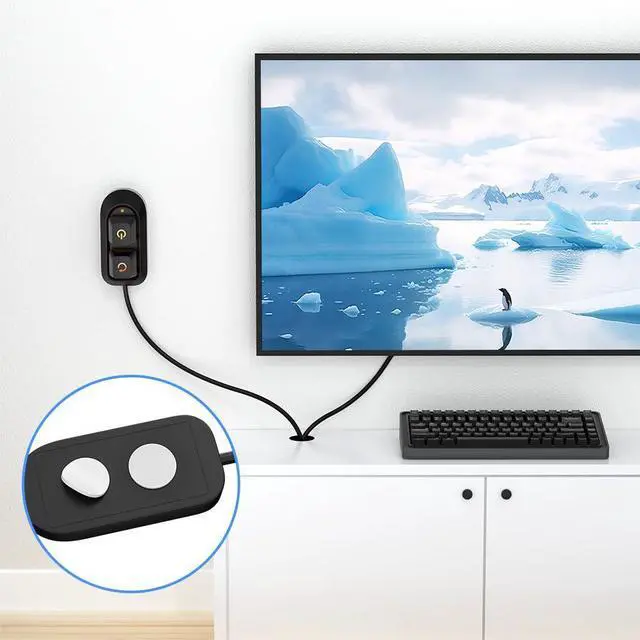
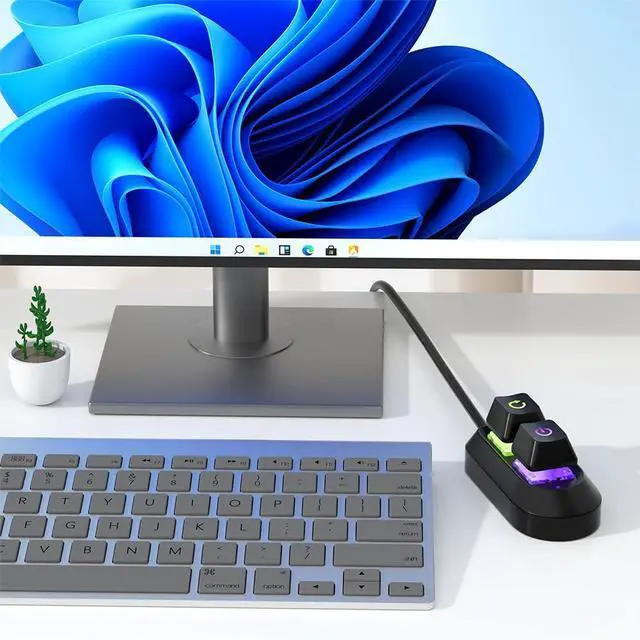
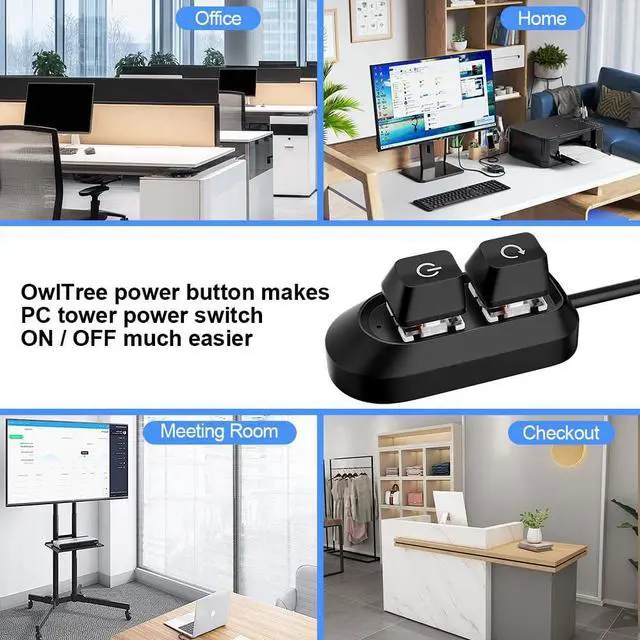
External Desktop PC Power Button Ideal for home use, computer labs, barebone systems, and custom chassis builds. If your PC case is placed in a hard-to-reach location, this extension switch allows you to relocate the power button for easy access and convenient operation.
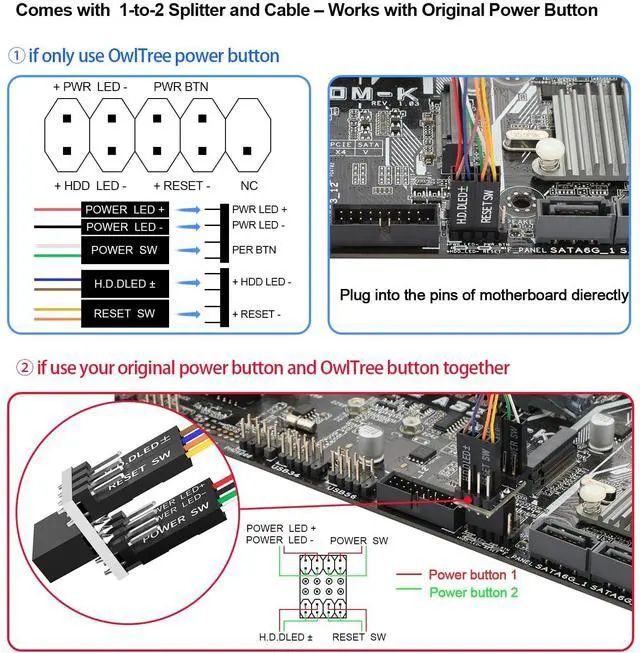
Easy Sticker Installation: Simply connect the POWER SW, RESET SW, POWER LED, and HDD LED cables to the corresponding motherboard headers, then secure the button in place using the adhesive sticker.
Replacement Solution for Damaged Chassis Power Button If your PC cases built-in power button is faulty, this external switch is an excellent replacement. The wiring can be easily routed through various openings, such as: front panel optical drive bay,rear panel fan vent, back panel expansion slot
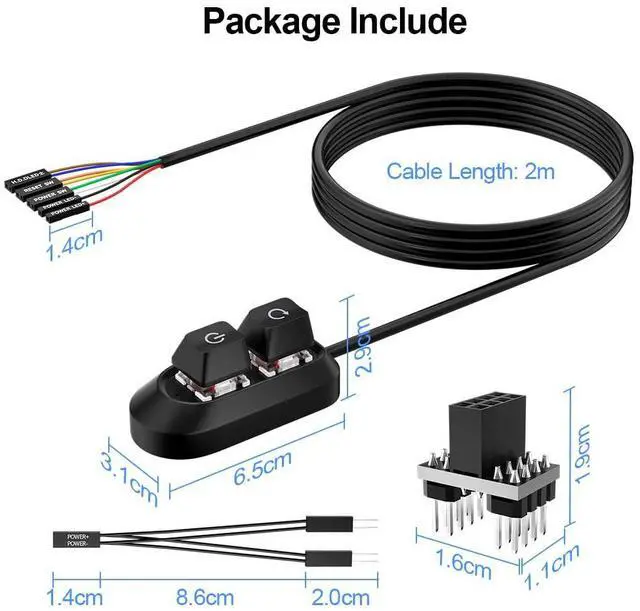
Comes with 1 to 2 splitter boards & splitter cables: The small 1-to-2 splitter allows the power button to work alongside your original one. If space is limited, use the included 1-to-2 splitter cable instead.
Package included: 1x Computer Power Switch ON/OFF with 2M cable; 1x 1 to 2 splitter board; 1x 1 to 2 splitter cable; 1x adhesive stickers; 1x installation manua.
+
+
Overview
Specs
Reviews
PC Power Button, Desktop Switch Splitter ON Off Reset SW HDD LED PC External Power Supply Button for Computer Motherboard
Learn more about the Generic Brand BT292
Details
Type
Push Buttons
Brand
OwlTree
Switch Function
ON-OFF
Model
BT292
Model
Part Number
BT292
Details
Voltage
5 volts
Housing Material
Plastic
Mounting Style
Wall Mount
Size/Dimensions
3.6068 cm x 8.7122 cm x 11.6078 cm
Material
Plastic
Standards/Certifications
IP00, 0
Horsepower
0.01 amps
Operating Temperature
0 degrees_celsius to 100 degrees_celsius
Operating Frequency
not_applicable
Duty
Desktop PCs
Compatibility/Fitment
Desktop PCs
Resolution
1
Display Type
BT292
Features
Desktop PCs
Additional Information
First Listed on Newegg
August 13, 2026
Customer Reviews of the Generic Brand BT292
There are no reviews yet.
Do you own this product?
Warranty & Returns
Warranty, Returns, And Additional Information
Warranty
Please contact the Seller directly for warranty information. Warranty information may also be found on the Manufacturer's website.



 All Categories