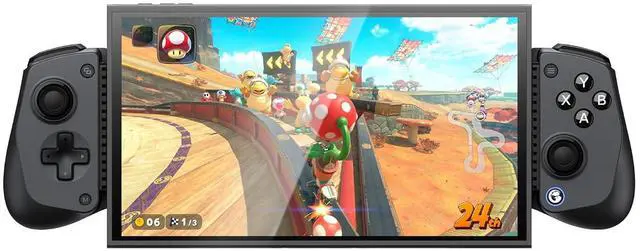
Product description Click to play video
Q: How to fix the X5s left trigger issue?
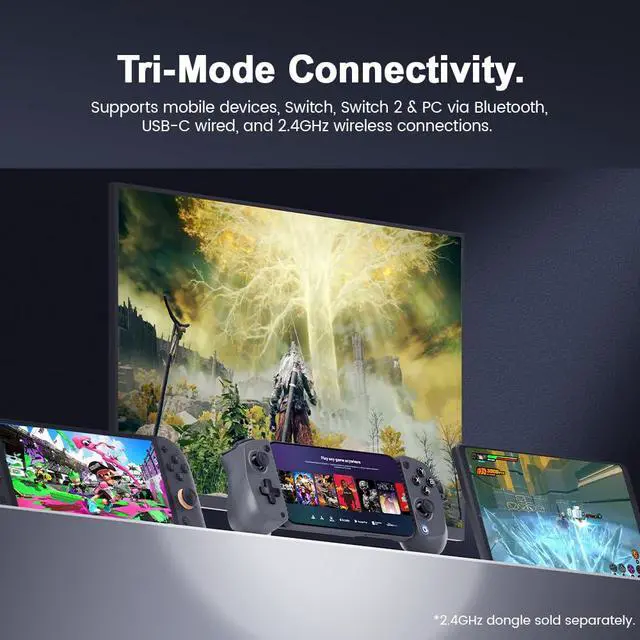
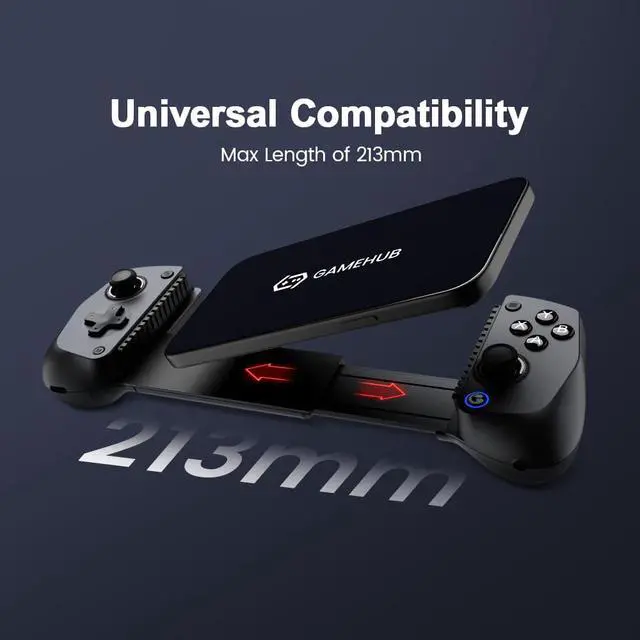
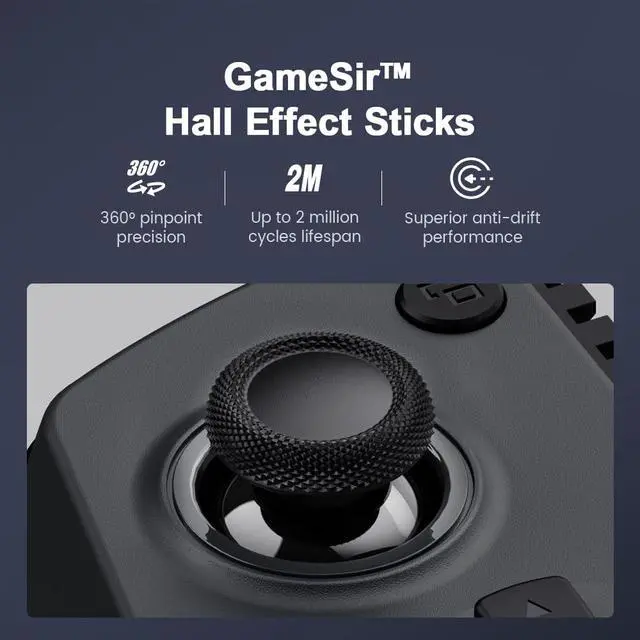
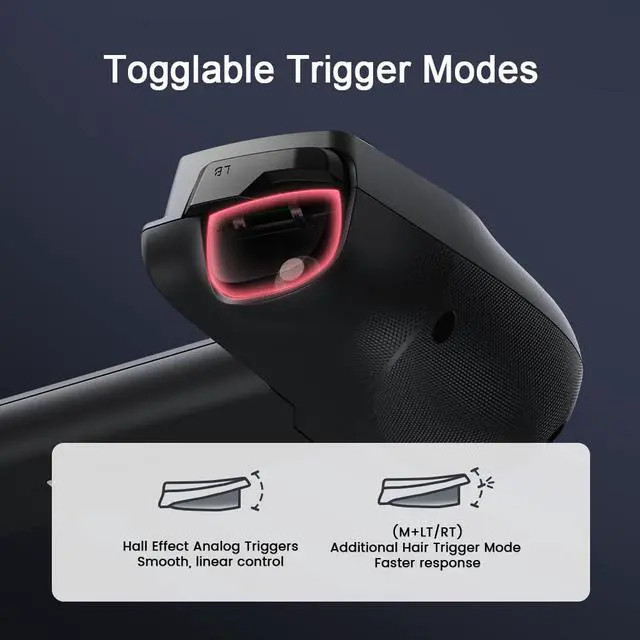
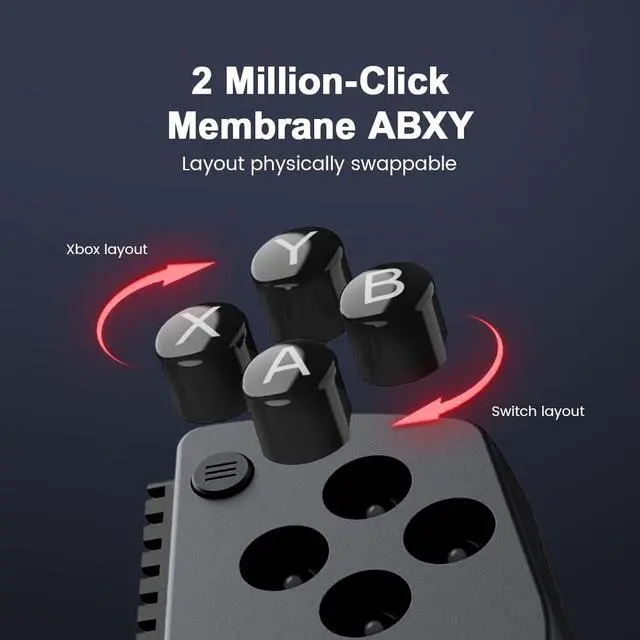
A: 1. Hold down the M button, then press any of the A/B/X/Y/LB/RB/LT/RT buttons to activate the Turbo function of that button. Repeat this operation to deactivate it. 2. Press and hold the M and Home buttons for 2 seconds to clear all Turbo settings. Hall Effect Sticks Togglable Trigger Modes ABXY Layout Lightweight Compatible For Switch 2 Silicone Pads Bluetooth Connection GameSir Phone Controller GameSir X5S Bluetooth Buying Options GameSir X5 Lite Add to Cart GameSir G8 Galileo Buying Options GameSir X2s Bluetooth Buying Options Customer Reviews 3.9 out of 5 stars 533 4.3 out of 5 stars 1, 658 4.2 out of 5 stars 692 3.4 out of 5 stars 71 Price $ 39.99 $39. 99 $ 34.99 $34. 99 Platform Switch 2/Switch/Android/iOS/PC iPhone 15/16, iPad Mini, Android iPhone 15/16, Android Android/iOS/PC Connection Mode Bluetooth Type-C Port Type-C Port Bluetooth Maximum length of the device 213mm / 8.39 in 213mm / 8.39 in 185mm / 7.28 in 168mm / 6.61 in Button Type Membrane & Hall-Effect Membrane & Hall-Effect Membrane & Hall-Effect Tactile Switch & Hall-Effect Hall linear trigger Back Buttons Six-axis gyroscope Silicone Pads GameSir APP Controller Weight 170g / 6oz 135.4 g / 4.78 oz 249.2 g / 8.79 oz 180g / 6.35 oz