• Limit 1 per customer.
    Ships from United States.
    Sold by Eristy shop

    Shipped by Eristy shop

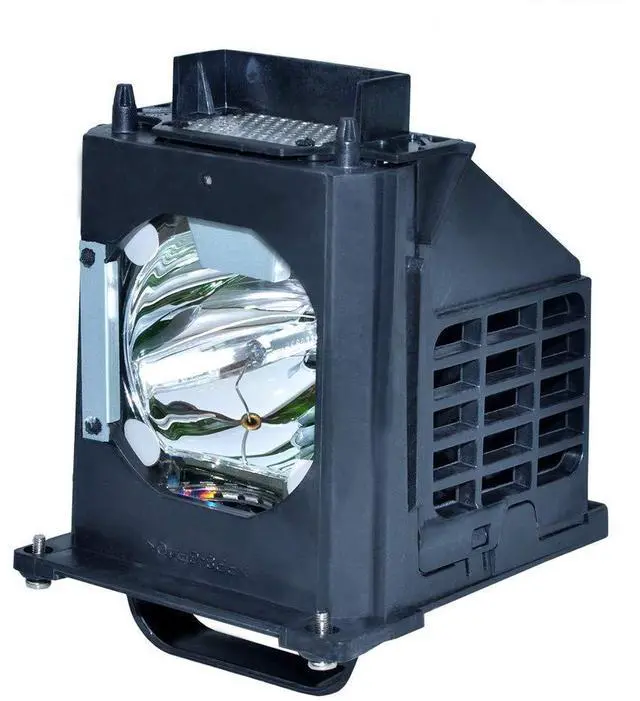
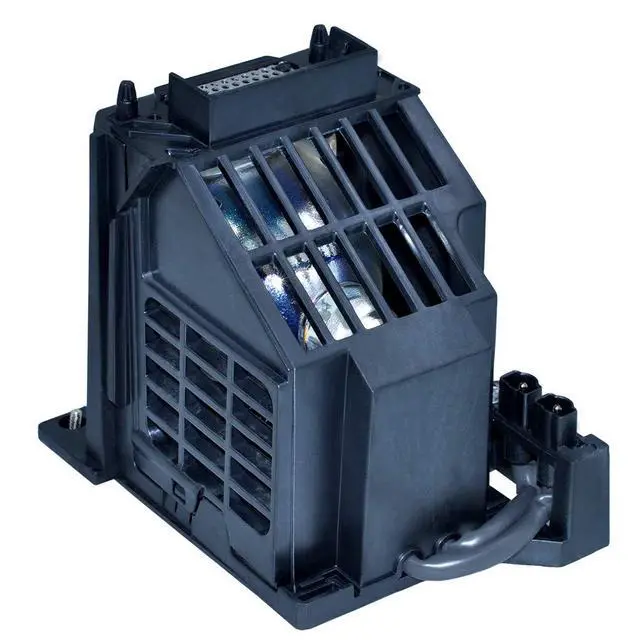
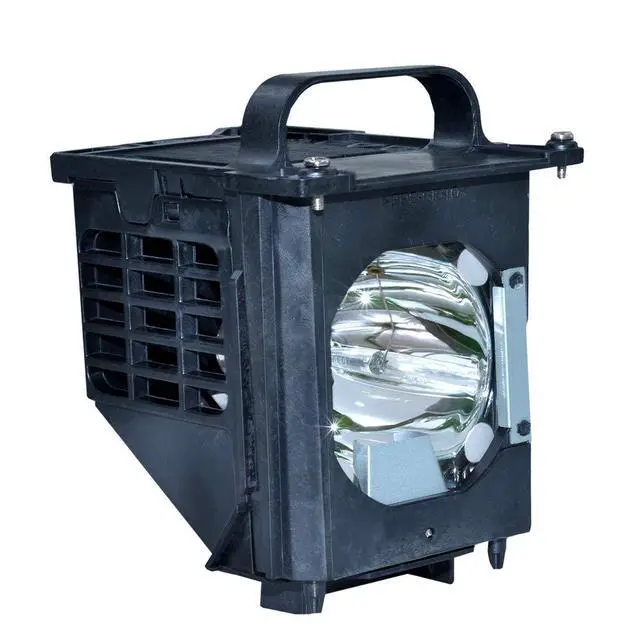
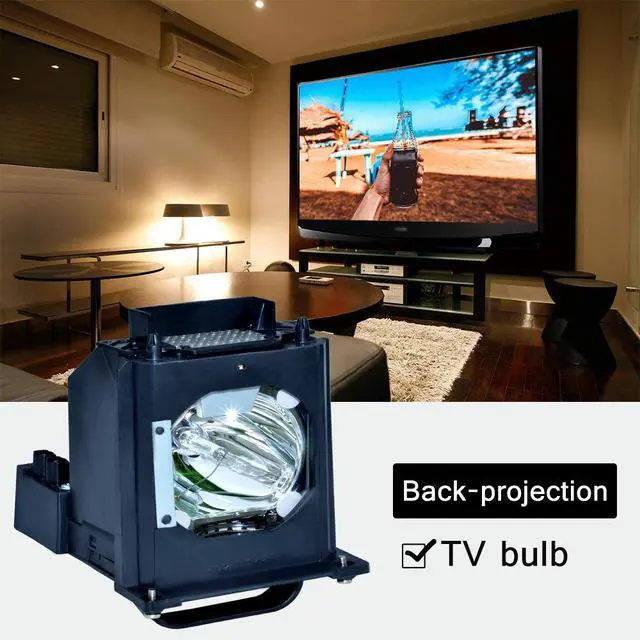
    for 915b403001 Mitsubishi Replacement lamp WD-60735 WD-60737 WD-73737 WD-73C9 WD-65C9 WD-65735 WD-73735 DLP TV Replacemet Lamp

    • Item #: 9SIVTWZM2F6417
    • Mfr. Part #: 824714663975
    • UNSPSC: 45111602
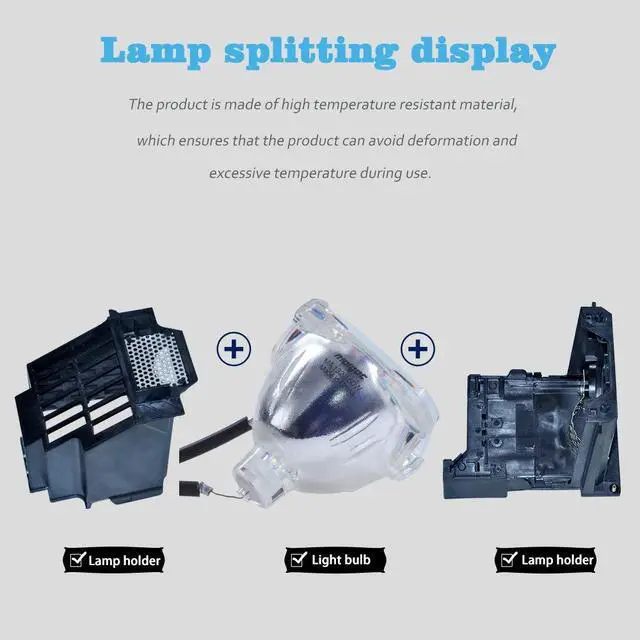
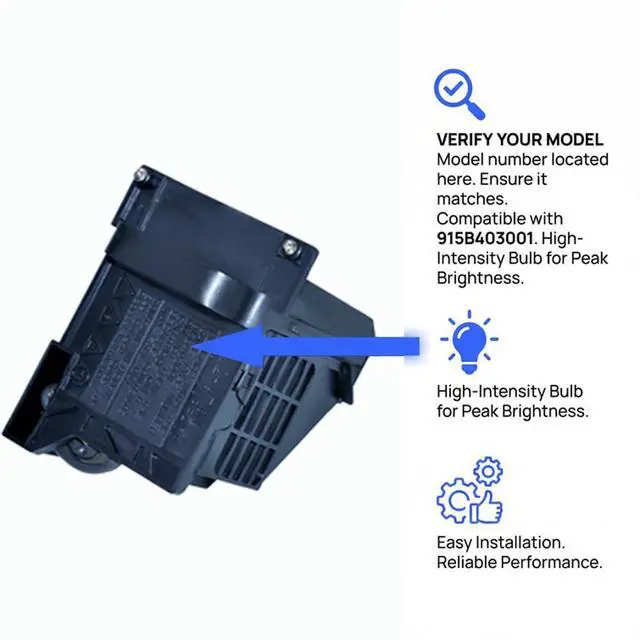
    • Please consult your TV manual before making a purchase. The part number for this product is 915B403001. If your rear projection TV uses a different lamp part number, do not buy this item. This lamp is compatible with the following television models: WD-60735, WD-60737, WD-73737, WD-73C9, WD-65C9, WD-65735, WD-73735, WD-60C9, WD-82837, WD-65736, WD-73736, WD-65837, WD-82737, WD-73835, WD-65C8, WD-73837, WD-73C8, WD-56737, and DLP TV. Its more adaptable housing reduces installation time, getting your device operational again swiftly. Installation and Safety: You will find it very simple to install into your TV, following the same procedure as removing your old lamp. Pay attention to the connector and ensure it is properly connected. It is not electric; power off your TV when you install it. Before installing a new lamp, please carefully inspect the lamp interface on the rear-projection TV. If the lamp interface is dark or dusty, please use tools or cleaning agents to clean the connector
    +
    +
    Overview
    Specs
    Reviews

    Please consult your TV manual before making a purchase. The part number for this product is 915B403001. If your rear projection TV uses a different lamp part number, do not buy this item. This lamp is compatible with the following television models: WD-60735, WD-60737, WD-73737, WD-73C9, WD-65C9, WD-65735, WD-73735, WD-60C9, WD-82837, WD-65736, WD-73736, WD-65837, WD-82737, WD-73835, WD-65C8, WD-73837, WD-73C8, WD-56737, and DLP TV. Its more adaptable housing reduces installation time, getting your device operational again swiftly. Installation and Safety: You will find it very simple to install into your TV, following the same procedure as removing your old lamp. Pay attention to the connector and ensure it is properly connected. It is not electric; power off your TV when you install it. Before installing a new lamp, please carefully inspect the lamp interface on the rear-projection TV. If the lamp interface is dark or dusty, please use tools or cleaning agents to clean the connector before installing the new lamp. Ensure the new lamp is installed in the proper position and the lamp cover is fastened before plugging in the TV

    Warranty & Returns

    Warranty, Returns, And Additional Information

    Warranty

    • Please contact the Seller directly for warranty information. Warranty information may also be found on the Manufacturer's website.
    • CONTACT

    Return Policies

    Manufacturer Contact Info

    LOADING...