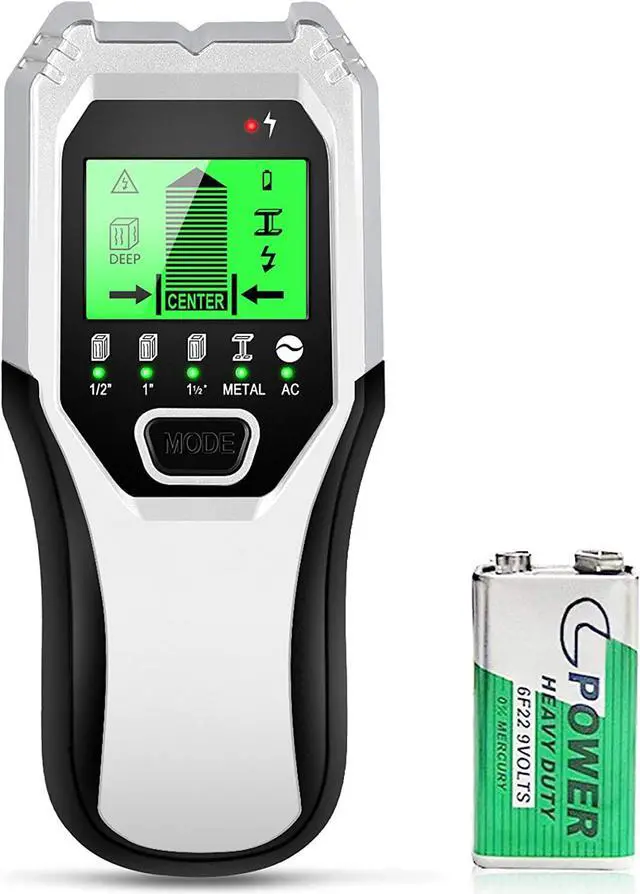
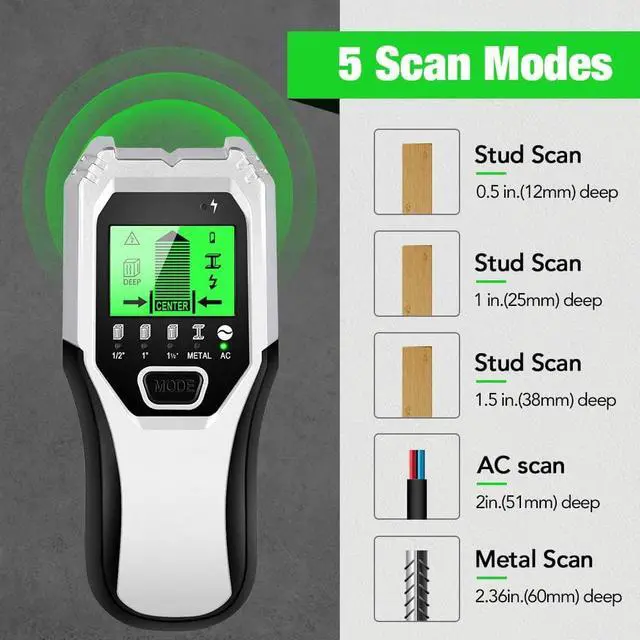
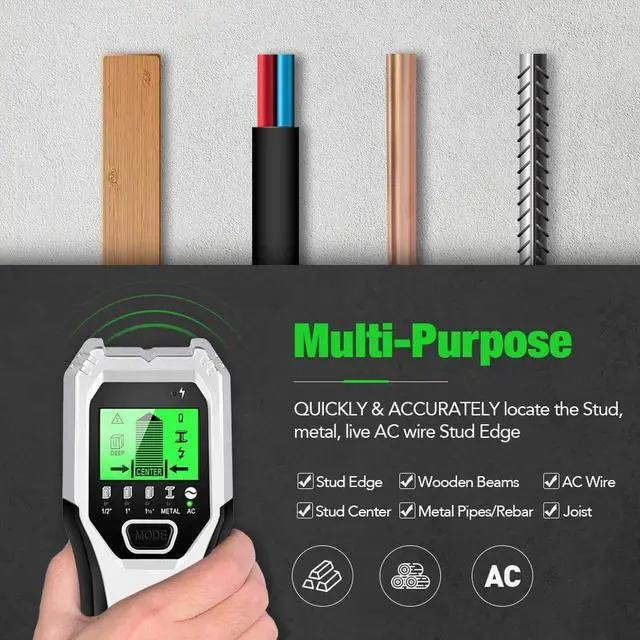
Advantages of our TH510 stud finder over the normal stud finders in the market:
1.Great accuracy/reliability/consistency;
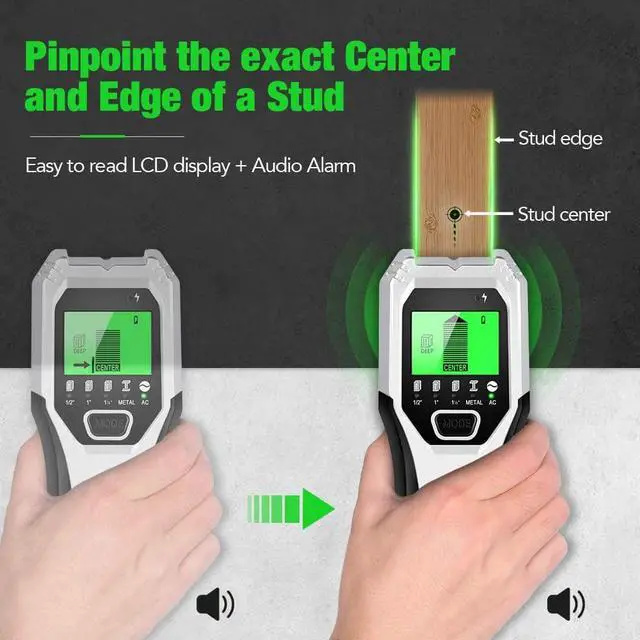
2.Identifies the width of stud as well as its location;
3.Easy to read screen and the quick identifiers when you hit a stud;
4.Increases the sensitivity to more than 2 inches;
5.Upgraded model with 5 scanning modes to meet all your different needs.
Note:
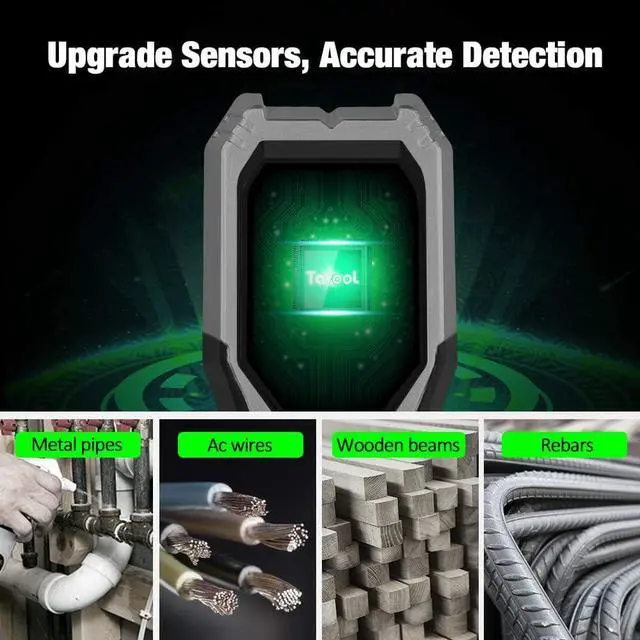
1.This stud finder can quickly locate metal, studs, joists, pipes, live AC wire behind all kinds of walls floors and ceilings but except the cement board wall and brick wall. You can use it on popcorn ceilings, plaster walls, textured surfaces, drywall, etc.
2. Please note: The 9V battery is included in the package but not in the device.
Stud Scan Detection
This stud locator has 3 stud scan modes. Deep Scan scans through 2 layers of drywall up to 1.5 in. (38 mm) deep. Deep Scan is a higher sensitivity scanning mode that should be used when there are extra layers of wallboard or paneling. To minimize false positives and/or finding other objects further behind the wall that may not be a stud, always start your scan in Stud Scan first.
Metal Scan Detection
Tavool wall scanner will locate metal studs in StudScan/DeepScan/Metal Scan Modes. Since our stud finders are looking for a change in density behind drywall, not a particular material, in StudScan and DeepScan Modes the detector will react to metal studs the same as it would for wooden studs.
After you detect the center of a object, Please Use Metal Scan to determine if the previous reading in Stud scan was a wood stud, metal stud, or pipe.
Wire Warning Detection
Wire Warning detection indicates the presence of live, unshielded electrical wiring up to 2 inches (51 mm) deep. For Safety, in all modes, this wall scanner always detect and indicate the Live AC Wire.
Note: WireWarning Detection works in both StudScan / DeepScan / MetalScan Modes. The WireWarning Detection Icon will flash when live, unshielded wires are detected.
Step 1:Calibrate the tool before every scan
After choose the mode, press and hold the scan button( on the side of the tool) to calibrate this tool. Wait for the reducing bars disappeared and beep to confirm calibration has completed.
In stud/deep mode, put it on the wall where you want to detect to calibrate it;In AC/Metal mode, put it in the air to calibrate it.
Step 2: Scan the wall
Move the stud finder along the wall slowly,but note that if shake or lift the scanner accidentally, the device needs to be re-calibrated.
The narrow on the screen together with the beep signal alter, guides you to find the location of the stud.