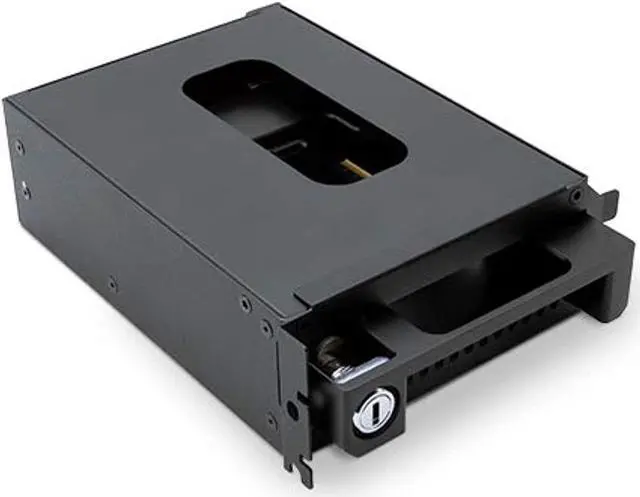
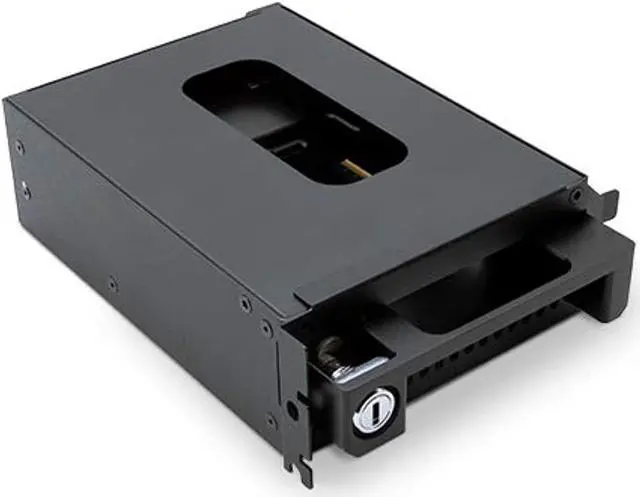
Converts Mercury Helios 3S Into a Swappable U. 2 NVMe SSD Storage Solution. Speed. Security. Savings. The holy trinity of data storage requirements in production to lab workflow is transformed by the OWC U. 2 NVMe Interchange System and its application for the OWC Mercury Helios 3S. By combining a locking drive bay and removable tray, the OWC U. 2 NVMe Interchange System turns the Mercury Helios 3S PCIe Expansion chassis (sold separately or as a ready to run bundle) into a time and money-saving swappable U. 2 NVMe SSD storage solution for high-performance film production requirements.
For over three decades, OWC has listened to its customers and created innovative solutions that solved their data storage challenges. The OWC U. 2 NVMe Interchange System for Helios 3S continues that rich history with an integrated solution that saves M&E industry professionals time and money while safeguarding their data in three easy setup steps.
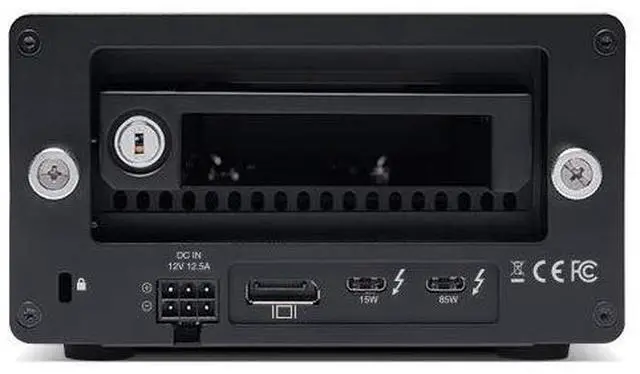
Step 1: Disconnect Thunderbolt 3 cable, loosen enclosure thumbscrews, and install drive bay into Helios 3S? s PCIe slot.
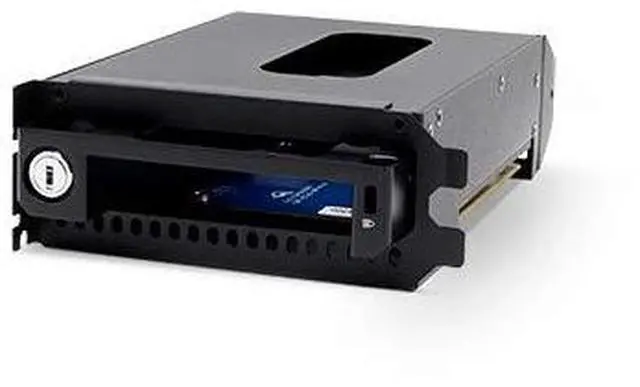
Step 2: Mount NVMe SSD up to 16TB capacity to the drive tray.
Step 3: Slide and lock tray into drive bay to secure your data and reconnect Thunderbolt 3 cable. Need to get that drive to post production on a tight deadline with an equally tight project budget? Just pull the Interchange System drive tray out of the drive bay and ship it to enjoy significant cost savings over shipping a heavy enclosure. Then just swap in another drive with an additional tray (sold separately) to keep your data and projects flowing smoothly and securely.



 All Categories