


- Free 30-day Returns
$36.99
Ships from China.
Sold by Abourt Digital Direct
Shipped by Abourt Digital Direct
Meet Your Seller

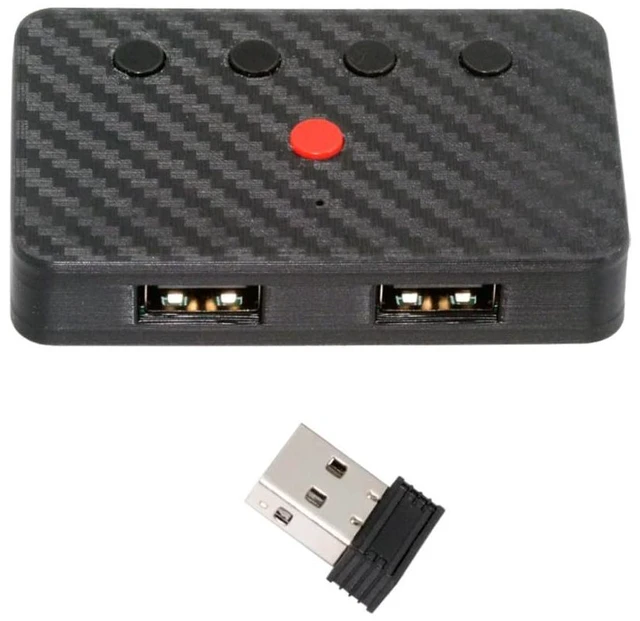
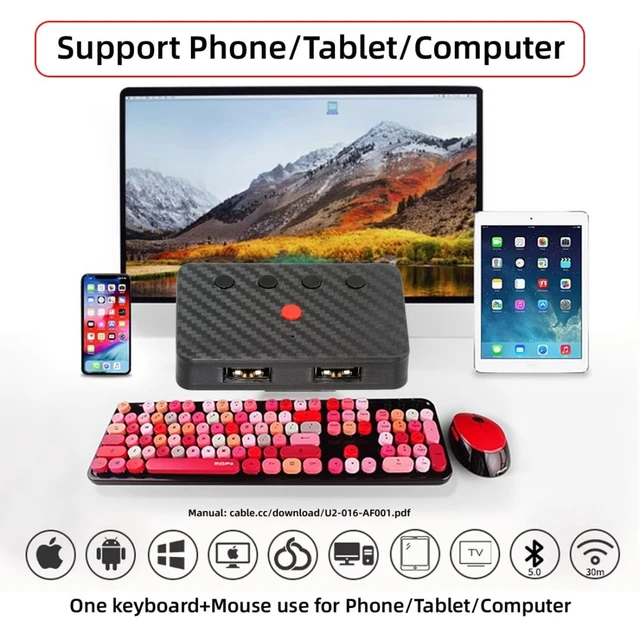


Dual Port USB to Bluetooth 5.3 Adapter with 2.4G Receiver for Conversion Wired Keyboard and Mouse to Wireless for Phone/Tablet/Computer
- Item #: 9SIVPAAMB09561
- Mfr. Part #: C25M-WXY-11.20-24
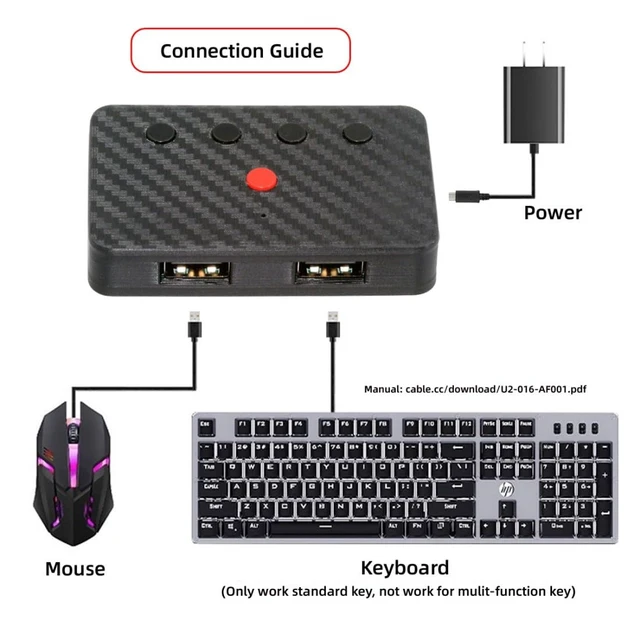
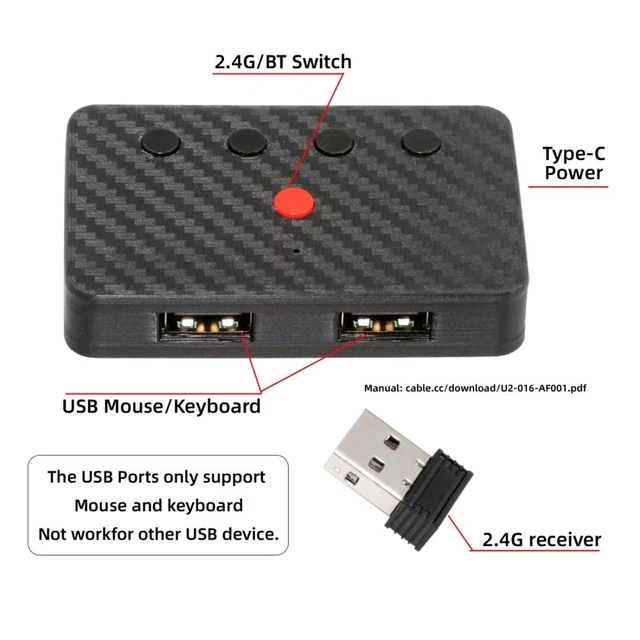
- 1) Note: Only supports mice and standard keyboards; special keyboards, multi-function keyboards, or other USB devices are not supported.
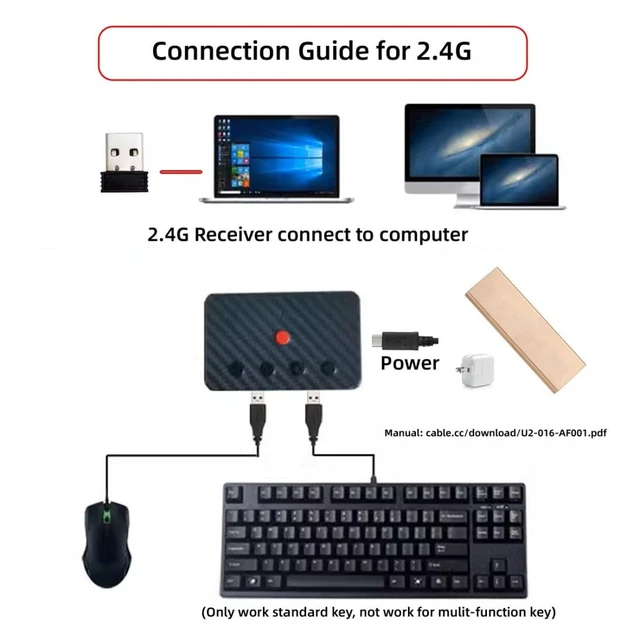
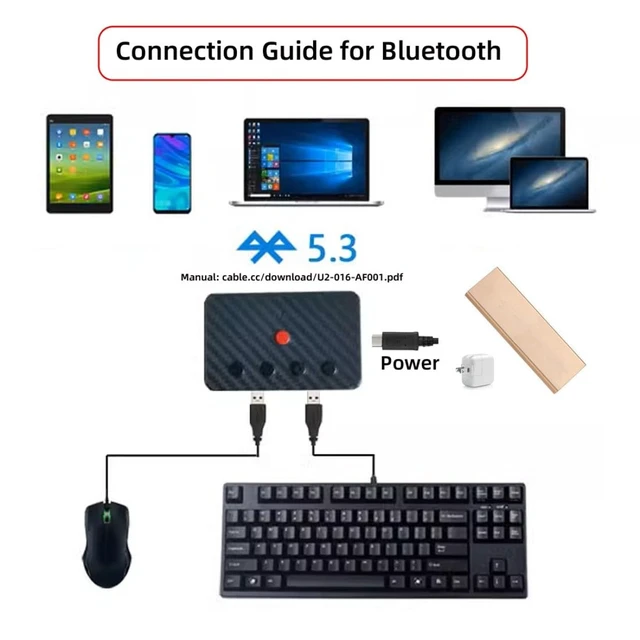
- 2) This product does not include a built-in battery and requires a 5V power supply. Please provide your own power cord (a standard TVPE-C power cord is sufficient).
- 3) You can convert wired keyboards and mice to Bluetooth or 2.4G wireless connections. Bluetooth mode supports switching between 8 devices; simply connect our adapter via Bluetooth. 2.4G wireless mode also supports switching between 8 devices, but a 2.4G receiver needs to be purchased separately (only one receiver is included in the package).
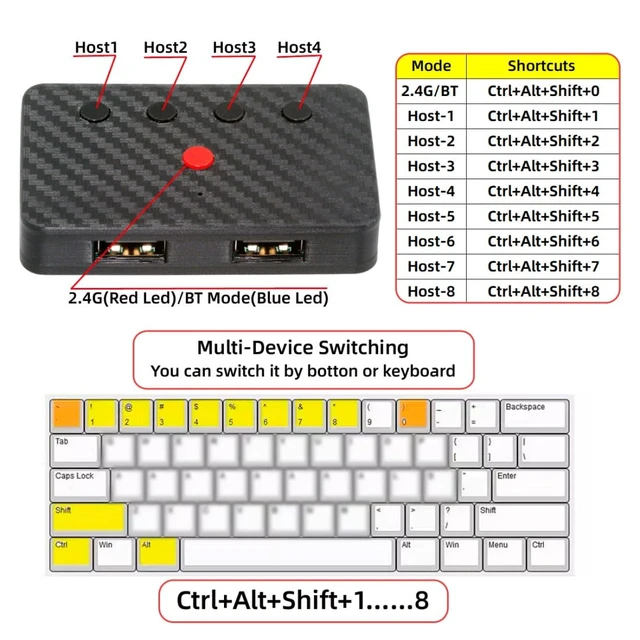
- 4) You can use keyboard shortcuts to switch between 8 computers. The shortcuts are Ctrl+Alt+Shift+1...8 (and so on). After pressing the shortcut, the switching will be completed immediately, taking approximately 1-3 seconds.
- 5) You can push the botton to switch between BT and 2.4G, Also can use keyboard shortcuts "Ctrl+Alt+Shift+0". The blue LED is BT mode and the Red LED is 2.4G Mode.
+
+
Overview
Specs
Reviews
- 1) Note: Only supports mice and standard keyboards; special keyboards, multi-function keyboards, or other USB devices are not supported.
- 2) This product does not include a built-in battery and requires a 5V power supply. Please provide your own power cord (a standard TVPE-C power cord is sufficient).
- 3) You can convert wired keyboards and mice to Bluetooth or 2.4G wireless connections. Bluetooth mode supports switching between 8 devices; simply connect our adapter via Bluetooth. 2.4G wireless mode also supports switching between 8 devices, but a 2.4G receiver needs to be purchased separately (only one receiver is included in the package).
- 4) You can use keyboard shortcuts to switch between 8 computers. The shortcuts are Ctrl+Alt+Shift+1...8 (and so on). After pressing the shortcut, the switching will be completed immediately, taking approximately 1-3 seconds.
- 5) You can push the botton to switch between BT and 2.4G, Also can use keyboard shortcuts "Ctrl+Alt+Shift+0". The blue LED is BT mode and the Red LED is 2.4G Mode.
Warranty & Returns
Warranty, Returns, And Additional Information
Warranty
- Please contact the Seller directly for warranty information. Warranty information may also be found on the Manufacturer's website.
- CONTACT
Return Policies
- Return for refund within: 30 days
- Return for replacement within: 30 days
- This item is covered by Abourt Digital Direct Return Policy
Manufacturer Contact Info
- For a directory of all our manufacturers, please click below.
- Manufacturers Directory
LOADING...