


Meet Your Seller




2021 Upgraded Bluetooth FM Transmitter for Car Adapter, Stronger Microphone & Bass Sound Bluetooth Radio Transmitter Car Adapter, Support 42W PD+QC3.0, 7 Colors LED Backlit, Wireless Call
- Item #: 9SIV36AKE36154
- Mfr. Part #: HA-IWUE83
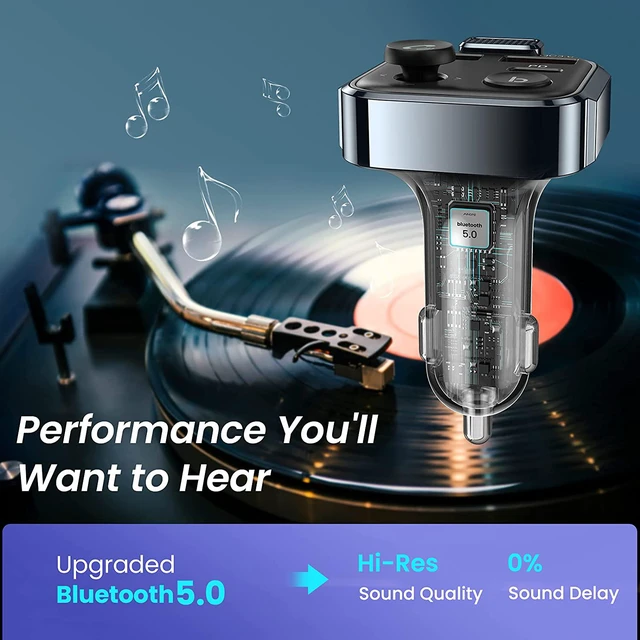
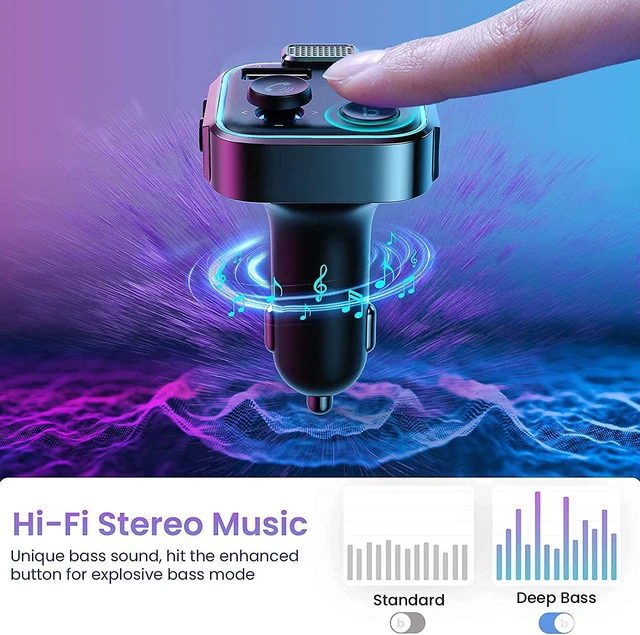
- Hi-Fi BASS MUSIC STREAMING: AINOPE Bluetooth car adapter with powerful bass-driven tech, you can enjoy 100% more bass than oridinary bluetooth fm transmitter via the music sound effect button “ b”. The Upgraded Bluetooth 5.0 with DSP technology could deliver 2X steadier transmission speed without distorted for Hi-Fi stereo music and seamless streaming via Bluetooth and usb flash driver. Moreover, you could enjoy free switching between Hi-Fi and Deep bass mode.
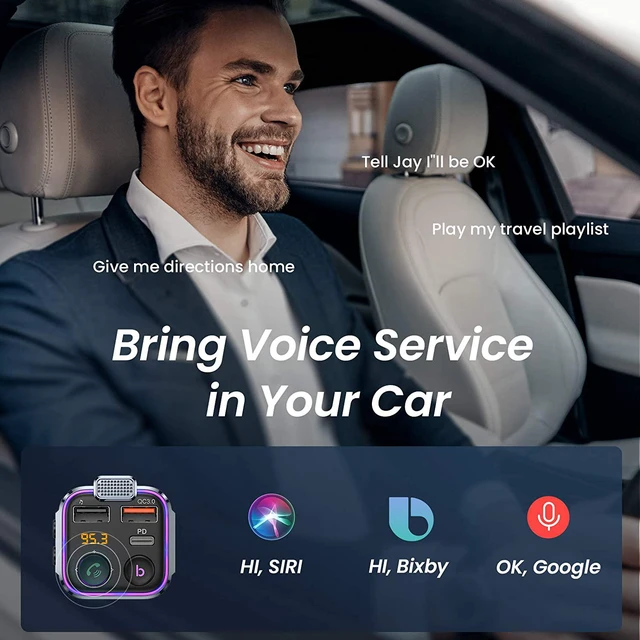
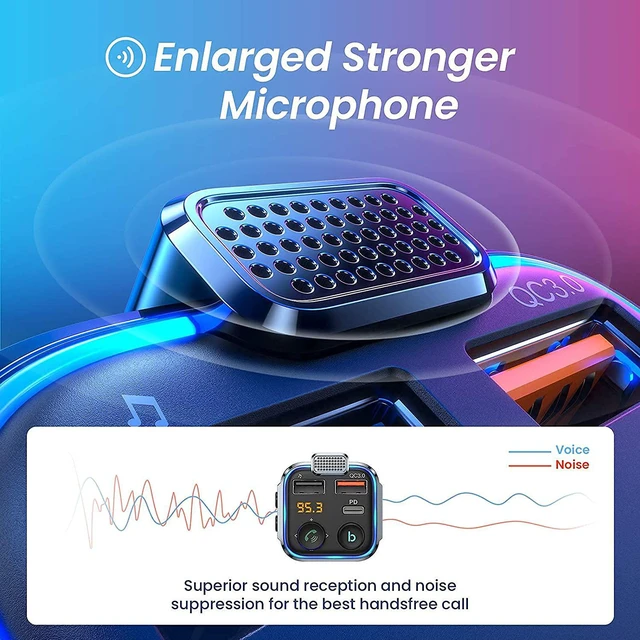
- ENHANCED MICROPHONES, BEST HANDS FREE SOLUTION: This Upgraded Bluetooth Car Adapter utilizes stronger microphone, greatly pick up voices from all direction while driving benefited from superior sound reception and noise suppression (CVC) technology effectively reduce road and wind noises. Also it support active Siri, Google Assistant or Samsung Bixby to make phone calls.
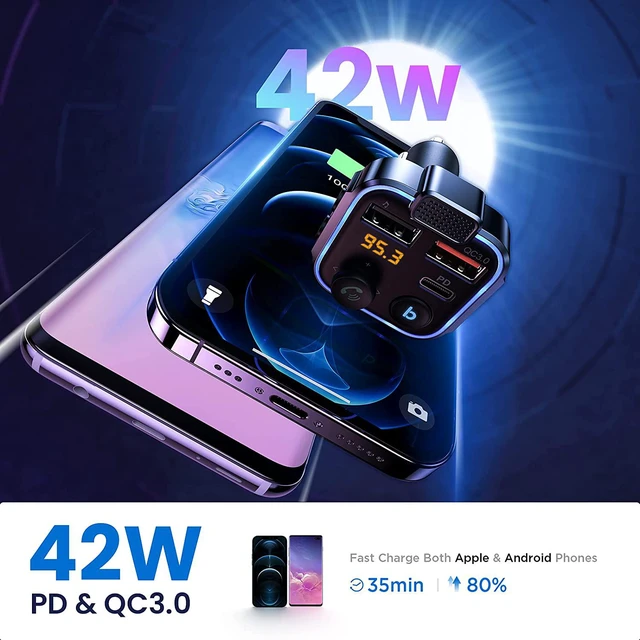
- 42W PD & QC EFFICIENT CHARGING: The AINOPE Bluetooth Adapter Car can fast charge two devices simultaneously via the PD3.0 and QC3.0 port (42W in total).
+
+
Overview
Specs
Reviews
Before using, please take a quick 10 seconds to brose the following in order to avoid FREQUENCY STATIC NOISE PROBLEMS:
1. HOW TO FIND FREQUENCY: Firstly, Please make sure the CAR RADIO FREQUENCY you adjusted is "BLANK" frequency (No working frequency and it is slight rustle white nosie).
2. HOW TO PAIR FREQUENCY: After you found "BLANK"Frequency, Please make sure you sync Bluetooth car adapter to SAME channel with car radio ensure best sound quality, after sync the Bluetooth adapter with your car radio will be very QUIET (If it’s still not quiet, try to find new BLANK channel again) and finally connect your phone with the product via wireless.
3. HOW TO ADJUST VOLUME: Broadcast music volume is too low, please increase phone volume first, if volume still too low, please increase the volume of FM transmitter and then adjust the volume of the car speaker. ADJUST STEPS: Phone ? FM transmitter ? Car speaker
SPECIFICATION:
Bluetooth version: V5.0
Input Voltage: DC12V-24V
USB C Output Current: (24W MAX) 5V/2.4A, 9V/2.5A, 12V/2A
USB A Output Current: (18W MAX) 5V/3A, 9V/2A, 12V/1.5A
When charge two devices, Totall 42W output
Fast Charge Identification: Supports PD3.0/PD2.0/QC3.0/QC2.0/AFC/PE2.0/PE1.1/BC1.2DCP
Size: 2*1.6*3.1 inch
Product Weight: 38.3g
Multiple Protect Security System: Soft Boot, Over-voltage/Under-voltage/Over-current/Short-circuit/Temperature Protection.
Package contents: 1* Bluetooth FM Transmitter; 1*User Guide
Warm Note For You: Please contact the seller if you have any problems. We will always be here for you and hope you have a good experience with our products!
Newest PD3.0+QC3.0 BT 5.0 Bluetooth FM Transmitter For Car
Supported for PD Fast charging. Perfect designed for PD enabled devices and USB C devices. Listening to music while charging. Fast charge the PD USB C device up to 50% in just 30 minutes.
Fast Charge Both Android & iPhones
With Lightning Cable (Not Included):
iPhone 12 / 12 Pro / 12 Pro Max / 12 mini
iPhone 11 / 11 Pro / 11 Pro Max
iPhone Xs /Xs Max /Xr
iPhone X / 8 / 8 Plus iPad Mini / Air / Pro
With C to C Cable (Not Included):
Samsung Galaxy S20 S10 S9 S8 Note 20 Ultra Note 20 Note 10 Note 9 Note 8
Pixel 3 /2 /XL
Nexus /Nokia/ Moto/ LG ZTE/ HTC/ BLU/ etc
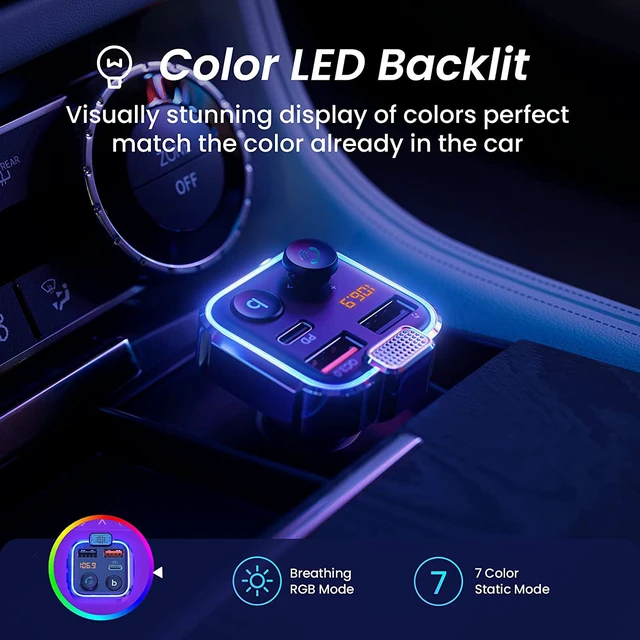
7 LED Breathing Backlit
It has 7 adjustment modes ( 1Breathing RGB/7 Monochromatic Light) , which can be used to illuminate the transmitter and match different music, making your journey no longer lonely even in the dark and cold night (Note:The light can be turned off).
Voice Assistant Function
Connect your phone to your transmitter.
Long press call button to activate the mobile phone voice assistant
Activate Siri & Bixby & Google Function---Long Press for 2s
Power On/Off Switch
No need to worry about draining battery. An easier way to turn the transmitter on and off.
How to connect your FM Transmitter?
Turn on your car radio, find an BLANK frequency, and make sure the station is clean to avoid interference by local radio signal. The standard is a slight rustling sound
Plug the FM transmitter to car outlet lighter
Long press CH key enter frequency mode (LED display flashing), Turn left/right on answer button and adjust AV849 to same frequency with car radio FM frequecny. At this moment, your car radio will be very quiet. (If it’s still not quiet, try to find new BLANK channel again)
Open your phone bluetooth, paring your phone via AV849 and enjoy the song from your phone.
Note: Please try another frequency and repeat the above steps if there has a lot of static interference on the radio
Warranty & Returns
Warranty, Returns, And Additional Information
Warranty
- Please contact the Seller directly for warranty information. Warranty information may also be found on the Manufacturer's website.
- CONTACT
Return Policies
- Return for refund within: 30 days
- Return for replacement within: 30 days
- This item is covered by Electronics World Return Policy
Manufacturer Contact Info
- For a directory of all our manufacturers, please click below.
- Manufacturers Directory
LOADING...