


Meet Your Seller

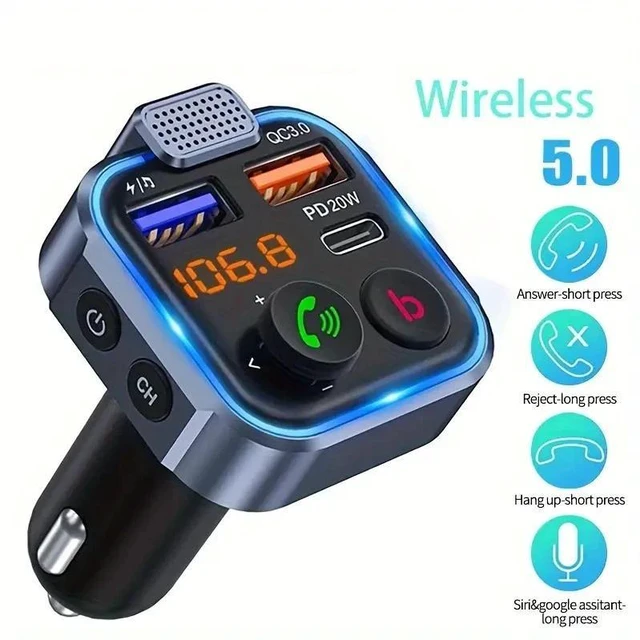
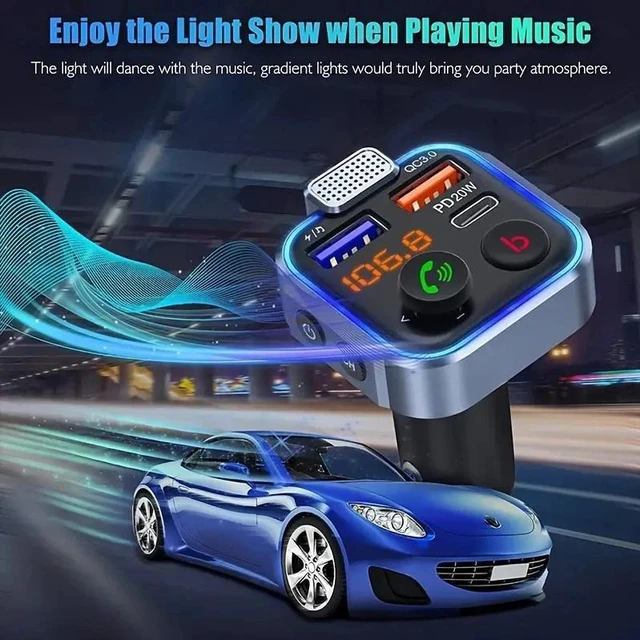
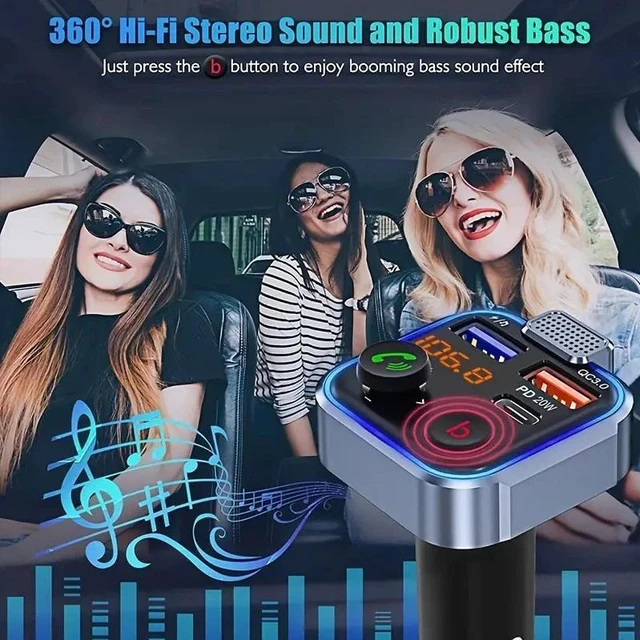


Bluetooth 5.0 Car Wireless FM Transmitter Adapter USB PD Charger AUX Hands-Free
- Item #: 9SIVSU2KYU4656
- Mfr. Part #: E406132279363
- 1.Easy Frequency Tuning: Simply plug the FM transmitter into your car's cigarette lighter port to display voltage and frequency. Press the CH button for frequency adjustment, and use the phone buttons to select your desired channel.
- 2.Seamless Bluetooth-Compatible Pairing: For initial use of this MP3 audio player, activate Bluetooth-Compatible on your phone and search for "BT23." Click to connect, and if prompted, enter the password "0000" for a successful pairing.
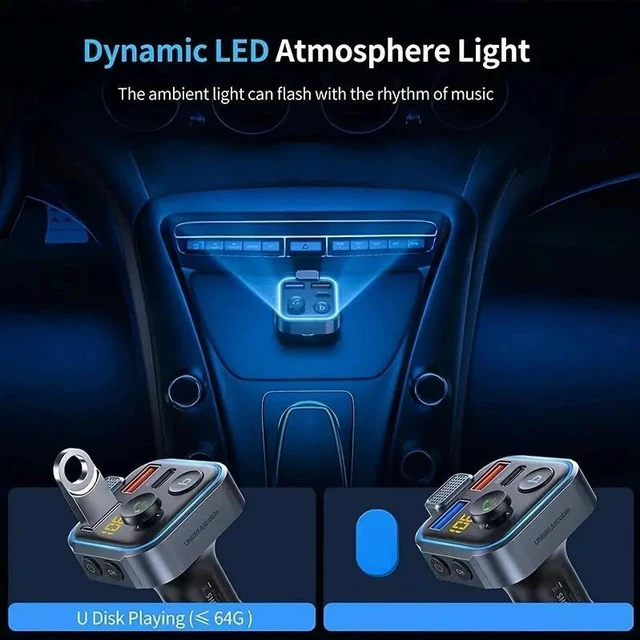
- 3.Versatile Music Playback: After pairing, play music via your MP3 player or insert a USB drive (supports MP3/WMA/WAV/FLAC formats). Note: USB must be FAT32 format and cannot have folders.
- 4.Switching Music Sources: To switch from Bluetooth-Compatible to USB music, insert the USB and wait 3 seconds. To return to Bluetooth-Compatible, press the power button of this MP3 player receiver and wait 3 seconds. Press again to toggle back to USB.
- 5.Battery-Friendly Design: This FM transmitter won't drain your car battery, but it's recommended to turn it off or unplug it before exiting your vehicle. Always ensure other power-consuming devices, like headlights, are turned off.
+
+
Overview
Specs
Reviews
Features:
1.Easy Frequency Tuning: Simply plug the FM transmitter into your car's cigarette lighter port to display voltage and frequency. Press the CH button for frequency adjustment, and use the phone buttons to select your desired channel.
2.Seamless Bluetooth-Compatible Pairing: For initial use of this MP3 audio player, activate Bluetooth-Compatible on your phone and search for "BT23." Click to connect, and if prompted, enter the password "0000" for a successful pairing.
3.Versatile Music Playback: After pairing, play music via your MP3 player or insert a USB drive (supports MP3/WMA/WAV/FLAC formats). Note: USB must be FAT32 format and cannot have folders.
4.Switching Music Sources: To switch from Bluetooth-Compatible to USB music, insert the USB and wait 3 seconds. To return to Bluetooth-Compatible, press the power button of this MP3 player receiver and wait 3 seconds. Press again to toggle back to USB.
5.Battery-Friendly Design: This FM transmitter won't drain your car battery, but it's recommended to turn it off or unplug it before exiting your vehicle. Always ensure other power-consuming devices, like headlights, are turned off.
Specification:
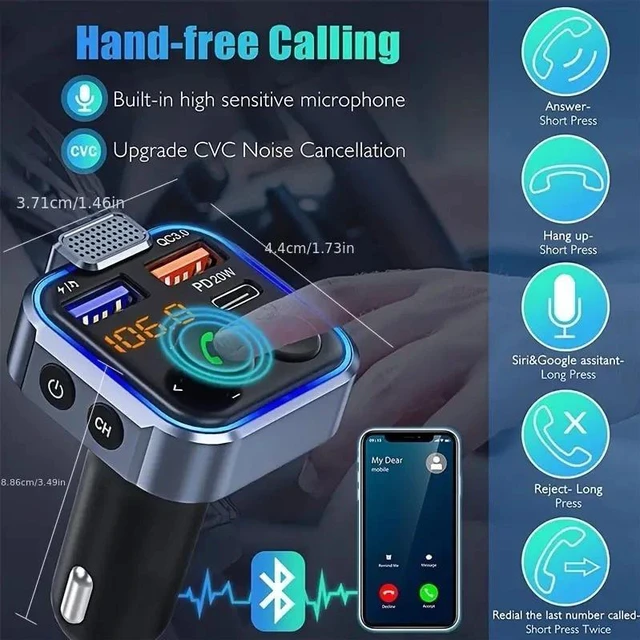
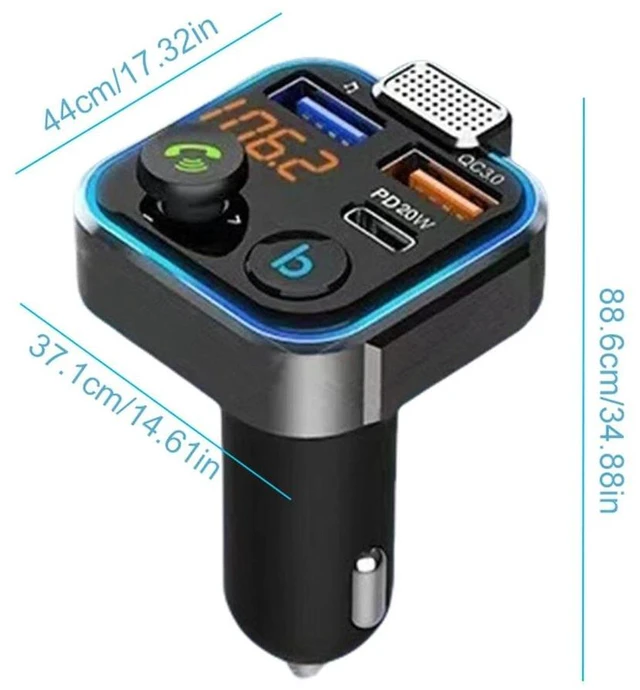
Size: 44*37.1*88.6mm/1.72*1.45*3.46in
Material: ABS
Model: BT23
Working voltage: 12-24V
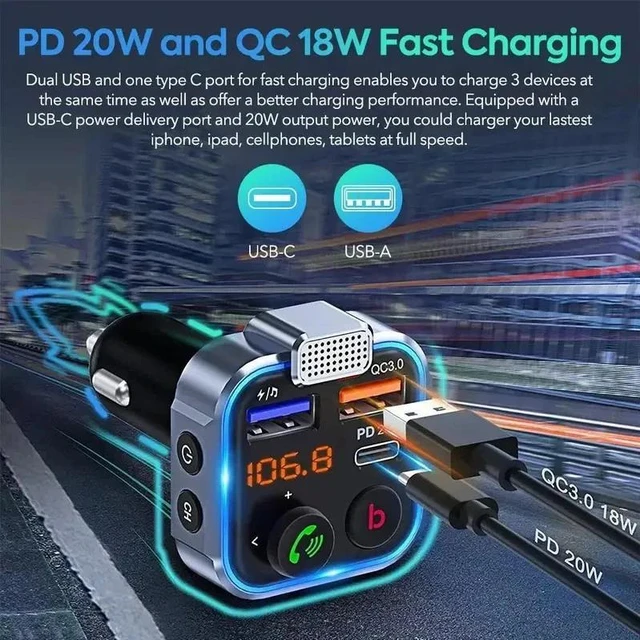
Input current: 5V/1A+QC3.0+PD 20W
Bluetooth-Compatible version: V5.0
Bluetooth-Compatible effective distance: 10m
FM transmission distance: 3m
Frequency range: 87.5-108MHZ
Input voltage: DC12-24V
Three-port output current QC3.0+type-c PD20W+5V/1A
Supports maximum capacity of USB flash drive: 64GB, music format: MP3, WMA, WAV, FLAC
About making and receiving calls
1. Press the phone button to answer or hang up the call;
2. Press the phone button twice to call back the last number in the call log;
3. Long press the phone button to reject the call when a call is incoming, and the number will be reported.
About power on and off:
If you want to listen to the car's FM radio program or before getting off the car, you can long press the power button to turn off the screen, but the USB will keep charging at the same time.
About waking up the phone voice assistant function Long press the phone button to activate the phone voice assistant & SIRI & GOOGLE function.
About charging:
Plug your charging cable into the device and use it. The USB port printed with QC3.0 can support Quick Charge 3.0, and the one printed with PD20W supports type-c PD20W fast charging. When both ports are used at the same time, the maximum output current is 5V/4.8A.
Safety instructions:
1. This device should not be placed near magnets and things with magnets, otherwise it will affect the normal use of the device or damage the device.
2. Avoid the device in very high or extremely low temperatures or humid environments.
3. This device is a radio signal, please ensure that there is no interference from other signals.
4. To avoid hearing damage, please do not turn the volume to the maximum for a long time.
5. Please keep children away and do not let them play with it as a toy.
How to set up the connection device:
1. Start the car and tune the car radio to a frequency that is blank and has no radio programs in the local area.
2. Insert the machine into the car cigarette lighter and tune it to the same frequency as the car.
3. Turn on the Bluetooth-Compatible of the mobile phone, search for the device name "BT23", and the connection is successful.
4. At this time, you can make hands-free calls, voice navigation, listen to music, etc.
Note:
Due to different monitor settings and lighting conditions, the actual color of the item may vary slightly from the pictures. Thanks for your understanding!
Please allow a 1-2 cm difference in measurements due to manual measuring.
Warranty & Returns
Warranty, Returns, And Additional Information
Warranty
- Please contact the Seller directly for warranty information. Warranty information may also be found on the Manufacturer's website.
- CONTACT
Return Policies
- Return for refund within: 30 days
- Return for replacement within: 60 days
- This item is covered by YiBoKeShangDian Return Policy
Manufacturer Contact Info
- For a directory of all our manufacturers, please click below.
- Manufacturers Directory
LOADING...