


Meet Your Seller

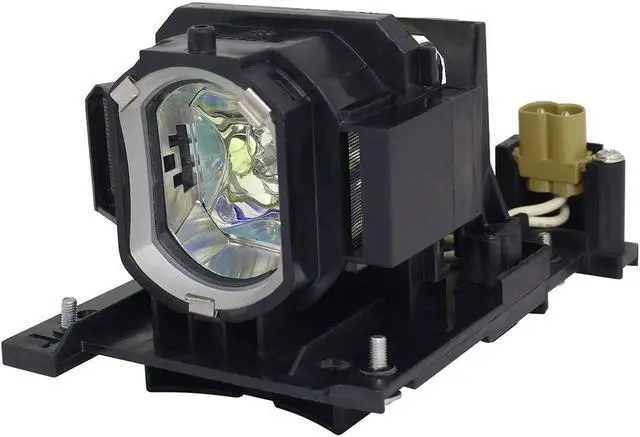
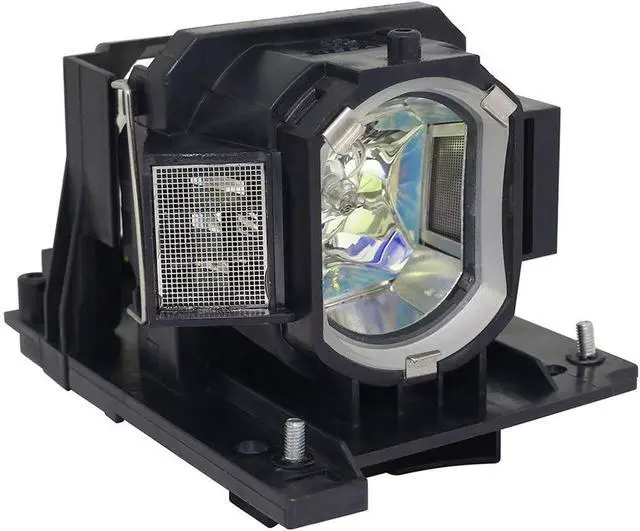
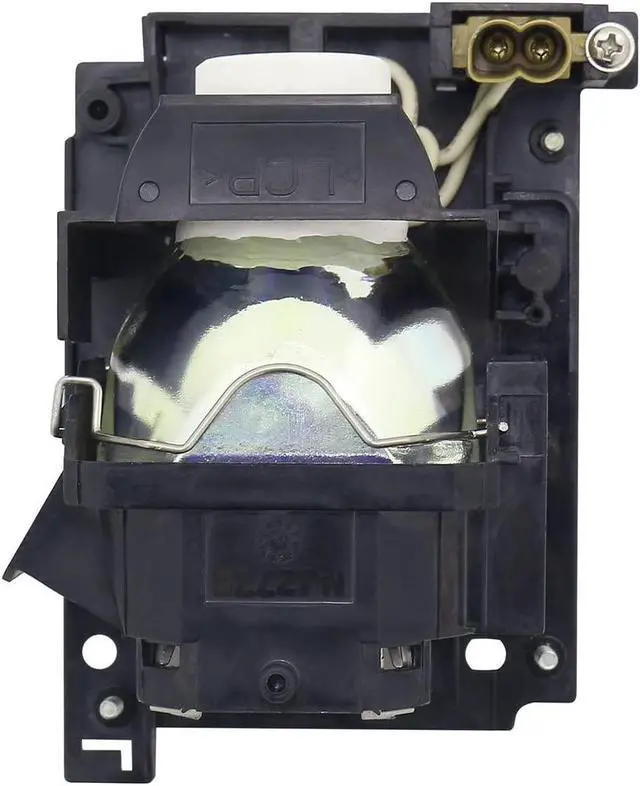
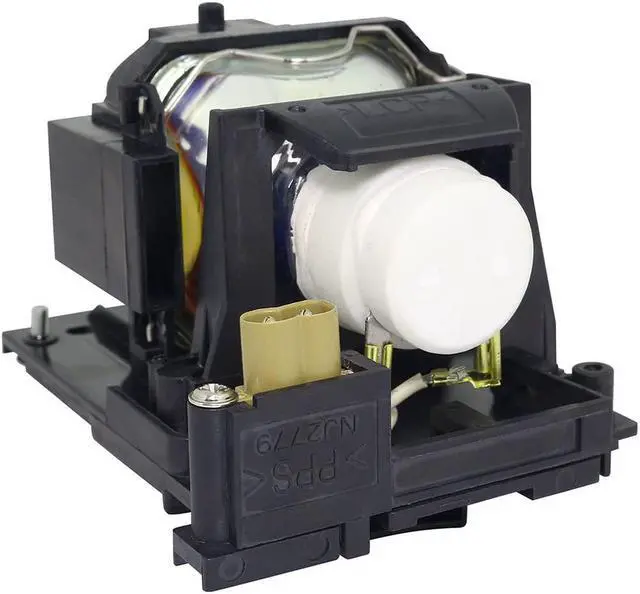
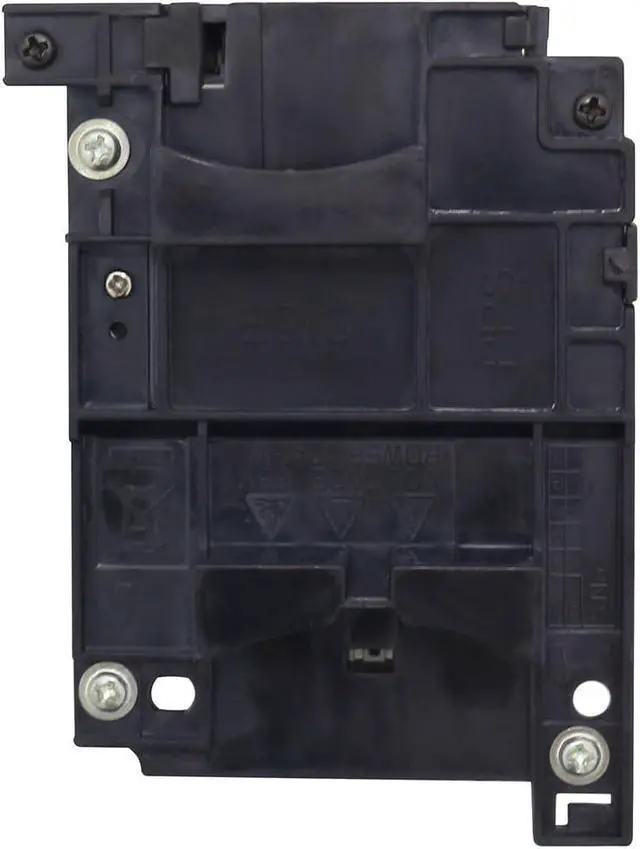
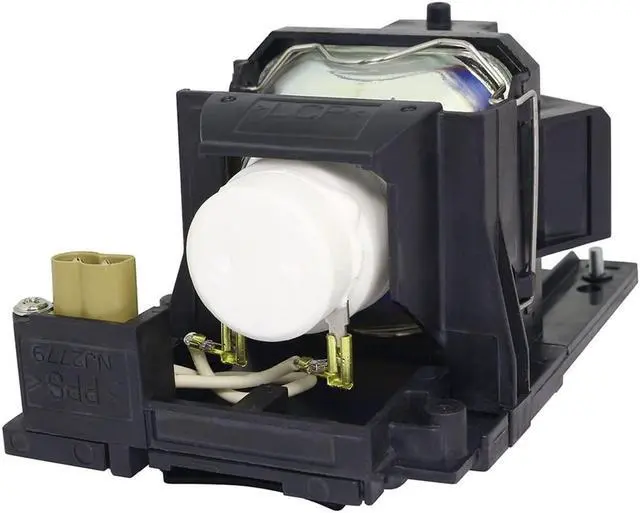


Advanced Lamps Lamp & Housing for The Hitachi CP-X5022WN Projector
- Item #: 9SIVW6YMB68565
- Mfr. Part #: TIOEB0D54JVYQ2
- Lamp & Housing for use with the Hitachi CP-X5022WN Projector
- Guaranteed Compatibility: Advanced Lamps Projector Lamp & Housing engineered to work flawlessly with your projector models
- Wide Model Compatibility: This lamp module works with the following Projectors; 003-120730-01; 003-120730-01-UHP; 78-6972-0050-5; CP-K1155; CP-WX4021; CP-WX4021N; CP-WX4022WN; CP-WX5021; CP-WX5021N; CP-X4021; CP-X4021N; CP-X4022WN; CP-X5021; CP-X5021N; CP-X5022WN; DT01171-UHP; DT01175; HCP-4060X; HCP-5000X; ImagePro-8957HW-RJ; Imagepro-8957WA; ImagePro-8958H-RJ; IN5122; IN5124; LW41; LX41; Pro9500; RLC-063; SP LAMP064; X56-3M; DT01171
- Cost-Effective Replacement Solution: The Advanced Lamps lamp & housing is a reliable and compatible replacement for projectors designed to deliver exceptional performance
- Reliable Aftermarket Solution: The Advanced Lamps AL Series CP-X5022WN lamp & housing is a reliable and compatible replacement for Hitachi projectors designed to deliver exceptional performance; this m
+
+
Overview
Specs
Reviews
Delivering OEM-like brightness and reliability, at a smart price, wrapped in advanced lamp technology and ready for easy installation.
Ensures consistent brightness, vibrant color reproduction, and stable image quality over time
Direct-fit housing optimized for ease of installation with no rewiring or additional parts needed.
Changing your filter when you change your lamp helps ensure longevity!
003-120730-01; 003-120730-01-UHP; 78-6972-0050-5; CP-K1155; CP-WX4021; CP-WX4021N; CP-WX4022WN; CP-WX5021; CP-WX5021N; CP-X4021; CP-X4021N; and more
Lamp Type Advanced Lamps Wattage 245 Watt Compatibility 003-120730-01; 003-120730-01-UHP; 78-6972-0050-5; CP-K1155; CP-WX4021; CP-WX4021N; CP-WX4022WN; CP-WX5021; CP-WX5021N; CP-X4021; CP-X4021N; CP-X4022WN; CP-X5021; CP-X5021N; CP-X5022WN; DT01171-UHP; DT01175; HCP-4060X; HCP-5000X; ImagePro-8957HW-RJ; Imagepro-8957WA; ImagePro-8959A; IN5122; IN5124; LW41; LX41; Pro9500; RLC-063; SP LAMP064; X56-3M; DT01171 Extend the Lifespan Changing the filter when you change your lamps will help extend the life of your projector Installing your new lamp & housing
Unscrew the screw on the cover and remove the coverLoosen the screws securing the lamp and gently pull the lamp outGently insert the new lamp into the projector & tighten the screws to secure itPlace the lamp cover back & tighten the screwsPlug in & power on the projector Reset the lamp timer as per the projectors manual "Amazing prices and above and beyond!" Alex P.
"Easy, affordable, and quick delivery." Derek C.
Our dedicated support team is available to assist with any inquiries or concerns, ensuring a seamless experience from purchase to installation.
Illuminate Brilliance. Trust the Power of Advanced Lamps Genuine-quality bulb Easy Installation Extend the Lifespan Wide Compatibility Power off projector & allow to cool down Customer Testimonials At Advanced Lamps, helping is our top priority
Warranty & Returns
Warranty, Returns, And Additional Information
Warranty
- Please contact the Seller directly for warranty information. Warranty information may also be found on the Manufacturer's website.
- CONTACT
Return Policies
- Return for refund within: 30 days
- Return for replacement within: 60 days
- This item is covered by Cloudless Clear Return Policy
Manufacturer Contact Info
- For a directory of all our manufacturers, please click below.
- Manufacturers Directory
LOADING...