All Categories
Built for How Business Buys.
All Categories






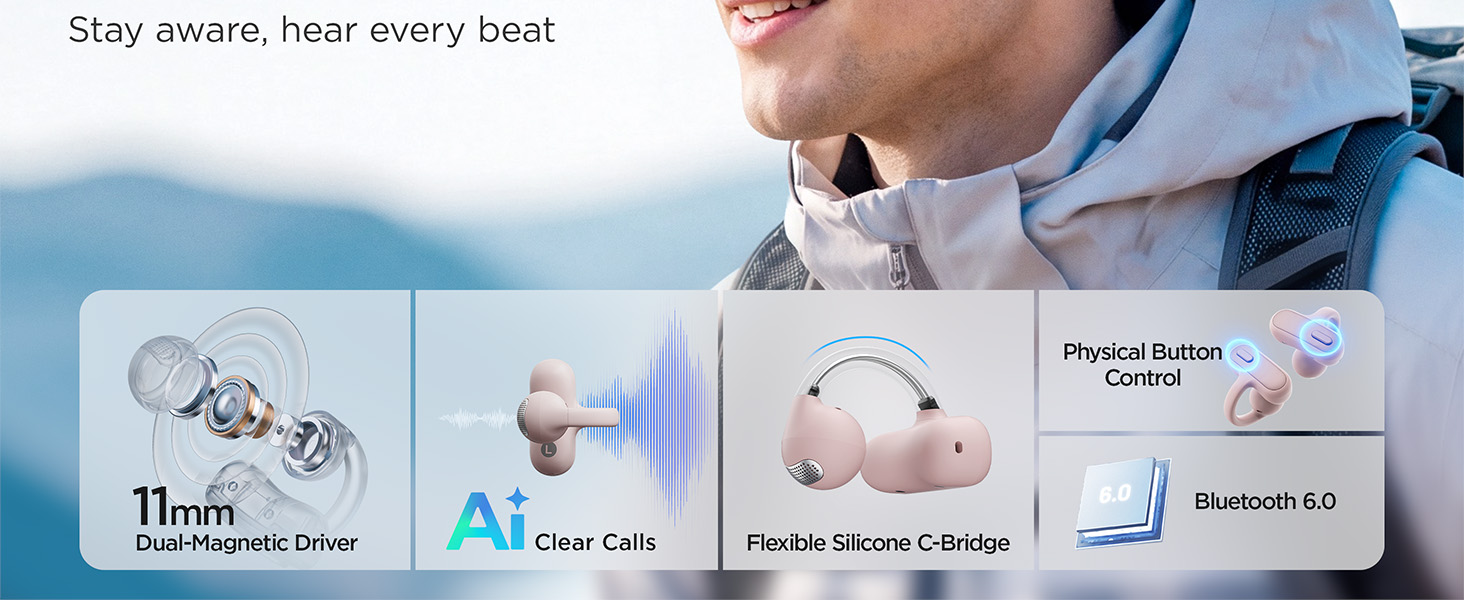
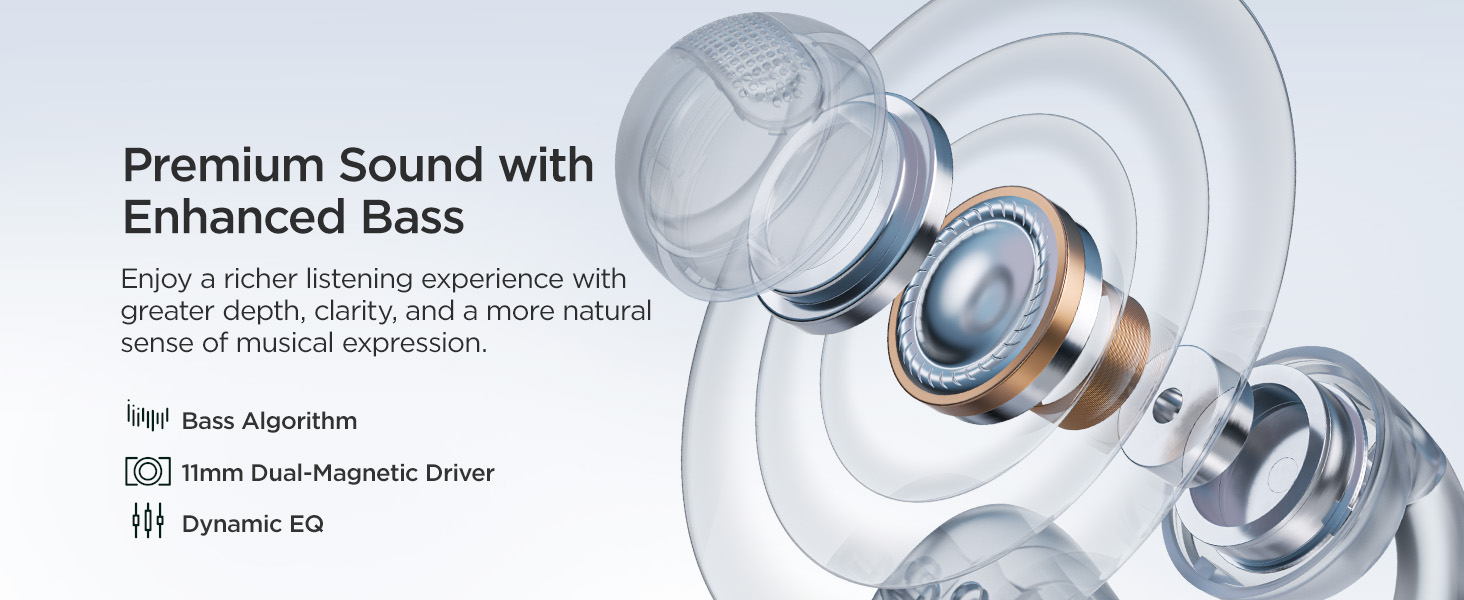
11mm | Dynamic Driver | 11mm |
2 Mics with AI | ENC Calls | 2 Mics |
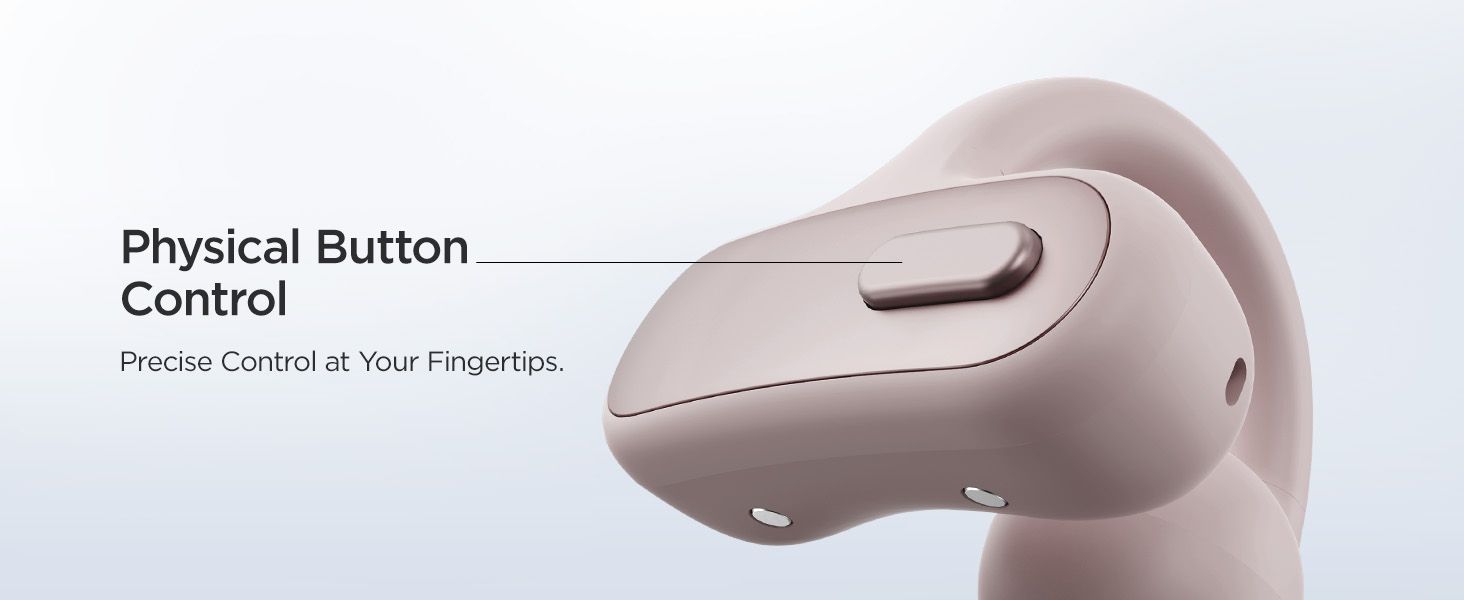
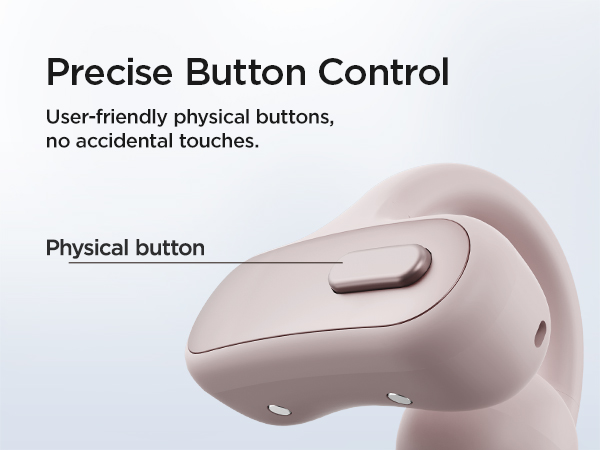
Physical Button | Control | Touch |
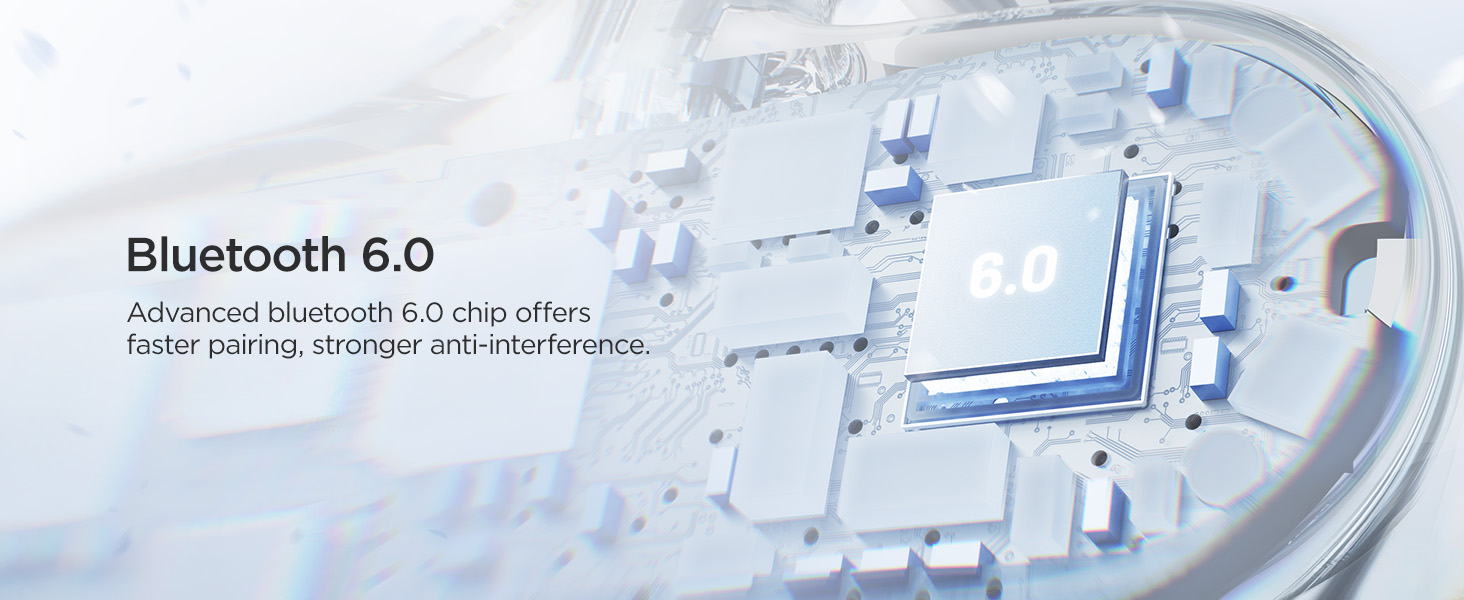
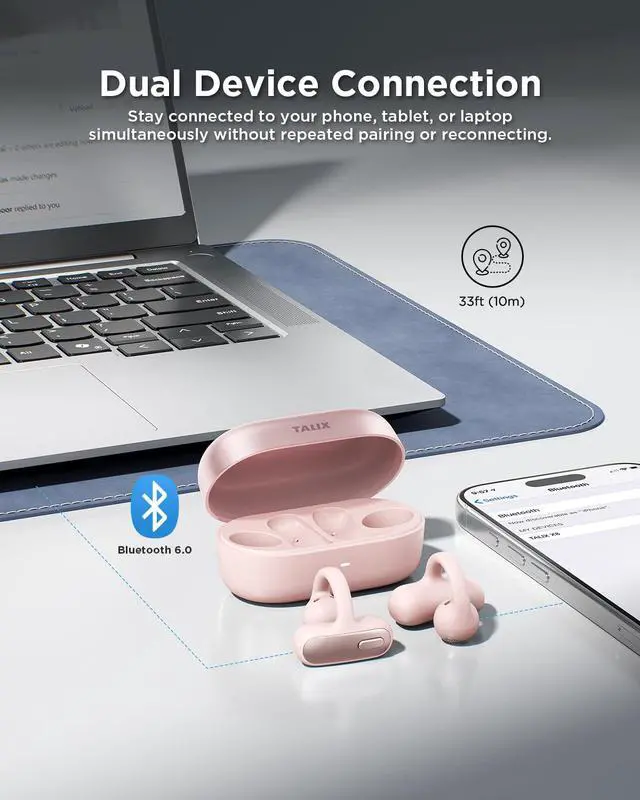
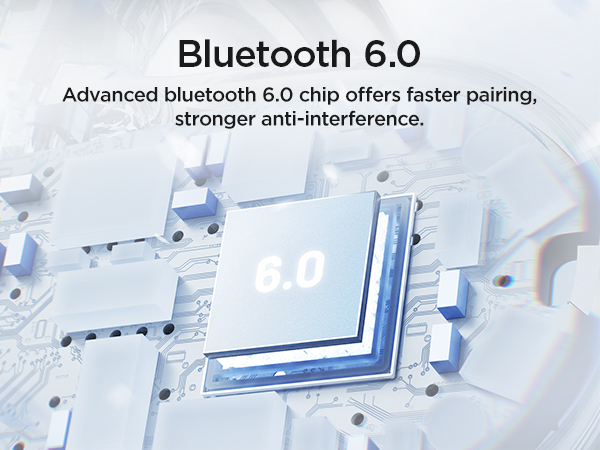
6.0 | Bluetooth | 6.0 |
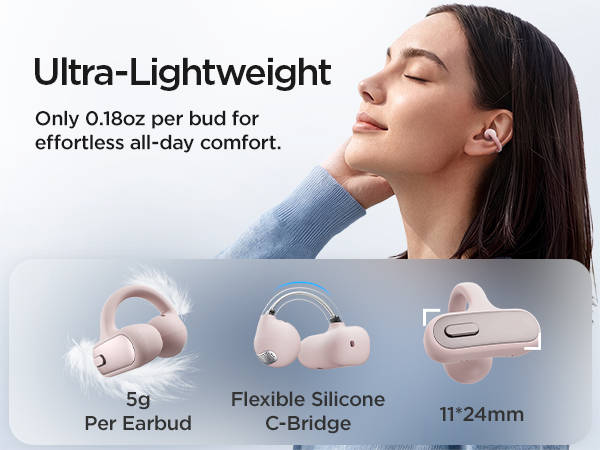
5g (single bud) | Weight | 4.8g (single bud) |
11mm | Dynamic Driver | 10mm |
2 Mics with AI | ENC Calls | 2 Mics |
Physical Button | Control | Touch |
6.0 | Bluetooth | 5.4 |
5g (single bud) | Weight | 4.8g (single bud) |
11mm | Dynamic Driver | 13.4mm |
2 Mics with AI | ENC Calls | 4 Mics with ENC & AI |
Physical Button | Control | Touch |
6.0 | Bluetooth | 5.4 |
5g (single bud) | Weight | 5.2g (single bud) |
11mm | Dynamic Driver | 10mm |
2 Mics with AI | ENC Calls | 2 Mics |
Physical Button | Control | Touch |
6.0 | Bluetooth | 6.0 |
5g (single bud) | Weight | 4g (single bud) |
How do I find the right fit for TALIX X8?
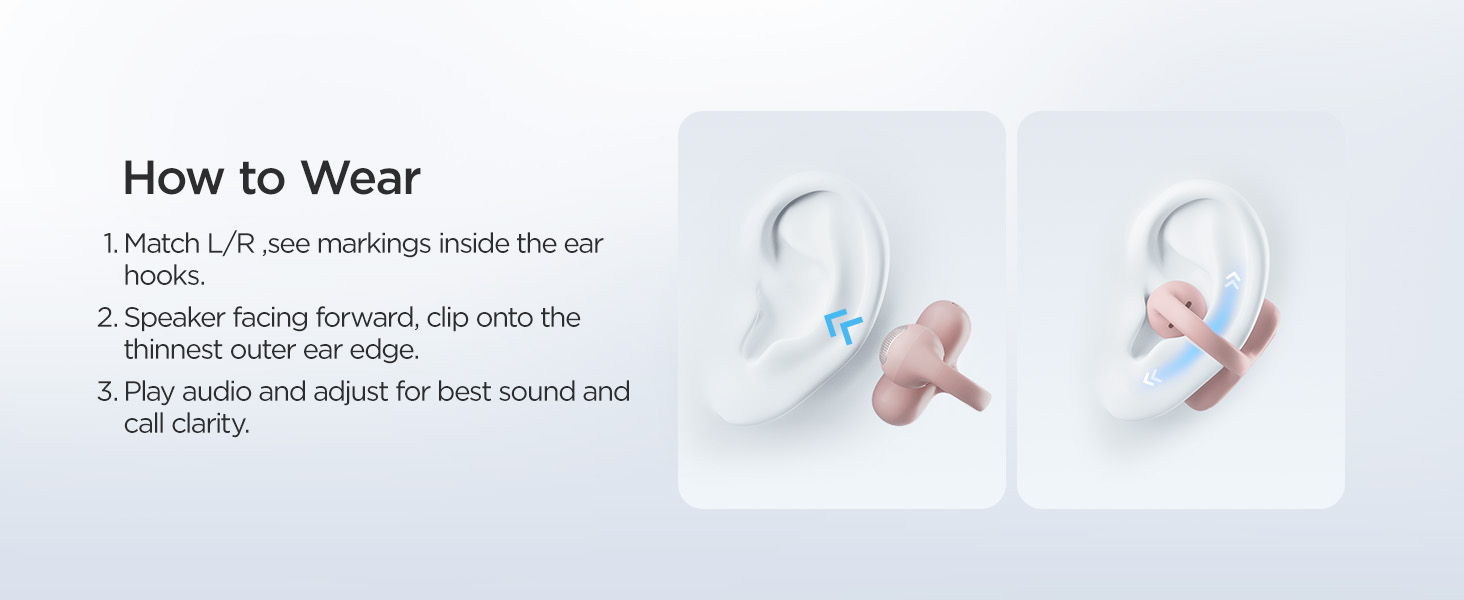
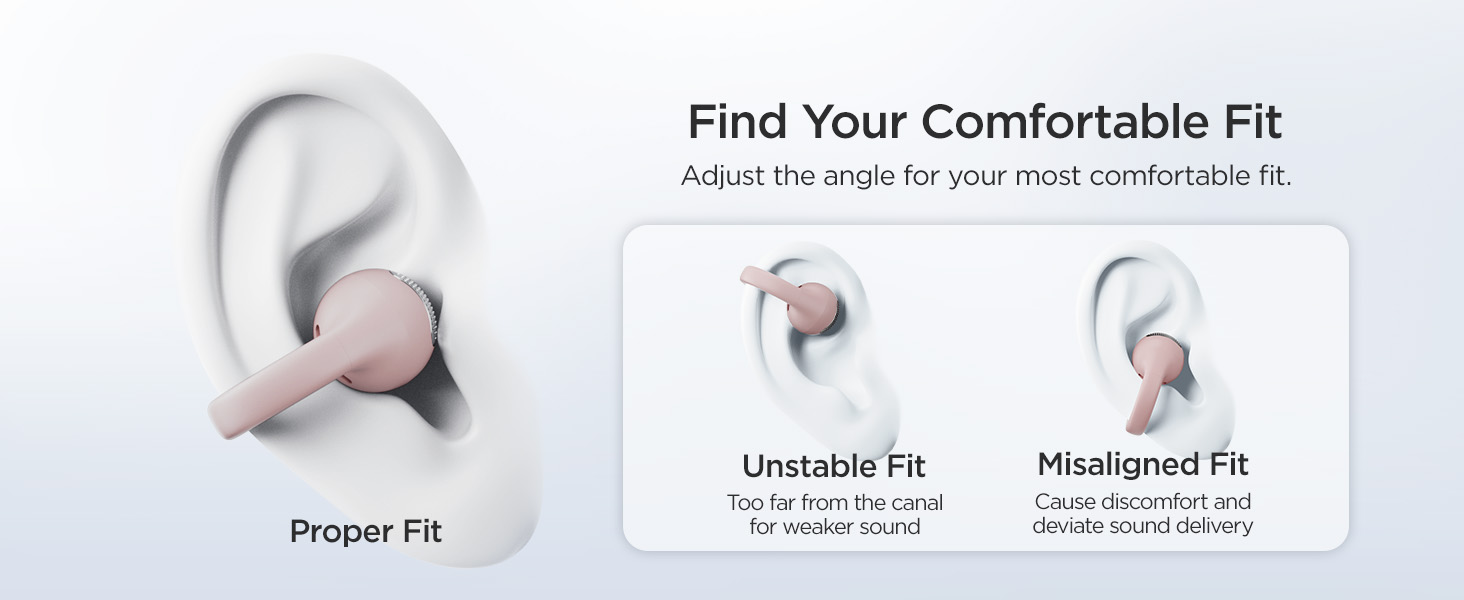
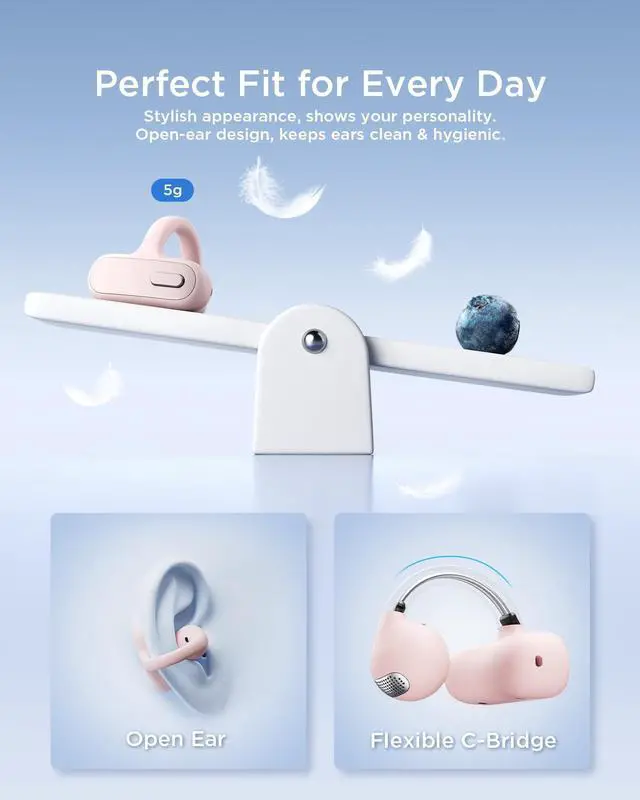
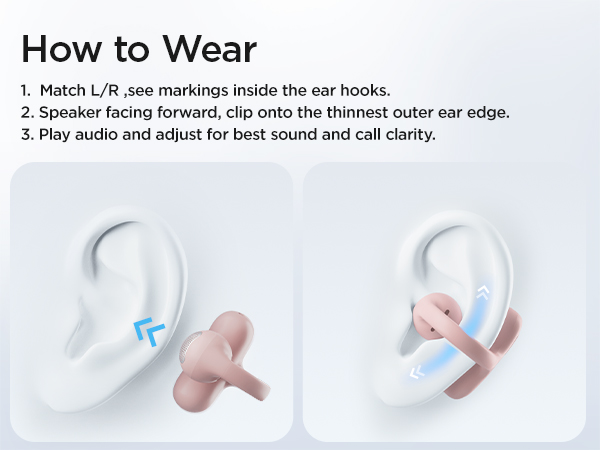
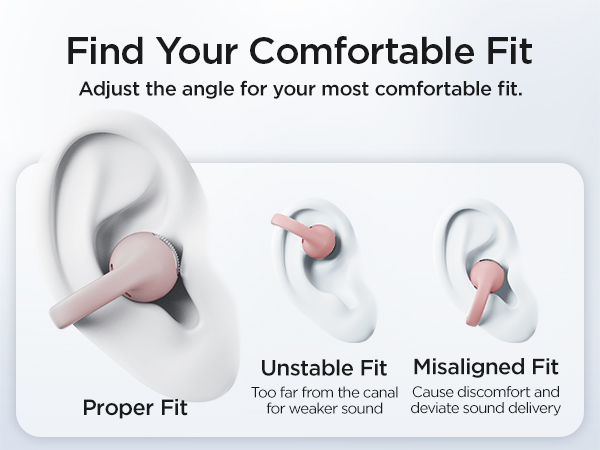
The open-ear fit may feel different at first. Place the earbuds on the correct ears (L for left and R for right) with the sound outlet positioned near your ear canal. Gently adjust the angle and position until you find a secure and comfortable fit.
What should I do if my ears feel uncomfortable after wearing the earbuds for a long time?
Everyone’s ears have different shapes. If you feel discomfort after extended use, try slightly adjusting the position or angle of the earbuds to find a more comfortable fit with less pressure. Small adjustments can help improve comfort.
How can I improve call quality?
For clearer calls, make sure the left and right earbuds are worn on the correct ears, with the sound outlets facing your ear canals. Keep the microphone ports clean and unobstructed, and use them in a relatively quiet environment.
How do I troubleshoot TALIX X8 if it doesn’t work properly?
If issues occur, clean the charging pins on the earbuds and charging case, and ensure enough power. Reset the earbuds, then reconnect them to your device. To reset, hold the case button for about 10 seconds until the front indicator turns red.
In what situations can the TALIX X8 be used?
It is ideal for commuting, working from home, office use, online meetings, daily activities, running, cycling, gym, workout and walking.


We’re built on “Joy, Passion, Innovation” — making tech feel warm, not cold. A spark for your daily life. Our mission? Help you live joyfully. We mix the latest tech, smooth vibes, and fresh design to create smart stuff you’ll actually love. Whether you’re grinding at work or just chilling, TALIX gives you confidence and style. Come vibe with us — joyful tech, fashionable living.



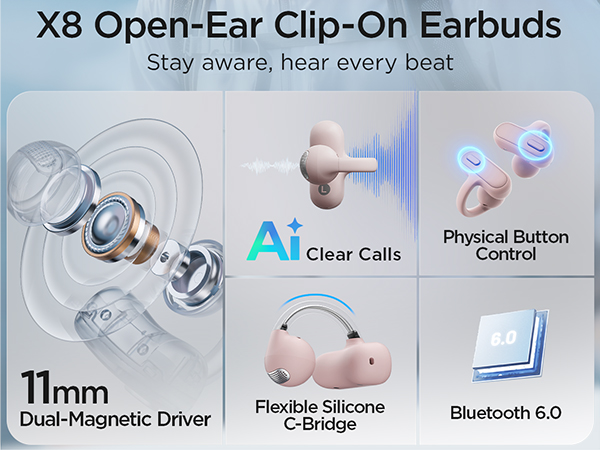






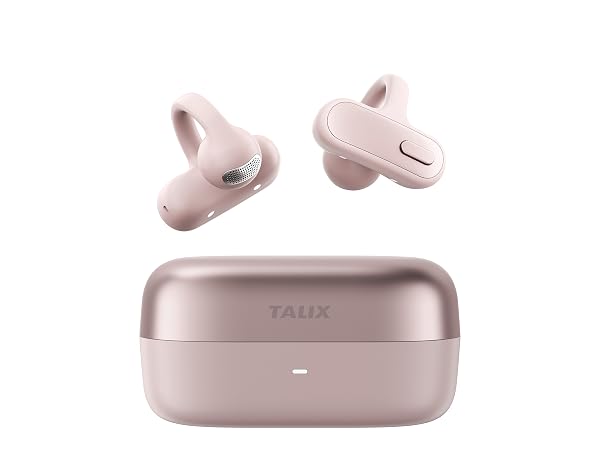
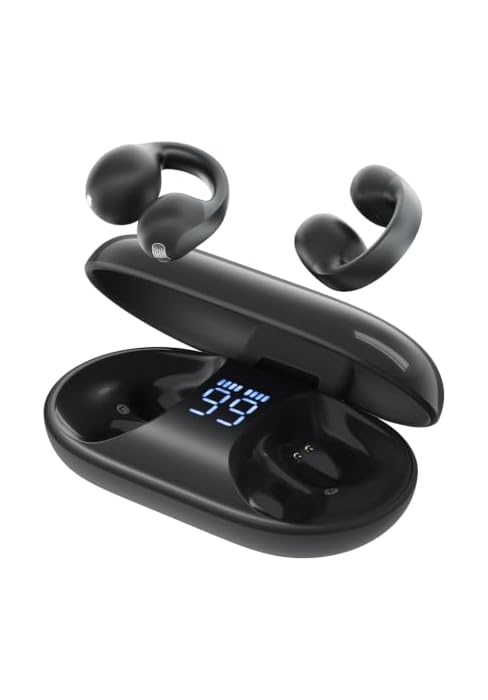
Dynamic Driver | 11mm |
ENC Calls | 2 Mics with AI |
Control | Physical Button |
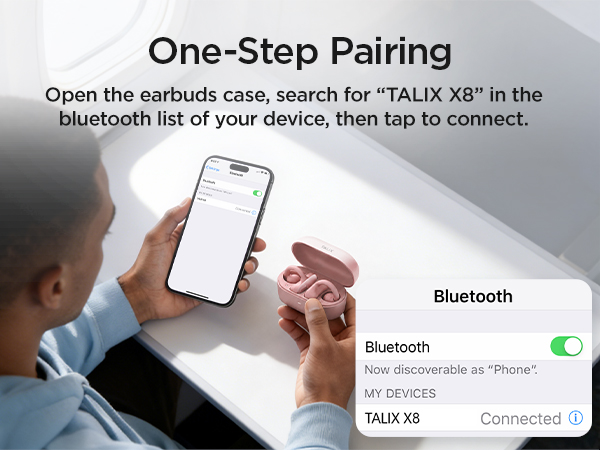
Bluetooth | 6.0 |
Weight | 5g (single bud) |
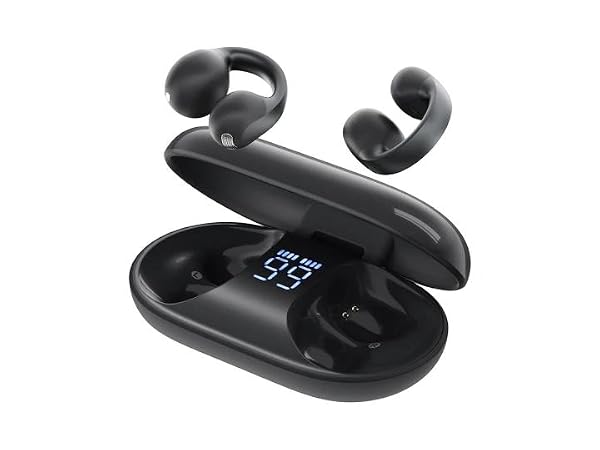
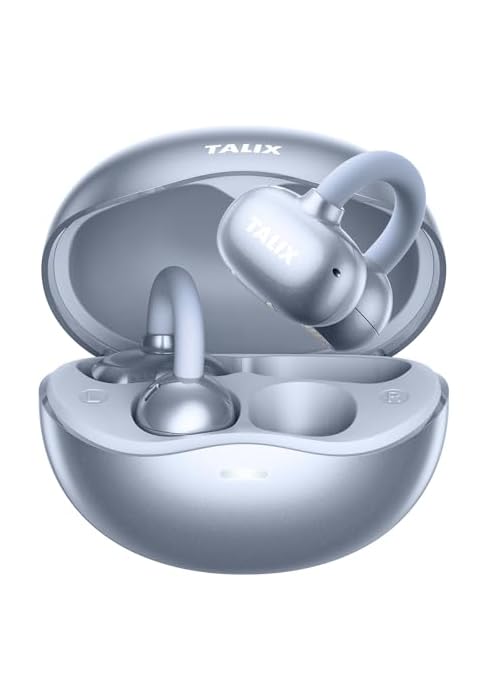
Dynamic Driver | 11mm |
ENC Calls | 2 Mics |
Control | Touch |
Bluetooth | 6.0 |
Weight | 4.8g (single bud) |
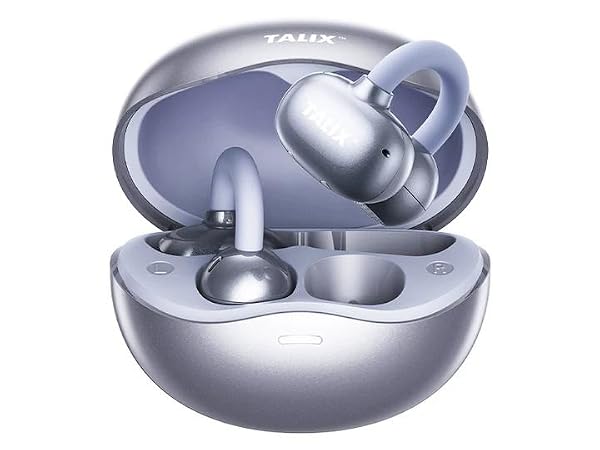
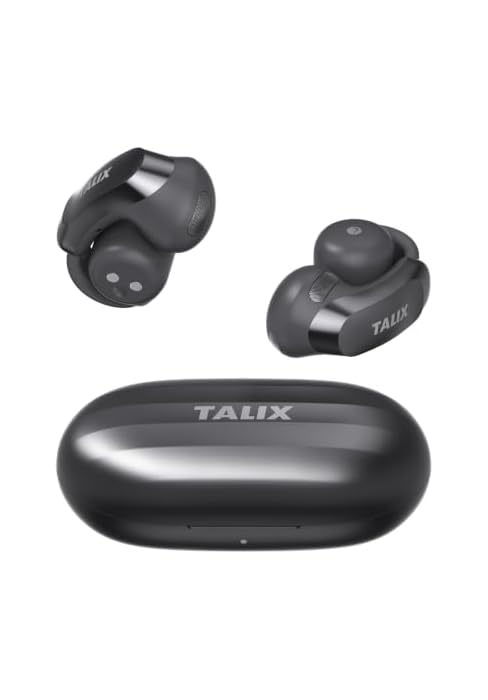
Dynamic Driver | 10mm |
ENC Calls | 2 Mics |
Control | Touch |
Bluetooth | 5.4 |
Weight | 4.8g (single bud) |
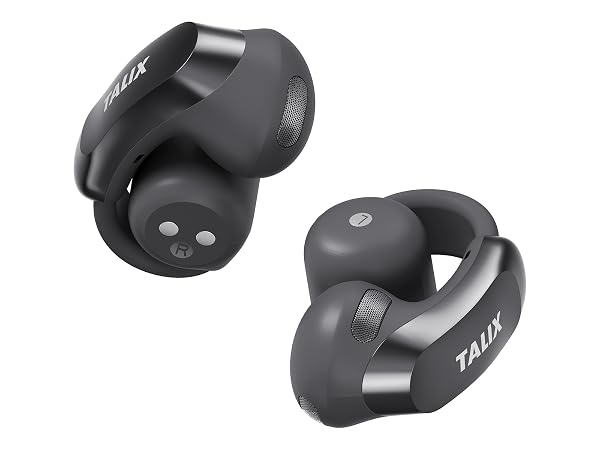
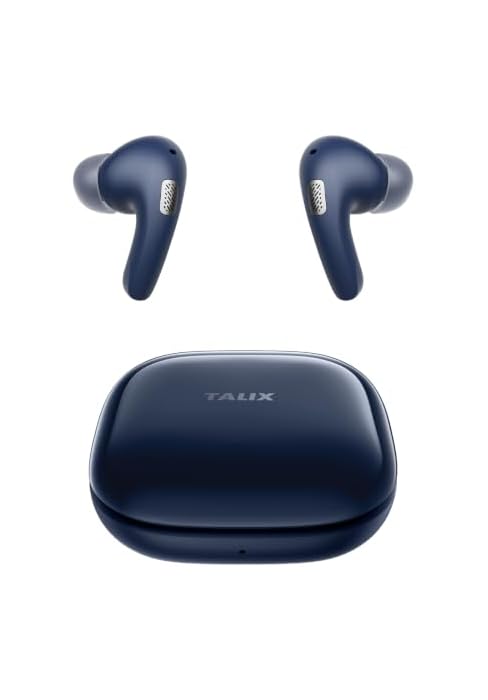
Dynamic Driver | 13.4mm |
ENC Calls | 4 Mics with ENC & AI |
Control | Touch |
Bluetooth | 5.4 |
Weight | 5.2g (single bud) |
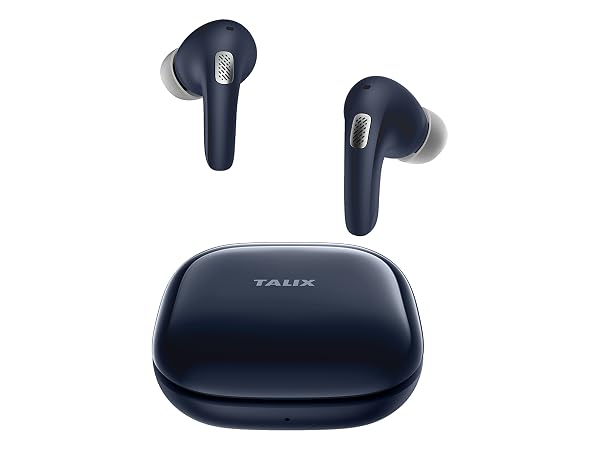
Dynamic Driver | 10mm |
ENC Calls | 2 Mics |
Control | Touch |
Bluetooth | 6.0 |
Weight | 4g (single bud) |
How do I find the right fit for TALIX X8?
The open-ear fit may feel different at first. Place the earbuds on the correct ears (L for left and R for right) with the sound outlet positioned near your ear canal. Gently adjust the angle and position until you find a secure and comfortable fit.
What should I do if my ears feel uncomfortable after wearing the earbuds for a long time?
Everyone’s ears have different shapes. If you feel discomfort after extended use, try slightly adjusting the position or angle of the earbuds to find a more comfortable fit with less pressure. Small adjustments can help improve comfort.
How can I improve call quality?
For clearer calls, make sure the left and right earbuds are worn on the correct ears, with the sound outlets facing your ear canals. Keep the microphone ports clean and unobstructed, and use them in a relatively quiet environment.
How do I troubleshoot TALIX X8 if it doesn’t work properly?
If issues occur, clean the charging pins on the earbuds and charging case, and ensure enough power. Reset the earbuds, then reconnect them to your device. To reset, hold the case button for about 10 seconds until the front indicator turns red.
In what situations can the TALIX X8 be used?
It is ideal for commuting, working from home, office use, online meetings, daily activities, running, cycling, gym, workout and walking.
We’re built on “Joy, Passion, Innovation” — making tech feel warm, not cold. A spark for your daily life. Our mission? Help you live joyfully. We mix the latest tech, smooth vibes, and fresh design to create smart stuff you’ll actually love. Whether you’re grinding at work or just chilling, TALIX gives you confidence and style. Come vibe with us — joyful tech, fashionable living.