All Categories
Built for How Business Buys.
All Categories



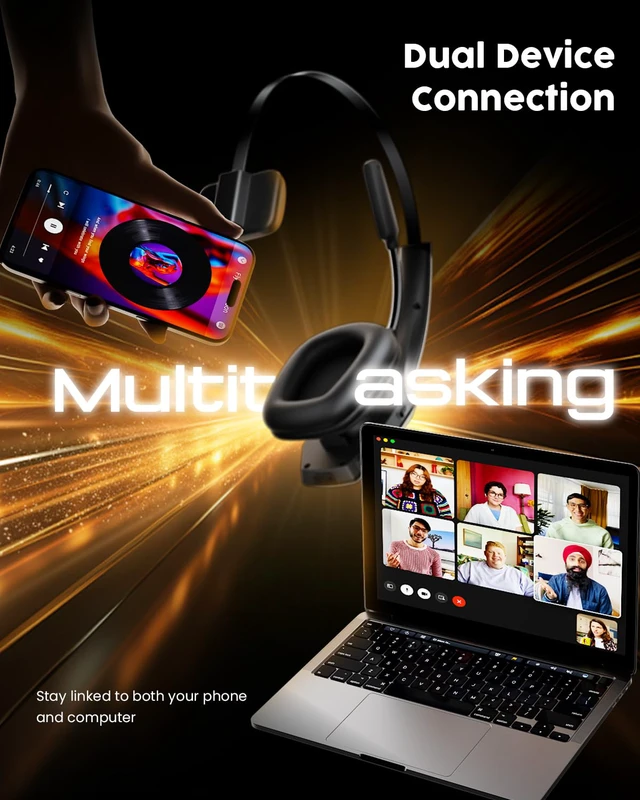


How to Connect One or Two Devices
1. In the off status.
Toggle the switch to the ON position to power on.
Pairing mode:
3. Connect the second device
Turn off Bluetooth on the first device.
Active Bluetooth on the second device.
Search the model name "DH16" and tap on ''DH16'' to connect.
Active Bluetooth on the first device and tap on ''DH16'' to connect.
Turn off the headset and turn it on again. The headset will automatically connect to the 2 devices.
Notes:
The headset can be paired with multiple devices, but it can only play audio from one device at a time. To play music from these coned device, pause or stop play back on the first device. The same rule applies to calls.
2.Connect the first device
Activate Bluetooth on the first device.
Search for the model name ''DH16''.
Tap on ''DH16'' to connect.