Notes while using:
1: If your USB-C laptops with USB-C/Thunderbolt 3 Port, you can max output 4K/60Hz in your Displays. If USB-C Laptops with Thunderbolt 4 Port and your Monitors support DP 1.4 or HDMI 2.1, then you can max output 4K@144Hz(Your dp/hdmi cable, your usb-c cable and your dp/hdmi monitors should supports 4K@144Hz).
2: While connecting, you should power the switch via our attached USB-A to USB-C Cable.
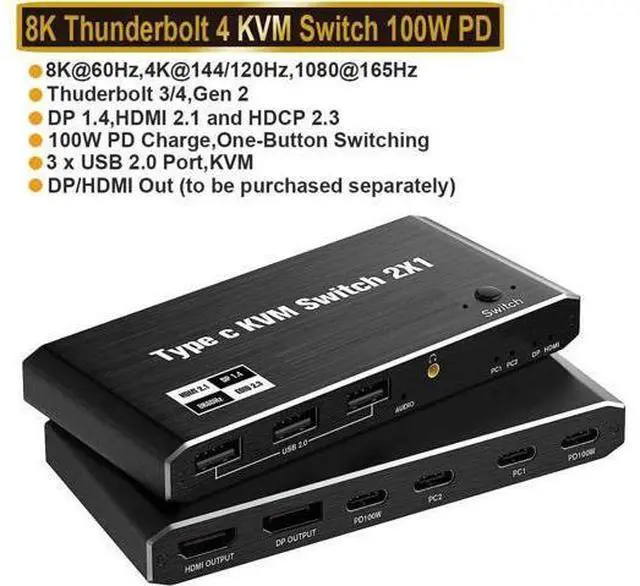
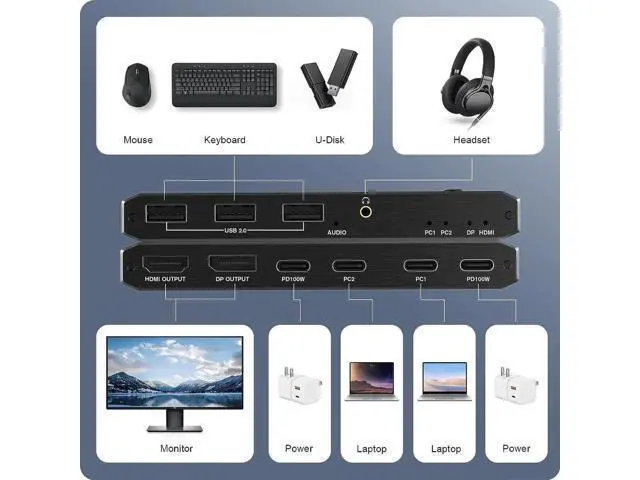
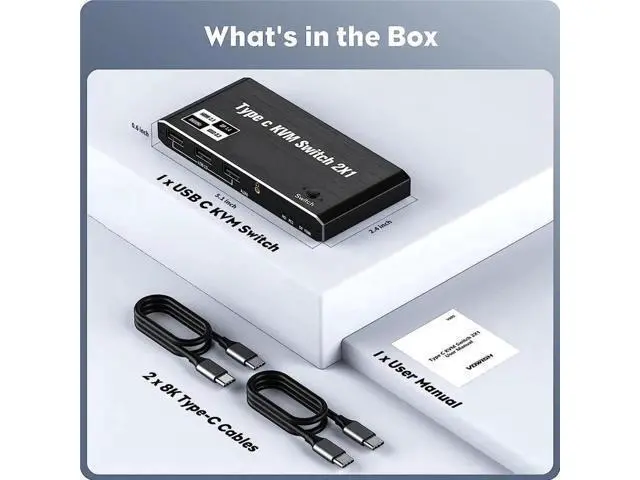
3: We do not suggest to connect to Phone and Tablet. 3. HDMI and DP port could not display image at the same time, only support single monitor Package contents 1 x USB C Thunderbolt 4 KVM Switch 1 x USB Power Cable (Type A to Type C) 2 x 1.2 meter USB Gen 2 Cable (Type C to Type C) 1 x User Manual Thunderbolt KVM Switch Max supports 3xUSB Devices, share two PCs Laptop with one
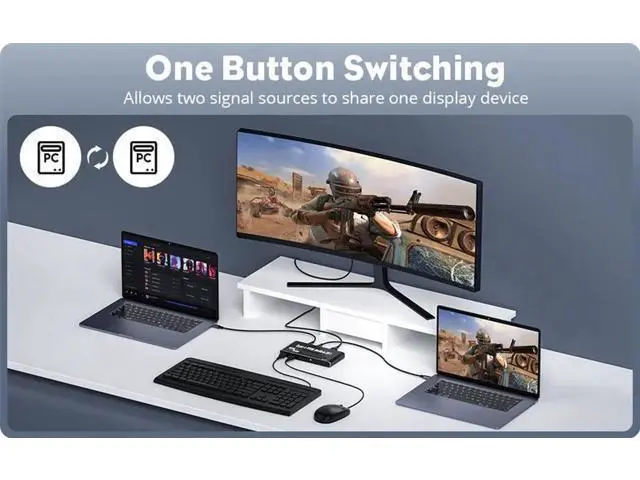
Monitor: This USB C KVM 8K Switcher, with 2 xUSB-C PC Input Ports, 4x USB Output Ports, 1 HDMI Output ports and 1 DP Output ports (purchased single monitor by yourself) You can control your two PCs with one USB Mouse or Keyboard, and making your usb disks to be read in both your two pcs via connecting USB Mouse, Keyboard/Disks in the USB-C KVM Switcher, Press"Switch" button in the switcher to switch between your two PCs
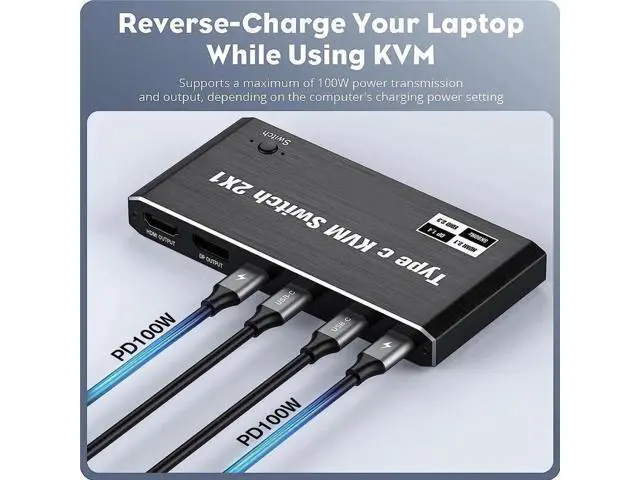
Input Port: 2 x USB Type C Female Port for USB-C PC Input, 2xUSB Type-C Female for 100W Power Delivery
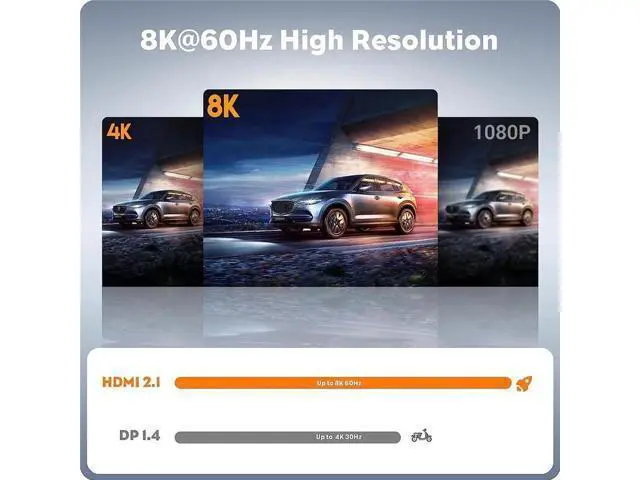
Output Port: 1 x DP Female Port, 1x HDMI Female Port, 4 x USB 2.0 A Female Port, 1x 3.5 mm Jack USB C KVM Switch resolution supports up to 1080P@120/165Hz, 2K@60/120/144Hz, 4K@60/120/144 (DSC), 8K@30/60