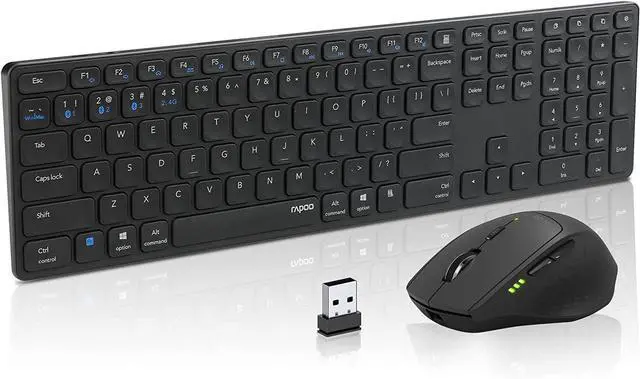
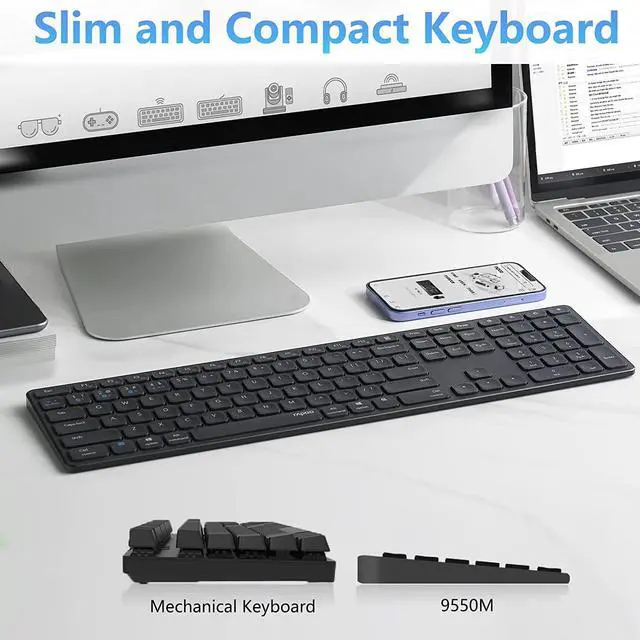
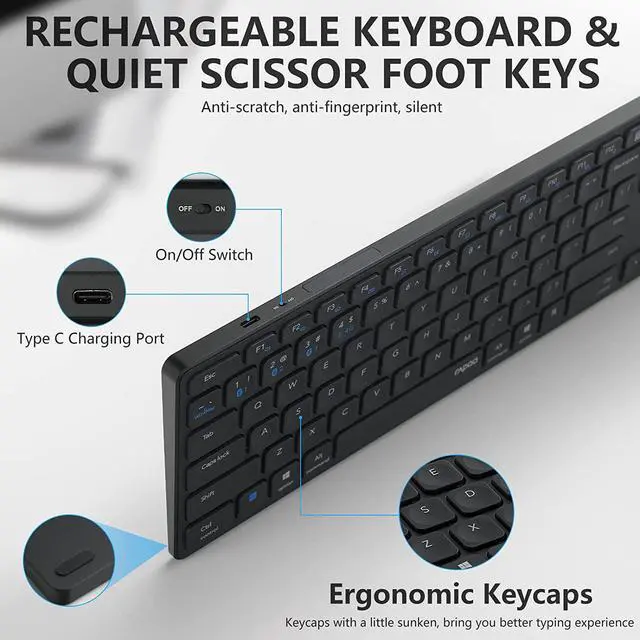
2 Hours Charging 180 Days Standby-Low Comsume Insert On OffSwitch Energy Saving Full Size Thin Keyboard 2 Hours Charging 180 Days StandbyType C Charging PortOn/Off Button
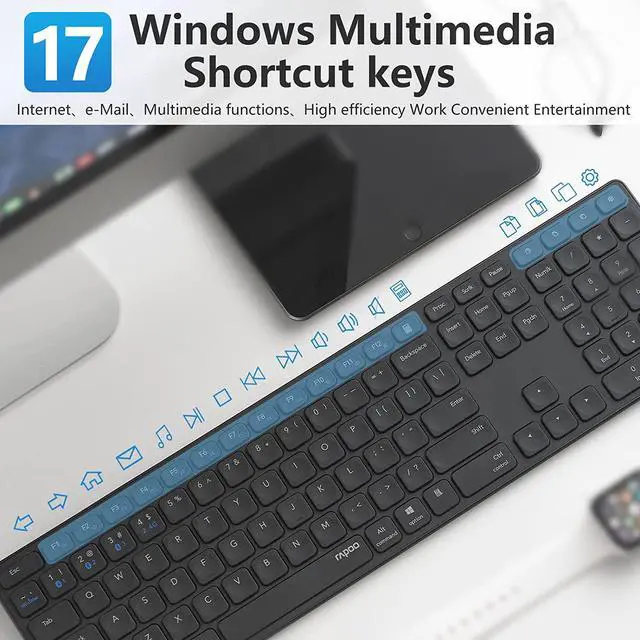
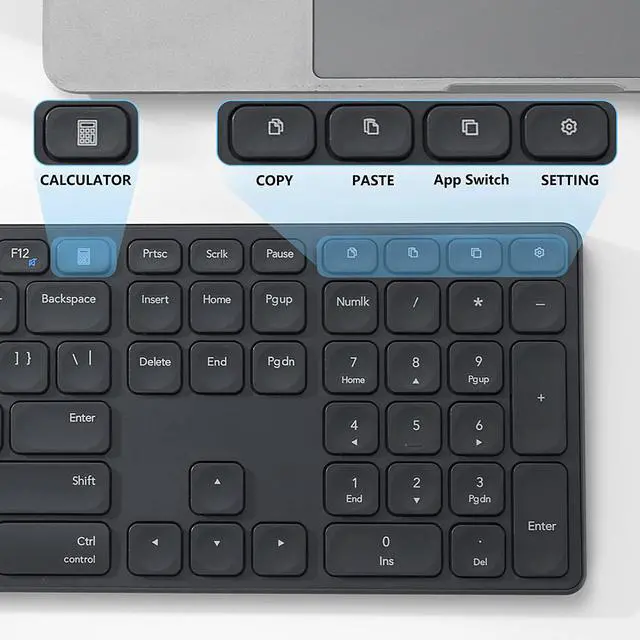
Special New Multi Functional Keys-Convinient for Work and Study One-Key for Calculator Pops upOne-Key for CopyOne-Key for PasteOne-Key for Application ShiftOne Key for Setting
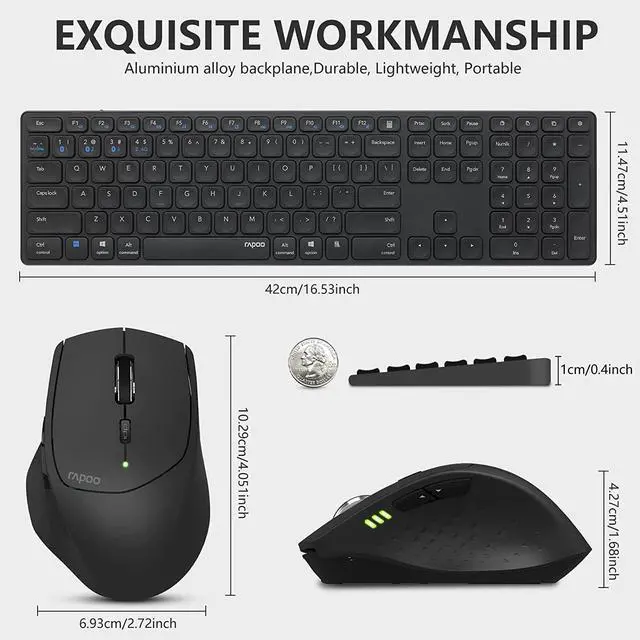
Number Pad for Daily Arithmetic Full Size Keyboard with number padEquipped with one key calculotor more convinient for daily arithmetic
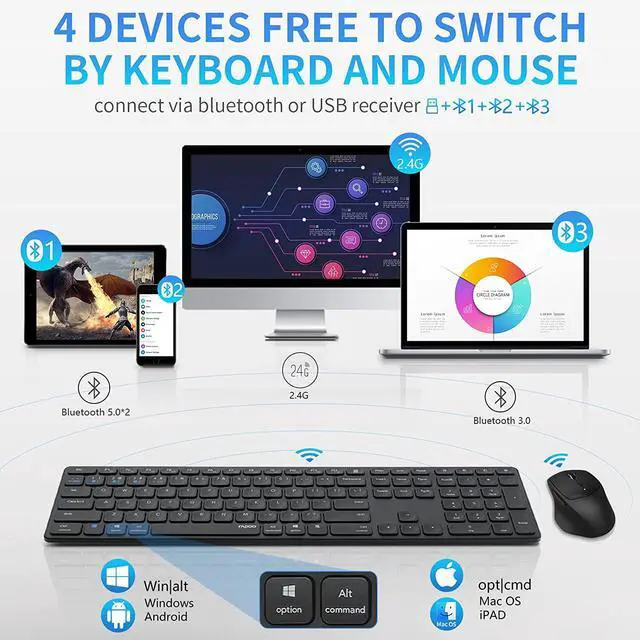
Bluetooth and Traditional 2.4G Connection Mouse and Keyboard share one USB Receiver in 2.4G Mode10 Meters Distance Stable ConnectionBoth Keyboard and Mouse can be connected Up to 4 devices
Wireless Charging Keyboard
Multi Funtional Keys
Number Pad
Plug and Play- No Drivers Needed
How to Connect the Keyboard? Plug the USB receiver into your computersTurn on the keyboard (On off switch besides the charging port)Short Press the Fn+4 will turn into 2.4G mode.
Separately Long press Fn+1\Fn+2\Fn+3 for more than 3 seconds, the keyboard turns into pairing mode for 120s, you can pair 3 devices.Choose one of the RAPOO 5.0KB or RAPOO 3.0KB coming from the keyboard, the indication light off when device connected.Shortly press the Fn+1/Fn+2/Fn+3 can freely change the devices paired.
How to Connect the Mouse? Plug RAPOO USB Receiver into your computer USB PortTrun on the mouse>>Bluetooth Connecting mode1.Turn on the mouse2.Short press the device button to choose the channel 1/2/33.Long press the bluetooth button for 3 seconds, the mouse gets into searching mode4.turn on your device to pair, indication LED lights for 6 seconds after success connection.5.Shortly press the device button to switch a channel



 All Categories