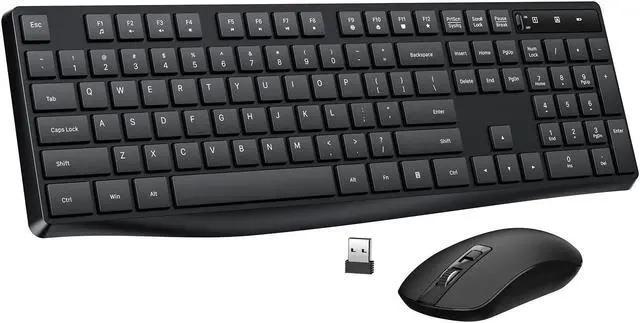
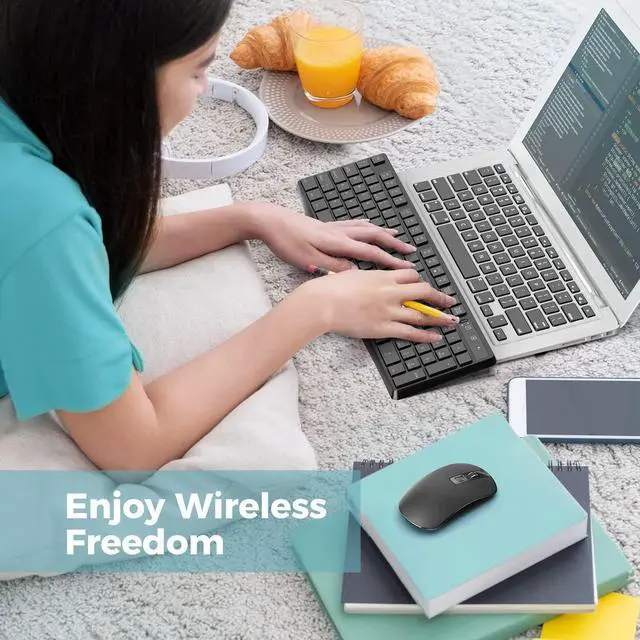
104 Full-size Wireless Keyboard and Mouse Combo
Comfortable Typing Experience-- computer keyboard
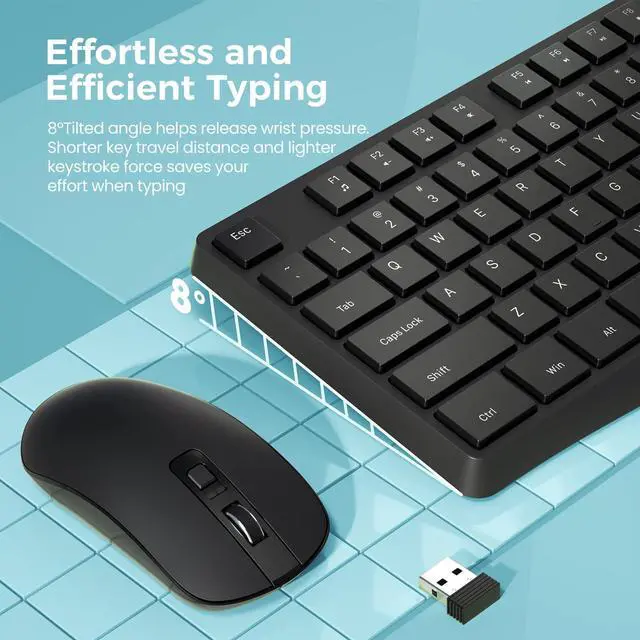
The bottom of the keyboard is equipped with foldable feet, allowing you to adjust the most comfortable typing angle.
With the soft key stroke, the keyboard offers smoother touch. Besides, you will feel the keyboard more responsive thats easy on your fingers and has no input errors.
Slim & Portable Design-- wireless optical mouse
Wireless mouse adopts slim and symmetrical design, suitable for right or left hand. Moreover, the thinness makes the mouse easier for picking and moving, especially for kids.
If you often need to travel or work away from home, Bailink portable mouse is a good choice for you. Easily fits into a backpack and take around.
Mouse Size: 2.44 * 4.53 * 1.26 in ( 6.2 * 11.5 * 3.3 cm)
3 ADJUSTABLE DPI(800/1200/1600)
3-level adjustable DPI (800/1200/1600) of laptop mouse, allows you to choose your favorite moving speed of cursor. Works well with desktops, Chrome-book, PC, Laptop, Computer and more.
2 in 1 USB RECEIVER
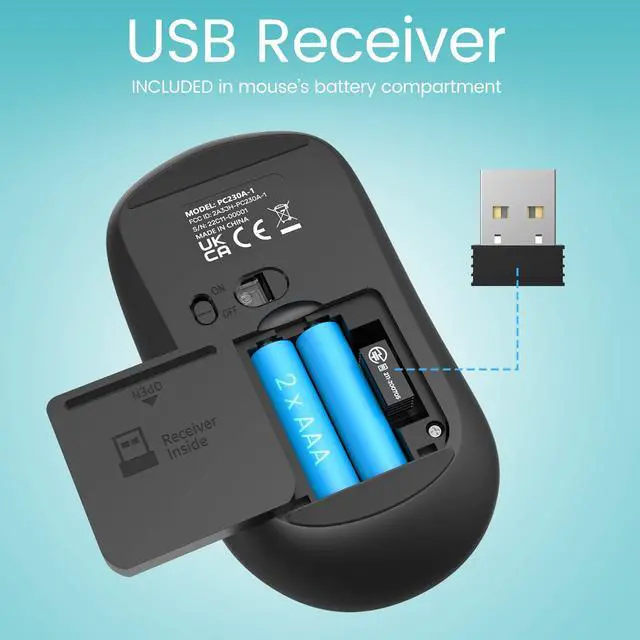
A USB receiver can connect the keyboard and mouse wireless at the same time without taking up more USB ports. USB Receiver is beside battery slot of the mouse.
Tips: The wireless keyboard and mouse can also be used separately.
LONG BATTERY LIFE
The wireless keyboard is powered by 1 AAA battery, while computer mouse is powered by 2 AAA batteries. The mouse will enter into sleep mode after 10min of disuse. Please note that turn off power switch when NOT use for a long time.
Product Description:
Design for Longer Battery Lifetime
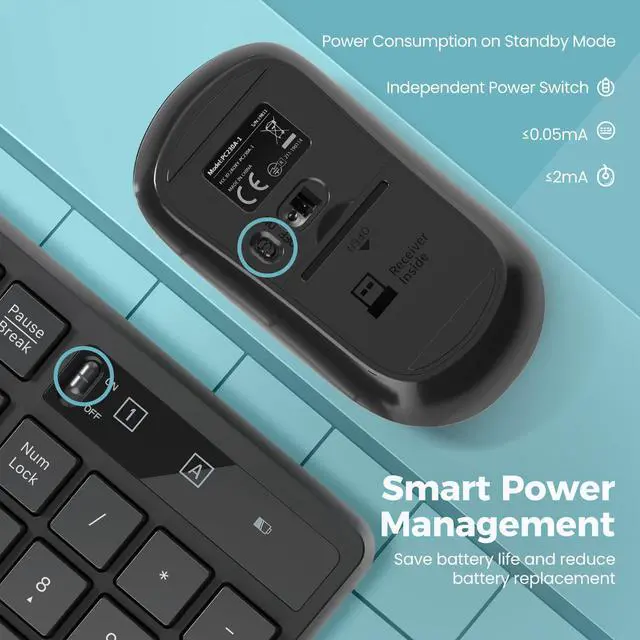
1. If there is no operation with the keyboard and mouse more than 10 minutes, they will turn to sleep mode automatically. Press any key to activate them.
2. Both the mouse and keyboard have independent switch to turn on/off if you will not use them for a while.
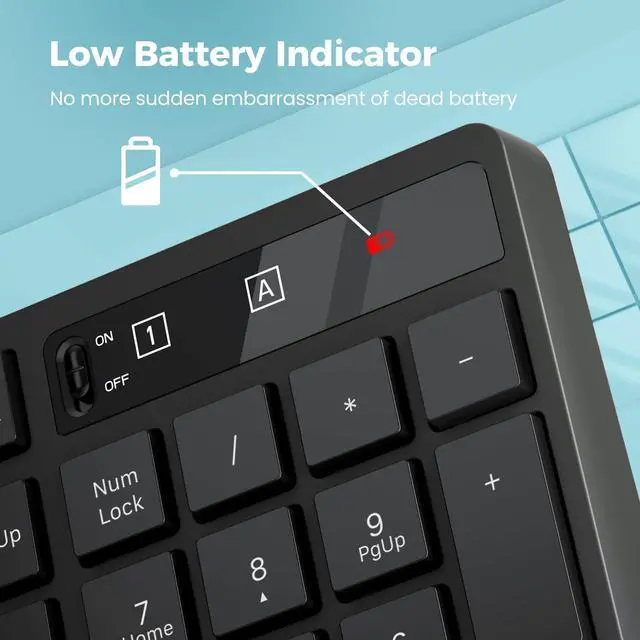
3. The LED indicator light on the keyboard will flash to remind you when to change the low battery.
Specification
Keyboard Dimension: 17.14 * 5.55 * 0.88 in ( 43.5 * 14.1 * 2.2 cm)
Mouse Size: 2.44 * 4.53 * 1.26 in ( 6.2 * 11.5 * 3.3 cm)
Mouse DPI: 800, 1200, 1600
Battery: 1*AAA for Keyboard, 2*AAA for Mouse
Package Contents
1×Keyboard
1×Mouse
1×USB Receiver (in the mouse battery compartment)
1×User Manual
Tips: Solution to Connection Exception
Keyboard
1. Take out the battery and USB receiver, reload the battery and plug the receiver into the computer.
2. Turn on the keyboard switch, which should be within 20cm away from the receiver.
3. Press and hold the keyboard ESC + K keys together to pair again.
Mouse
1. Take out the battery and USB receiver, reload the battery and plug the receiver into the computer.
2. Turn on the mouse switch, which should be within 20cm away from the receiver.
3. Press and hold the Right button and Scroll button together to pair again.
Power indicator-- the new battery into the keyboard and mouse, if the normal connection with the computer power red light will flash 5-8 seconds off, if the computer is not normally connected to the power red light on for a while on off. Low battery mode is to press any key power red light will flash. So when you first start using, the power red light keeps flashing for 5-8 seconds is norma



 All Categories
 KOUKJU Store