• $99.99
  • Free 30-day Returns
  • Ships from China.

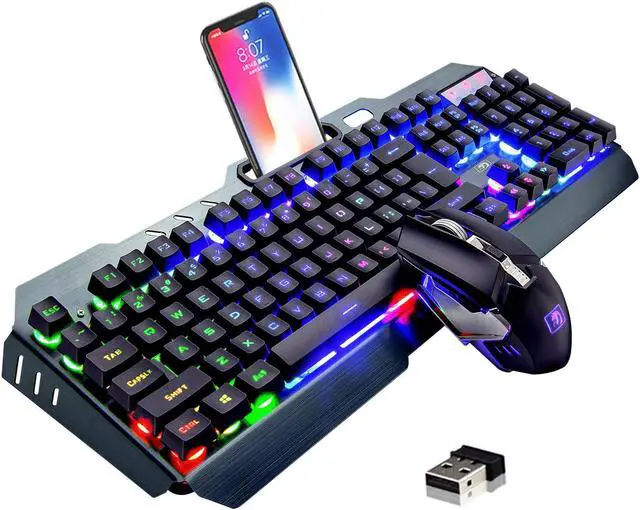
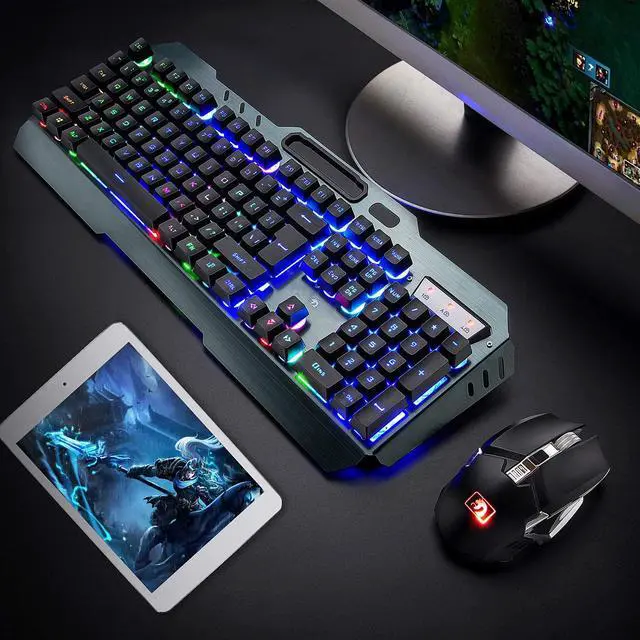
    Wireless Gaming Keyboard and Mouse,Rainbow Backlit Rechargeable Keyboard with 3800mAh Battery Metal Panel,Mechanical Feel Keyboard and 7 Color Mute Gaming Mouse for Windows Computer Gamers(Rainbow)

    • Item #: 9SIV36AKE32928
    • Mfr. Part #: GU-MNM778
    • UNSPSC: 43211706
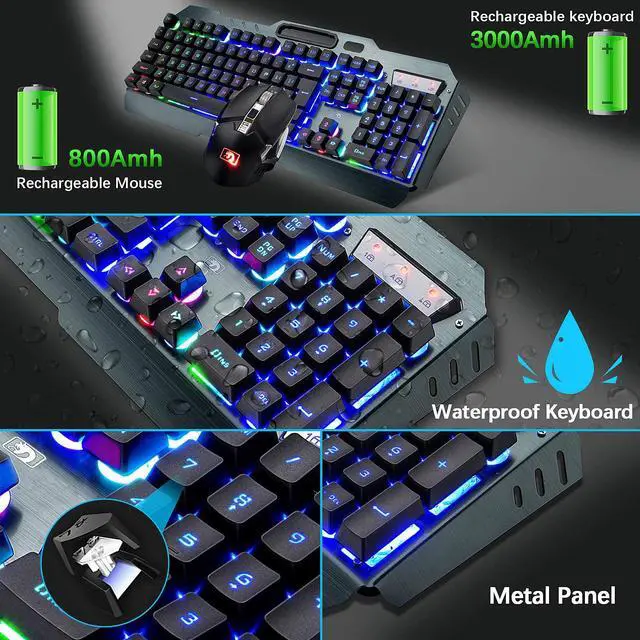
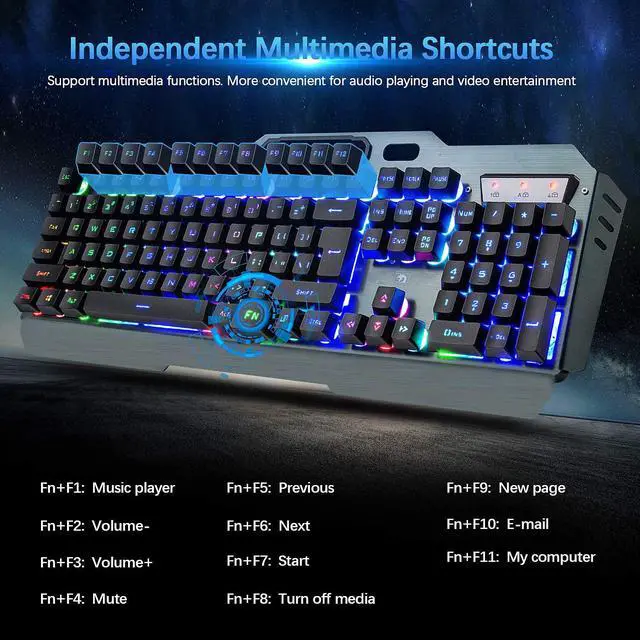
    • Rechargeable Keyboard and Mouse The wireless keyboard is made of aluminum alloy brushed panel, which is sturdy and durable. It can be waterproof, and the keyboard builts-in 3000mAh battery. The mouse builts-in 800mAh battery ,eliminates the trouble of frequently changing batteries. No operation automatically sleeps within 5 minutes, any key wakes up
    • 2.4G Wireless Transmission 2.4G wireless technology enables the keyboard to achieve long-range wireless control. Plug & Play, keyboard and mouse share an Intelligent Nano Receiver, convenient and fast. The keyboard features a streamlined layout that is ergonomically designed for gaming or office or home use.
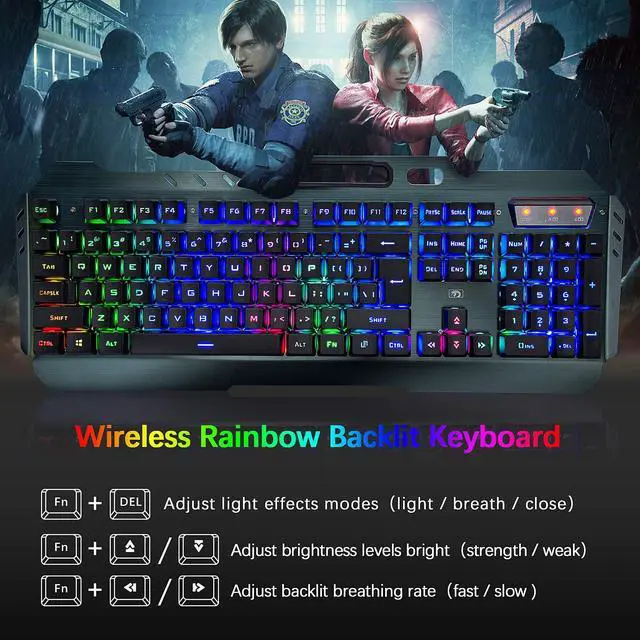
    • LED Rainbow Backlight The mechanical feel keyboard with colorful backlight effect is an excellent visual experience in night operation, pressing FN+DEL to switc three backlight states (normally bright-breath-off), The keyboard can adjust backlight brightness and breathing frequency.
    +
    +
    Overview
    Specs
    Reviews
    Keyboard Specifications:
    Layout: US
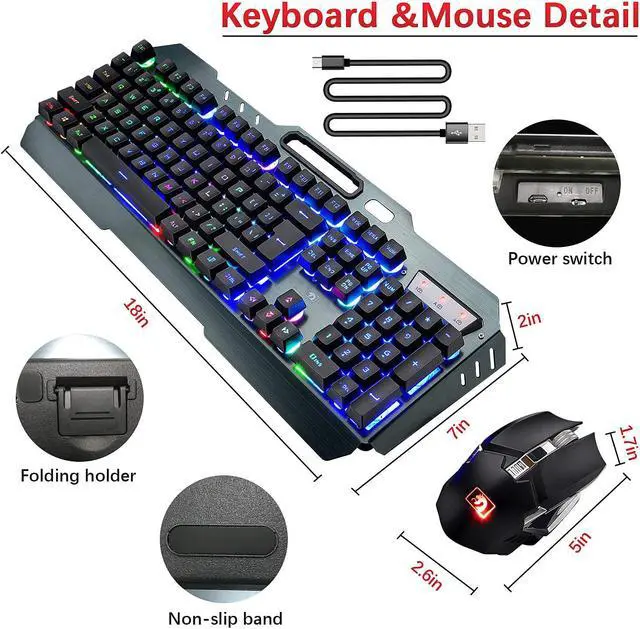
    Keyboard Size: about 455*175*45mm
    Interface Type: Usb(2.4GHz wireless connection)
    Built-in battery capacity:3000mAh
    Light effects: Rainbow LED Backlit
    Mouse Specifications:

    Mouse Size:125*65*40mm
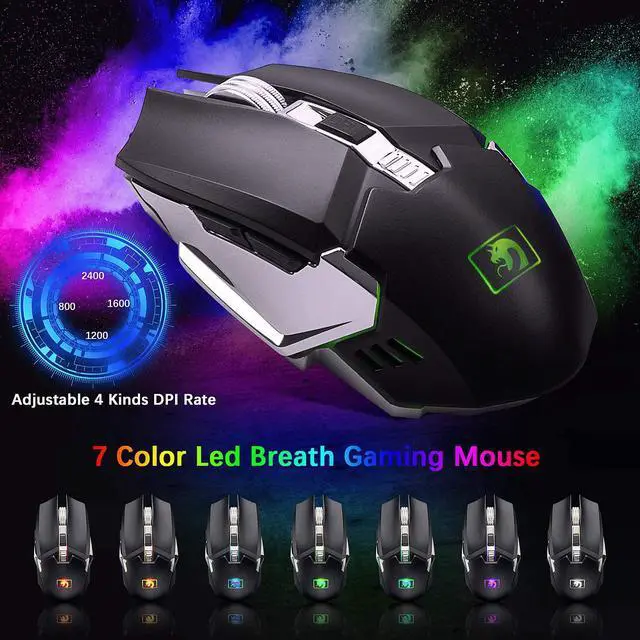
    Customize DPI Switch: 800/1200/1600/2400DPI.
    Built-in battery capacity: 800mAh
    Light effects: Seven color breathing lights (Mouse backlight color Can Not be adjusted)
    Buttons: 6 buttons with scroll wheel (Two Side-Buttons, One DPI Switch)
    Note:

    -The keyboard and mouse share a receiver, the receiver is at the bottom of the mouse.

    -Keyboard code: 1. Unplug the USB receiver. 2. Press the K + ESC key at the same time.

    -Mouse code: 1. Unplug the USB receiver. 2. Right-click the middle wheel at the same time.

    Warranty & Returns

    Warranty, Returns, And Additional Information

    Warranty

    • Please contact the Seller directly for warranty information. Warranty information may also be found on the Manufacturer's website.
    • CONTACT

    Return Policies

    Manufacturer Contact Info

    LOADING...