• $40.99
  • Free 30-day Returns
  • Ships from China.

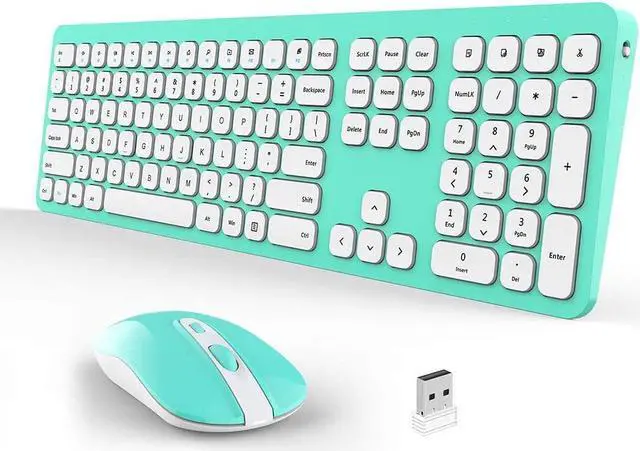
    Wireless Keyboard and Mouse Combo, Ultra Thin Quiet Portable Keyboard and 2.4GHz Wireless Mouse with Nano USB Receiver for Laptop PC Notebook Windows Desktop - Blue/White

    • Item #: 9SIV36AKE35875
    • Mfr. Part #: JO-BVCM98
    • UNSPSC: 43211706
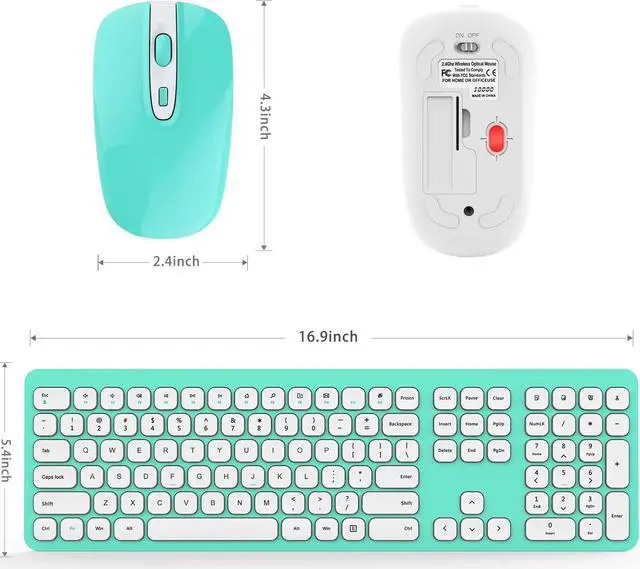
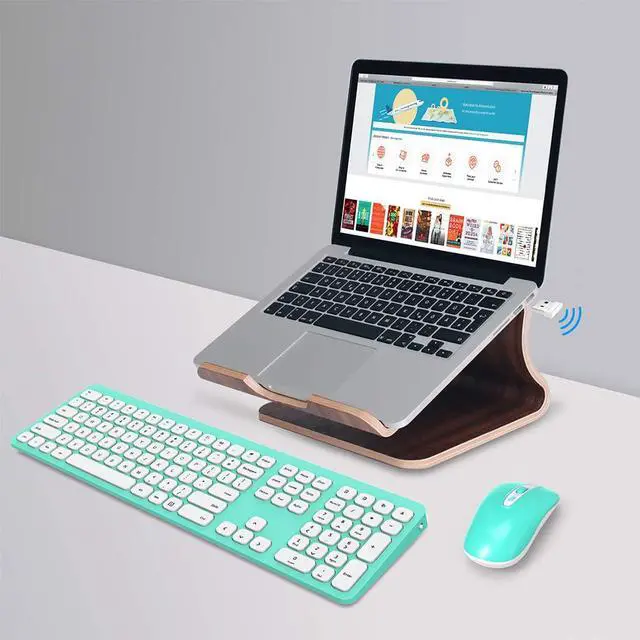
    • [Wireless keyboard and mouse combo]:wireless keyboard and mouse combo show a full-size keyboard with full function keypads and a slim comfortable mouse,let working a comfortable place with your computer or laptop. Warmly Note: 1. The USB Receiver is inserted on the battery compartment of the keyboard. Just only ONE receiver can connect both keyboard and mouse together.
    • [Stable 2.4G Wireless connection]:This wireless keyboard mouse set sing only 1 USB plug, which is inserted on the back of the Keyboard. Stable 2.4GHz wireless provides a powerful, reliable and the effective wireless range is up to 33 feet without any lags and no delays or dropouts.
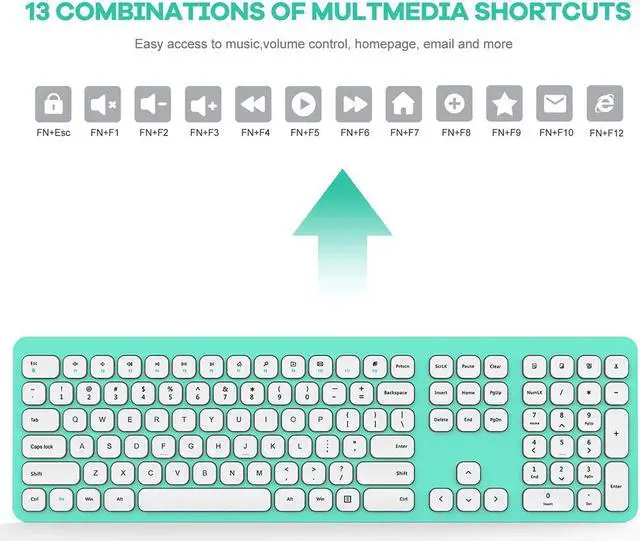
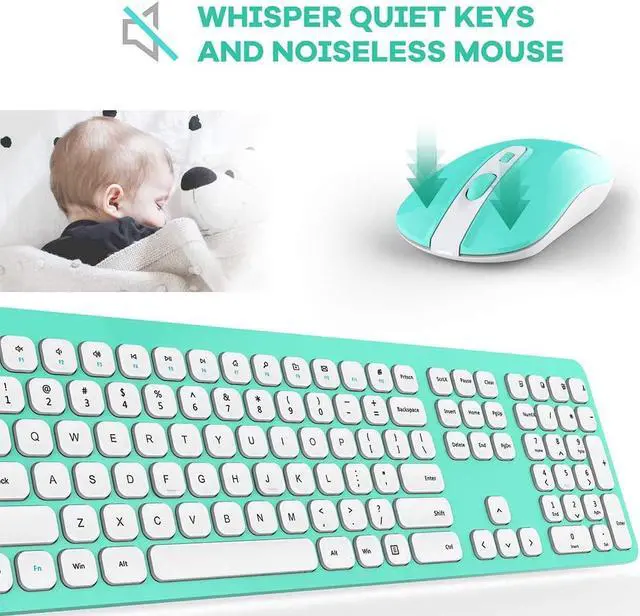
    • [12 Function Hotkey Design] : Quiet buttons and scissor-switch keys under the keycaps let you enjoy comfort, smooth typing and quickly click. Hotkey provides asap access to applications and media controling.and let you saving you time and making more working in offcie or travels.
    +
    +
    Overview
    Specs
    Reviews
    If keyboard and mouse not response,please try following tips:

    1.Turn off all 2.4G devices in your room and make sure the product indicator section is as close as possible to the Nano receiver.
    2. Repair the keyboard:


    (1) Unplug the receiver of computer.
    (2) Press ESC and = + buttons about five seconds until the power indicator display red.
    (3) Plug the receiver to the computer quickly before the red light is off at the same time.

    3. Repair the mouse:

    (1) Turn off the power switch at the bottom of the mouse.
    (2) Unplug the receiver from the computer port.
    (3) Turn on the power switch at the bottom of the mouse.
    (4) ?Press the wheel button, the left button and the right button simultaneously. ?Then keep the USB Nano receiver near to the indicator light of the mouse, the red light will flash. ?Plug the receiver to the computer, keep the indicator light of the mouse near to the USB Nano receiver again.
    (5) Note: If the code is not successful, please repeat these steps.

    Warranty & Returns

    Warranty, Returns, And Additional Information

    Warranty

    • Please contact the Seller directly for warranty information. Warranty information may also be found on the Manufacturer's website.
    • CONTACT

    Return Policies

    Manufacturer Contact Info

    LOADING...