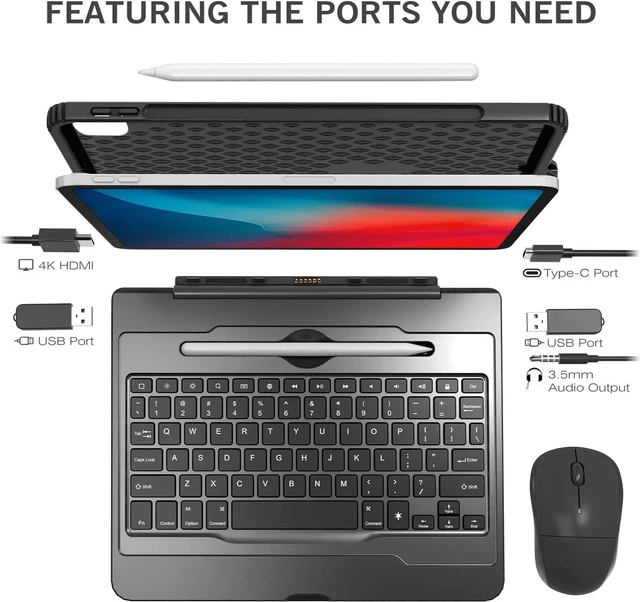
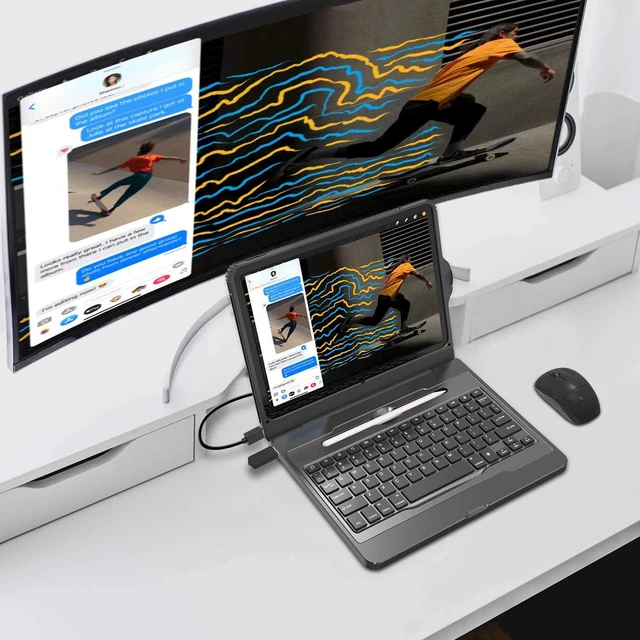
HDMI PORT & USB PORT For various HDMI devices, such as Xbox 360, PS3, Beamer, DVB Receivers, Blu-ray Player, Apple TV, Laptop, HDTV/HD Monitor.
POWER BUTTON Please turn on the power switch on the back of the cover. In order to prevent the keyboard power from draining, please turn off the power.
USB PORT & 3.5mm AUDIO PORT Use with PC, MacBook, iMac, Mac mini, XPS, Flash Drives, & any other USB compatible devices.
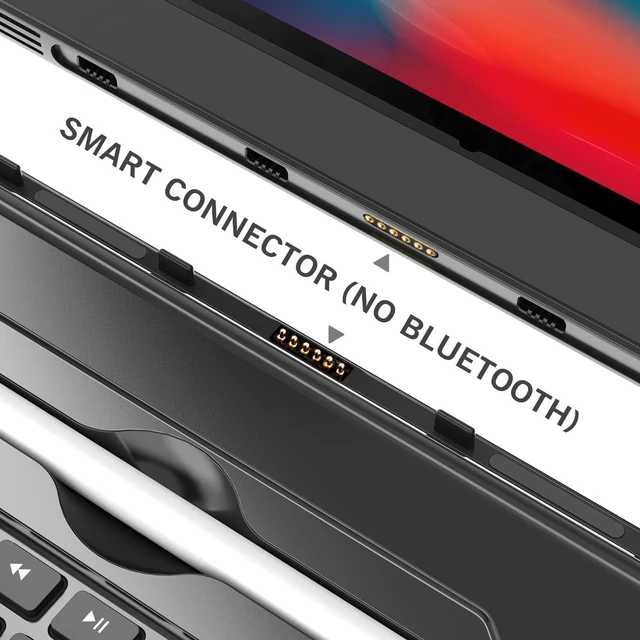
BUILT-IN TYPE-C CABLE This type-c port is the charging port of the iPad, the keyboard doesn't need to be connected to Bluetooth, just plug it in to connect to the iPad Pro 11.
TYPE-C PORT & CHARGING PORT You can use this port to charge the iPad. It is recommended that you remove the iPad and charge it separately.
SPECIFIC APPLE PENCIL HOLDER The keyboard comes with a special pencil holder compatible with Apple iPad stylus for a more compact design.
How to Connect?
Steps 1. Make sure iPad is fully charged.Steps 2. Install iPad into the case.Steps 3. Pull out the TYPE-C cable hidden on the right side of the case.Steps 4. Plug the Type-C cable into the case and iPad firmly.Steps 5. Switch on the power behind the case.Steps 6. Put the iPad down into the keyboard, successfully pair.Steps 7. The blue sign appear on top right (beside battery on the screen), the backlit will light.
Product Feature:
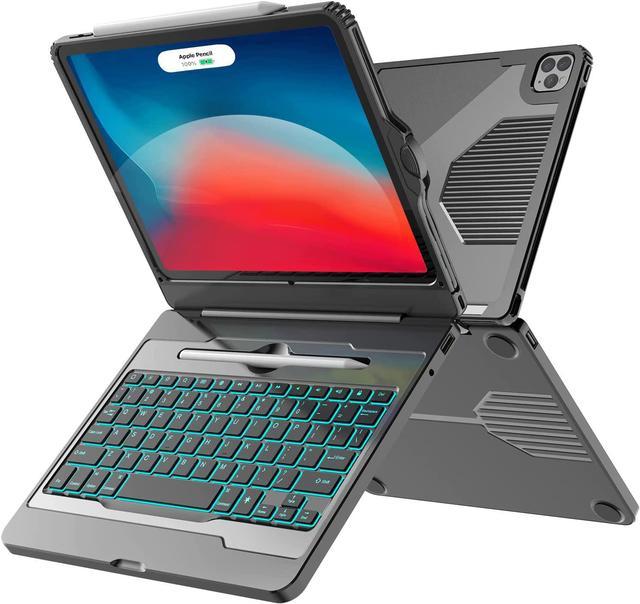
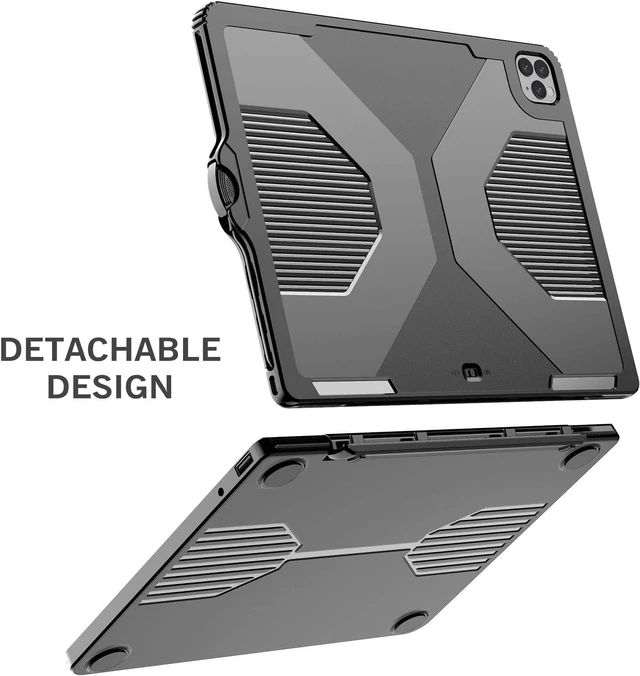
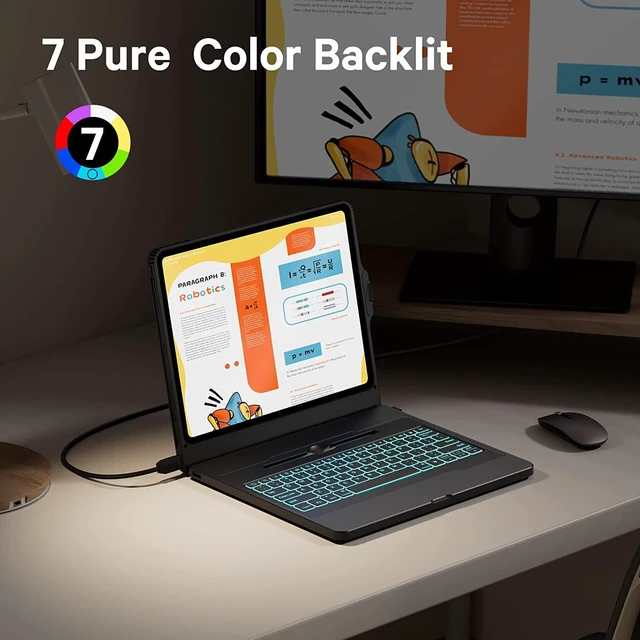
Easy smart connection, literally plug and play, no Bluetooth required.HDMI function allows you to easily enjoy the visual enjoyment brought by the big screen.Two USB ports can be used to expand storage space via USB drive or use a mouse to connect.3.5mm Audio Output support wire headphone for more immersive enjoyment.Removable cover and keyboard are adsorbed and can be assembled and disassembled at will.7-color backlit with 3 brightness modes makes it easy to use in darker environments.Controllable power switch reduce inefficient power consumption, provide a long battery life.



 All Categories