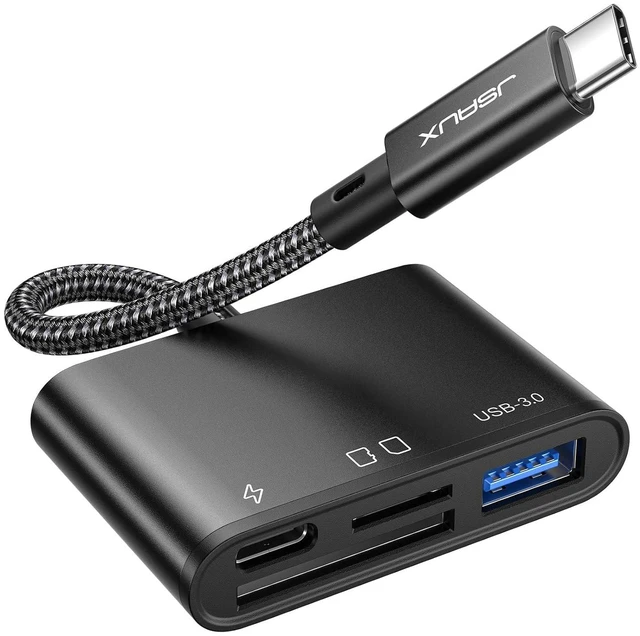
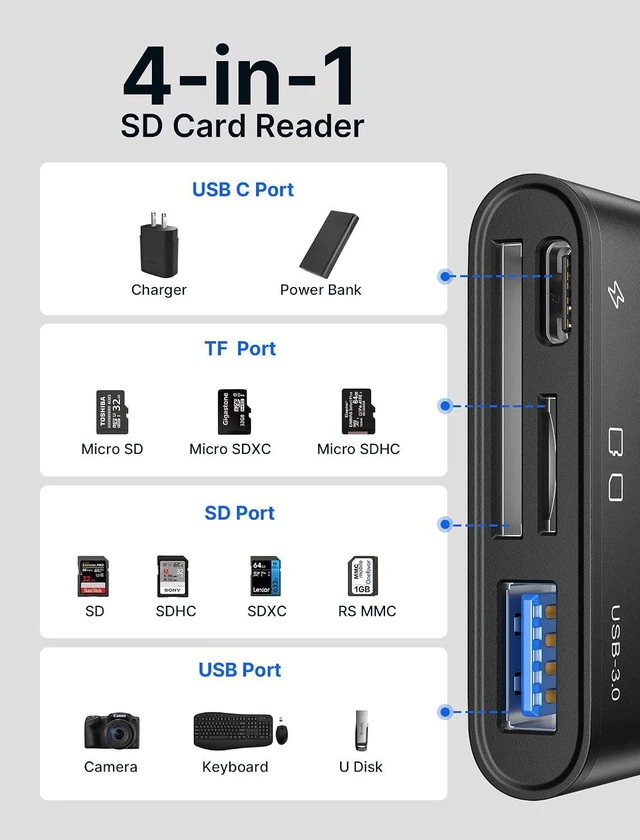
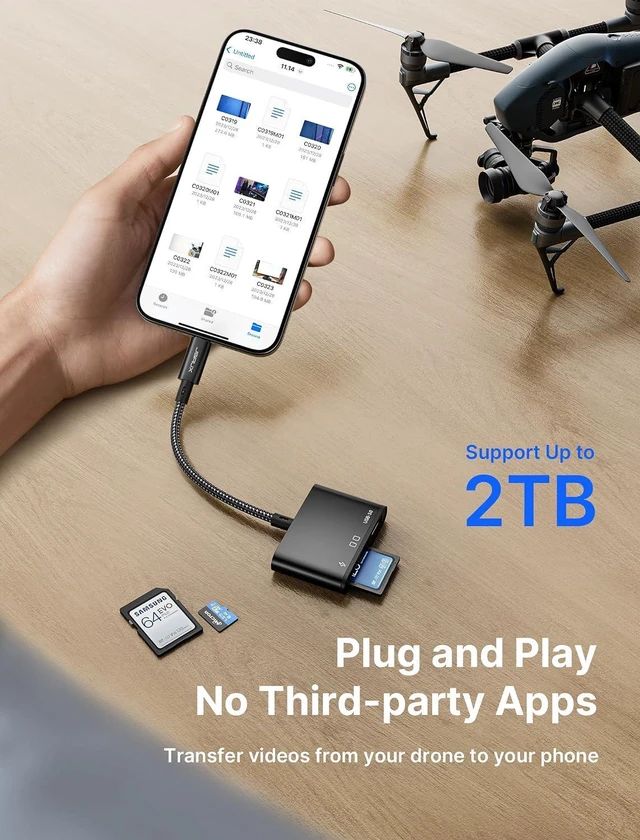
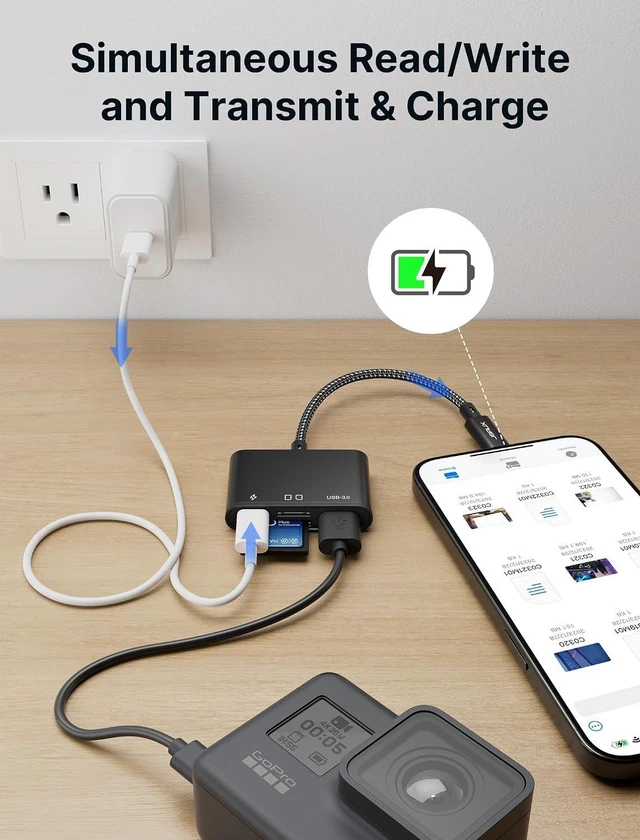
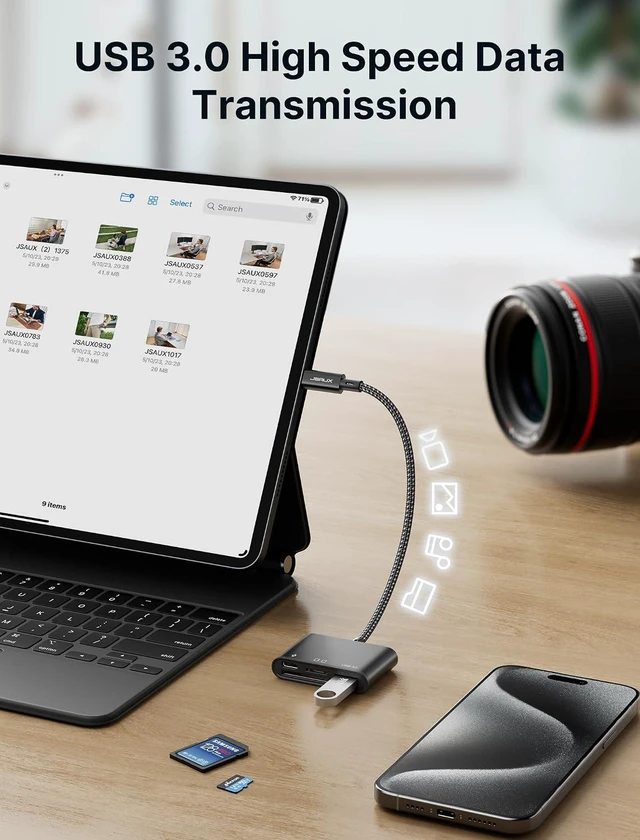
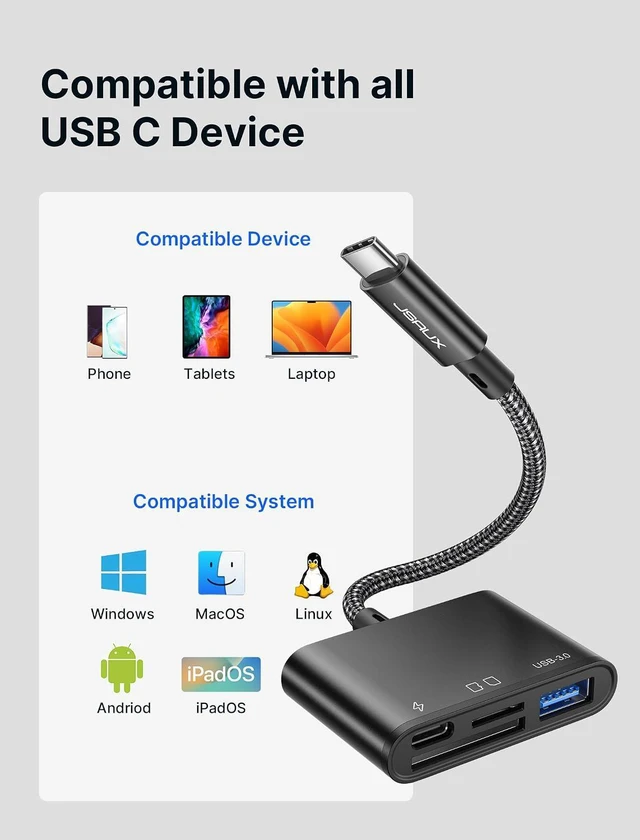
Product description Read/Write Memory Card Connecting Additional USB Devices Charging Devices SD&TF Card Port USB Port & PD Port High Speed Easy to Carry Wider Compatibility Apple iPhone 15/ iPhone 15 Plus / iPhone 15 Pro / iPhone 15 Pro Max Apple MacBook Pro 2016-2021, MacBook Air 2018-2022, iMac Pro, iMac 2017, Mac mini 2018, MacBook 2015-2017, iPad Pro 2018 - 2021, iPad Air 2020-2022, Mac Pro 2019 * Early Apple M1 only supports one external monitor Samsung Galaxy S23/ S22 / S21 / S20 / S10 / S9 / S8 / Note 20/ Note 10/ Note 9 / Note 8/ Fold / A90 5G, Samsung Galaxy Book, Galaxy Tab S4 / S5e / S6/ S7 / S8 and their plus versions.
Microsoft Surface Book 2 / 3, Surface Go / Go 2 / Go 3, Surface Laptop 3 / 4 / SE / Go / Go 2 / studio, Surface Pro 7 / 7+ / 8 / X, Surface Studio 2, Surface Dock 2 - only works for Dock 2 rear ports Dell XPS 15 9575 / 9570 / 9560 / 9550, XPS 13 9375 / 9370 / 9360 / 9350, XPS 12 9250, Latitude 7373 / 7280 / 7480 / 5570 / 5490, Insiron 5570, Inspiron 13 7000 2-in-1, Alienware 17 r3 / r4 / r5 Note Please do not plug and unplug the USB C charging port during data transfer to avoid affecting the data transfer progress; For SD and TF only supports single port recognition, does not support dual port recognition at the same time; SD/TF is not suitable for Prores video recording.
Note iPhone 15 needs to turn on assistive touch when connecting to the mouse (Settings-Assistive Functions-Touch-Assistive Touch-Enabled); For Office For Home For Travel How to read and transfer files on your iPhone 15/ iPad using the USB-C SD Card Reader? Which SD and TF cards are compatible?



 All Categories