Variable Backlight USB Tester, LCD Display USB C & A Multi Meter, Voltmeter Amp Power Meter Battery Capacity Tester Internal Resistance Battery Level Indicator for Laptop Tablet Phone Power Bank
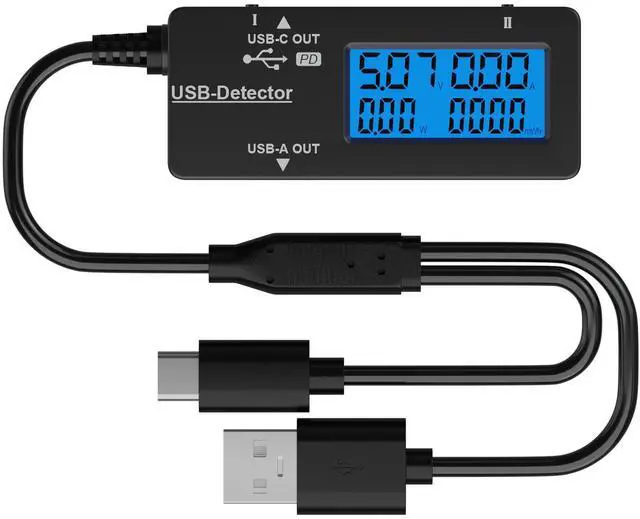
Multi Function USB Meter DROK USB Tester is equipped with adjustable backlight color LCD display screen, which can be switched between 3 display modes for monitoring 7 parameters. This multimeter can be used as voltage meter, amp meter, power meter, battery capacity tester, timer, internal resistance and battery level indicator at a time. Only 1 button to switch the display mode, simple and handy.
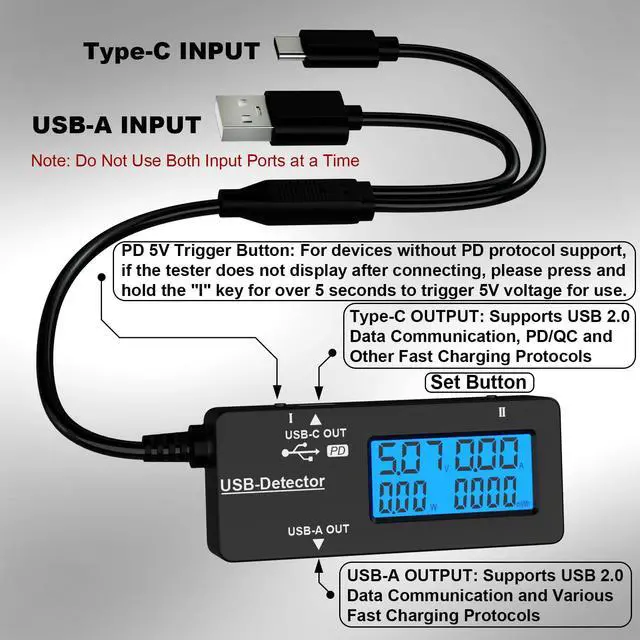
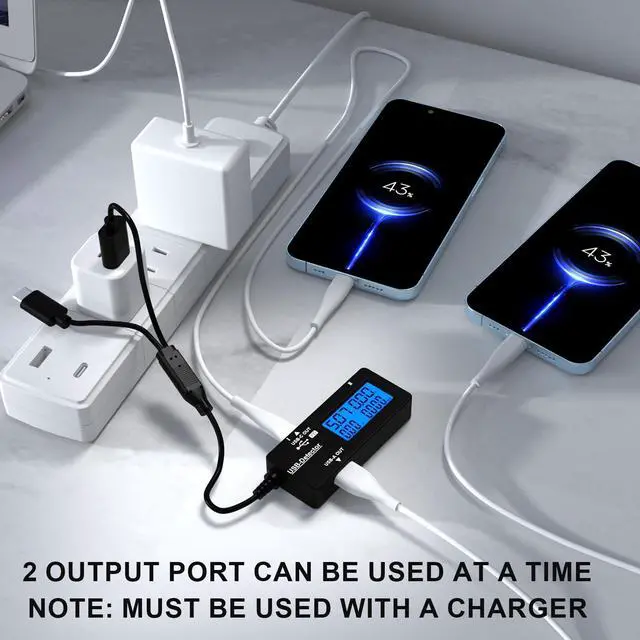
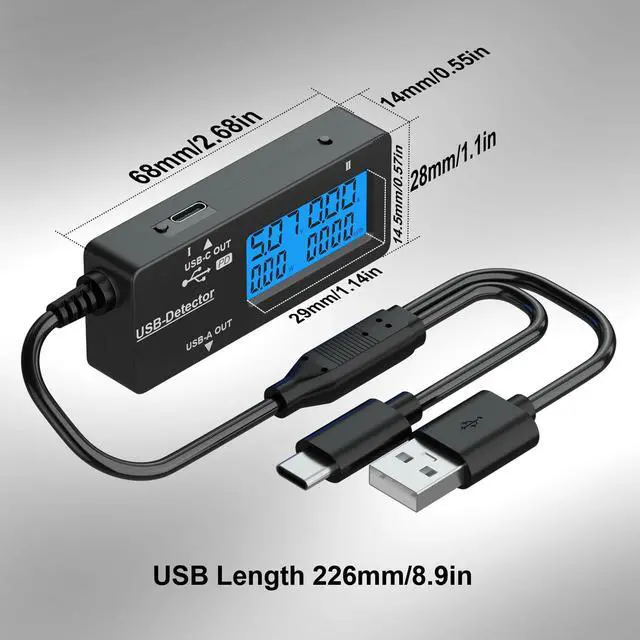
Dual USB Output This battery monitor is equipped with USB A USB C input and USB A USB C output. Both output ports support USB 2.0 data communication, PD/QC and other fast charging protocols, which can be used for charging and data transfer. For devices without PD protocol support, if the tester does not display after connecting, please press and hold the "" key for over 5 seconds to trigger 5V voltage for use.
Customizable BackLight Know your device's charging status at a glance with our intelligent multi-color backlight blue by default, glowing orange during high-speed charging, switching to green when fully charged, plus 3 additional adjustable colors (purple, light blue, and yellow green) to personalize your preference.
Easy to Use The multimeter has only 1 set button. Once you plug in the meter, you can test the parameter you want. The button can switch 3 modes displayVAT(Voltage/Current/Resistance/Time), VAWmAh(Voltage/Current/Power/Capacity), VAWmWh(Voltage/Current/Power/Energy).
+
+
Overview
Specs
Reviews
Variable Backlight USB Tester, LCD Display USB C & A Multi Meter, Voltmeter Amp Power Meter Battery Capacity Tester Internal Resistance Battery Level Indicator for Laptop Tablet Phone Power Bank
Learn more about the Detailed Specifications
Details
Brand
DROK
Features
USB Tester, Corded Electric, false
Sports Team
1 Piece
Additional Information
First Listed on Newegg
August 07, 2026
There are no reviews yet.
Do you own this product?
Warranty & Returns
Warranty, Returns, And Additional Information
Warranty
Please contact the Seller directly for warranty information. Warranty information may also be found on the Manufacturer's website.