


Meet Your Seller




Dash Cam Front and Rear,1080P FHD Dash Camera for Cars, 3" IPS Display Full HD170° Wide Angle Car Camera with Night Vision, G-Sensor, Loop Recording, Parking Monitor, Motion Detection,WDR
- Item #: 9SIV36AKE35999
- Mfr. Part #: JO-JSSSA33
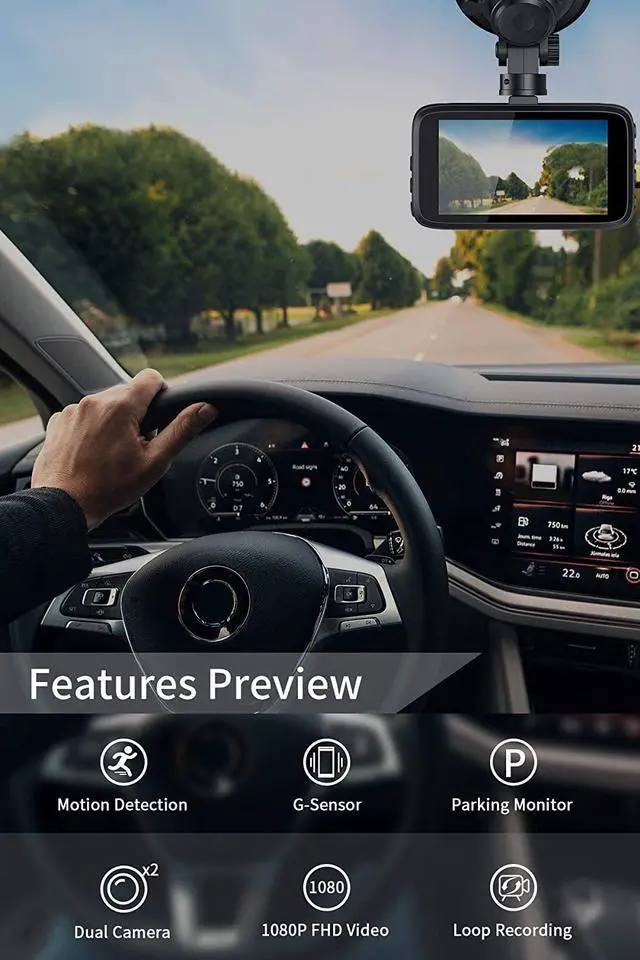
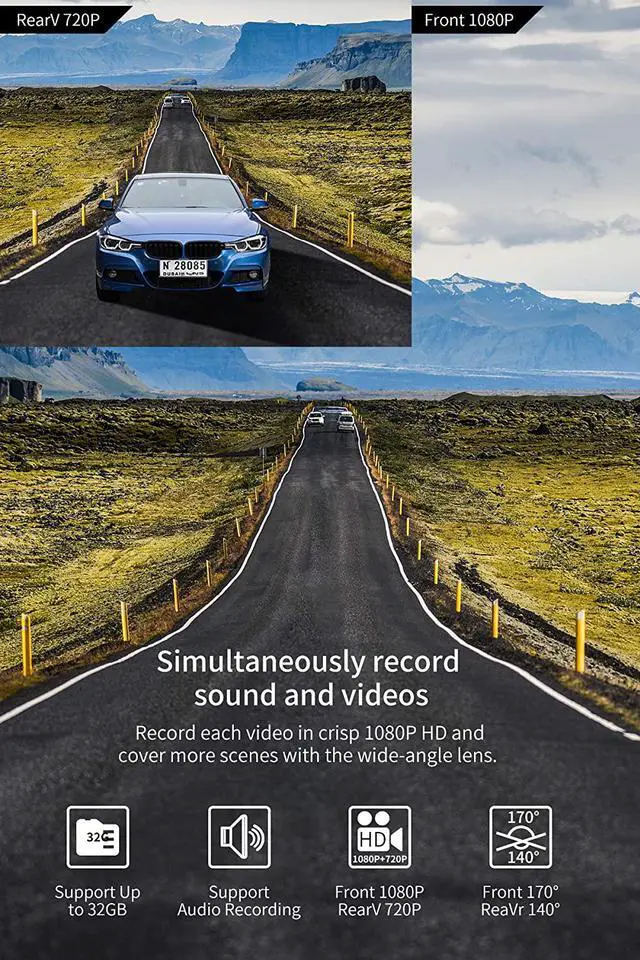
- Dash cam Front and Rear:Milerong A25 dash cam contains TWO cameras-- a 1080P FHD Wide-angle front camera (170°) and waterproof, 720P rear camera (140°) for watching what is going on behind the car. Clearly record all scenes of your driving journey. No blind spots, and double protection! 3" IPS display for real time monitoring and replay. Supports up to 32GB Micro SD cards. (Card is NOT included. If needed, please search B08CDL8BMD and buy together for more discount! )
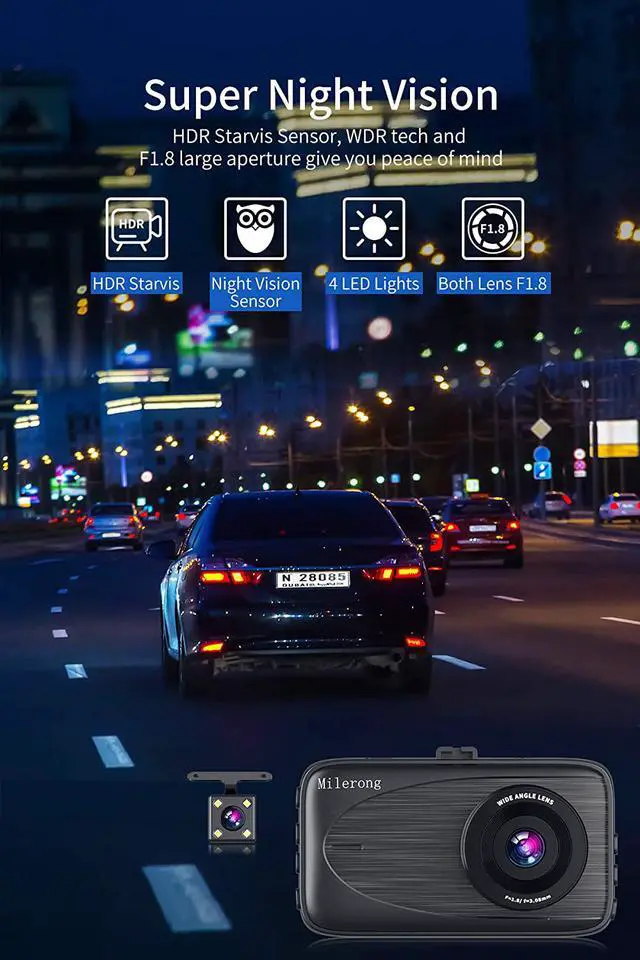
- Full HD 1080P & Super Night Vision Dash Cam:Night shooting is brighter, and details like license plates are clearly visible with our car dash camera that has a 1920*1080P FHD lens, F1.8 aperture and HDR, WDR technology. Night shooting is brighter with this technology. Any trouble with image exposure and low-light can be solved.
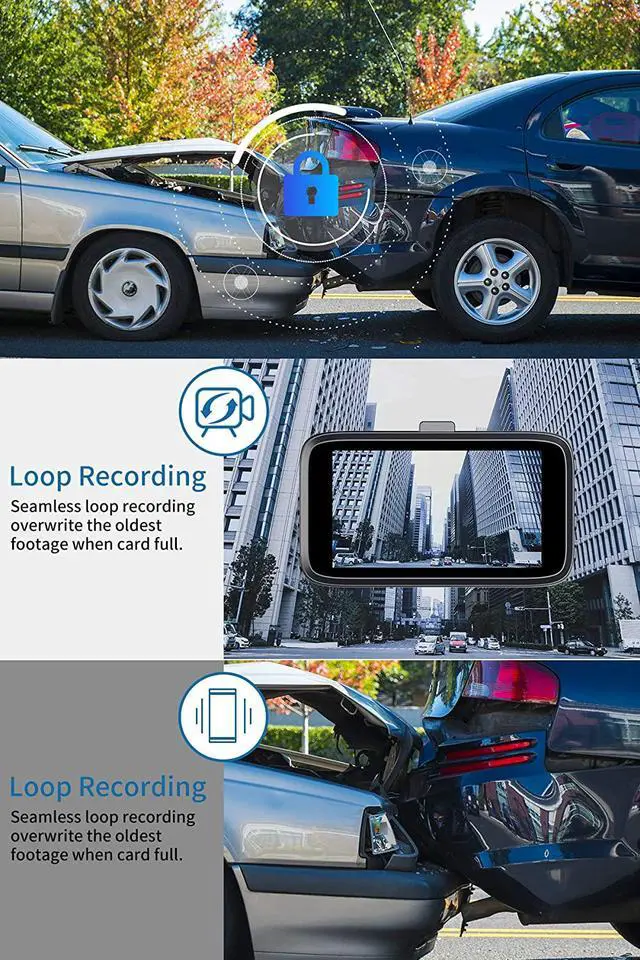
- Emergency Lock & Loop Recording: Seamless loop recording overwrites the old footage with new content when the card is full.
+
+
Overview
Specs
Reviews
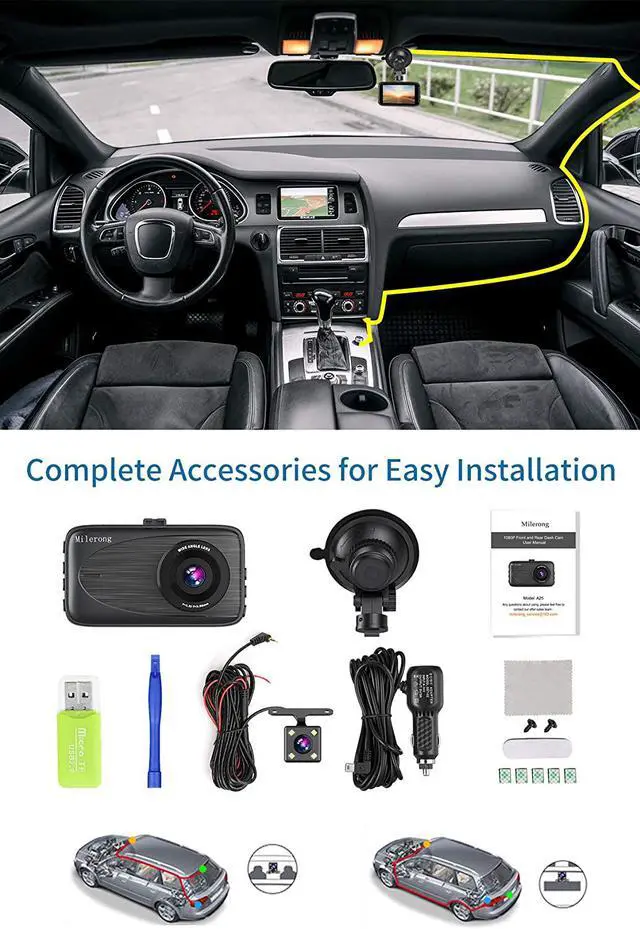
A complete set of tools makes it easy to use!
Specification :
· Screen : 3 inch LCD Display
· Lens Sensor: Sony Sensor
· Lens Angle: 170° Wide
· Lens Aperture: F1.8 aperture
· Video format: AVI
· G-Sensor Lock : Supported
· Internal Power: Built-in Li-ion Battery
· External power supply : DC 5V/1.5A
· Operating Temperature:14°F(-10°C)~170°F(75°C)
· Storage : Micro SD Card 32GB (NOT included)
Simple Installation & Easy Operation -- Step 1. Mount the front camera
- Clean the front windshield.
- Assemble the suction mount and front camera together.
- Remove the protective plastic film from the suction pad, push the suction cup onto the inner windshield in a suitable position (Won't shade your vision while driving), rotate the suction bracket handle to ensure that it is well fixed.
Step 2. Connect the car original charger to the cigarette lighter.
Route the cables through the top ceiling and the A-pillar so that it does not interfere with driving
Step 3. Connect the front and the Rear Camera
Please connect the cables as shown above:
- Connect the socket to the dash cameras rear camera interface.
- Connect the red cable to the positive lead of reversing lamp.
Step 4. Install the Rear Camera
There are two methods to place the rear camera:
Mode 1: Mount on the rear windscreen. Package includes a 3M glue for the rear camera.
Mode 2: Mount near the license plate. Package includes fixing screws to help you fix it.
Warranty & Returns
Warranty, Returns, And Additional Information
Warranty
- Please contact the Seller directly for warranty information. Warranty information may also be found on the Manufacturer's website.
- CONTACT
Return Policies
- Return for refund within: 30 days
- Return for replacement within: 30 days
- This item is covered by Electronics World Return Policy
Manufacturer Contact Info
- For a directory of all our manufacturers, please click below.
- Manufacturers Directory
LOADING...