
Built for How Business Buys.

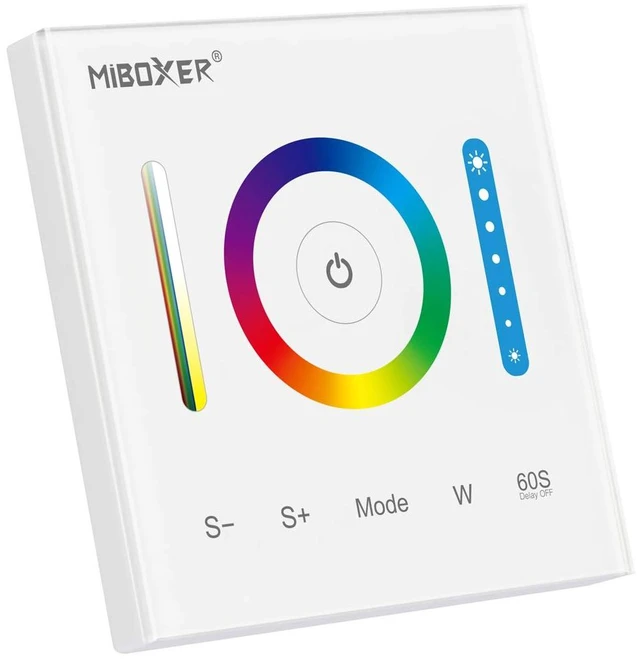
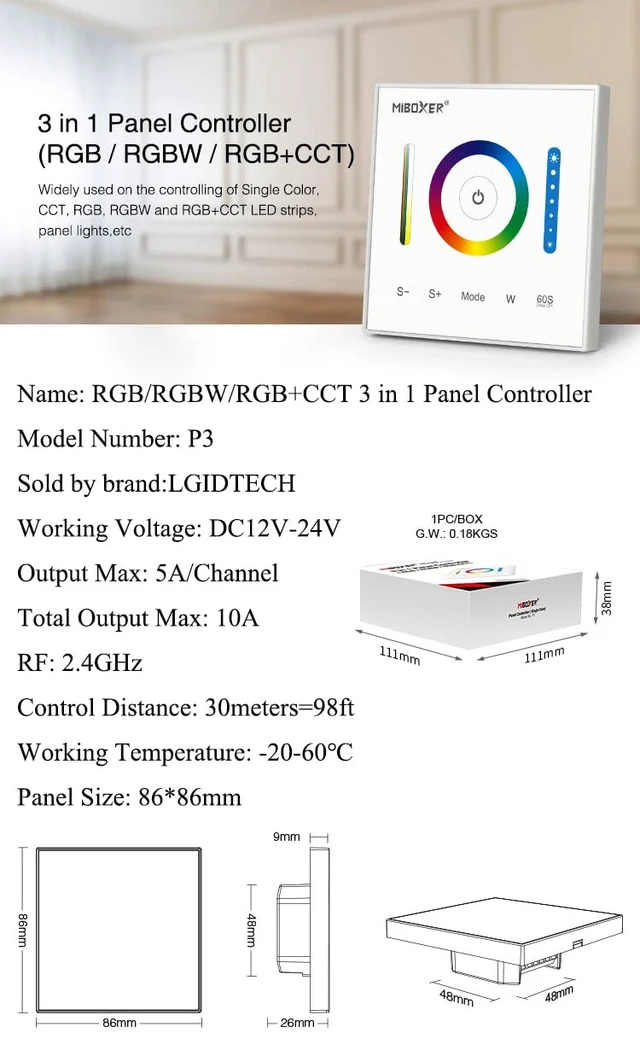
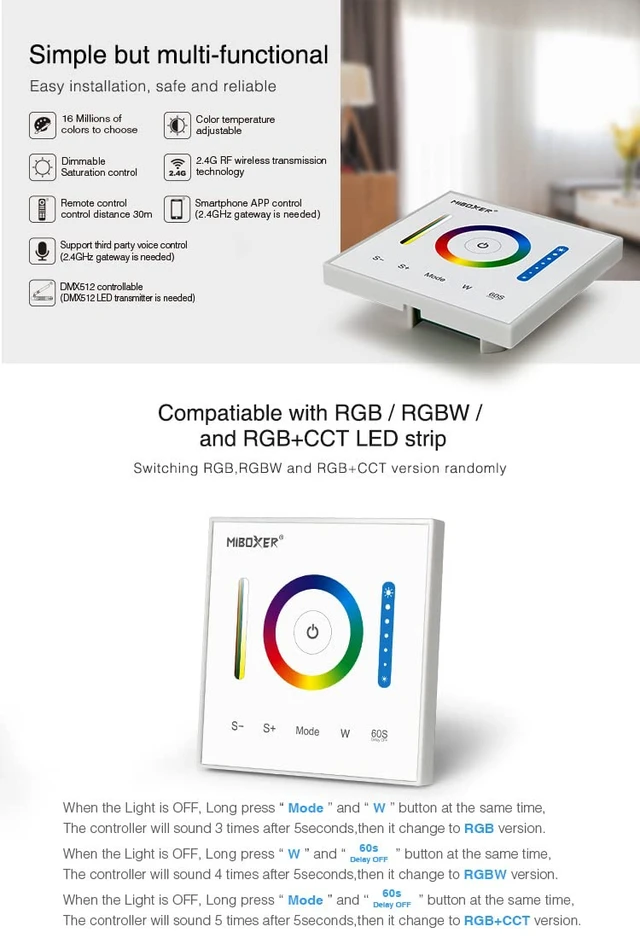
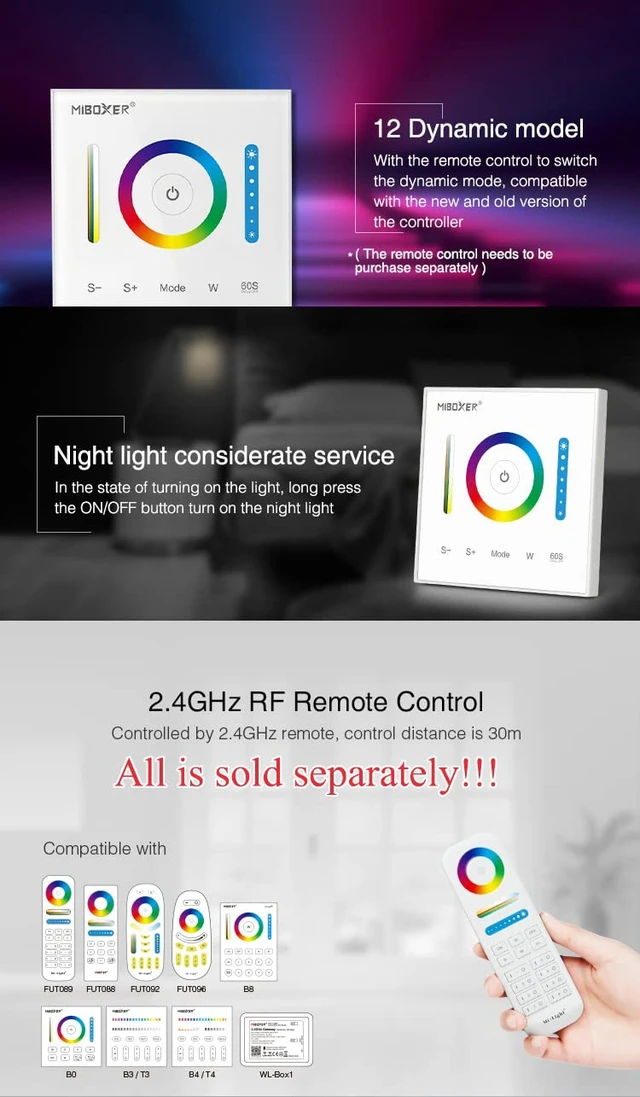
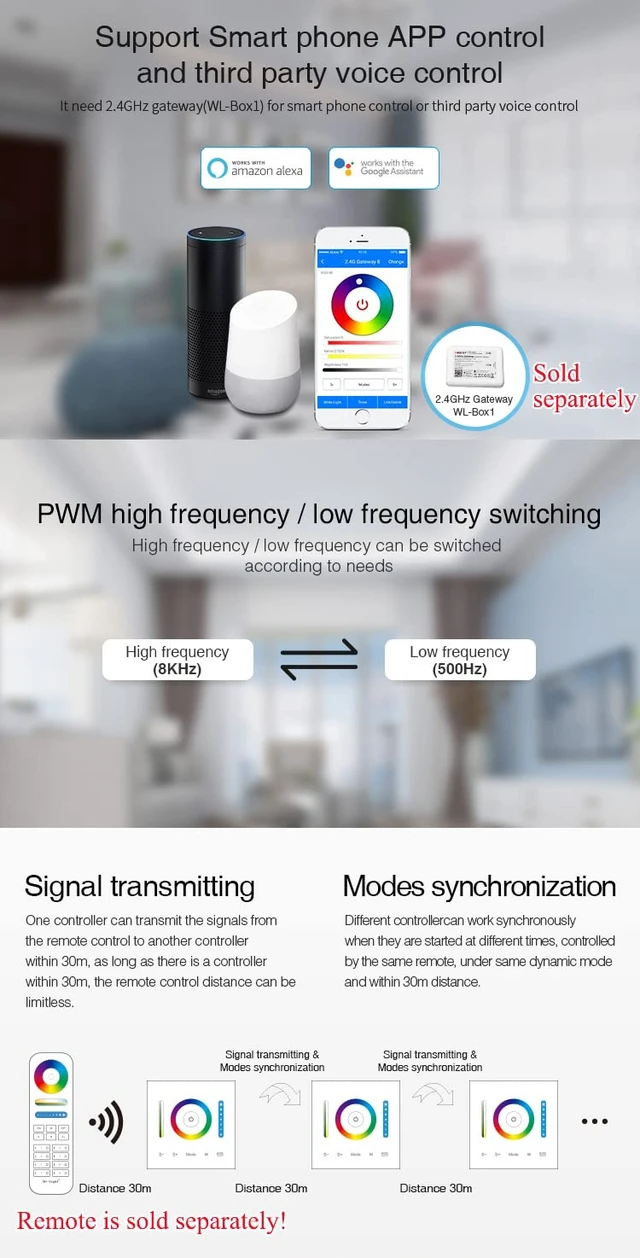



1)This P3 wall panel works with LED strip light directly.Do not need any other remote or controller any more.
2)It will work with RGB,RGBW,RGB+CCT LED strip light,please don't use it with other color LED strip light.
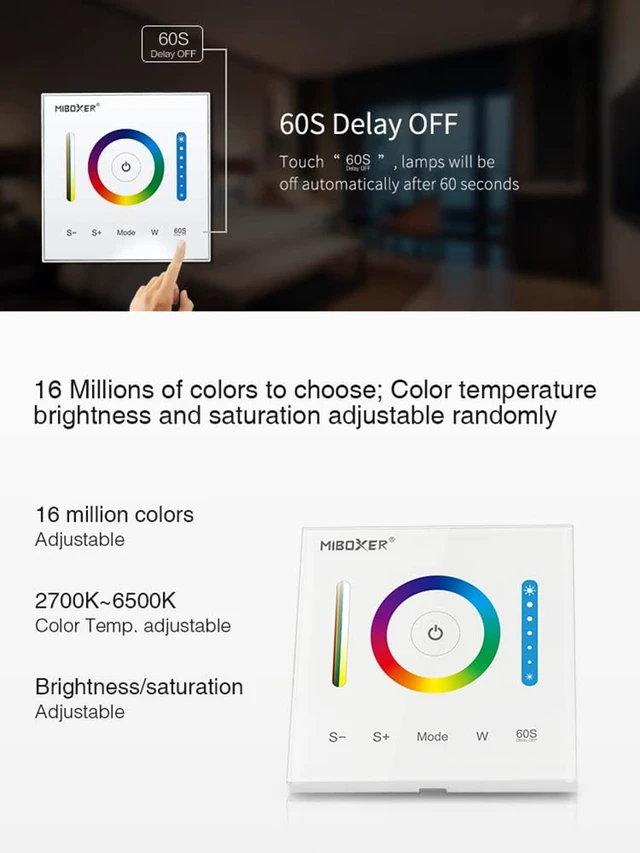
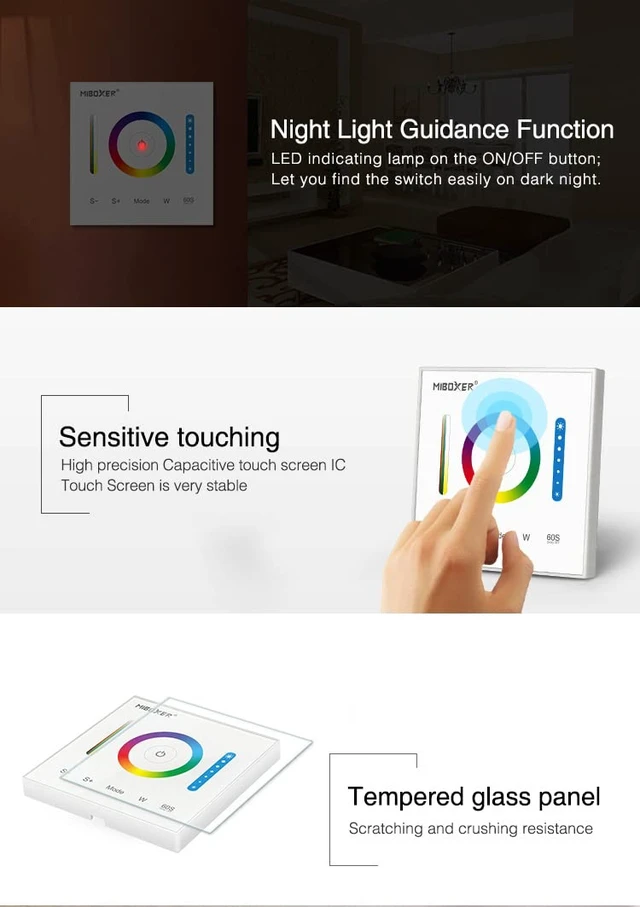
3)60S Delay OFF function:After pressing this button,LED strip light would turn off after 60 seconds,so that you wouldn't get hurt in dark.
4)DC 12V-24V working voltage,please don't connect it with AC!!!
5)Max current is updated from 15A to 10A now.
Button Function
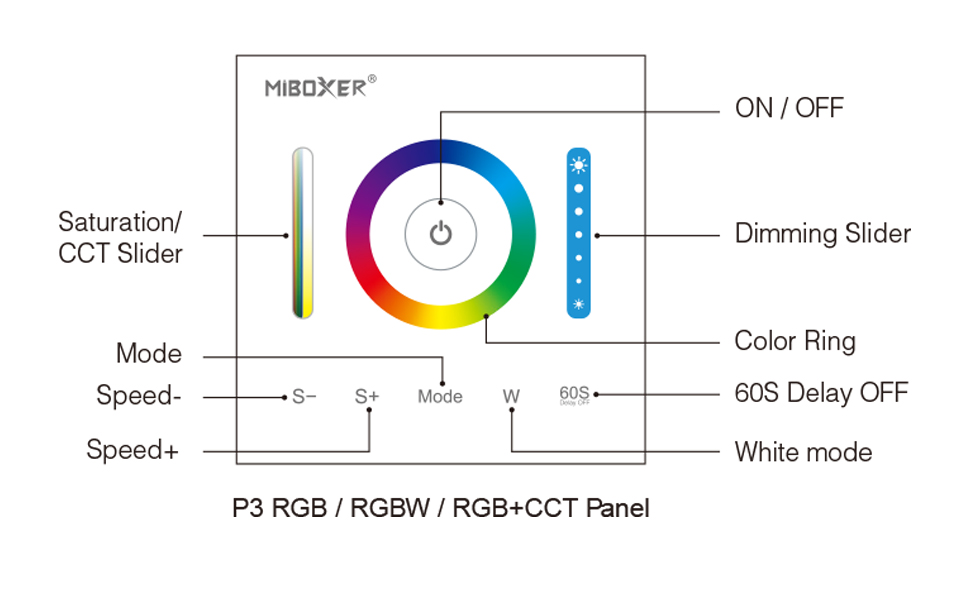
Switching mode before controlling RGB,RGBW,RGB+CCT strip light
Press ON&OFF key to turn off LED strip light:
1)Long press "Mode" and "W" button at the same time,after controller sounds 3 times after 5 seconds,it's changed to be RGB
mode,then you can use it to control RGB LED strip light.
2)Long press "W" and "60S" button at the same time,after controller sounds 4 times after 5 seconds,it's changed to be RGBW
mode,then you can use it to control RGBW LED strip light.
3)Long press "Mode" and "60S" button at the same time,after controller sounds 5 times after 5 seconds,it's changed to be RGB+CCT
mode,then you can use it to control RGB+CCT LED strip light.
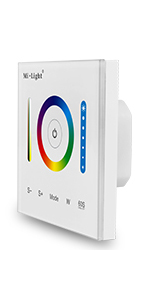 P3 RGB,RGBW,RGB+CCT Wall Panel | 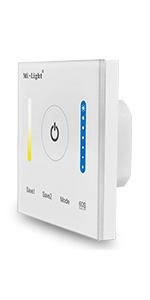 P2 WW+CW CCT Wall Panel | 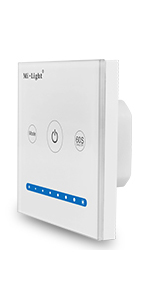 P1 Single Color Wall Panel | |
|---|---|---|---|
| Customer Reviews | — | — | — |
| Price | — | — no data | — no data |
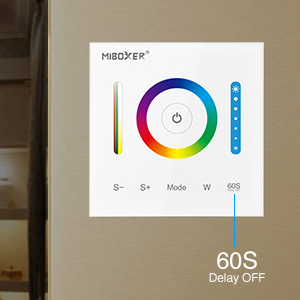
60S Delay OFF
Press this button,
LED strip light would turn off after 60 seconds,so that the room is still bright before you go out.
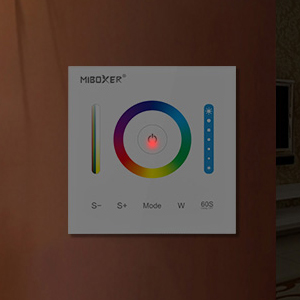
LED Indicator Light
With this indicator light on the ON&OFF button,you can turn on it easily in the dark.
Installation
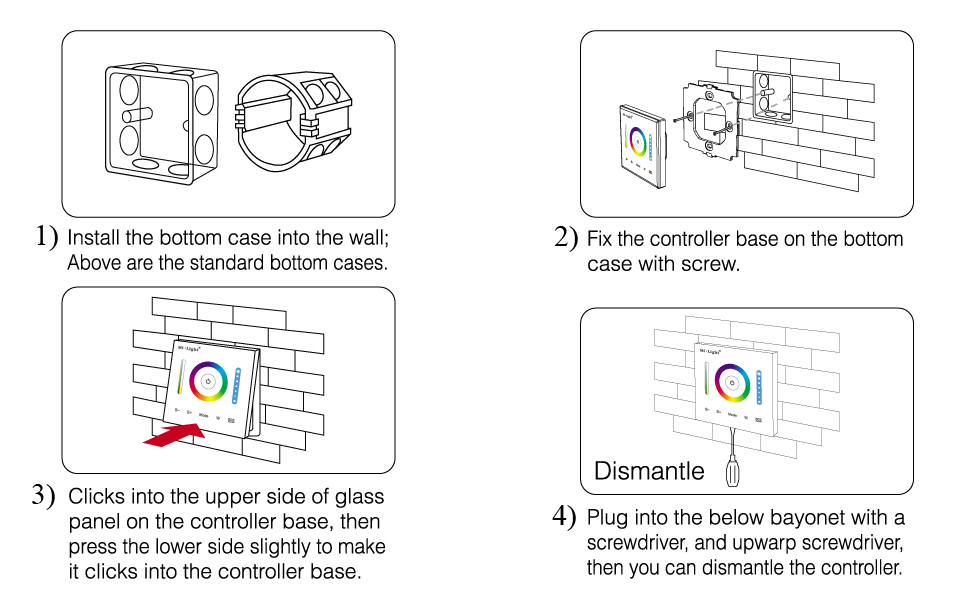
Installation
Bottom case(Junction box) is needed for installation!
1)This P3 wall panel works with LED strip light directly.Do not need any other remote or controller any more.
2)It will work with RGB,RGBW,RGB+CCT LED strip light,please don't use it with other color LED strip light.
3)60S Delay OFF function:After pressing this button,LED strip light would turn off after 60 seconds,so that you wouldn't get hurt in dark.
4)DC 12V-24V working voltage,please don't connect it with AC!!!
5)Max current is updated from 15A to 10A now.
Button Function
Switching mode before controlling RGB,RGBW,RGB+CCT strip light
Press ON&OFF key to turn off LED strip light:
1)Long press "Mode" and "W" button at the same time,after controller sounds 3 times after 5 seconds,it's changed to be RGB
mode,then you can use it to control RGB LED strip light.
2)Long press "W" and "60S" button at the same time,after controller sounds 4 times after 5 seconds,it's changed to be RGBW
mode,then you can use it to control RGBW LED strip light.
3)Long press "Mode" and "60S" button at the same time,after controller sounds 5 times after 5 seconds,it's changed to be RGB+CCT
mode,then you can use it to control RGB+CCT LED strip light.
P3 RGB,RGBW,RGB+CCT Wall Panel | P2 WW+CW CCT Wall Panel | P1 Single Color Wall Panel | |
|---|---|---|---|
| Customer Reviews | — | — | — |
| Price | — | — no data | — no data |
60S Delay OFF
Press this button,
LED strip light would turn off after 60 seconds,so that the room is still bright before you go out.
LED Indicator Light
With this indicator light on the ON&OFF button,you can turn on it easily in the dark.
Installation
Installation
Bottom case(Junction box) is needed for installation!