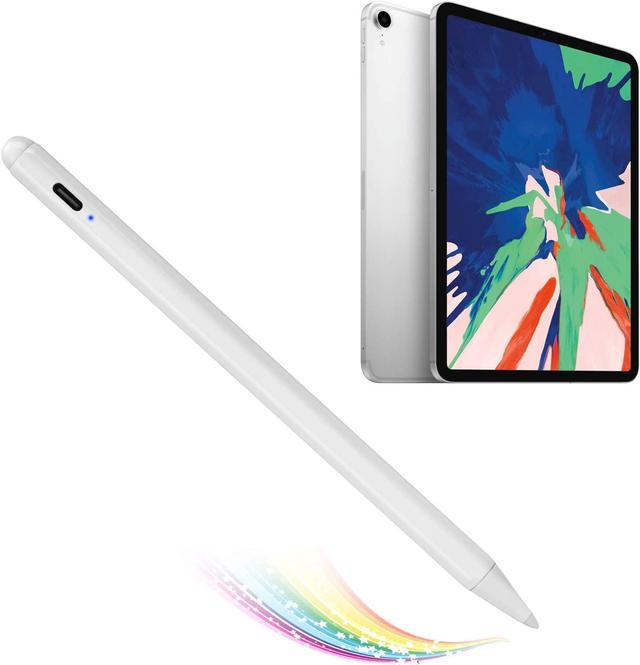
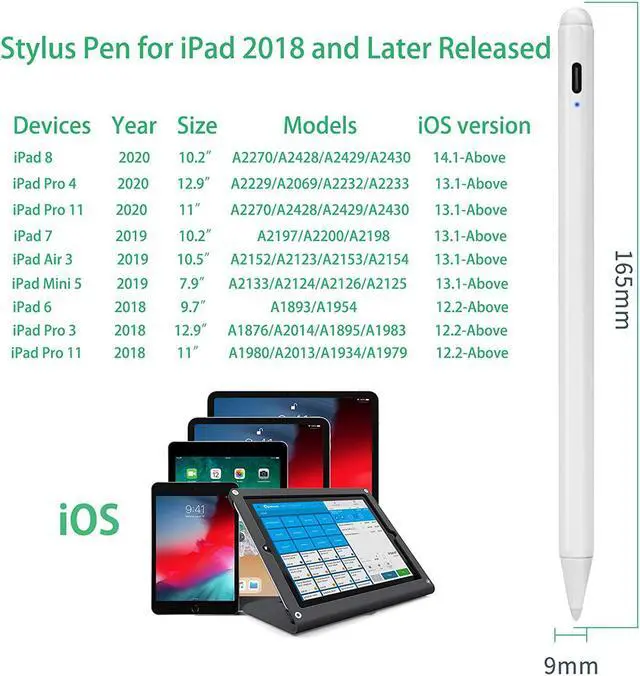
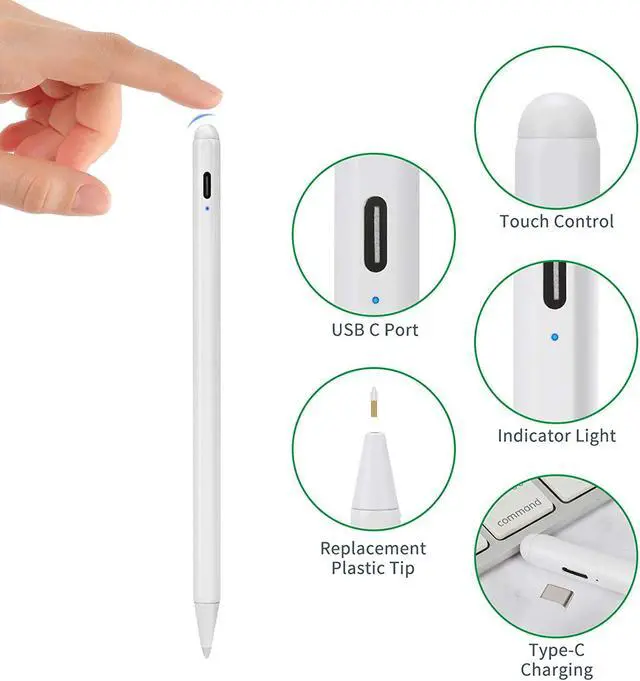
2020 iPad Pro 11" 2nd Generation Stylus Pen with Palm Rejection,1.5mm Fine Tip Active Stylus Compatible with Apple Magnetic Pencil for iPad Pro 11-Inch 2nd Gen
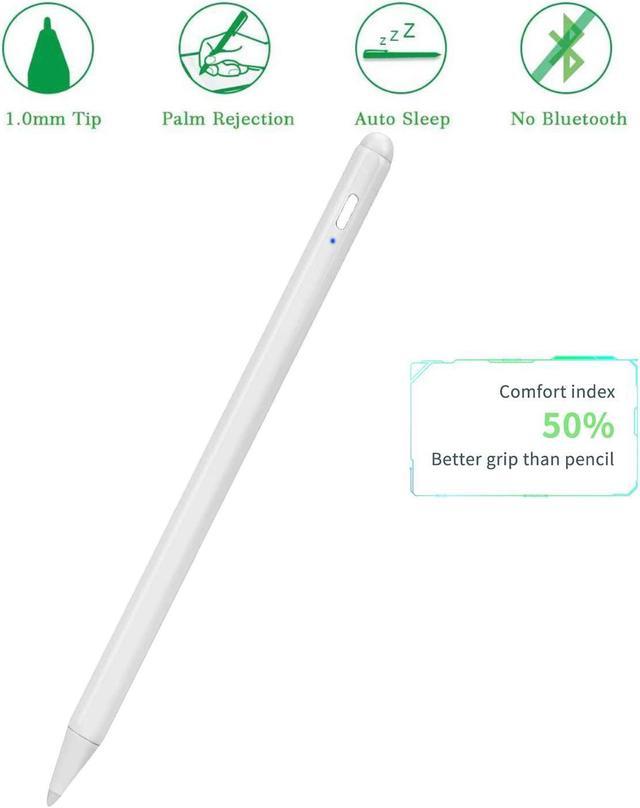
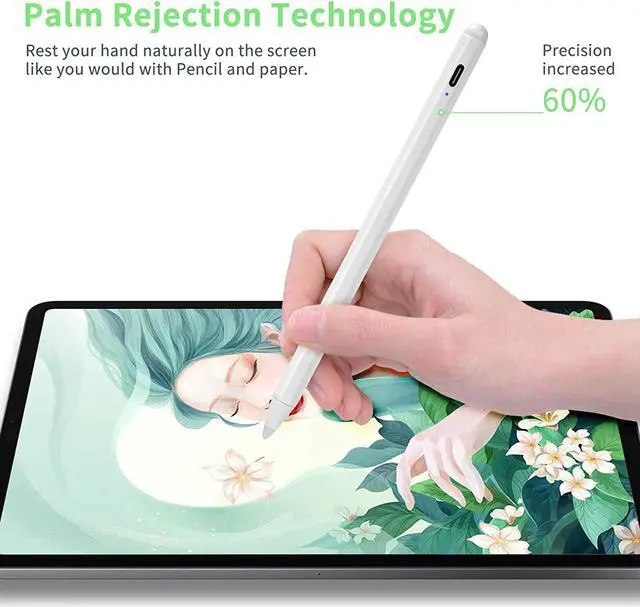
1.5mm Fine Point pen for iPad Pro 11" 2nd Gen lets you draw,write and navigate with high accuracy and precision which provides comfortable pen-like control for iPad Pro 11" 2nd Gen stylist pens
Newest Touch-Control Design: This stylus for iPad Pro 11" 2nd Gen is designed with new touch-control power on off idea by human finger, it's more easy to control
Anodized aluminum body stylus pencil for iPad Pro 11" 2nd Gen provides durability and offers a stylish appearance
With Plastic POM Tip Pencil for iPad Pro 11" 2nd Gen stylus helps you to interact with your device without leaving scratches or smudges on the screen
Intructions of Use:
1.Charge it Up and Power it On
2.Open Drawing/Writing Apps
3.Switch the input method to handwriting/drawing
For example, when you use this pen in Apple "Notes" app, you need to click the small pen writing icon, then you can start drawing/writing
4.There you go
dTips:
1. If the indicator is flashing blue, it means battery runs out, you need to charge it with a Type-C usb cable
2. If you can slide the screen, but can't write/draw in the software, kindly check if the software setting supports handwriting editing
3. There isn't bluetooth connection or cable connection with your device,Please turn off the Bluetooth connection before using our stylus pen if you have connected the "apple pencil"
4.If the stylus or finger can not write, please go below setting:
Settings>Apple Pencil>Turn off the Apple pencil
Settings>Notes>Turn off "Only draw with Apple Pencil
Recommended Apps:
Writing-Notes,UPAD3,Noteshelf,GoodNotes,EverNote,Notability,etc
Drawing-Pigment,ArtRage,ArtStudio,Procreate,Paper,SketchBook,Sketches,etc



 All Categories