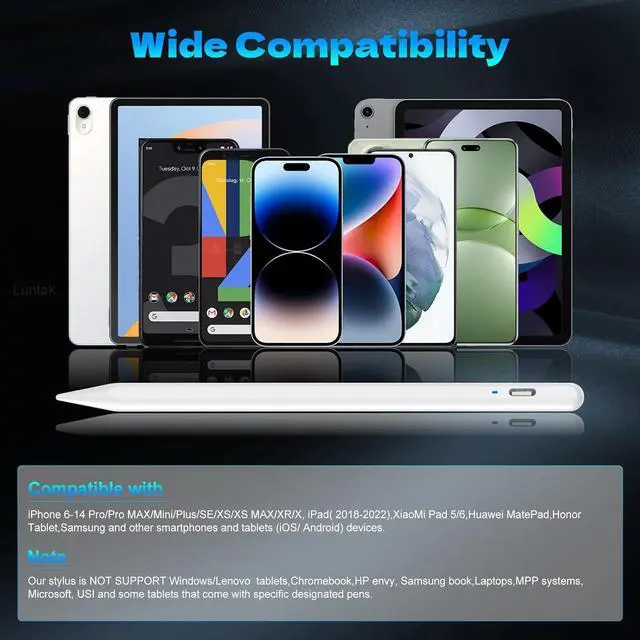
Wide Compatibility-This stylus pens is compatible with IOS and Android smartphones and tablets such as iPhone 6-14 Pro/Pro MAX/Mini/Plus/SE/XS/XS MAX/XR/X iPad( 2018-2022) XiaoMi Pad 5/6 MatePad Honor Tablet and so on.
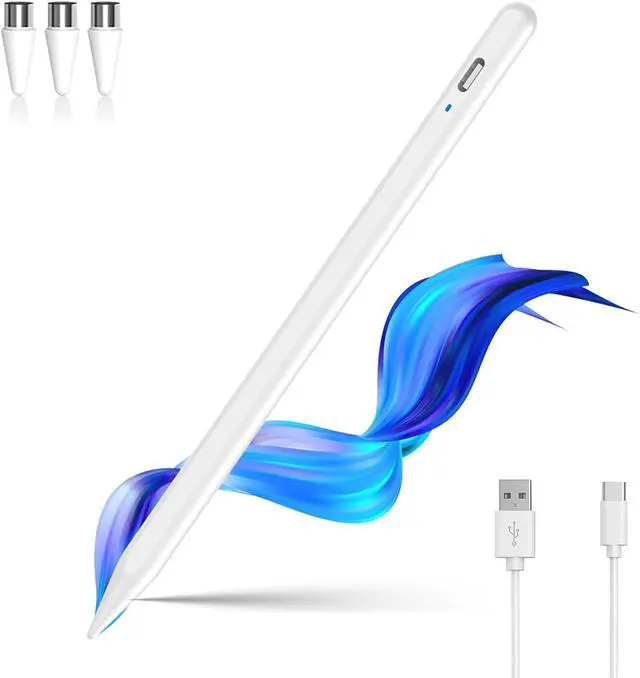
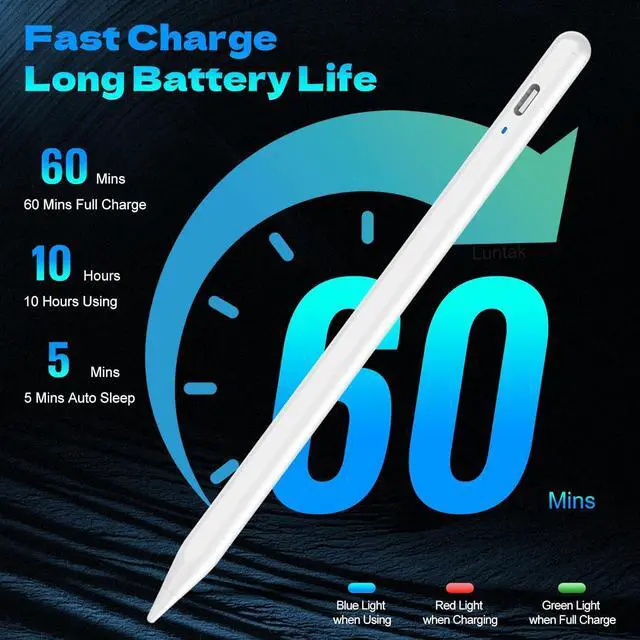
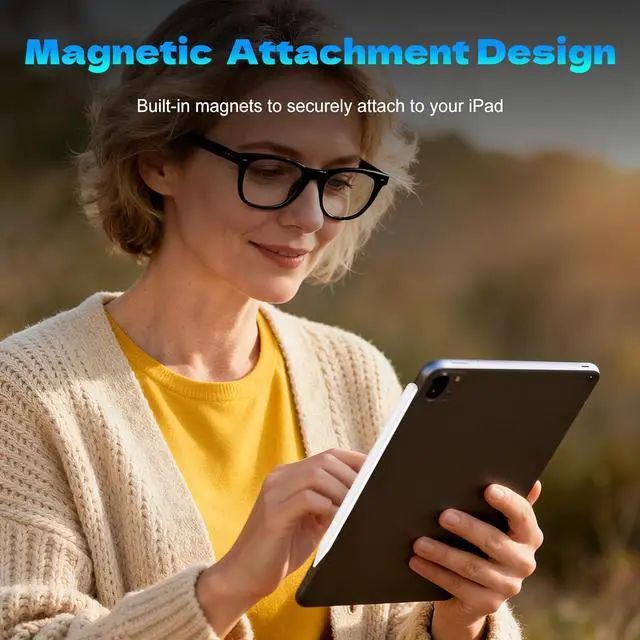
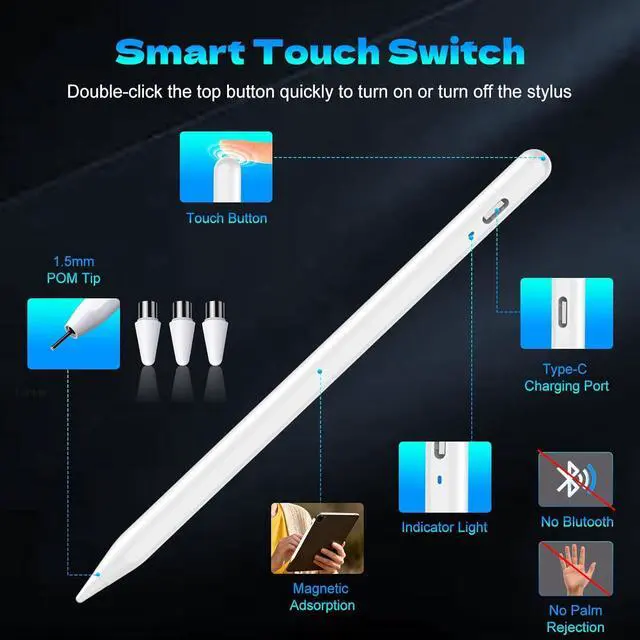
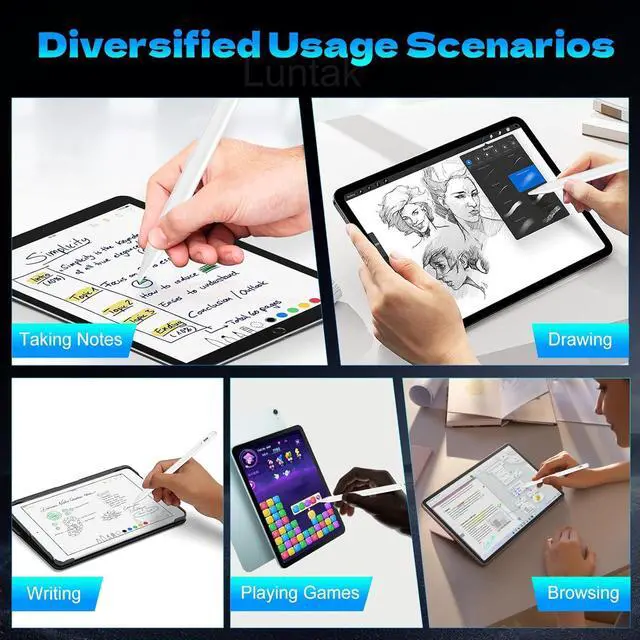
Note: NOT SUPPORT Windows/ tablets Chromebook HP envy book Laptops MPP systems Microsoft USI and some tablets that come with specific designated pens[USB-C Fast Charging]-This iPad stylus adopts USB-C fast charging design. It only takes 1 hour to fully charge and delivers up to 10 hours of continuous use to satisfy all-day creation demands. Equipped with a Type-C port the stylus can plug into chargers power banks and computers directly with faster charging speed than conal Micro-USB ports. It maintains steady durable battery life for mobile office tasks and professional digital drawing on Android tablets[Smart Power Switching & Easy to Use]-No Need Bluetooth pairing and app downloads. Just double tap the top button of the stylus to start smooth writing and drawing instantly. It supports flexible creation well-suited for classroom study business travel meetings and daily home use. This tablet stylus is also a thoughtful creative gift for creative family and friends[Magnetic Absorption]-This stylists pens for touch screens comes with built-in magnetic attraction perfectly designed for mobile office scenarios. When you travel or join meetings attach this tablet stylus to your compatible iPad for convenient carrying acting as a practical tool for office workers.
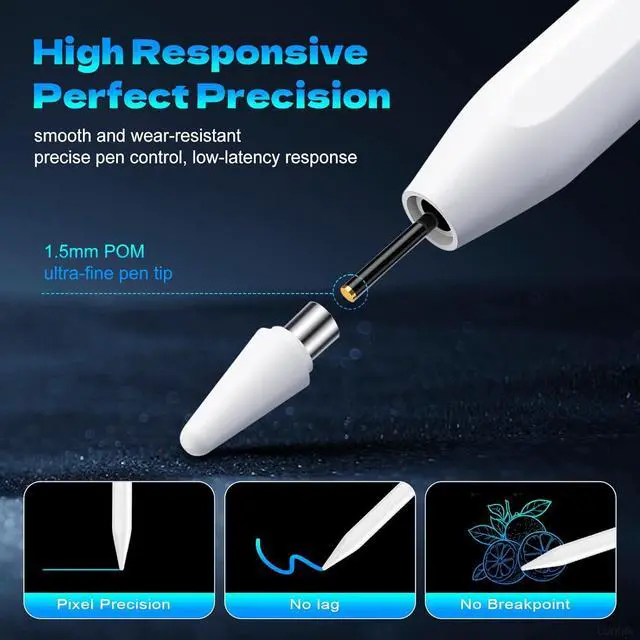
Note: Magnetic attachment is available on these iPad models: iPad Pro 12.9 -inch (3rd 4th 5th Generation) iPad Pro 11-inch (1st 2nd 3rd Generation) iPad Air 4th & 5th Generation iPad mini 6[Accuracy & Sensitivity]-This touchscreen stylus adopts POM material consistent with Pencil. Its premium nib enables precise writing control. The smooth POM material surface touches tablet screens softly to avoid screen scratches. Besides this tablet stylus comes with 3 replacement nibs to prolong service life[Warm Tips]-If your ipad a16 pencil does not respond after powering on please follow these steps: Settings > Bluetooth > Turn off Bluetooth. Bluetooth > Bluetooth > Pencil > Tap > Forget This Device. If the issue persists feel free to contact our 24/7 support team