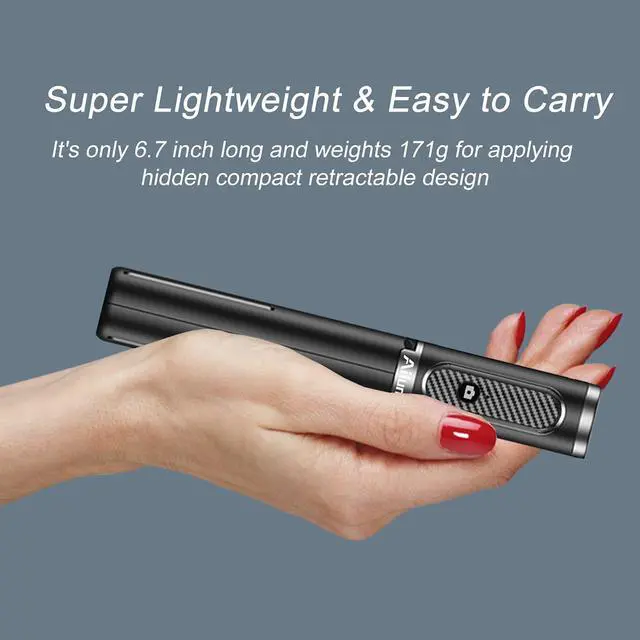
• $39.99
  • Free 30-day Returns
  • Ships from China.

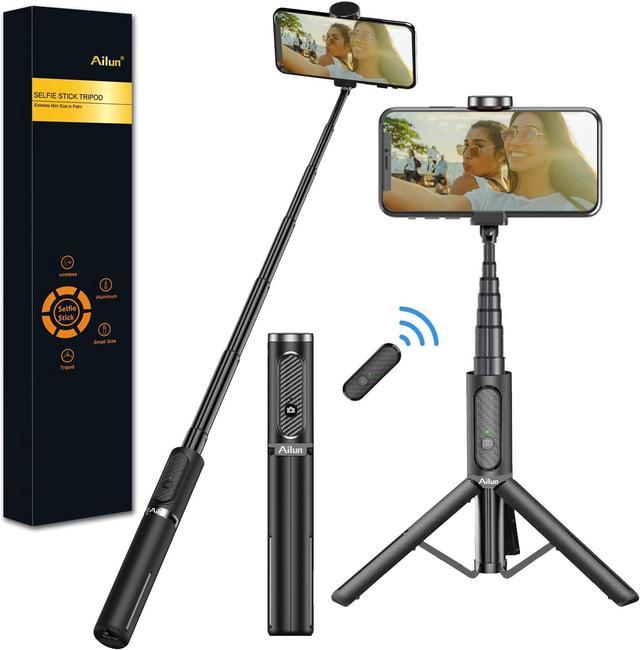
    Selfie Stick Tripod,Extendable Aluminum,3 in 1,Bluetooth Wireless Remote and 360 Rotation Stand Compatible with iPhone 13/12/11/11 Pro/XS Max/XS/XR/X/8/7,and More Smartphones

    • Item #: 9SIV36AKE35229
    • Mfr. Part #: MH-XSI07
    • UNSPSC: 43191610
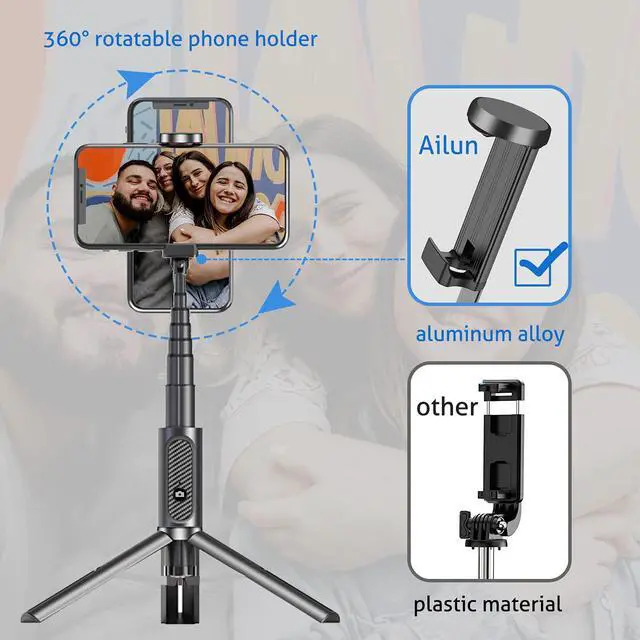
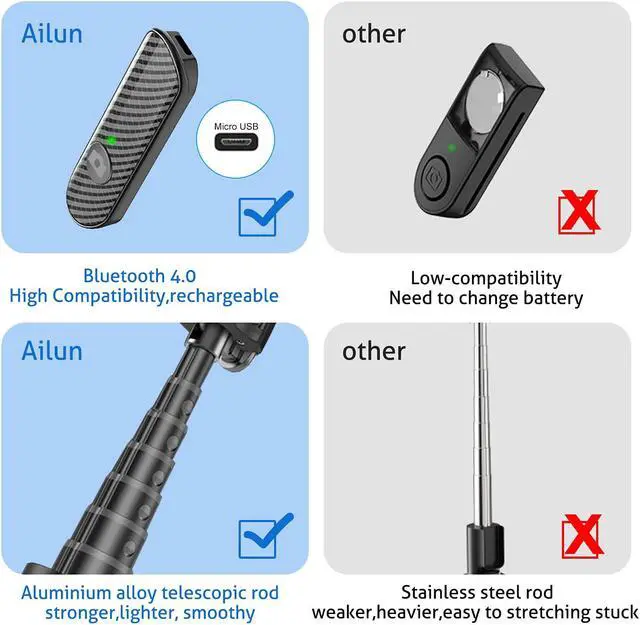
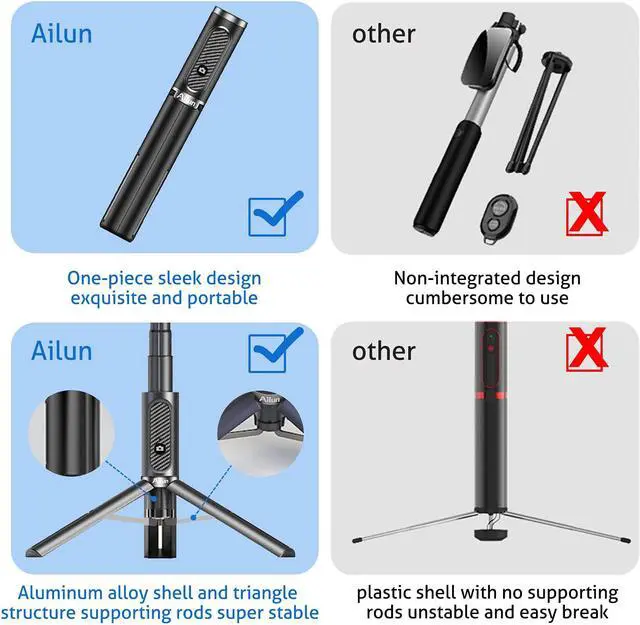
    • Strong and Sturdy: Made of highly-durable aluminum-alloy material, Triangle bracket design to prevent tilting or wobbling.Aluminum alloy shell and triangle structure supporting rods super stable
    • Multifunctional Selfie Tripod: It can be matched with Phone. The adjustable tripod, and you can lock it to the desired length as needed to achieve perfect shooting. This makes it possible to use it as a foldable tabletop tripod or stand it on the floor.
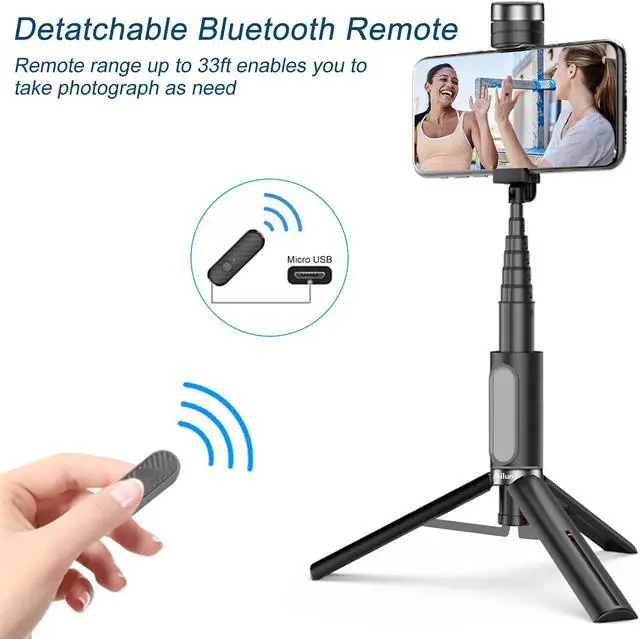
    • Portable remote control: Pocket Bluetooth remote control allows you to easily take a selfie or take a photo at a distance,Portable disassembly. Take out remote controller: take out remote controller from the bottom of the remote controller. Install the remote controller: fix the top of the remote controller, press down into the remote controller.
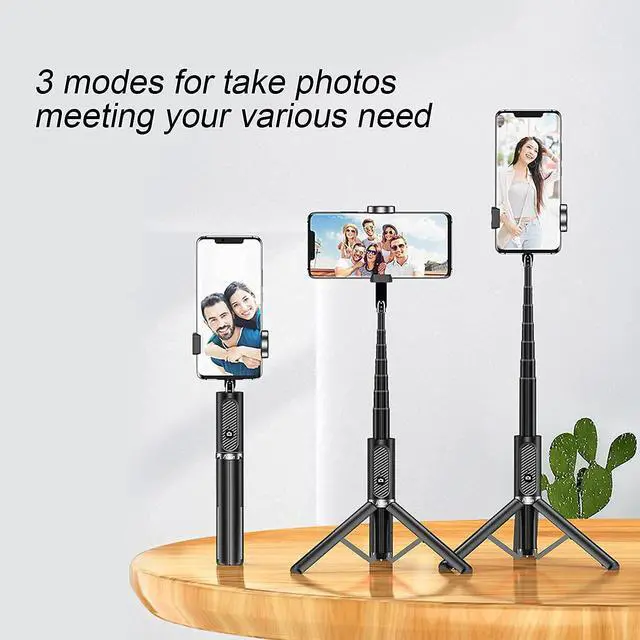
    • Selfie Stick Tripod & Phone Tripod Stand: Switch freely between selfie stick mode and tripod stand mode. The tripod is applicable to any situation such as video shooting, group photos, vlogging.
    +
    +
    Overview
    Specs
    Reviews
    Bluetooth remote control on and off operation process:

    1.Fix the mobile phone to the mobile phone bracket, press the camera button for 2 seconds long until the green light flashes,Bluetooth pairing mode is on;

    2.Turn on the Bluetooth settings on the mobile phone, search for and connect to the "Ailun Stick" then the green light is constant on, press the camera button on selfie stick for taking pictures;

    3.When the bluetooth remote control is turned on, press and hold for three seconds until the red light flashes to turn off the bluetooth remote control.

    Warranty & Returns

    Warranty, Returns, And Additional Information

    Warranty

    • Please contact the Seller directly for warranty information. Warranty information may also be found on the Manufacturer's website.
    • CONTACT

    Return Policies

    Manufacturer Contact Info

    LOADING...