


Meet Your Seller

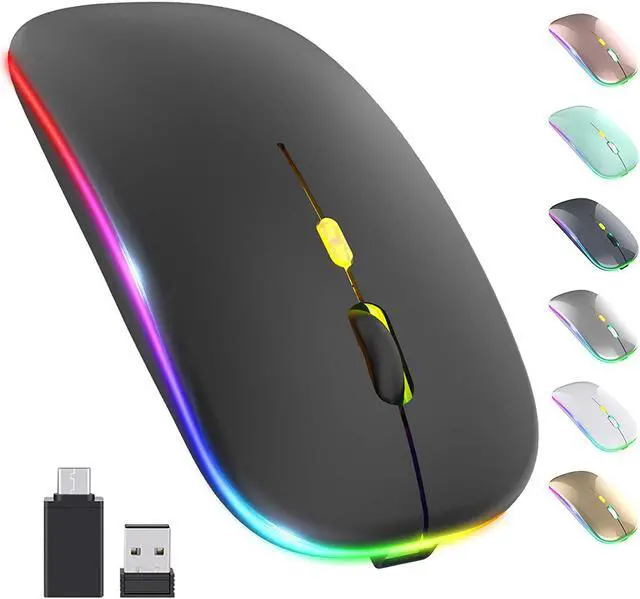


Upgrade LED Wireless Mouse, Rechargeable Slim Silent Mouse 2.4G Portable Mobile Optical Office Mouse with USB & Type-c Receiver, 3 Adjustable DPI for Notebook, PC, Laptop, Computer, Desktop (Black)
- Item #: 9SIV36AKE36240
- Mfr. Part #: HA-NJ63
- UNSPSC: 43211708
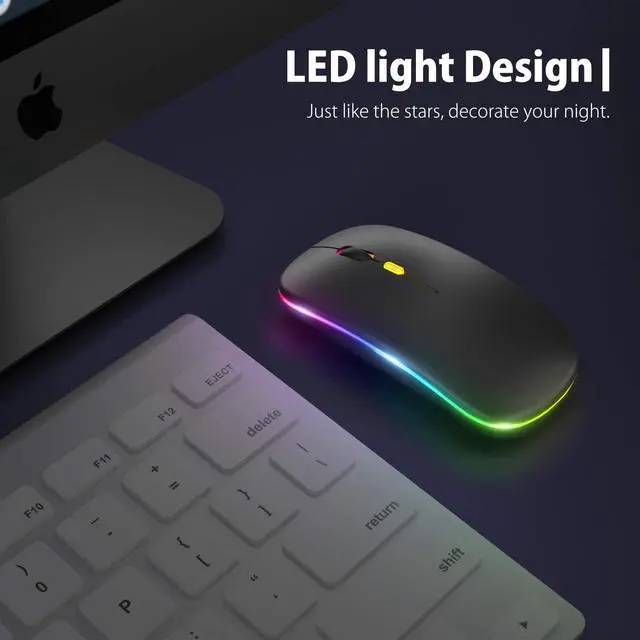
- 2020 Latest Upgrade LED Design The upgraded version mouse with the LED lights adds more fun to the boring office life. The bottom of the mouse has a switch, you can switch lights freely. Low-key or sparkle, switch in one second, suitable for any occasion.
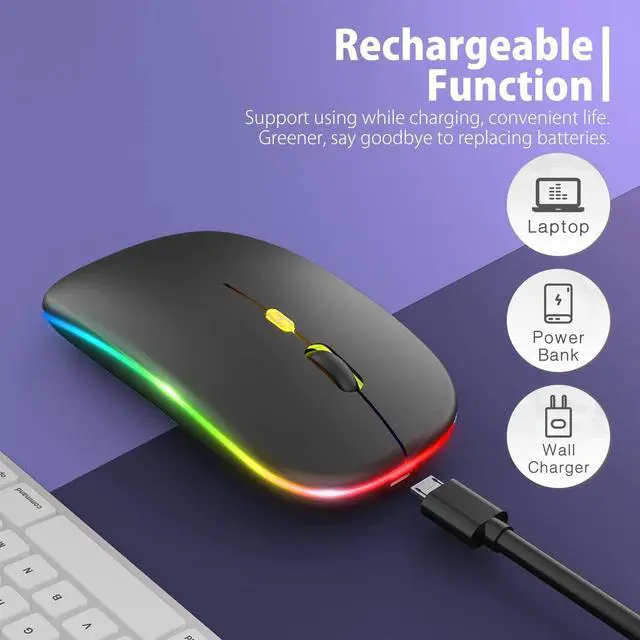
- Rechargeable Optical Mouse Built-in durable rechargeable battery, it can be easily charged using the included USB cable without replacing the battery. Just 2 hours charging, you can use it about 7-15 days. Standby time is very long, energy-saving features, automatic sleep mode and wake-up mode are installed to save energy. Turn off the mouse LED light when not in use to save power.
- Plug and Play No need to install any driver, just plug the USB receiver into your laptop will the mouse start to serve. 2.4GHz wireless technology provides powerful and reliable connection, effective up to 10 meters of range. Advanced optical tracking technology with fast click and responsiveness.
+
+
Overview
Specs
Reviews
OKIMO LED Wireless Mouse
7 Colorful LED breathing light change alternately, soothing light lights up the mouse in dark, adds more fun to the life.
Note: It can't be set to one specific color.
How to use it?
* Charge the mouse for about 2 hours before using it for the first time.
1. Take the dongle out, which is stored at the bottom of the mouse.
2. Insert the dongle into the USB port of your device, and open the mouse switch (at the bottom of the mouse).
3. Allow a few seconds for installing, no action needed, just wait. Then you can use it.
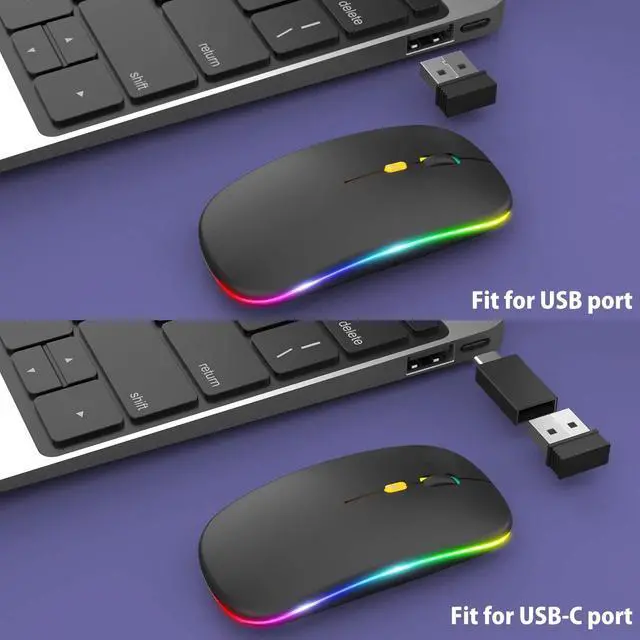
Note: If your computer is Type-C port, please insert the USB-C to USB receiver into the Type-c port of the device first, then insert the USB receiver into the USB-C to USB receiver. Turn on the power switch and the mouse will work.
Tips: The mouse cursor will move slowly or stop moving when the mouse is low battery. Please charge it on time. The blue light beside the scroll wheel will be on while charging, and then goes off when the mouse is fully charged.
Rechargeable Function
It can be easily charged using the included USB cable without replacing the battery. Support charging while using, more energy saving and environmental protection.
3-Level DPI Adjustable
The slim wireless mouse has 3-level DPI adjustable mode to meet your different demands, experience smooth tracking on most surfaces.
Mute Mouse - Noiseless Click
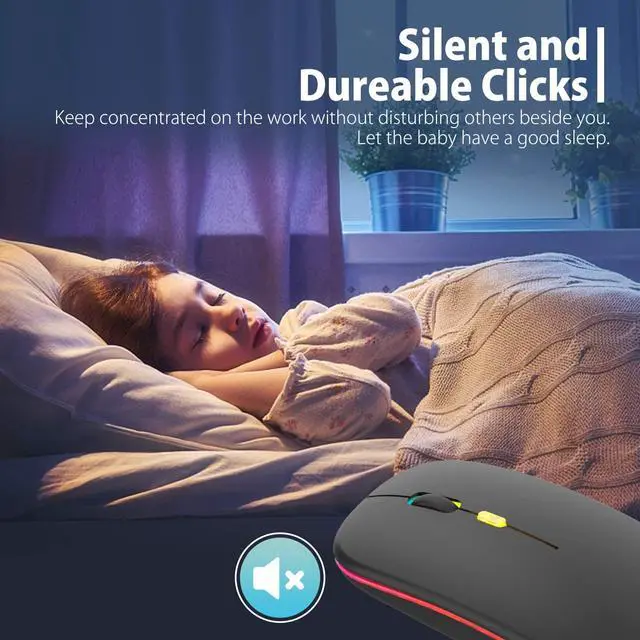
Silent button reduces 90% noises, which makes it an ideal wireless mouse for office, conference room, cafe, library, bedroom, help you concentrate on your work, study without disturbing others besides you.
Strong Durability
5 million keystrokes test.
High precision, accurate laser tracking, fast responsiveness.
Meet Your Multiple Needs
Support for Type-c port device. Whether your device is equipped with a USB port or Type-C port, you can use it.
The USB receiver was stored in the bottom of the mouse.
Symmetry Design
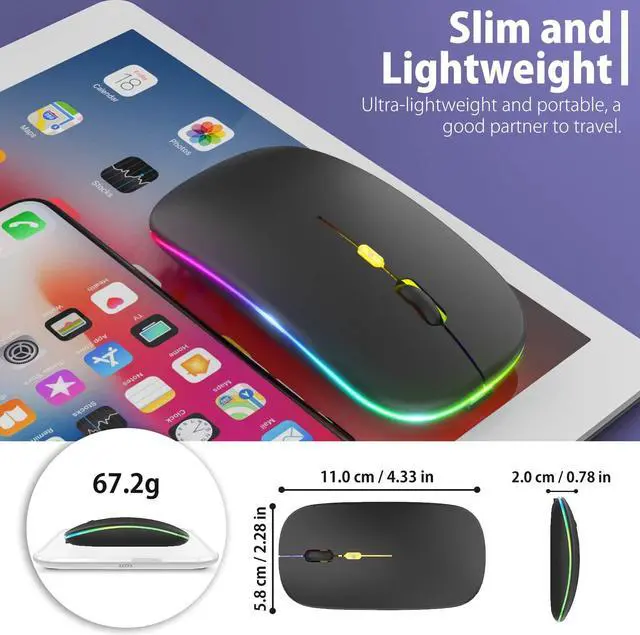
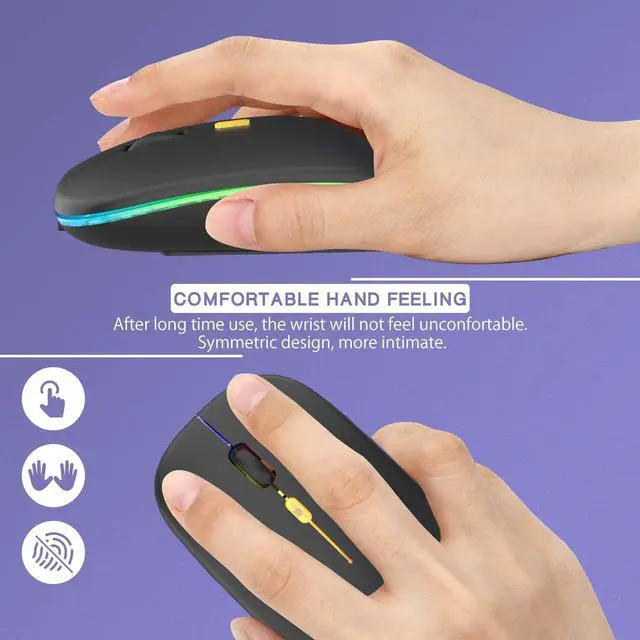
Slim ergonomic design and smooth surface for an incredible user experience. Symmetrical design allows it to fit both hands, you can choose it as you like, easy to master.
Warranty & Returns
Warranty, Returns, And Additional Information
Warranty
- Please contact the Seller directly for warranty information. Warranty information may also be found on the Manufacturer's website.
- CONTACT
Return Policies
- Return for refund within: 30 days
- Return for replacement within: 30 days
- This item is covered by Electronics World Return Policy
Manufacturer Contact Info
- For a directory of all our manufacturers, please click below.
- Manufacturers Directory
LOADING...