• $49.99
  • Free 30-day Returns
  • Ships from China.

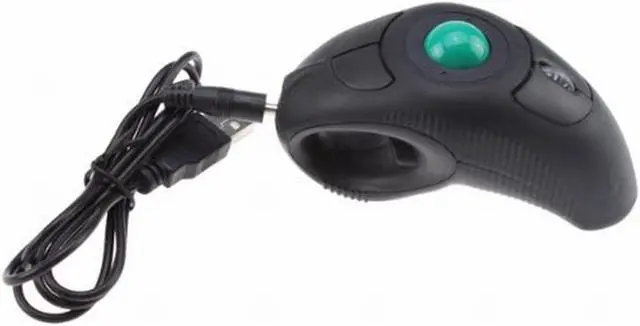
    Image Wireless USB Handheld Finger Trackball Mouse with Laser Pointer

    • Item #: 9SIV36AKE32388
    • Mfr. Part #: ID-EMO92
    • UNSPSC: 43211708
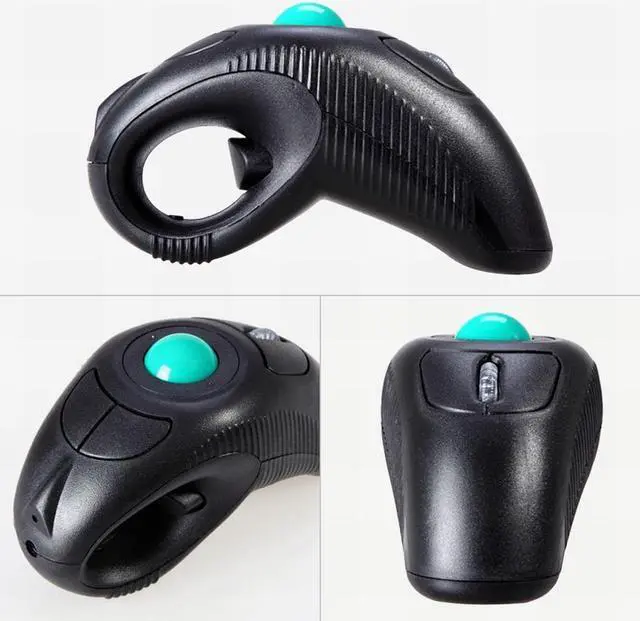
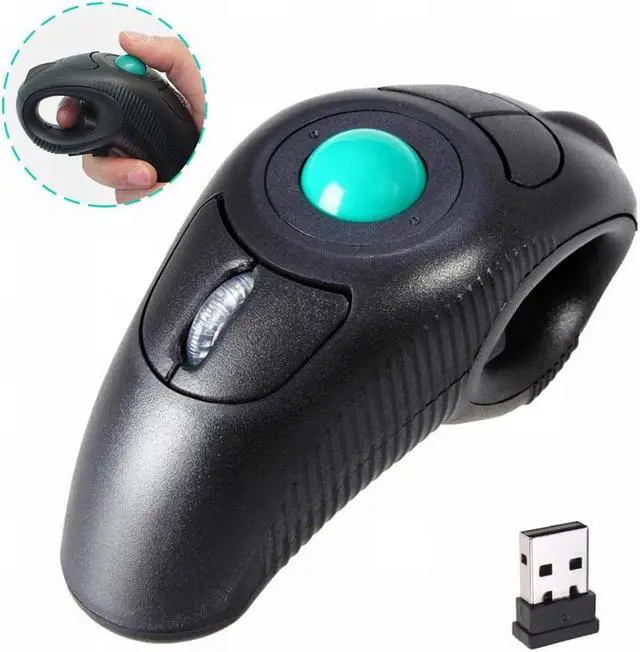
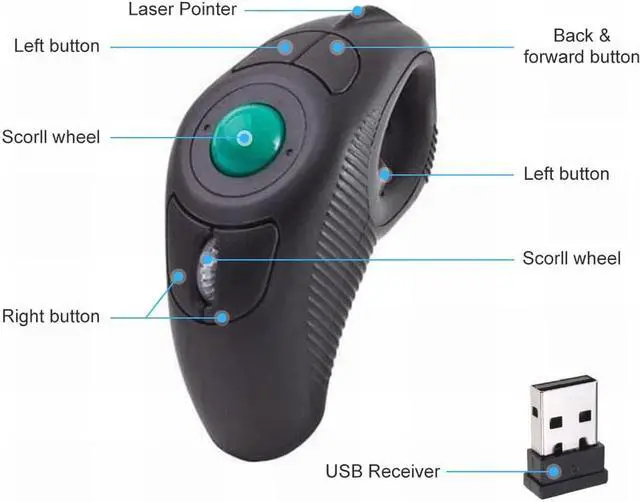
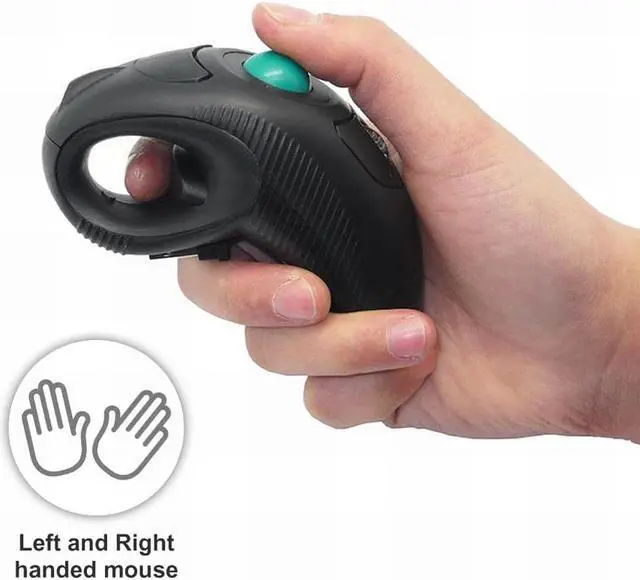
    • Wireless, Charged by AAA battery (not included), plug and play, easy to install.Easy to use - left or right hand, or cradled between both. Press then appear laser pointer for presentation
    • Off table and without limitation of operational space. Scrolling function can be controlled simply by your thumb. USB 2.0 interface, plug and play, no software required
    • Ergonomic Design - handheld trackball mouse wireless, which can avoid any harm on your wrist and muscle, greatly reducing the chances for Arthritis and CTS suffers
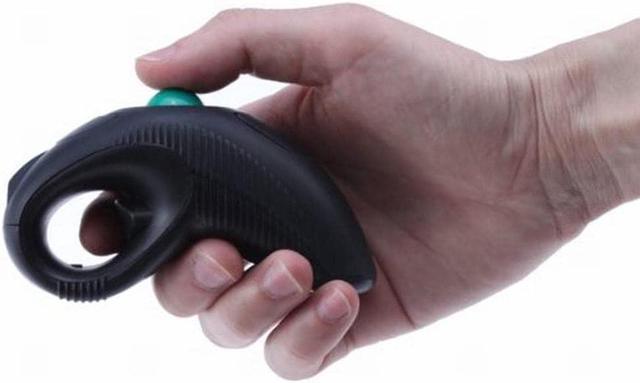
    • Ideal for both laptops and desktops. Place end of index or middle finger on trigger button & thumb on roller ball
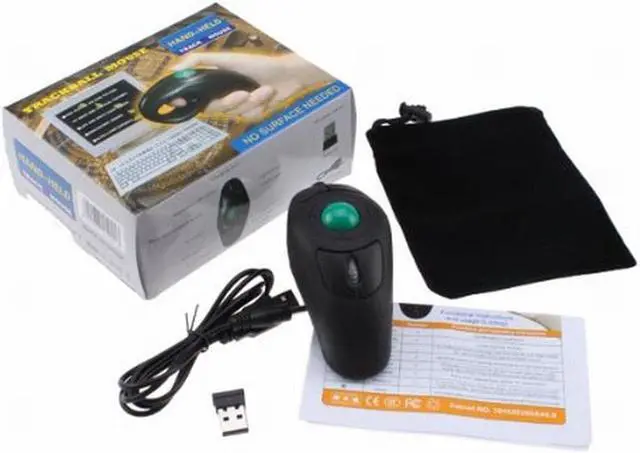
    • Package Included: 1 x Wireless Finger HandHeld USB Trackball Mouse with Laser Pointer, 1 x USB Receiver, 1 x bag
    +
    +
    Overview
    Specs
    Reviews
    Wireless Trackball Mouse, Charged by AAA battery (not included), HANDS-FREE DEVICE This kind of Wireless USB
    Handheld Finger Trackball Mouse, plug and play, easy to install.
    Easy to use - left or right hand, or cradled between both.
    Compatible with: Windows XP / VISTA / Win7/ Win10/ Linux / Unix / Mac OS.


    How to Use it:
    Press then appear laser pointer for presentation Off table and without limitation of operational space
    Scrolling function can be controlled simply by your thumb USB 2.0 interface, plug and play, no software required Special design, which can avoid any harm on,Suitable for laptops and desktops, but NOT FOR TABLETS AND CELLPHONES.
    Your wrist and muscle, greatly reducing the chances for Arthritis and CTS suffers Ideal for both laptops and desktop Place end of index or middle finger on trigger button & thumb on roller ball

    ATTENTION:
    No Laster Pointer. IF your mouse is not working when you went a few minutes without using it, please click to wake it up. If still not working, please check below issues:
    1. change battery and try OR
    2. Turn it off and on; OR
    3. Remove the usb receiver and try it. if still not working, please feel free to contact us to REPLACEMENT

    Warranty & Returns

    Warranty, Returns, And Additional Information

    Warranty

    • Please contact the Seller directly for warranty information. Warranty information may also be found on the Manufacturer's website.
    • CONTACT

    Return Policies

    Manufacturer Contact Info

    LOADING...