• $39.99
  • Free 30-day Returns
  • Ships from China.

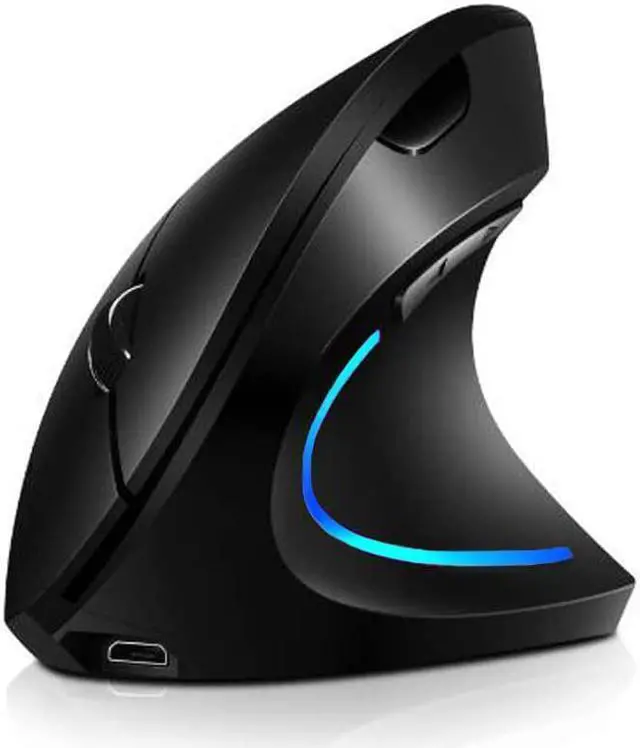
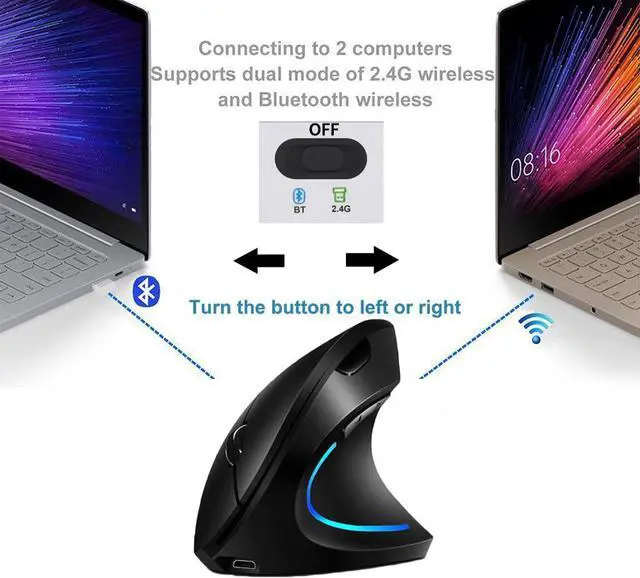
    Vertical Mouse, Right Handed 2.4GHz Wireless Ergonomic Rechargeable Vertical Mouse with 4 Adjustable DPI 800/1200/1600/2400, 6 Buttons,Compatible with PC, Desktop,Mac

    • Item #: 9SIV36AKE34895
    • Mfr. Part #: NO-UUIS12-BL
    • UNSPSC: 43211708
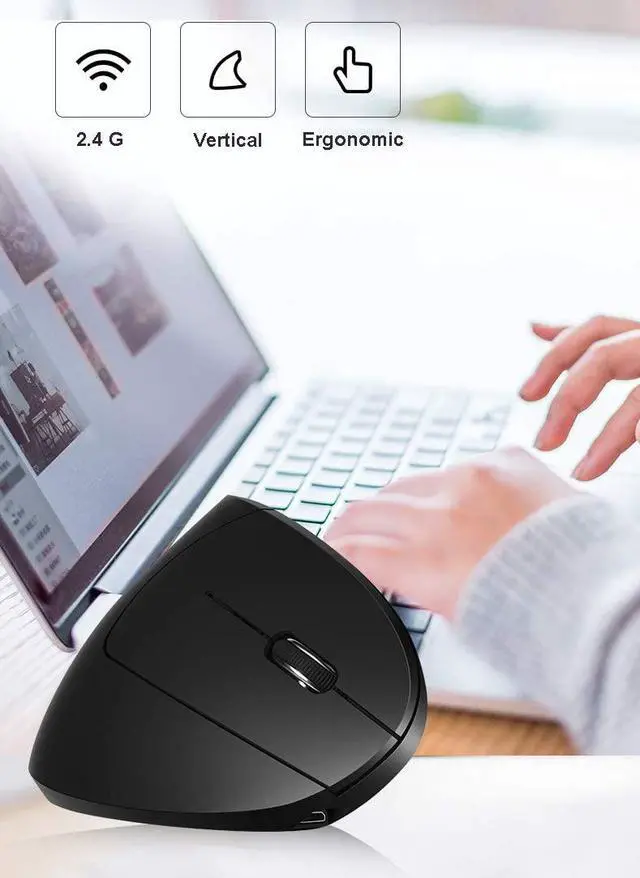
    • Ergonomic design:This mouse is design for users to reduces muscle strain and can even undo the damage that years of using a traditional computer mouse causes. Wrist pain, shoulder fatigue, Carpal Tunnel Syndrome and tendonitis can all be alleviated or, in many cases, eliminated with regular use.
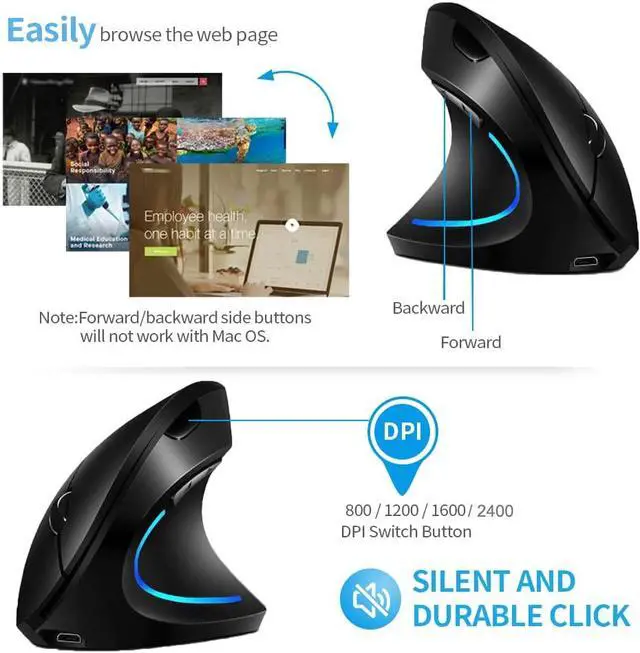
    • Adjustable DPI: The adjustable DPI settings allow you to change the sensitivity of the mouses pointer speed (800 / 1200 / 1600 / 2400), allowing you to decrease speed for tasks that require guaranteed precision or increase the speed faster for browsing.
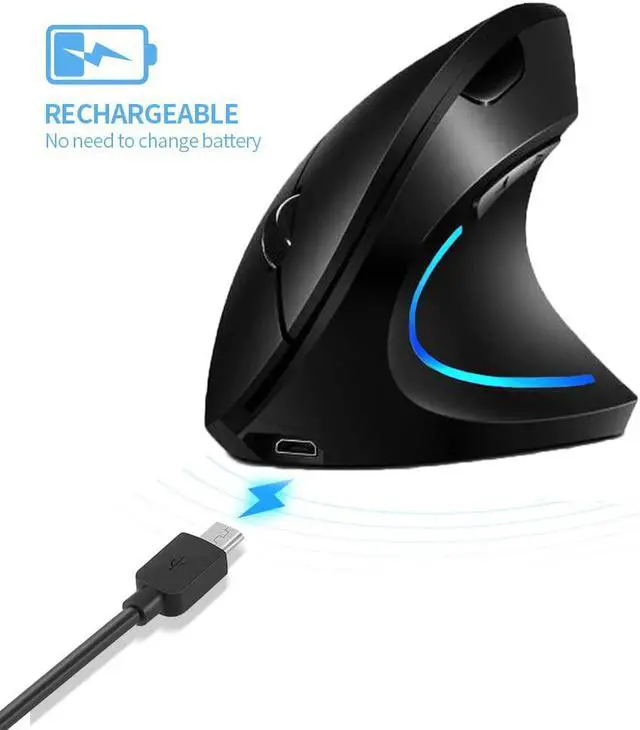
    • Rechargeable: This mouse doesnt need to use AA battery now .it have battery inside the mouse! you just used USB cable charging!!Did not need to worried to buy batteries again again!
    • Wide Compatibility:IBM or compatible computer. Windows:2000/ME/XP(x64)/Vista/7/8, Mac OS X(over V10.4)An available USB port
    • Customer Satisfaction: 30-day Free Return and Refund,12-month warranty for Attoe vertical wireless mouse.
    +
    +
    Overview
    Specs
    Reviews
    System requirements
    IBM or compatible computer
    Windows:2000/ME/XP(x64)/Vista/7/8
    Mac OS X(over V10.4)
    An available USB port

    Package Contents
    Mouse x1
    Receiver x1
    Instructions x1

    Specification
    Button number:6 buttons
    Tracking System: optical
    Frequency: 2405MHz-2476MHz
    Effective distance: 10m
    Working voltage/current: 3V/4mA
    Button life: 5 million times
    Roller life: 1.2 million turn
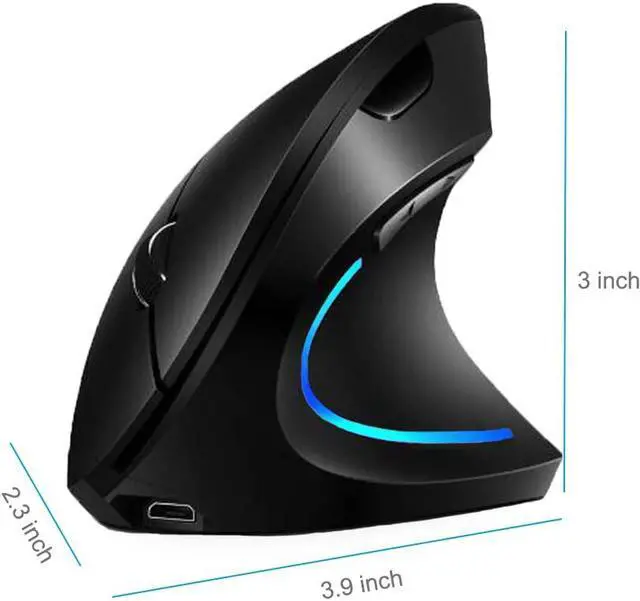
    Product dimensions: 89 * 69 * 59mm
    Product weight: 200±5g
    Resolution: 800- 1200-1600-2400DPI
    Rate of return: 250Hz

    How to use?
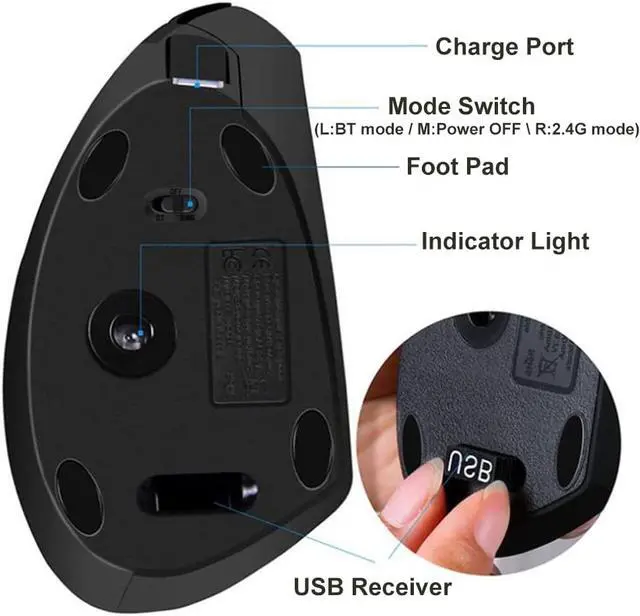
    First, you need to install the USB receiver on the computer .
    After the computer recognizes the USB receiver, insert the battery into the mouse.
    Finally turn on the power of the mouse.

    What to do if the mouse has no response?
    1.Please charge the mouse with USB cable.
    2.Please try to replace the receiver with an USB interface.
    3.Make sure the power switch on the bottom of the mouse is onor at undefined position.
    4.Try to restart the computer.

    If it is still unsuccessful, please email to us for technical assistance.

    Warranty & Returns

    Warranty, Returns, And Additional Information

    Warranty

    • Please contact the Seller directly for warranty information. Warranty information may also be found on the Manufacturer's website.
    • CONTACT

    Return Policies

    Manufacturer Contact Info

    LOADING...