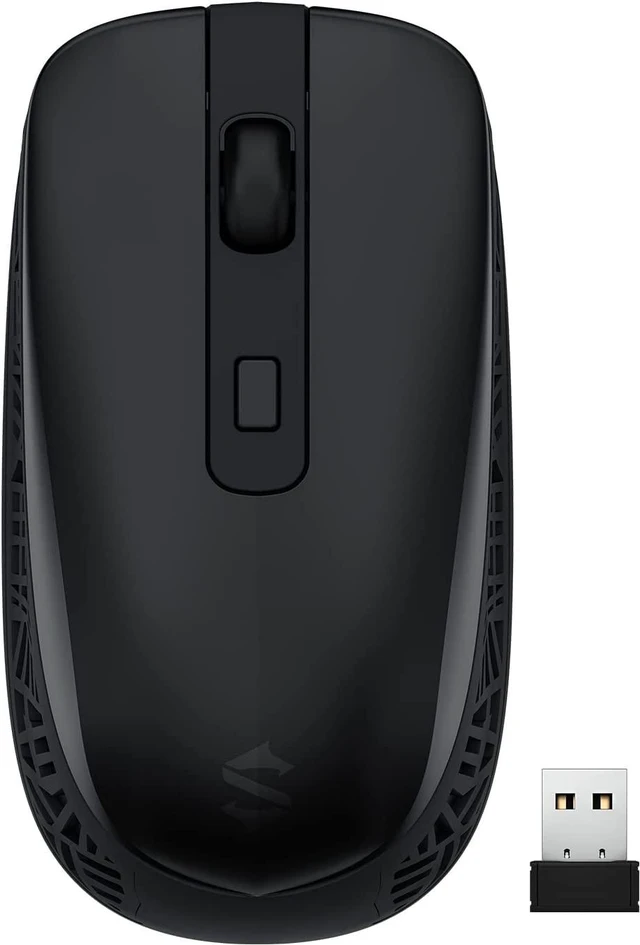
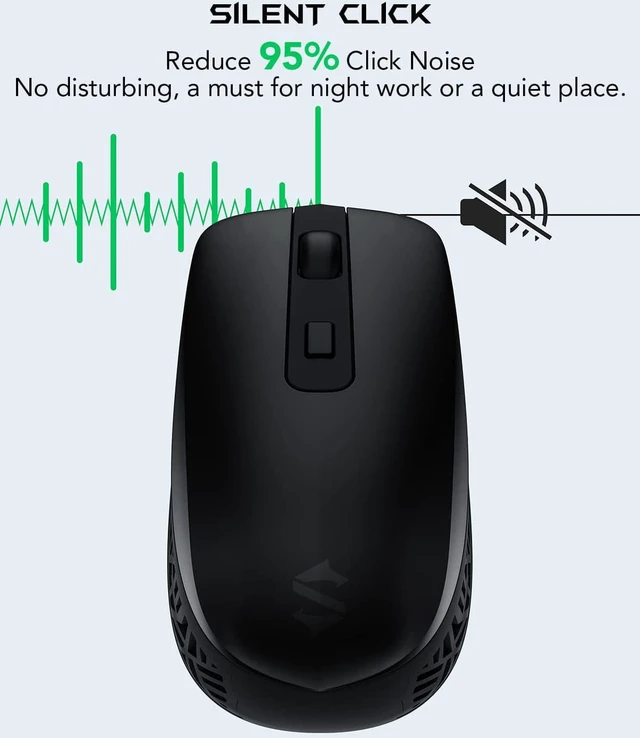
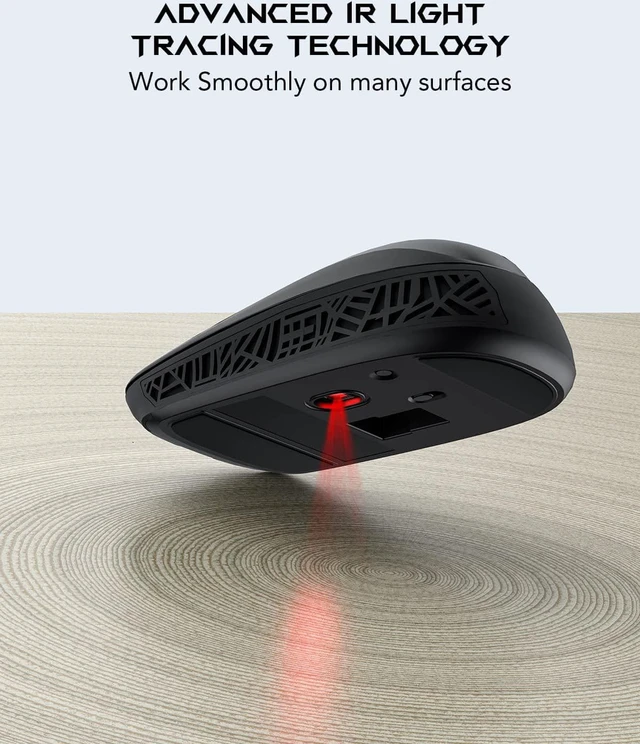
Silent Click Computer Mouse: Black Sharks Silent-Click technology reduces more than 95% of clicking sounds while ensuring top performance. You'll get the same sure clicking action without the interference of a click sound. Three-Speed Sensor
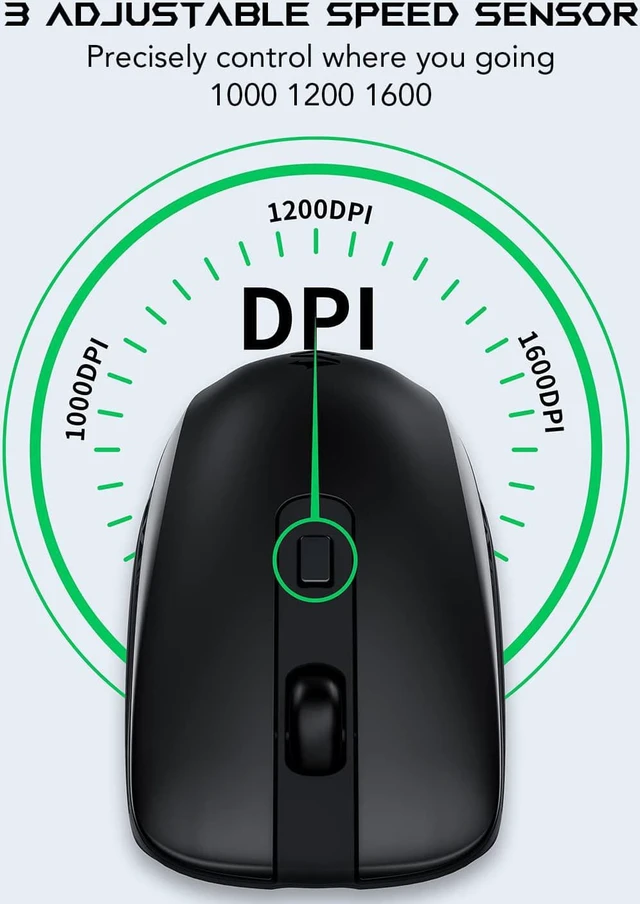
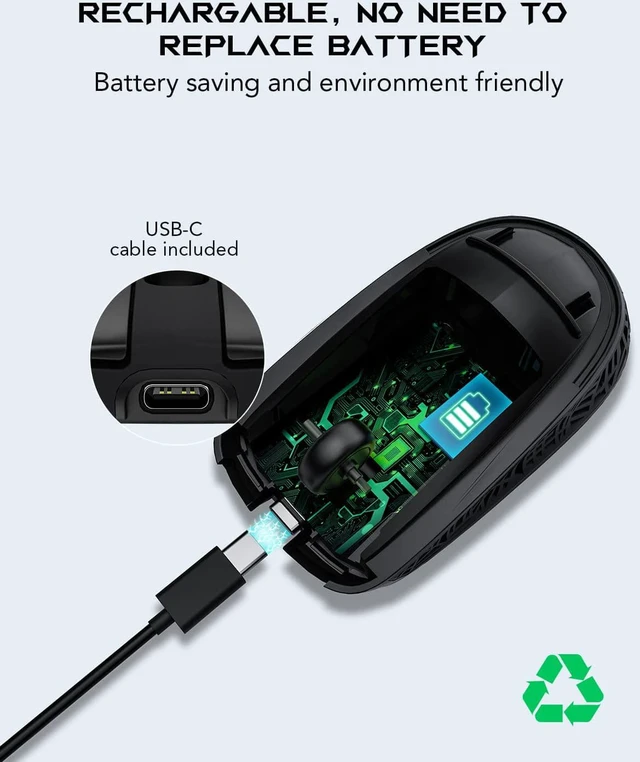
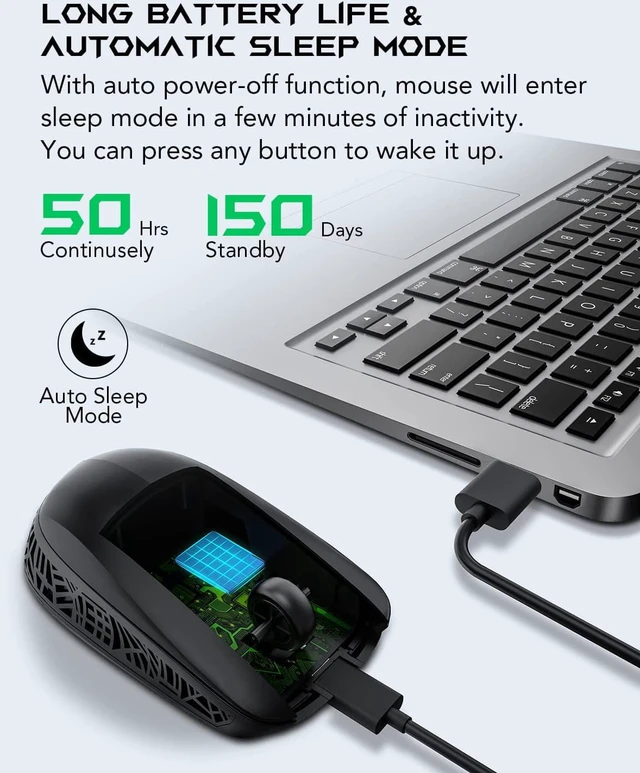
Mouse for Laptop: Adjustable DPI levels among 1000 1200 and 1600 to meet different needs and enables precise control of where you are going. There is a DPI cycle-up button on this wireless mouse which is easy to adjust. The 250 Hz polling rate prevents delays and no jump during work tasks or gaming. Type-C Rechargeable wireless mouse for laptop: The Black Shark Rechargeable Mouse has a built-in rechargeable 400 mAh battery. So there's no need for battery replacement. Simply use the included type-C charging cable. It's energy-saving and environmentally friendly. Long Battery Life & Automatic Sleep Mode: A full charge will last approximately 7 to 15 days. The standby time is approximately 150 days. With auto power-off function mice will enter sleep mode in a few minutes of inactivity. You can press any button to wake this computer mouse wireless up.
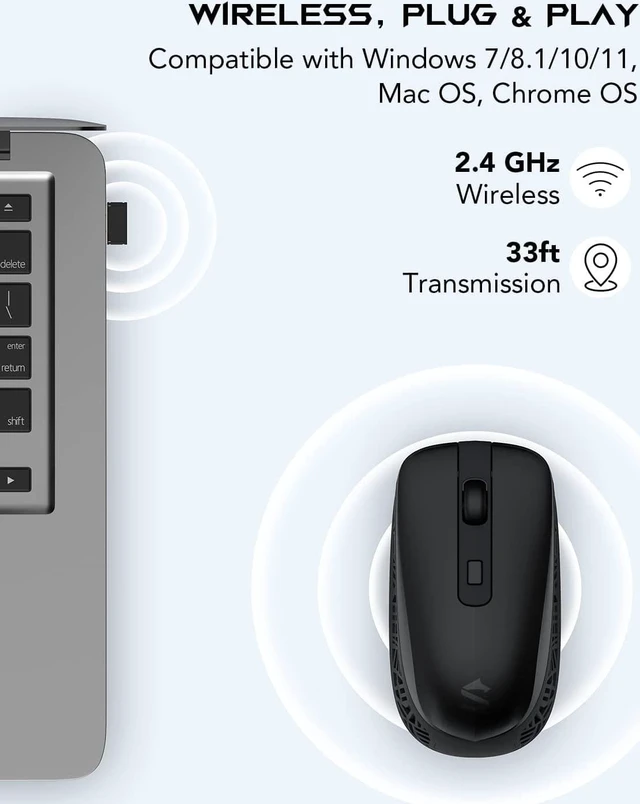
Stable Connection laptop mouse: The 2.4 GHz Cordless Mouse delivers a powerful reliable connection with a range of 10 meters (33 feet). It's Plug & Play too. There's no need to install a driver. Simply insert the USB receiver into your laptop and the mouse is ready to go.
Note: the included type-c cord is only for charging. Please plug the USB receiver (at the bottom of the mouse) into computer/laptop when you want to use the wireless mouse.



 All Categories